FutureTech Reloaded
Java mod listed for Minecraft 1.20. Downloads from the MC Java Mods app on Android.
FutureTech is a future-themed mod for Minecraft that brings new ores, materials, tools, and weapons to the game. Collect rare Energy Ore, craft metal into…
I don't know my version or loader
FutureTech – Minecraft Future Mod
FutureTech brings futuristic technologies, materials, and weapons to the game.
This mod was originally developed for the ModJam (theme: "Future"), but will continue after the competition.
Please understand that this is my first mod – I'm constantly learning. Some textures or models may not be perfect yet, and bugs may occur. If you notice anything, I welcome your feedback!
Features
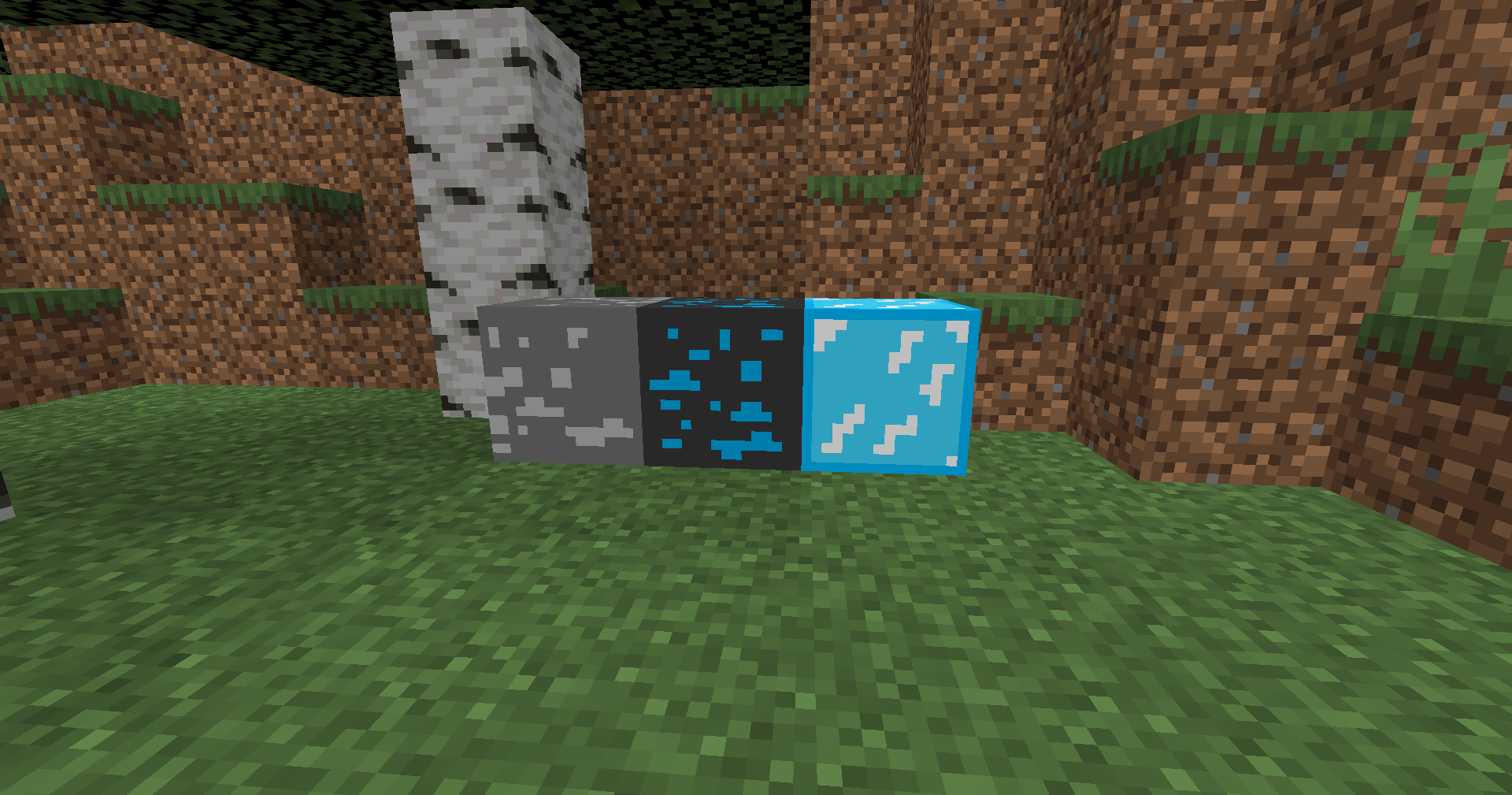
New Ores
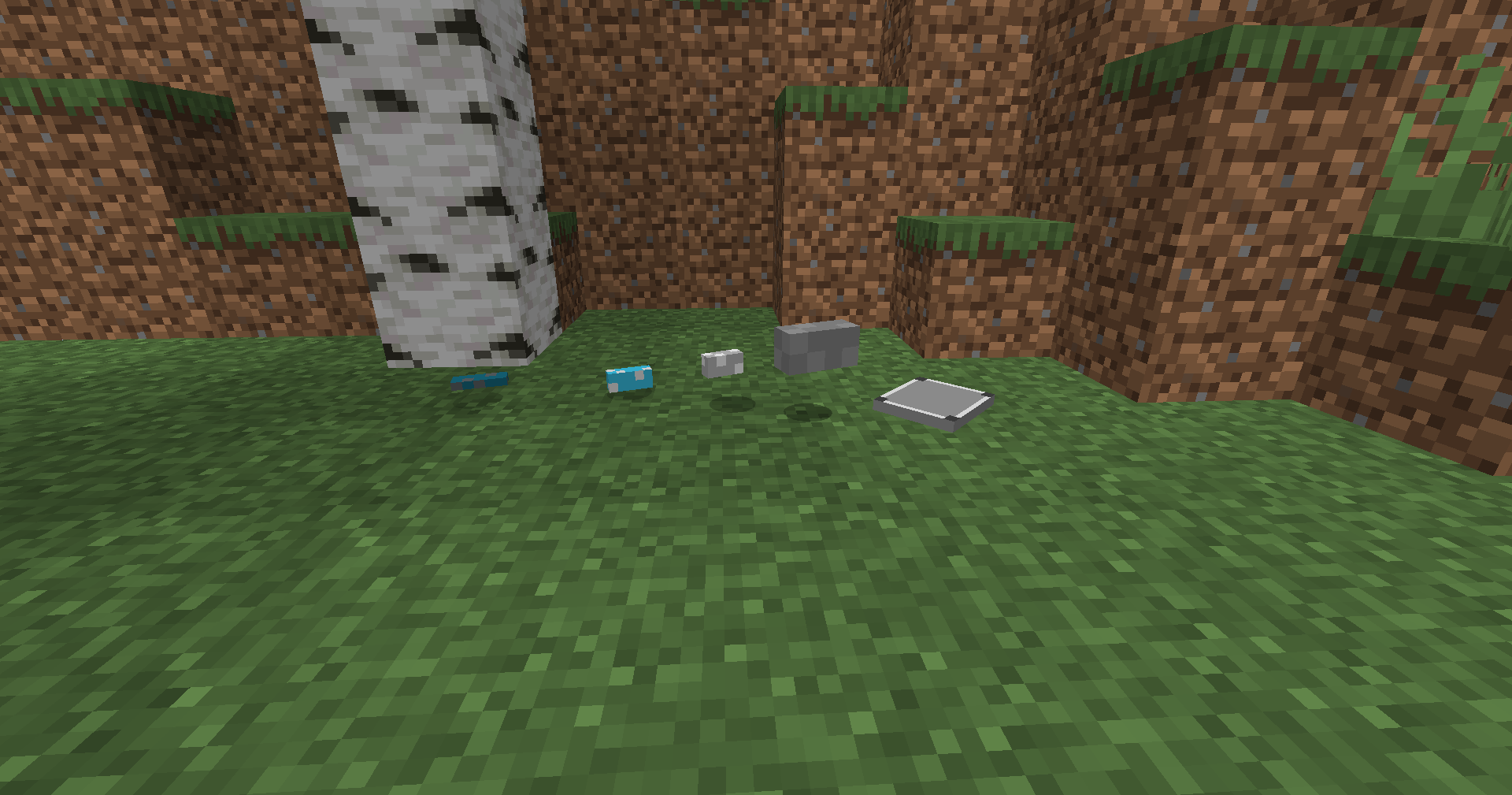
Energy Ore – very rare, can be burned to create energy bars.
Metal Ore – somewhat redundant, yields metal bars when smelted.
New Materials: Energy Bars and Metal Bars.
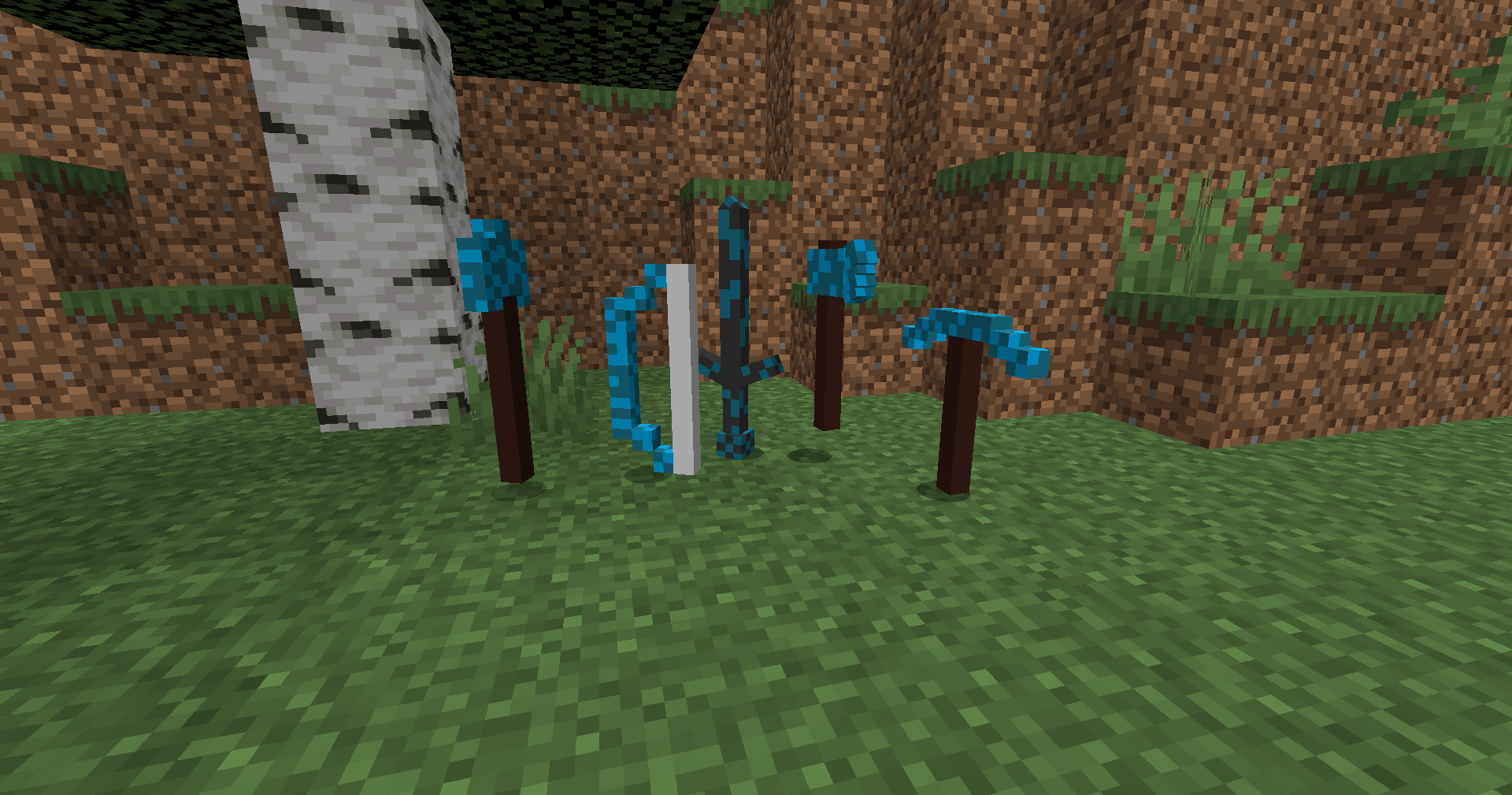
New Tools and Weapons: Various tools and weapons can be crafted from the new materials.
Recipes: Crafting and smelting recipes that tie into existing Minecraft mechanics.
Planned expansions: More futuristic items, machines, and maybe even special blocks.
Crafting & Recipes
All new items can be crafted or smelted as usual.
Particularly useful: Energy tools last longer than standard tools, and metal tools are cheaper to craft.
Installation
1. Install a compatible modloader (Forge).
2. Download the correct version of FutureTech.
3. Place the JAR file in the "Minecraft Mods" folder.
4. Launch Minecraft with Forge and enjoy the future!
Compatibility
Tested with Minecraft 1.20.x (Forge).
Fabric is not currently supported, but may be supported in the future.
Frequently Asked Questions
Q: Can I use FutureTech in a modpack?
A: Yes, as long as the mod remains unchanged and is linked on the CurseForge page.
Q: Will there be regular updates? A: Yes, I plan to add new content gradually.
Q: Is there a version of Fabric?
A: Not yet—the focus is currently on Forge.
Q: Does FutureTech work with shaders and other mods?
A: Yes, there haven't been any major issues so far. If you encounter any incompatibilities, please share them in the comments.
Permissions
If you create a video using FutureTech, we would greatly appreciate it if you link to the CurseForge page or mention FutureTech in the video description.
This isn't required—but it's a respectful gesture toward the work on the mod.
Credits
The entire mod was developed by me alone—the code, textures, and models are all mine.
This mod was created in just 3 days as a beginner, working 1-2 hours per day (sometimes 3-4 hours). I managed to complete it despite the stress of my personal life. Some features haven't been added back because I didn't know how to implement them, but they're planned for future updates. Thank you for your understanding!
- Edition: Minecraft Java
- File type: .jar
- Minecraft versions listed: 1.20.1, 1.20.6
- How to install: Install the matching mod loader (Forge, Fabric or NeoForge) for your Minecraft version. → Download the .jar. → Put it in the .minecraft/mods folder and launch that loader profile.
- Where to get it: Opens on CurseForge — not every file is mirrored on our own servers.
Install steps are the general flow for this file type — How to install Minecraft Java mods & modpacks walks through it step by step.
- Ships as modjam-2.0.0-forge-1.20.1.jar — drop this file into the mods folder
- Download size: 3.1 MB
- Download link checked 2 Oct 2026 — working
These come from our own check of the pack file, not from the source page.