GhostArmorMod
Java mod listed for Minecraft 1.20. Downloads from the MC Java Mods app on Android.
⬇ Download on CurseForgeThe author built this one for Minecraft 1.20.1 on Forge. On other versions it may install and then do nothing.
Description
GhostArmorMod is an original mod developed for Minecraft Forge 1.20.1.
It adds ghostly armor that makes you invisible to hostile mobs in Minecraft!
Features
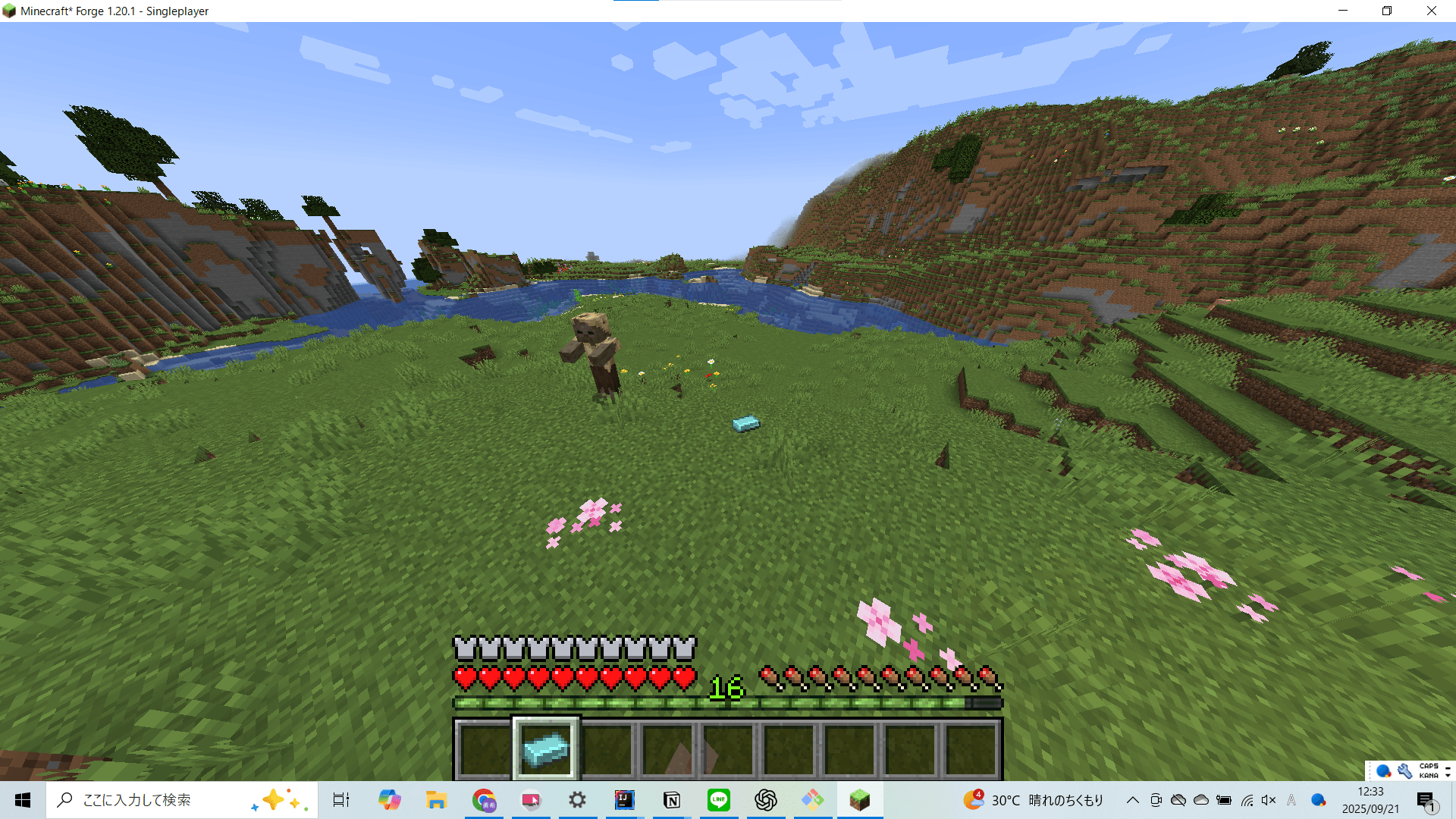
- New items: GhostIngot, MoltenGlassIngot, and SmeltedIronIngot
- New armor pieces: GhostHelmet, GhostChestPlate, GhostLeggings, and GhostBoots
- Equip the full set of armor to become transparent like a ghost
- With the full set equipped, you can fly through the air like a ghost by pressing the Z key
Installation
To install GhostArmor, follow these steps:
- Download the latest mod file from the provided URL
- Place the downloaded file into your Minecraft mods folder
- Make sure Minecraft 1.20.1 and Forge version 47.4.8 (or later) are installed
Usage
Equip all of the following: GhostHelmet, GhostChestPlate, GhostLeggings, and GhostBoots.
When the full set is worn, hostile mobs will not attack you, even at close range.
You can also fly through the air like a ghost by pressing the Z key.
Crafting Recipes
SmeltedIronIngot: Smelt an Iron Ingot in a furnace to obtain!

MoltenGlassIngot: Smelt a Glass Block in a furnace to obtain!

GhostIngot: Place one SmeltedIronIngot and one MoltenGlassIngot in the crafting table to obtain!

GhostHelmet: Arrange GhostIngots in the shape of a helmet on the crafting table to craft!

GhostChestPlate: Arrange GhostIngots in the shape of a chestplate on the crafting table to craft!

GhostLeggings: Arrange GhostIngots in the shape of leggings on the crafting table to craft!

GhostBoots: Arrange GhostIngots in the shape of boots on the crafting table to craft!

Source Code
[GitHub Repository](https://github.com/EuropaYuki/GhostArmorMod)
Youtube URL
- Edition: Minecraft Java
- File type: .jar
- Minecraft version listed: 1.20.1
- How to install: Install the matching mod loader (Forge, Fabric or NeoForge) for your Minecraft version. → Download the .jar. → Put it in the .minecraft/mods folder and launch that loader profile.
- Where to get it: Opens on CurseForge — not every file is mirrored on our own servers.
Install steps are the general flow for this file type — How to install Minecraft Java mods & modpacks walks through it step by step.
- Ships as ghostarmormod-3.1.4.jar — drop this file into the mods folder
- Download size: 32 KB
- Download link checked 2 Oct 2026 — working
These come from our own check of the pack file, not from the source page.