
Advanced Arsenal
Java mod listed for Minecraft 1.20–1.21. Downloads from the MC Java Mods app on Android.
I don't know my version or loader


About
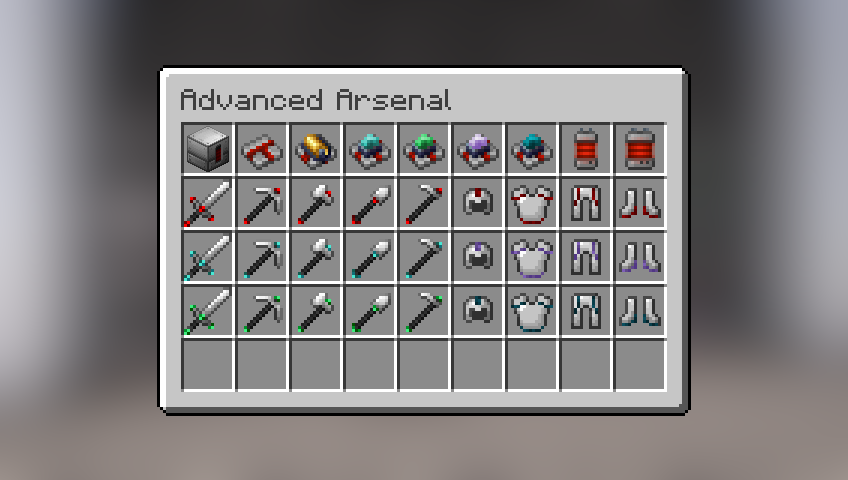
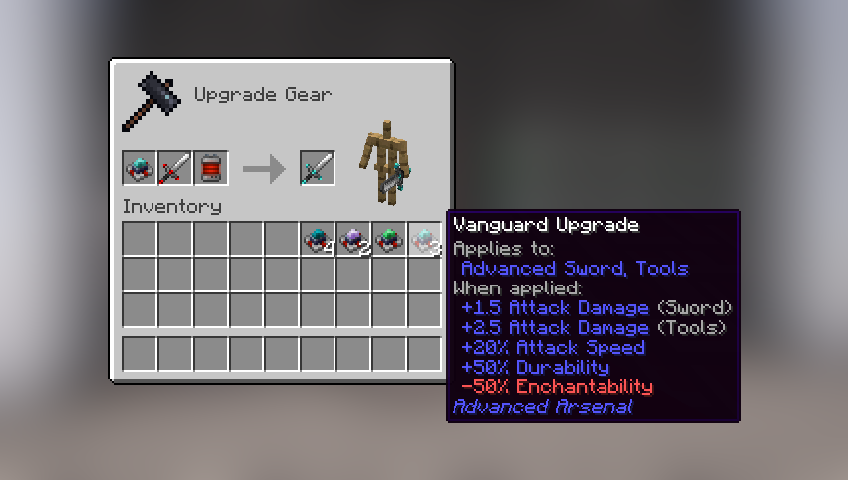
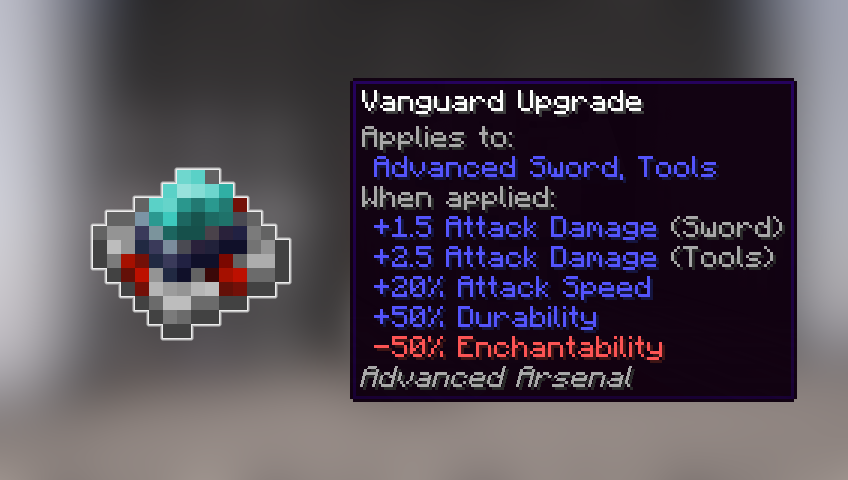
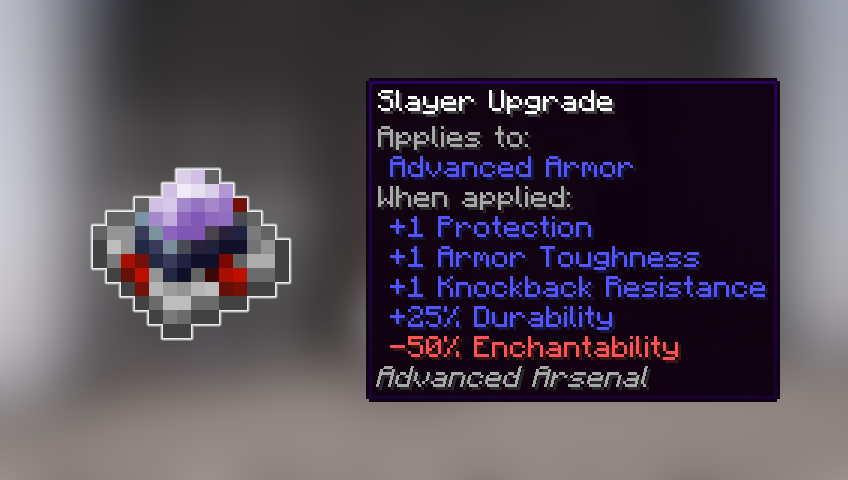
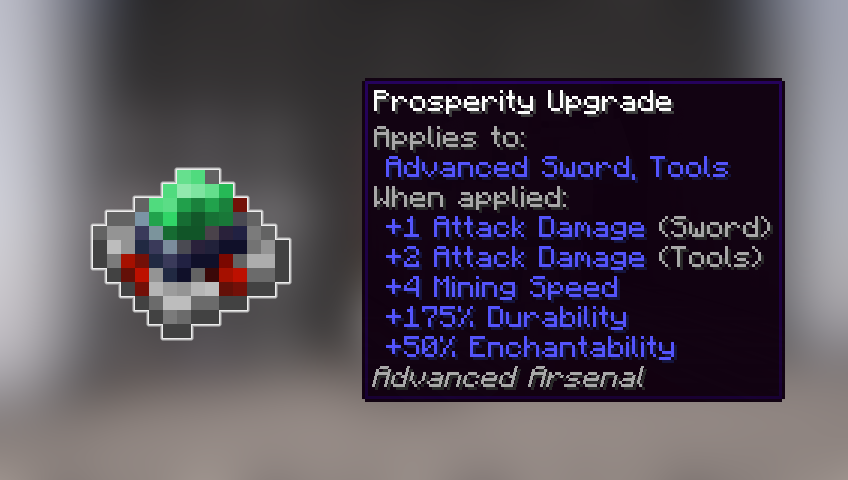
This mod adds redstone-powered equipment meant as viable alternatives to vanilla tools and armors.
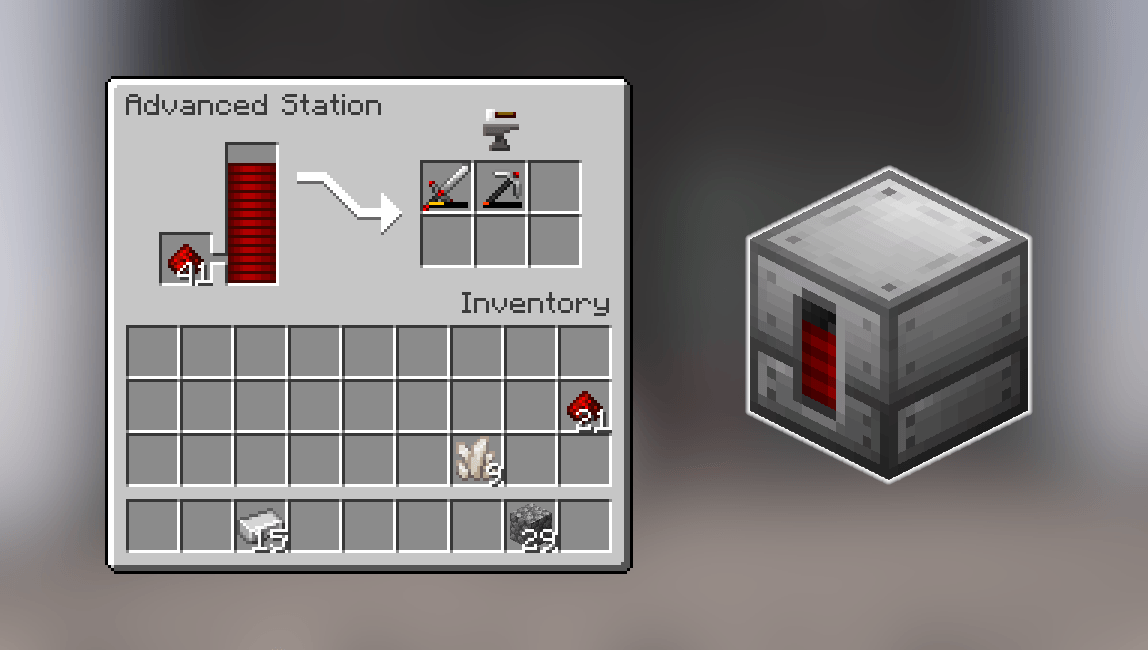
It also adds the Advanced Station, a machine that consumes redstone to repair your tools without having to spend xp. It can be automated using hoppers and emits a redstone signal based on how full the redstone gauge is.
Content

Configuration
Some aspects of the mod can be changed in the configuration file.

Tools for modpacks
You can add new redstone fuels for the Advanced Repair Station, using item tags:
• Set as Tier 1 fuel (same as redstone dust): redstone_fuels/tier_1
• Set as Tier 2 fuel (same as redstone block): redstone_fuels/tier_2
Structure is as follows: advanced_arsenal:{tag}
Credits
All custom textures used (if any) are either created by me or have a license that allows modification and distribution.
I make every effort to comply with project license obligations and to always credit the original owners. If you believe your name is missing from the credits or if you decide to change your project's license, please contact me.
Credits:
- Futureazoo's Repository (CC License) as base template for the machine block.
- Malcolmriley's Repository (CC License) as base template some of the items.
Dependencies
This mod has no dependencies.
JEI is recommended for recipes but not required.
Installation
Add the .jar mod file into your mods folder.
Alternatively, you can browse the CurseForge launcher for the mod (if it doesn't show up, try typing the autor's name). Once found, click "Install" to add it to your modpack.
Permissions
You are free to include this mod in any modpack, public or private.
Support my work
 Download my projects on CurseForge
 Download my projects on Modrinth
 Donate on Paypal
- Edition: Minecraft Java
- File type: .jar
- Minecraft versions listed: 1.21, 1.21.1, 1.20.1
- How to install: Install the matching mod loader (Forge, Fabric or NeoForge) for your Minecraft version. → Download the .jar. → Put it in the .minecraft/mods folder and launch that loader profile.
- Where to get it: Opens on CurseForge — not every file is mirrored on our own servers.
Install steps are the general flow for this file type — How to install Minecraft Java mods & modpacks walks through it step by step.
- Ships as advanced_arsenal-1.0.0-forge-1.20.1.jar — drop this file into the mods folder
- Download size: 498 KB
- Download link checked 2 Oct 2026 — working
These come from our own check of the pack file, not from the source page.