
MC Stargate
Java mod listed for Minecraft 1.21. Downloads from the MC Java Mods app on Android.
I don't know my version or loader
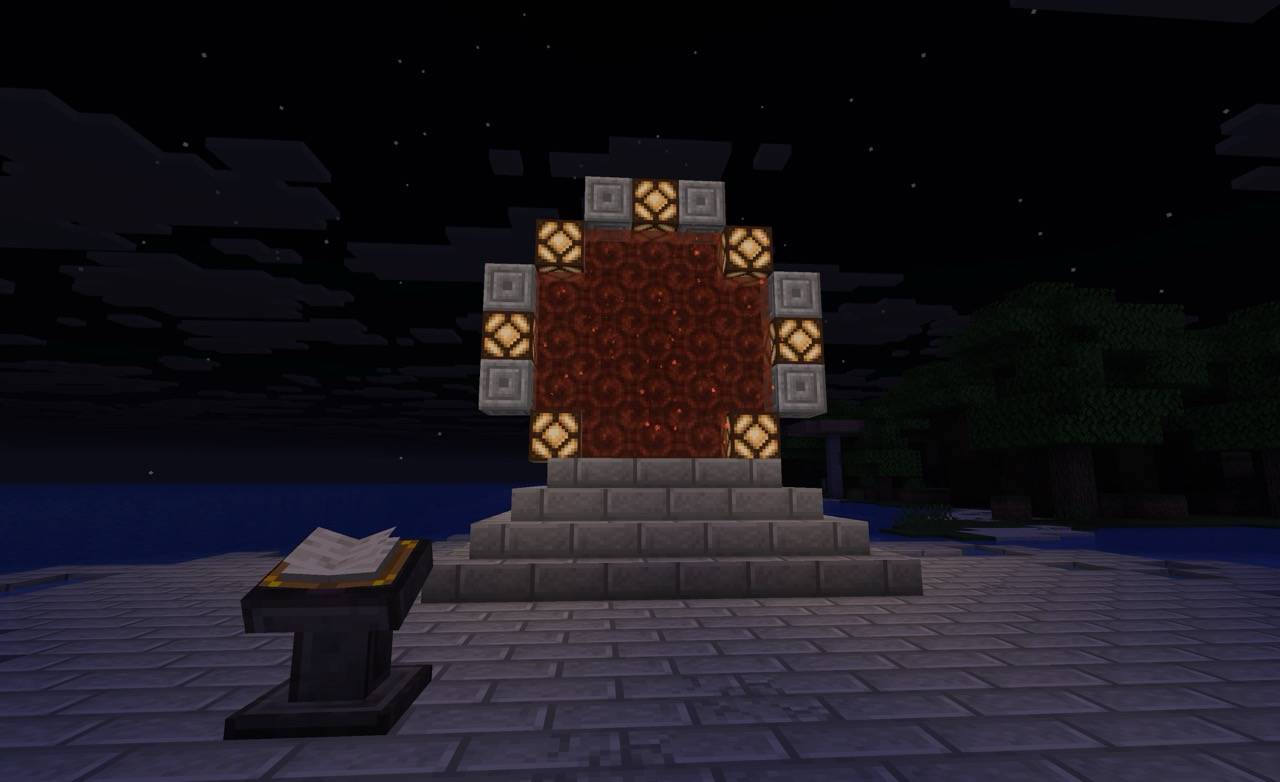
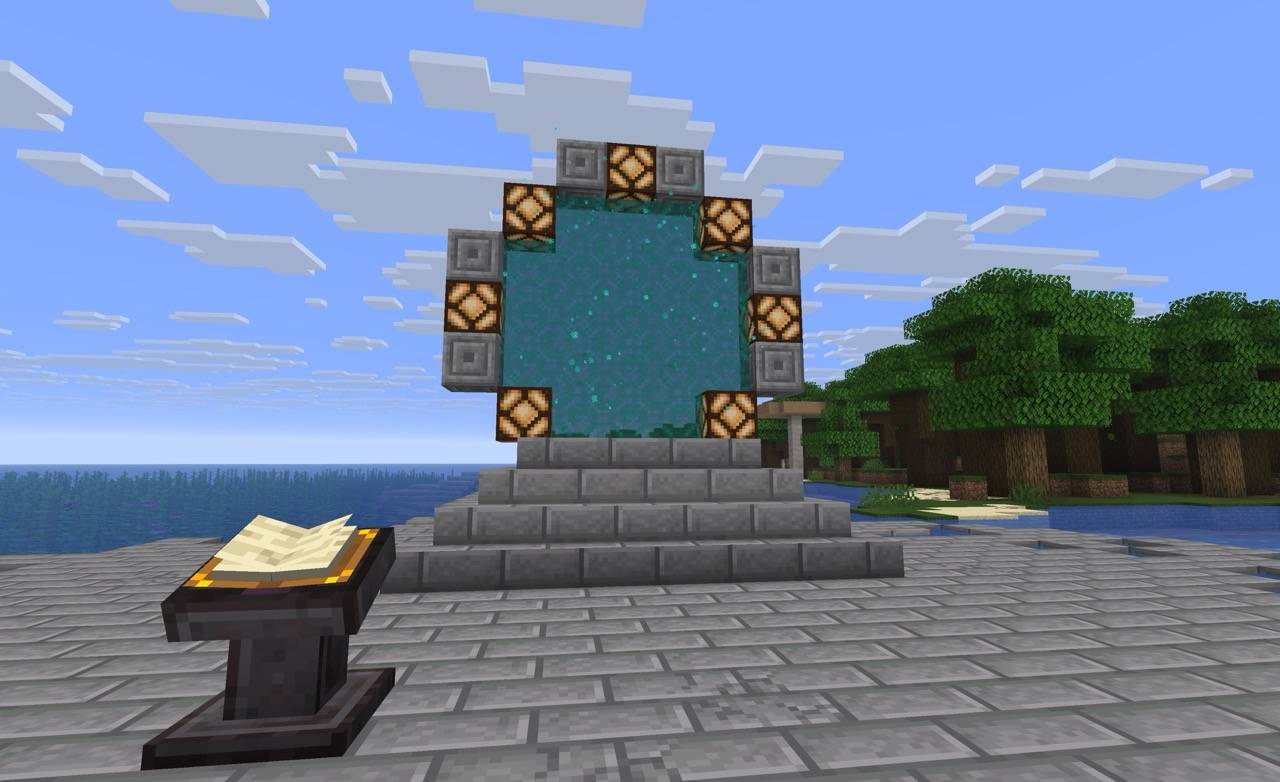
Stargate
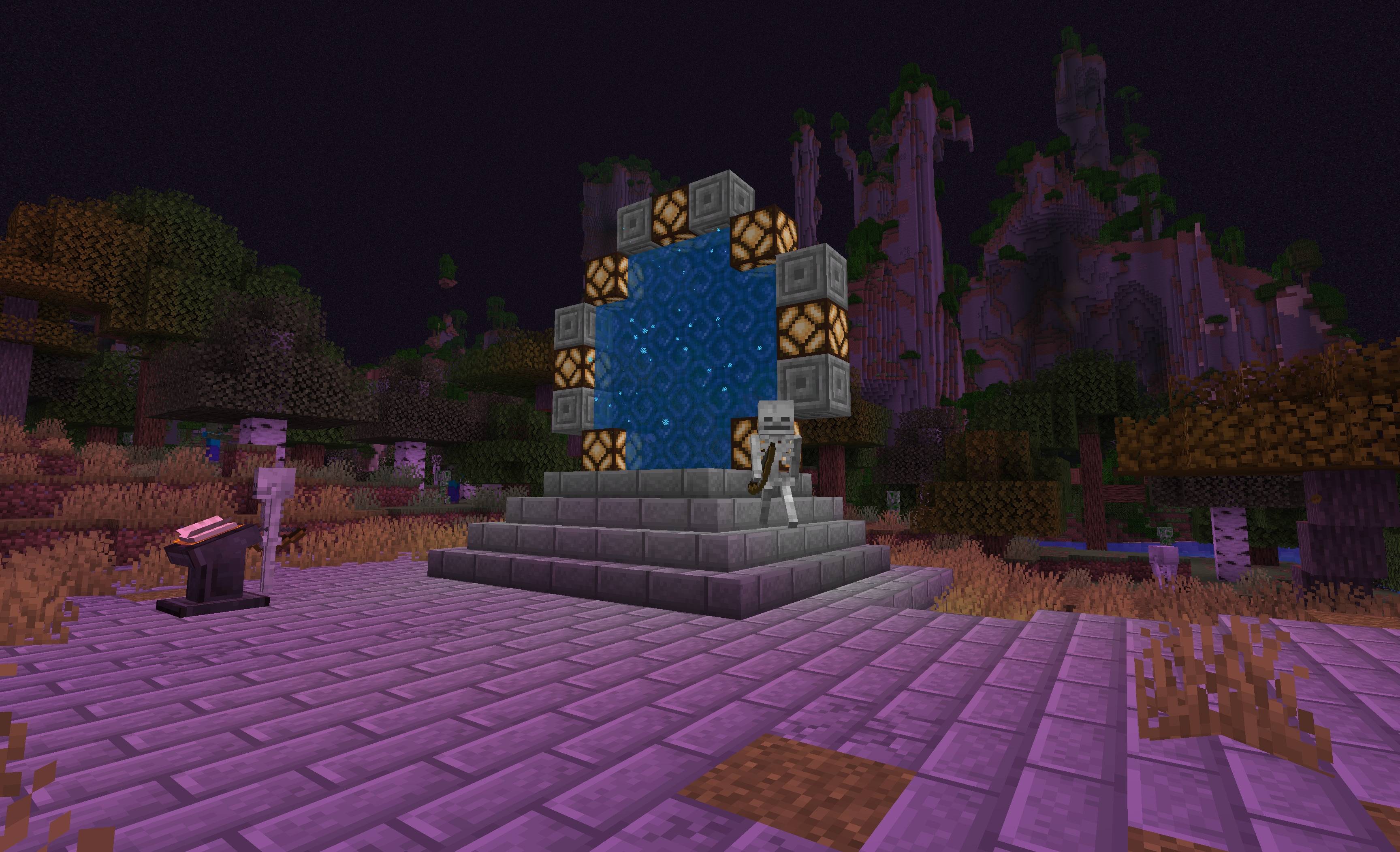
A Minecraft mod that brings interdimensional travel through stargate portals to your world.
Features
Dimensional Travel
- Address System: Travel to different dimensions using a unique address-based navigation system
- Stargate Network: Connect multiple stargates across dimensions for seamless travel
Custom Dimensions
Explore exciting new worlds with unique biomes and challenges:
- Infinite Ocean: An endless water world perfect for aquatic adventures
- Tropics: Lush tropical paradise with exotic flora and fauna
- Desert: Vast desert landscapes with hidden secrets
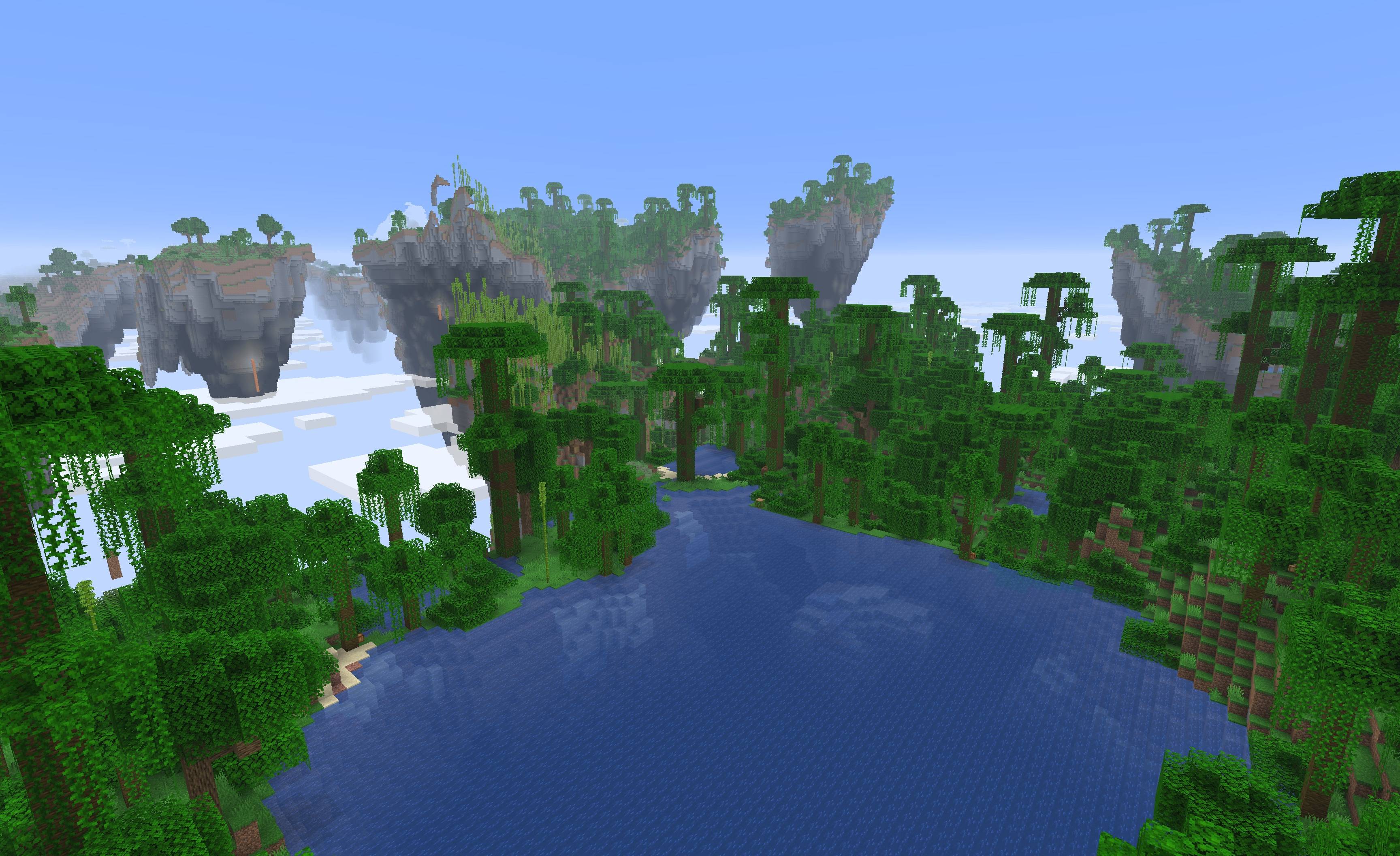
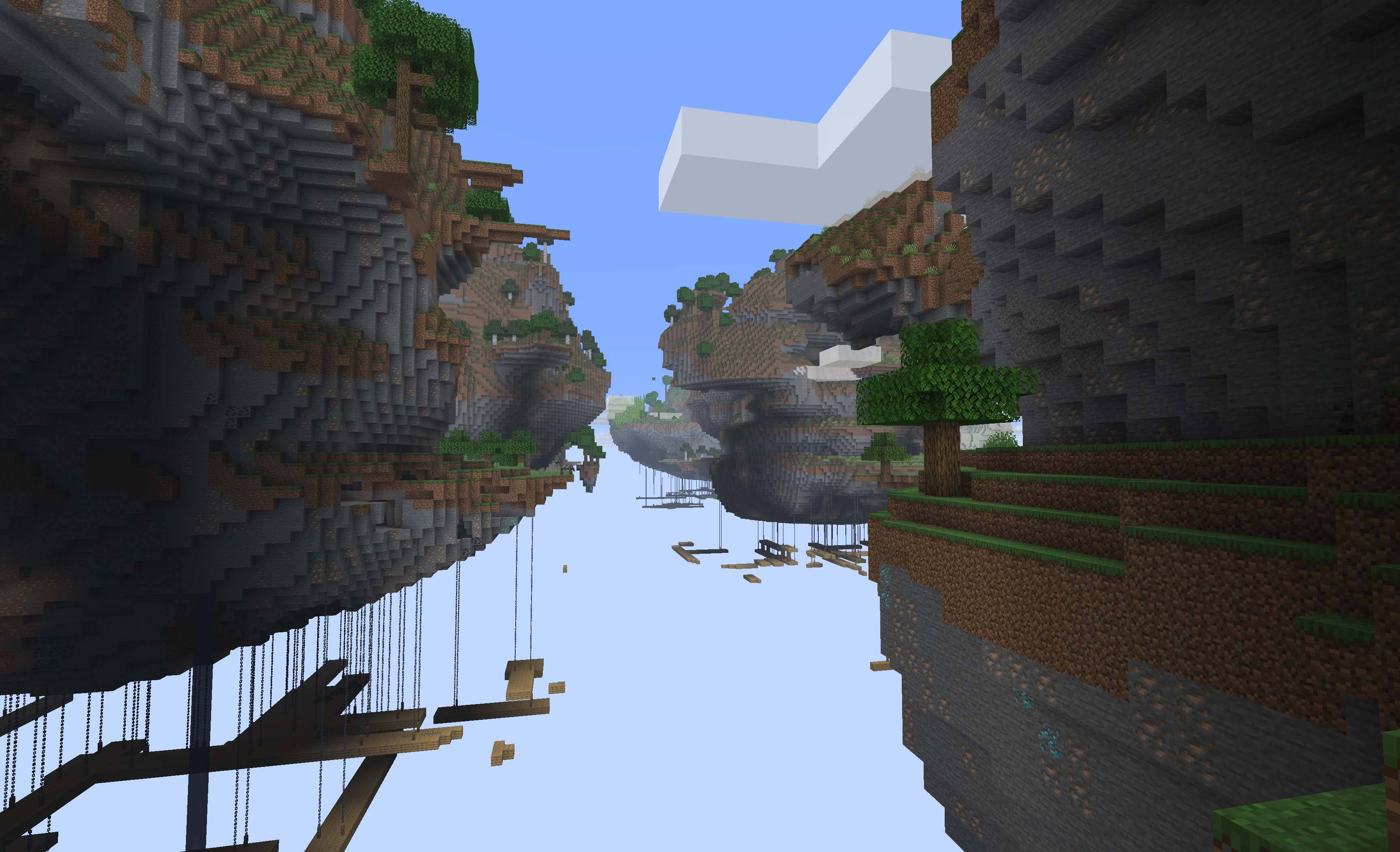
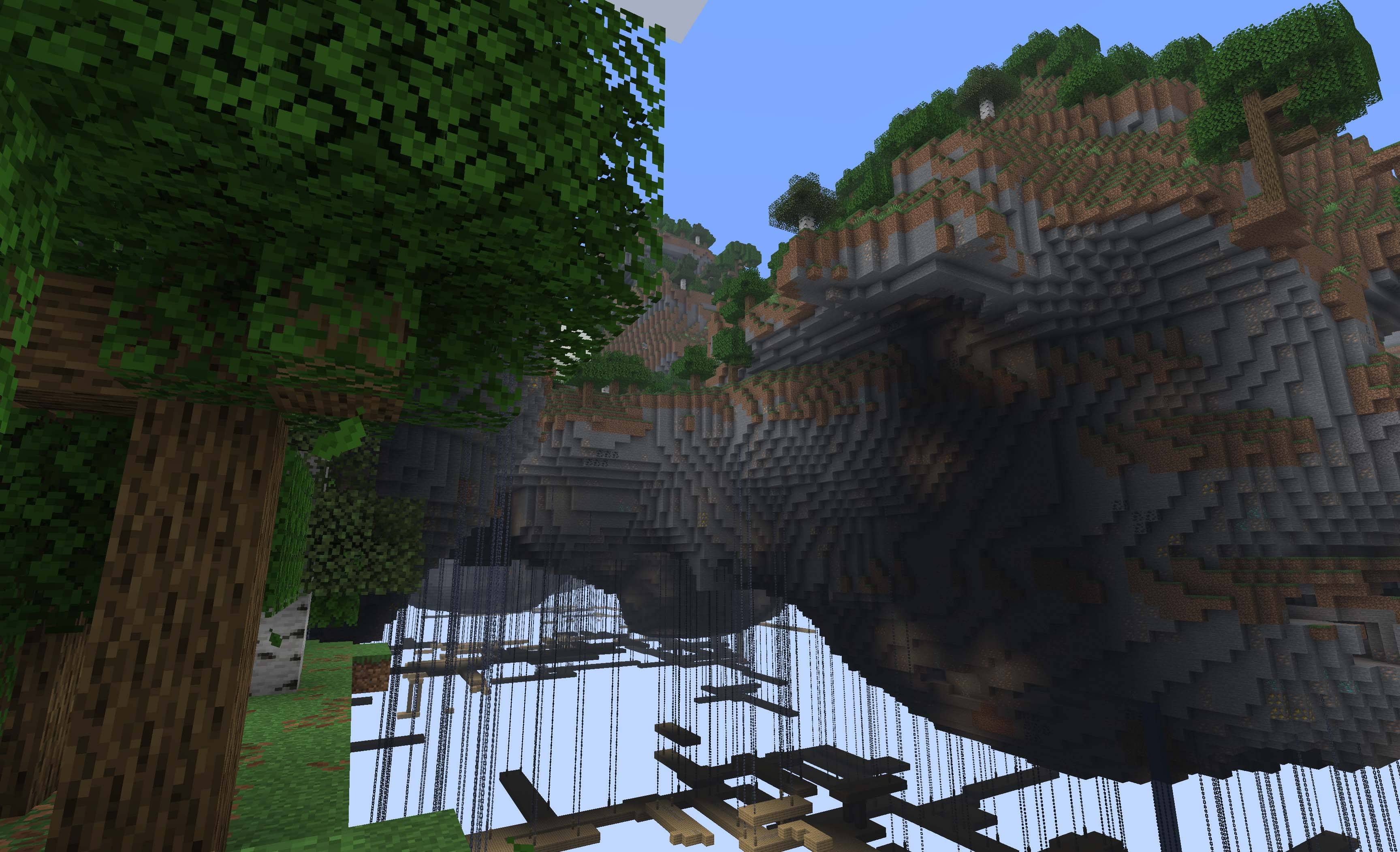
- Flying Islands: Floating islands suspended in the sky for aerial exploration
- Frozen: A harsh frozen wasteland with perpetual winter and icy terrain
- Dark: A mysterious shadow realm filled with darkness and unknown dangers
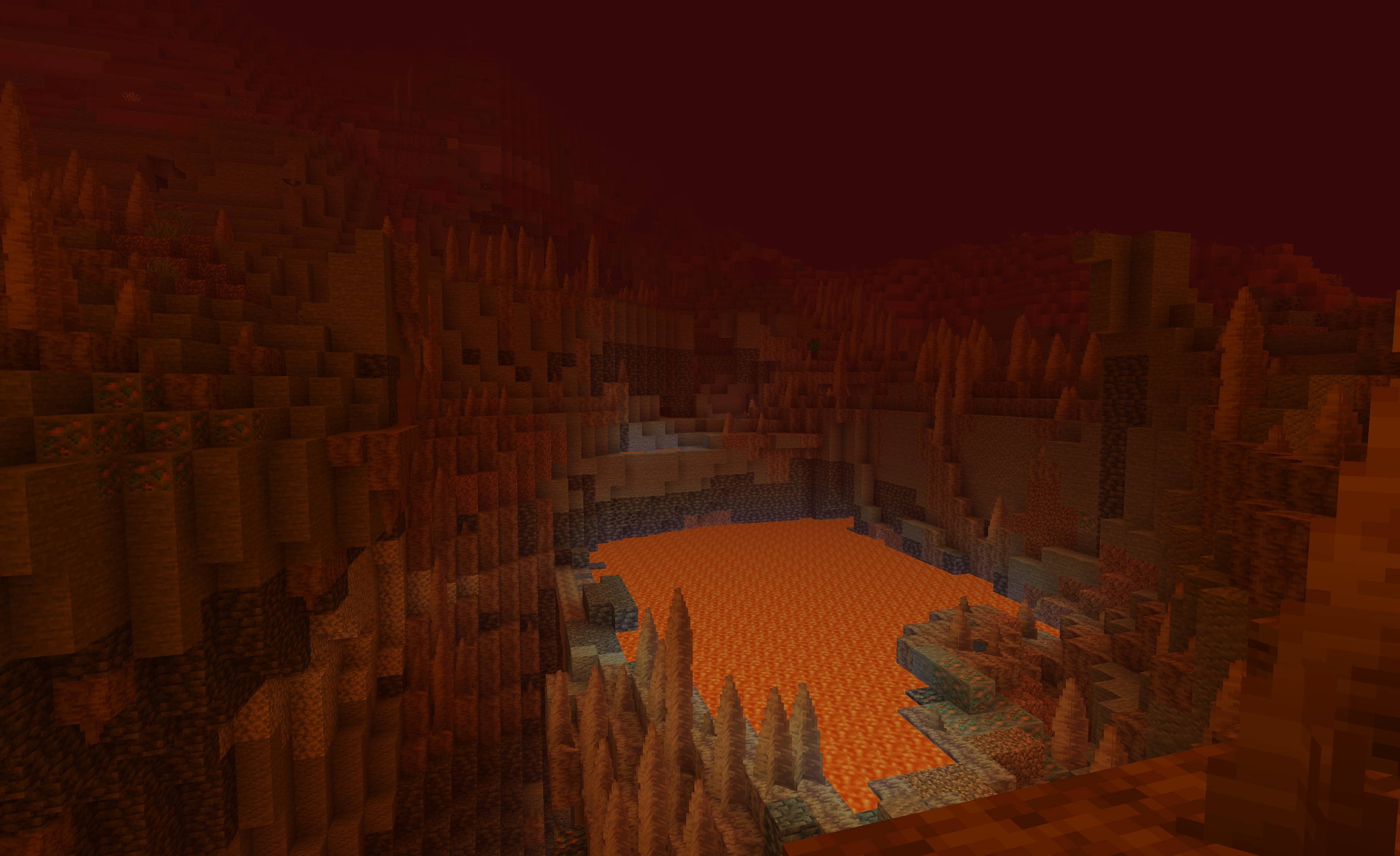
- Melted: A molten world of lava and intense heat with volcanic landscapes
Crafting & Tools
- Stargate Control Panel: Craft and use control panels to operate stargates and input dimensional addresses
- Stargate Eye: A special item similar to an Ender Eye that helps you locate the closest stargate in your area
Instructions
Locating Stargates
There are usually only two stargates naturally generated in each world (Overworld and The Nether). To find them, you can craft a Stargate Eye from an Ender Pearl and a Shulker Shell. This Eye works the same way as an Ender Eye - throw it into the air and follow its direction.
Alternatively, you can use the /locate structure #stargate:stargate command to find the nearest stargate.
Activating Stargates
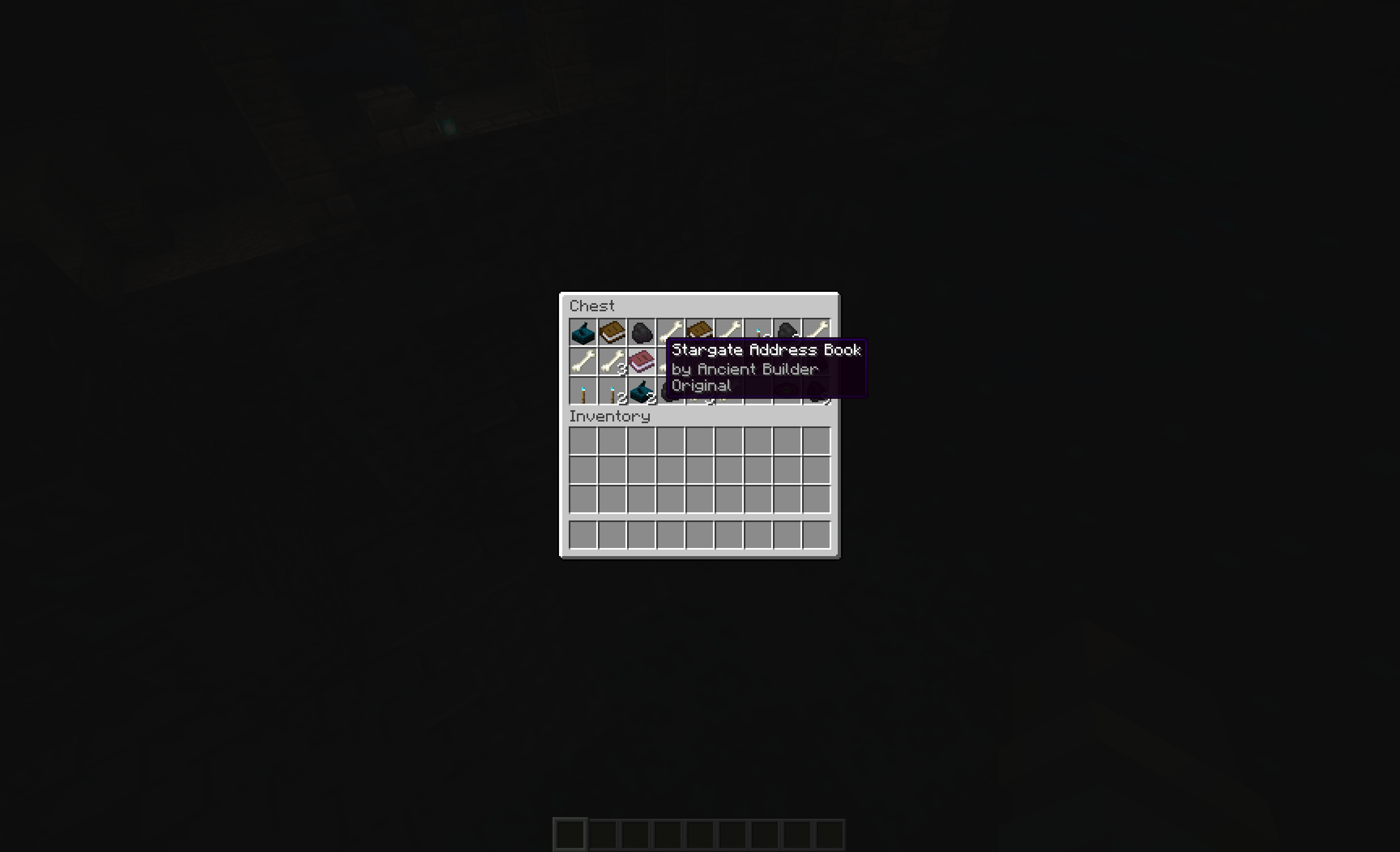
To activate a stargate, you need either a valid address or a Stargate Address Book containing a valid address. These books can be found in loot chests located in:
- Ancient Cities
- Desert Pyramids
- Jungle Temples
- Pillager Outposts
There are two types of address books:
- Current World Address Book: Contains the address of your current dimension
- Different World Address Book: Contains an address to travel to another dimension
Each book contains only a single address.
Activation Process:
- Obtain an address book from one of the locations mentioned above
- Place the book on the stargate's control panel
- Wait for the stargate to activate (this may take some time, especially if world generation is slow)
Note: Sometimes a portal cannot be opened due to various factors. Currently, there is no notification system to alert you of activation failures - the portal will simply not open if activation is unsuccessful.
Game Rules
The Stargate mod adds custom game rules to control various aspects of gameplay:
stargateDebugAddressGeneration
- Type: Boolean
- Default:
false - Description: When enabled, stargate control panels will generate random test addresses instead of using book content. This is useful for debugging and testing purposes.
Usage Example:
/gamerule stargateDebugAddressGeneration trueInstallation
- Download the mod file from the releases page
- Place it in your
modsfolder - Start your Minecraft server or client
Requirements
- Fabric Loader
- Minecraft 1.21.8+
- Worlds 1.3.0+
- Edition: Minecraft Java
- File type: .jar
- Minecraft versions listed: 1.21.11, 1.21.10, 1.21.9
- How to install: Install the matching mod loader (Forge, Fabric or NeoForge) for your Minecraft version. → Download the .jar. → Put it in the .minecraft/mods folder and launch that loader profile.
- Where to get it: Opens on CurseForge — not every file is mirrored on our own servers.
Install steps are the general flow for this file type — How to install Minecraft Java mods & modpacks walks through it step by step.
- Ships as stargate-1.8.7+26.2.jar — drop this file into the mods folder
- Download size: 450 KB
- Download link checked 2 Oct 2026 — working
These come from our own check of the pack file, not from the source page.