
ModsJava
Horizontal Advancements
The author built this one for Minecraft 1.20.1 on Forge. On other versions it may install and then do nothing.
Advancements, but horizontal — because who even plays on a vertical monitor? Looks and feels 100% vanilla — only now it actually fits your screen (and respects GUI scale).
"We didn’t just rotate the screen. We reinvented it."
Comparsion between vanilla and mod on the same GUI scale:
Vanilla

Mod

“This isn’t a new mod. It’s a new perspective.”
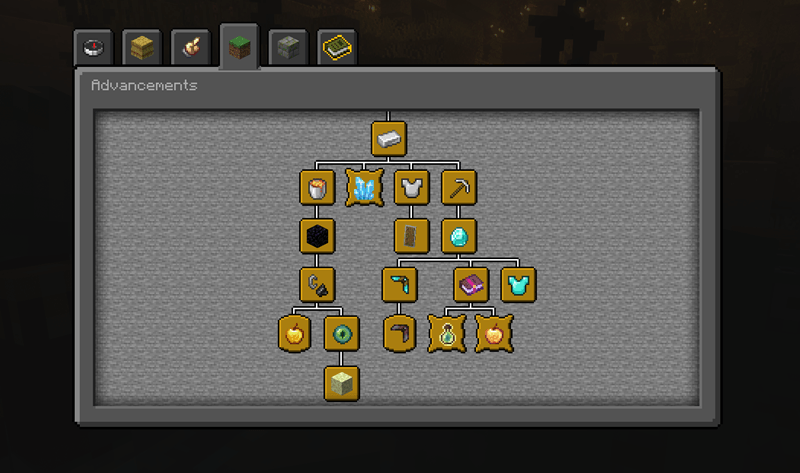
"It just works"
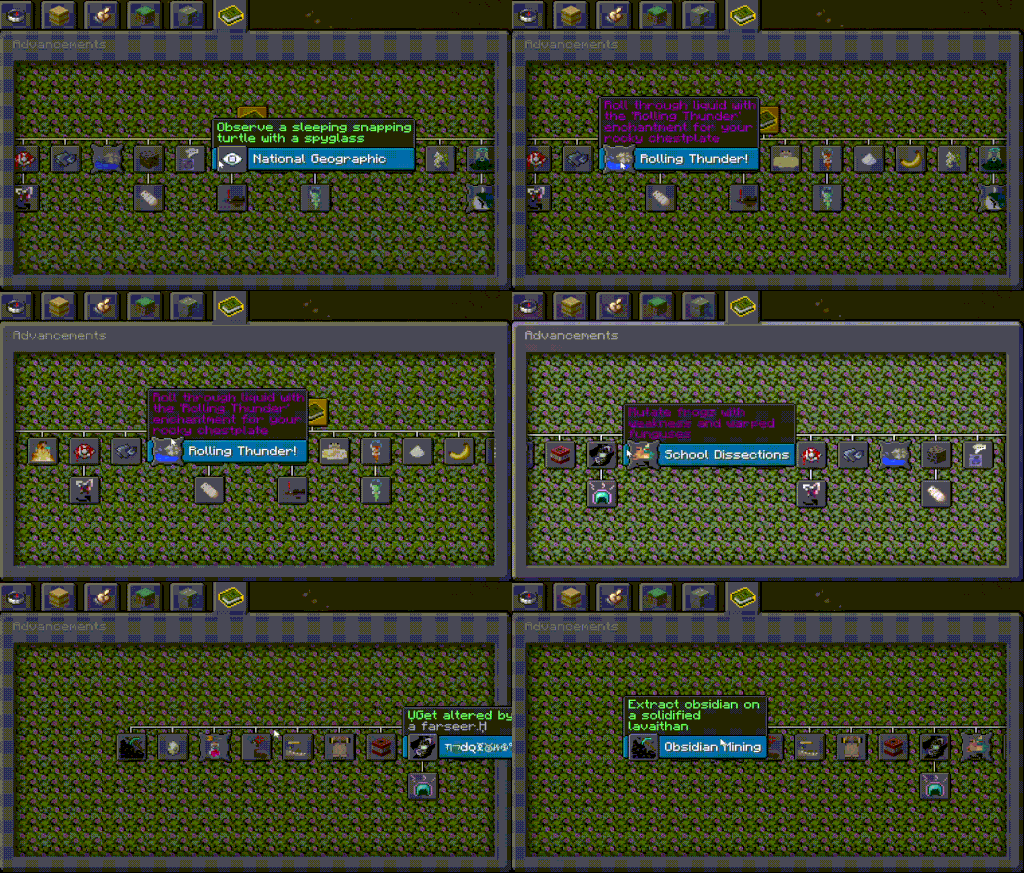
(this gif was compressed so hard it’s basically a cave painting)
"Your time is limited, so don't waste it scrolling a vertical layout"
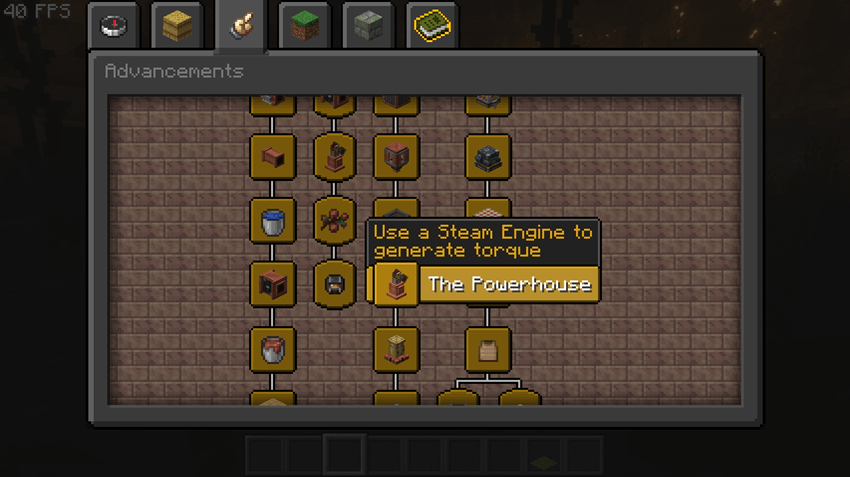
Quick facts
- Edition: Minecraft Java
- File type: .jar
- Minecraft version listed: 1.20.1
- How to install: Install the matching mod loader (Forge, Fabric or NeoForge) for your Minecraft version. → Download the .jar. → Put it in the .minecraft/mods folder and launch that loader profile.
- Where to get it: Opens on CurseForge — not every file is mirrored on our own servers.
Install steps are the general flow for this file type — How to install Minecraft Java mods & modpacks walks through it step by step.
Verified by MCModsHub
- Ships as horizontal_advancements-1.1.0.jar — drop this file into the mods folder
- Download size: 17 KB
- Download link checked 12 Sept 2026 — working
These come from our own check of the pack file, not from the source page.