
ModsJava
Comfy, Cozy & Brickery (Patched)
Minecraft Java mod. Downloads from the MC Java Mods app on Android.
⬇ Download on CurseForge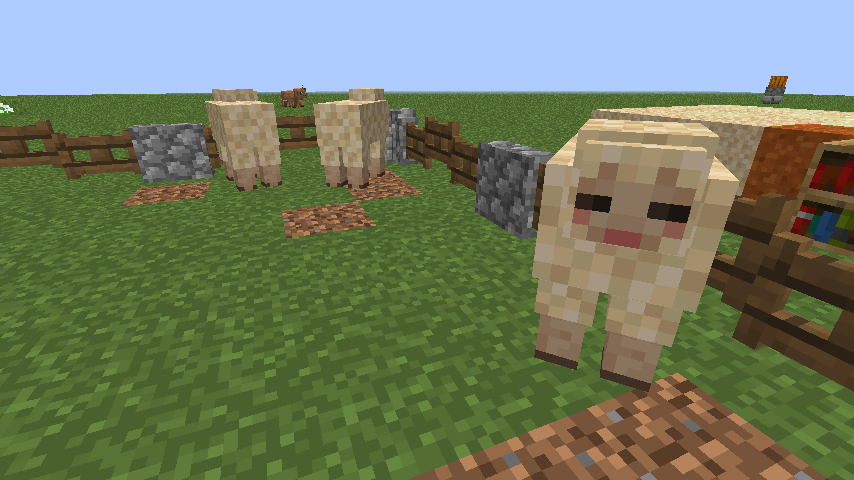
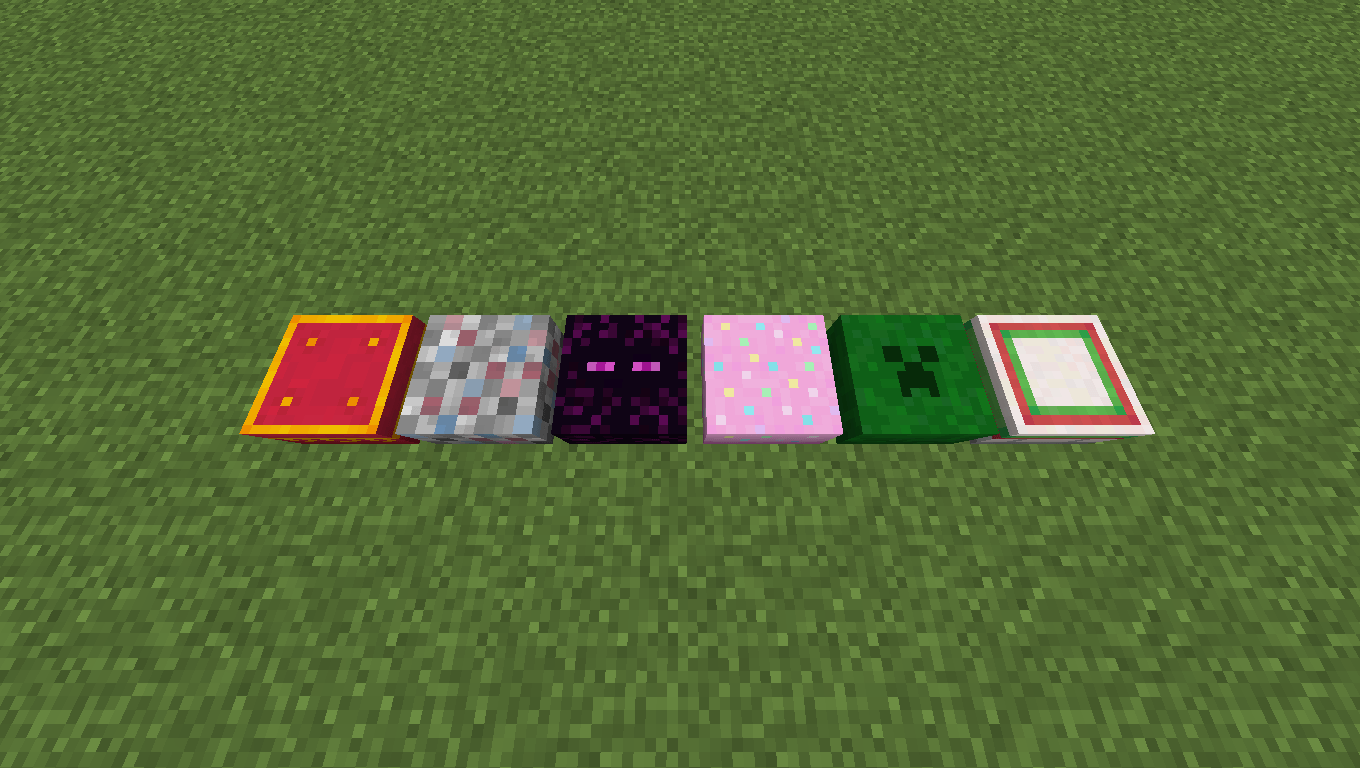
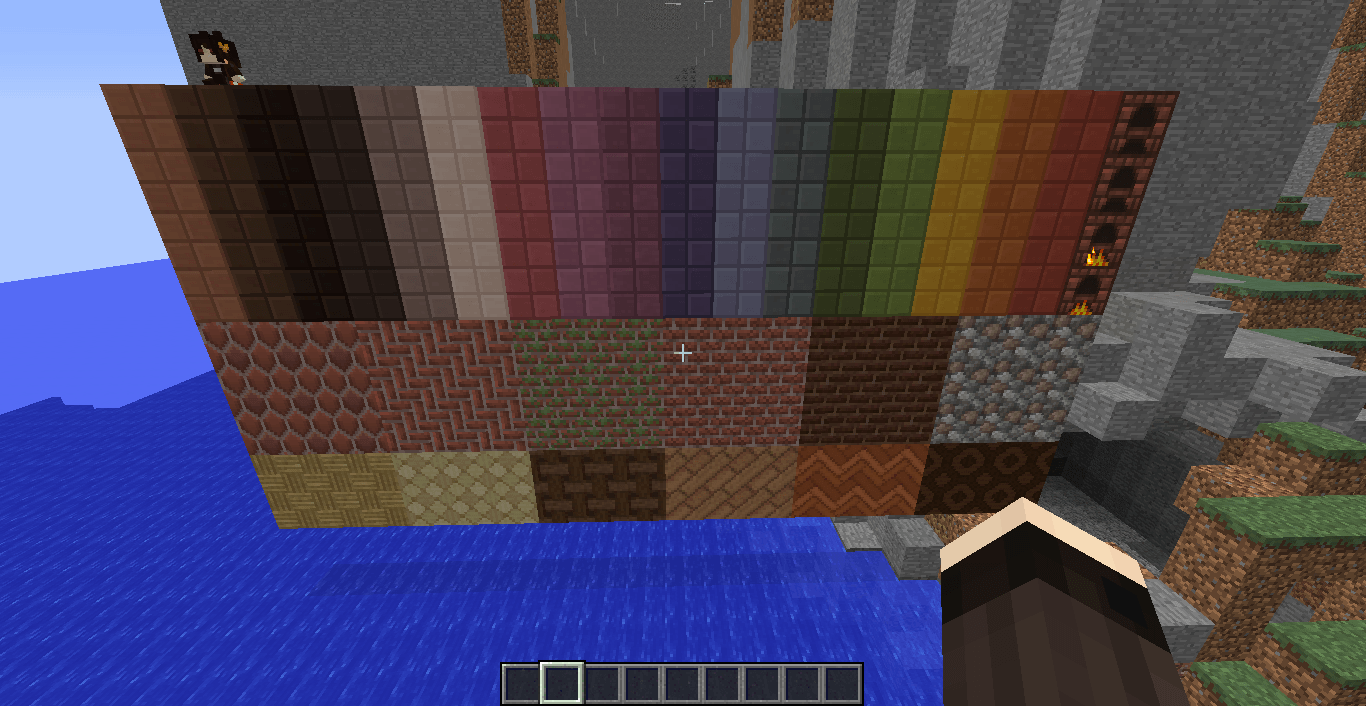

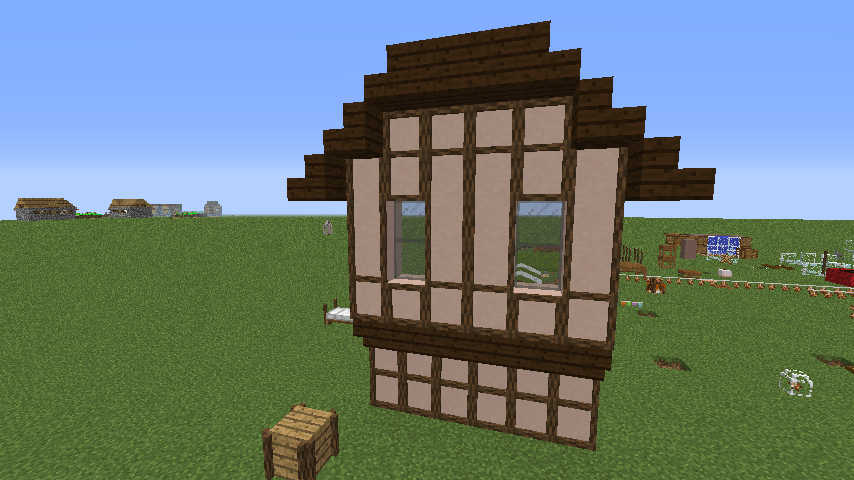
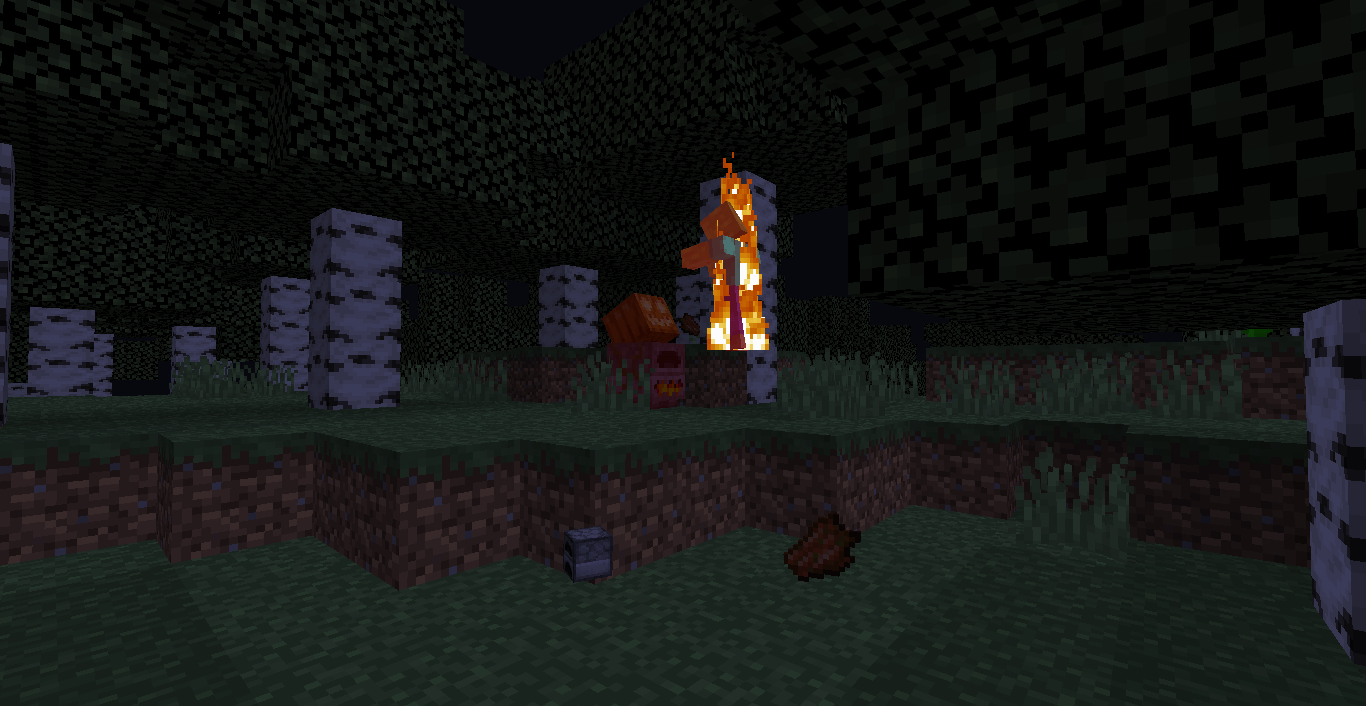
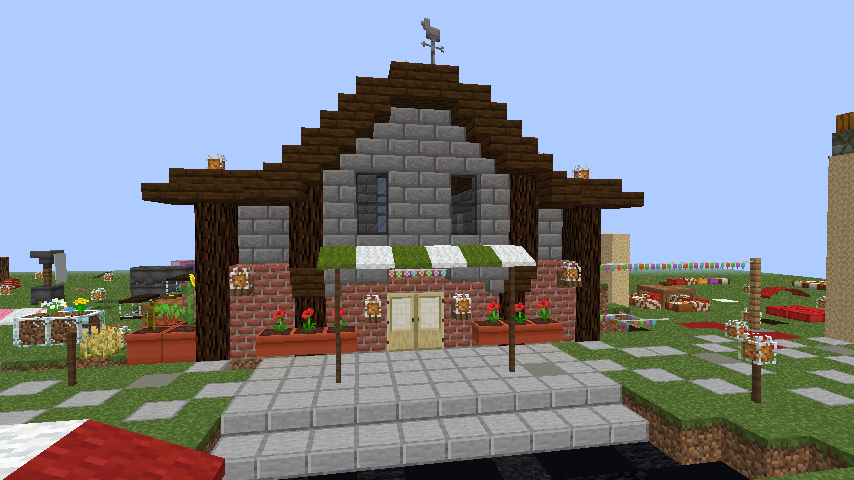

This mod is a patched, combined version of the Comfy Cozy and Brickery mods, featuring bug fixes and overrall more polish
Changes made to Comfy Cozy:
- Fixed entities having laggy movement
- Added a few options to better configure world generation and mob spawning (plus an option to disable mushroom berets)
- Added a 1/3 chance of a Dirty Pig to spawn with an alternate, unused texture
- Fixed Dirty Pigs not spawning particles when dropping dirt
- Fixed Saddles not being rendered on Dirty Pigs
- Dirty Pigs now become normal pigs after coming in contact with water
- (Hopefully) Fixed Furnace Golems not working on servers
- Fixed the Gapple Lamb secret summon only working when the oatmeal bowls are placed in an extremely specific order and position
- Added a hidden advancement/challenge for spawning a Gapple Lamb
- Fixed Oat Lambs spawning from Oat Plants that aren't fully grown
- Fixed certain advancements triggering whenever your inventory changed (e.g. Comfortable Crafter), without checking the item
- Removed the duplicate advancements present on Husbandry
- Rewrote the Oatmeal Lamb code so it doesn't need to swap entites when changing flavor (difference not really that noticeable, but it took some effort to do so it's here anyway)
- Rewrote the ConfigHandler so it uses Config annotations (makes it so you can configure everything in-game)
Changes made to Brickery:
- Fixed the mod crashing on servers
- Fixed the Brick Furnace displaying the name "Furnace" in it's UI instead of "Brick Furnace"
- Fixed the Brick Furnace not conserving fuel and being slower than the regular furnace
- Fixed the Brick Furnace turning into a normal furnace when lit
- The lit version of the Brick Furnace is no longer displayed in the creative mode menu
- Added options to disable and configure the Brick Furnace and to hide flooring tooltips
Quick facts
- Edition: Minecraft Java
- File type: .jar
- How to install: Install the matching mod loader (Forge, Fabric or NeoForge) for your Minecraft version. → Download the .jar. → Put it in the .minecraft/mods folder and launch that loader profile.
- Where to get it: Opens on CurseForge — not every file is mirrored on our own servers.
Install steps are the general flow for this file type — How to install Minecraft Java mods & modpacks walks through it step by step.
File checked by MCModsHub
- Ships as ComfyCozy-1.0.1.jar — drop this file into the mods folder
- Download size: 959 KB
- Download link checked 2 Oct 2026 — working
These come from our own check of the pack file, not from the source page.