Hollow Masters
Java mod listed for Minecraft 1.20. Download on the author's site.
⬇ Download on CurseForge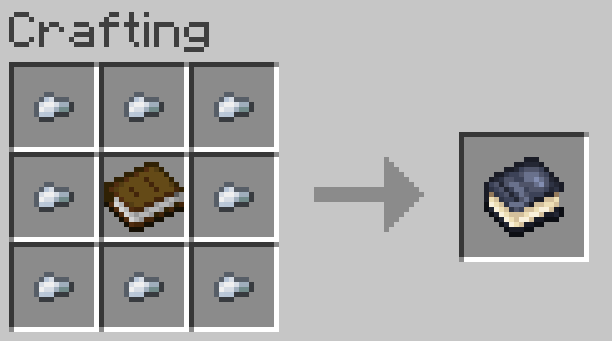
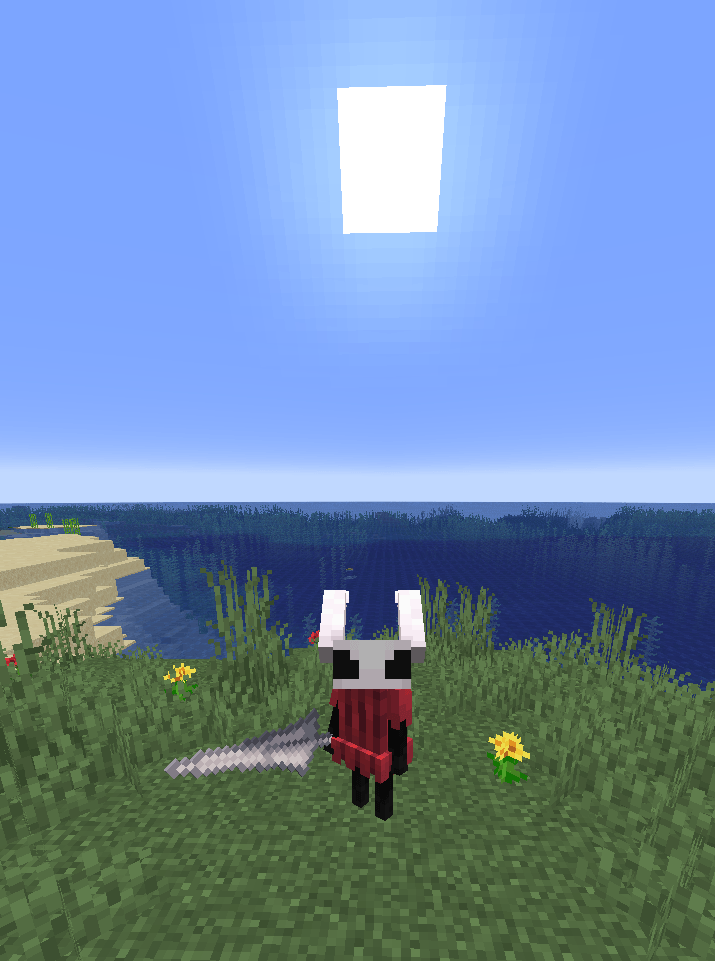
Hollow Masters
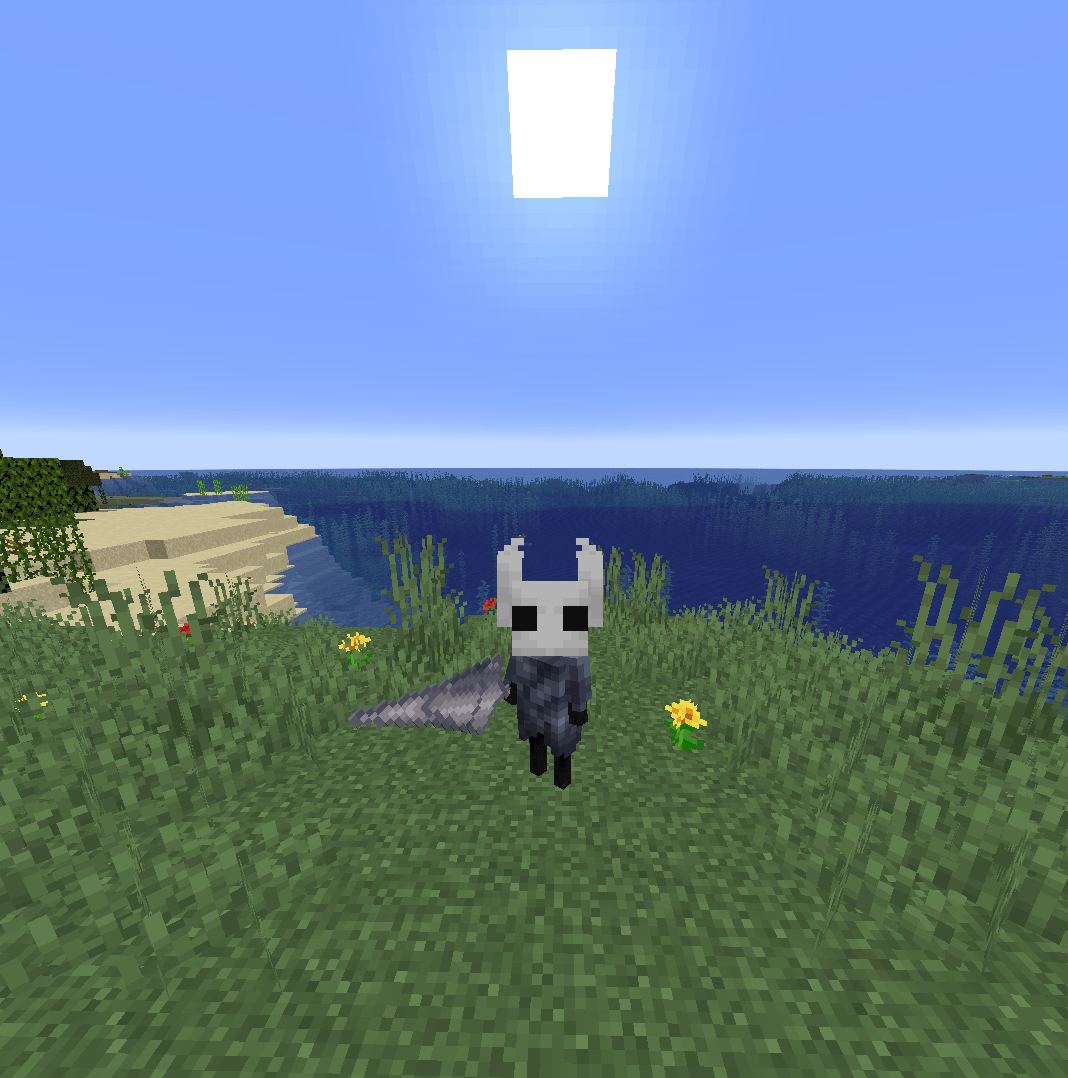
This mod lets you transform into a Character from Hollow Knight simply by dying while holding a totem of the character you want to transform into. Once you die holding the totem you become that character! Currently this mod includes:
The Knight & Hornet
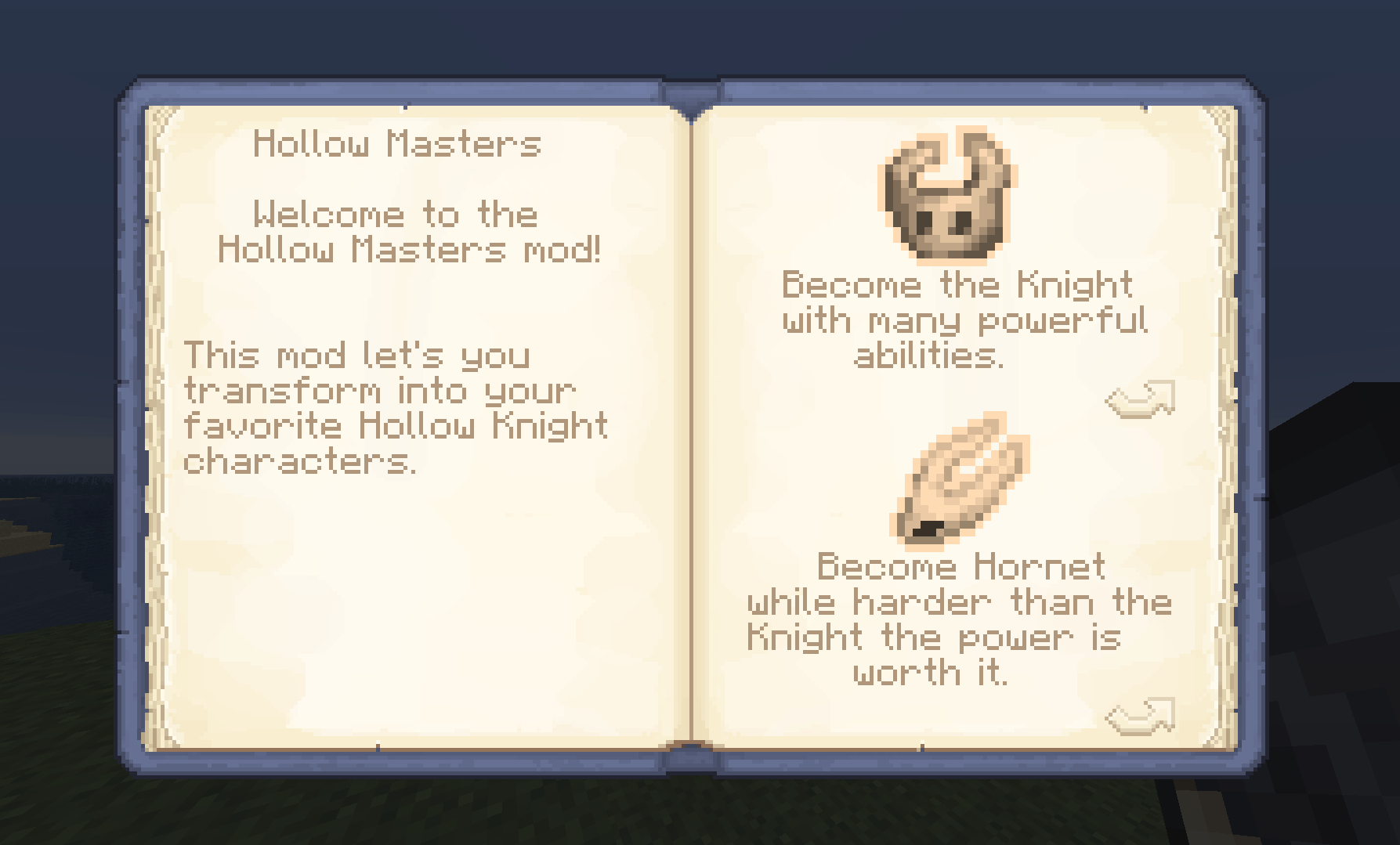
To learn each of the character's abilities, right-click with a Hollow Masters Guidebook! to look at what awesome abilities they have!
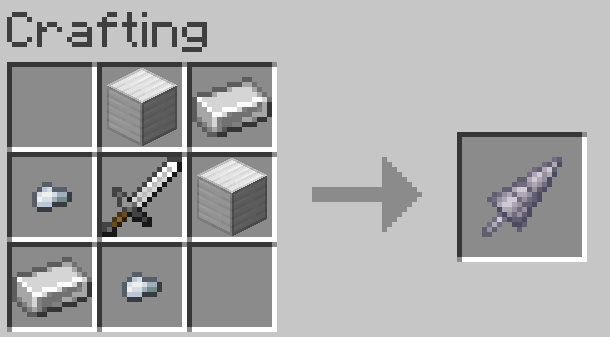
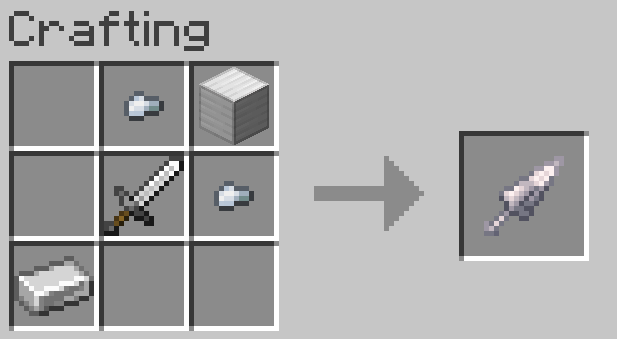
Many of The Knight's abilities require the Nail weapon, and for Hornet the Needle.
Most of The Knight's abilities require "Soul" which is a new bar that fills up when attacking mobs, the same for Hornet but with the "Silk" bar.
To turn off a Hollow Knight Character Mode just drink Milk
Keybinds
the Hollow Knight characters has 4 Abilities!
1: Special Ability Press V to enter a movement-ability.
2: Mid-Air Ability Press SPACE while you're in the air.
3: Control Power Press Ctrl in a certain scenario.
4: Healing Ability Hold X for a few seconds to charge up an ability!
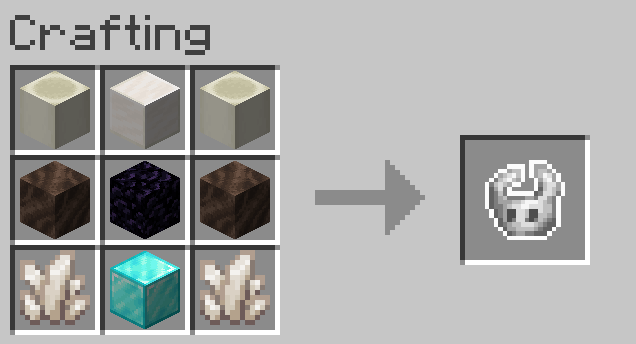
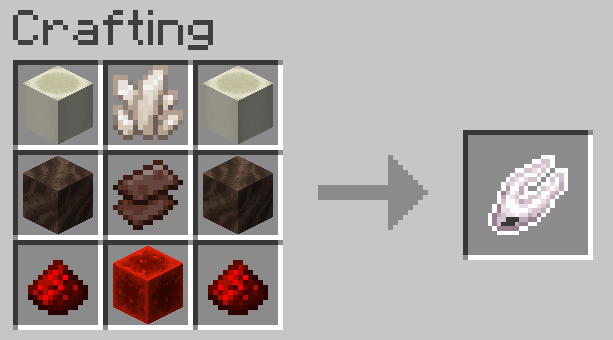
All character totems are craftable!
Gamerules
1: "Right Click Totem Tranformation" turn on that instead of needing to die to activate the mode, it turns on that you right-click instead
2: "Give Weapon When Transforming" decide if when transforming you automatically obtain the character's respective weapon
- Edition: Minecraft Java
- File type: .jar
- Minecraft version listed: 1.20.1
- How to install: Install the matching mod loader (Forge, Fabric or NeoForge) for your Minecraft version. → Download the .jar. → Put it in the .minecraft/mods folder and launch that loader profile.
- Where to get it: Opens on CurseForge — not every file is mirrored on our own servers.
Install steps are the general flow for this file type — How to install Minecraft Java mods & modpacks walks through it step by step.
Hollow Masters is a free Minecraft Java mod. Compatible with Minecraft 1.20.1. Downloaded 3,045 times (via CurseForge). Download it and open it directly in the game.