
Modern Temperature
Java mod listed for Minecraft 1.19–1.20. Downloads from the MC Java Mods app on Android.
I don't know my version or loader

This project is no longer updated. It has been merged into my master mod, Red's Survival Overhaul
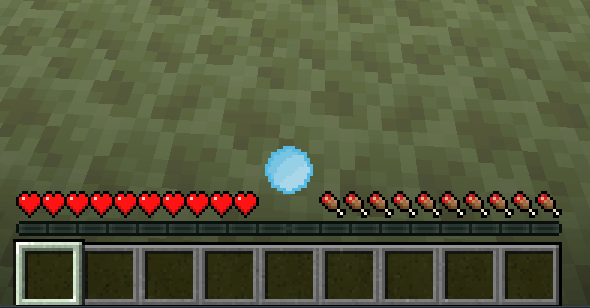
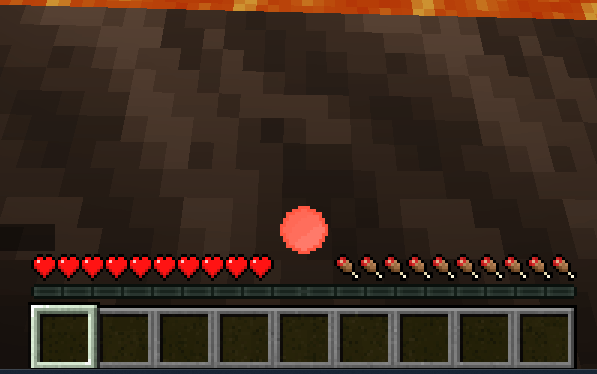
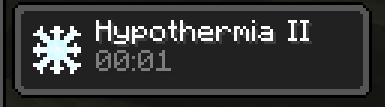
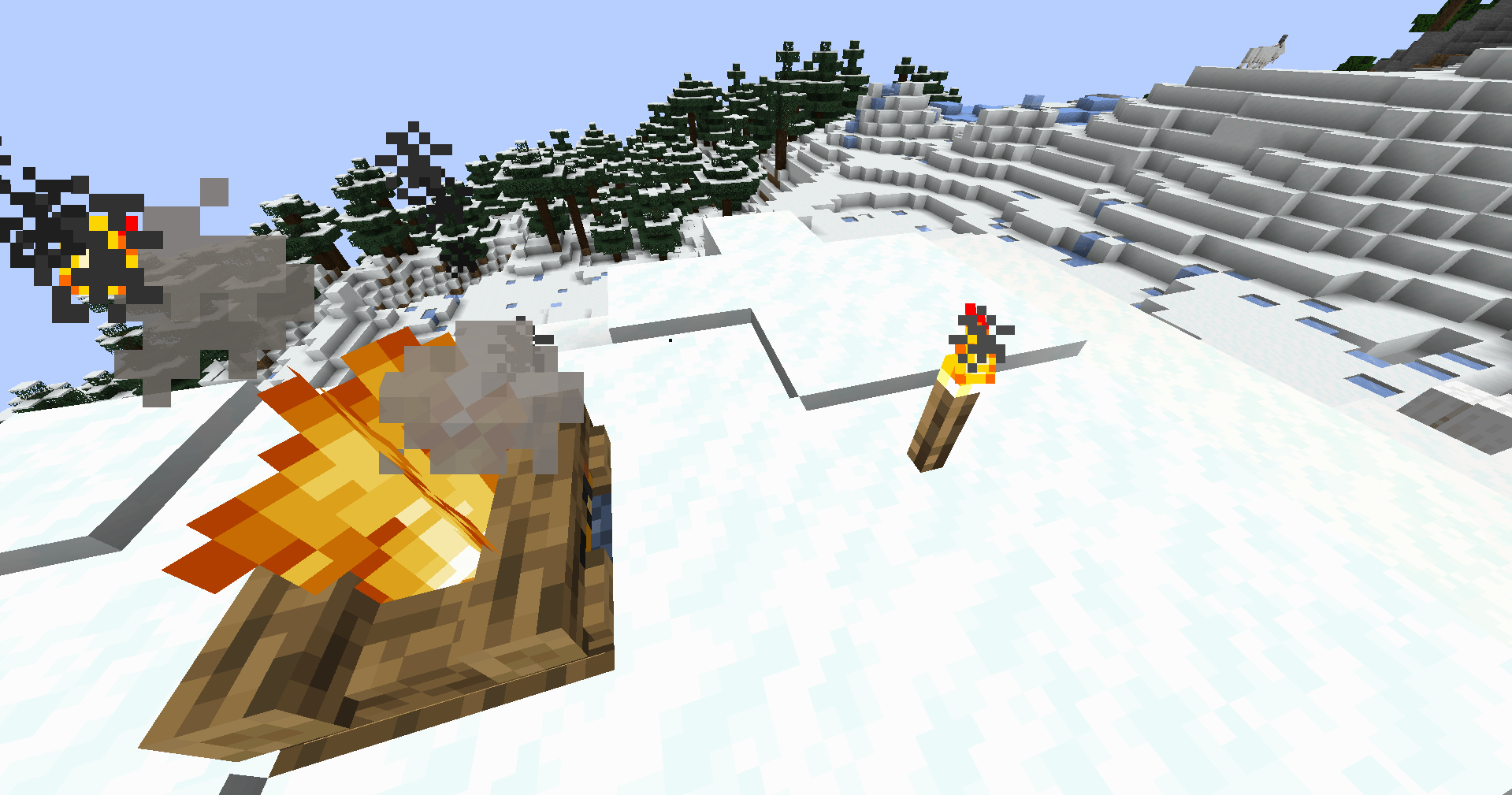
This is a mod that adds a temperature system to Minecraft, inspired by Tough as Nails. As you journey throughout your minecraft world, your temperature will go up and down, and getting too cold or too hot will have consequences. Fortunately, there are ways to protect yourself from the elements! Standing near a campfire, torch, lava, etc will keep you warm whereas standing in water, on ice, or near a soul campfire / torch etc will keep you cool. Some biomes are naturally warm (eg. jungles), some are naturally cool (eg. snowy plains), some are burning hot (the nether), and some are freezing cold (the end). Only by preparing yourself extremely well will you be able to brave the cold and heat.
Config:
(Almost) everything inside this mod is customizable! Config is stored at .minecraft/config/monderntemperature-common.toml and contains various values such as which blocks will keep you cool or warm when you stand near them, the default temperature of various biomes, and how much insulation armor gives you.
FAQ:
- Q: How do I know my temperature value in game?
- A: Depending on how you've customized the client configs, there will either be a numerical reading in the top left, a gauage about your hotbar that changes colors based on your temperature, or you can run the /temperature get command to get the exact value.
Q: Fabric port?
A: No! Although, out of all my mods, this one is the one I'm most likely to port.
Q: I have a question / issue / bug report!
A: Come report it on the issue tracker here!
This project is created under the MIT License
You are free to use this mod in your modpack :P
- Edition: Minecraft Java
- File type: .jar
- Minecraft versions listed: 1.20.2, 1.20.5, 1.20.3
- How to install: Install the matching mod loader (Forge, Fabric or NeoForge) for your Minecraft version. → Download the .jar. → Put it in the .minecraft/mods folder and launch that loader profile.
- Where to get it: Opens on CurseForge — not every file is mirrored on our own servers.
Install steps are the general flow for this file type — How to install Minecraft Java mods & modpacks walks through it step by step.
- Ships as moderntemperature-0.2.1-1.20.1.jar — drop this file into the mods folder
- Download size: 50 KB
- Download link checked 2 Oct 2026 — working
These come from our own check of the pack file, not from the source page.