
BioMech
Java mod listed for Minecraft 1.20–1.21. Downloads from the MC Java Mods app on Android.
Man and machine become one. Replace body parts with machine parts and enhance your own body with new functionality.
I don't know my version or loader
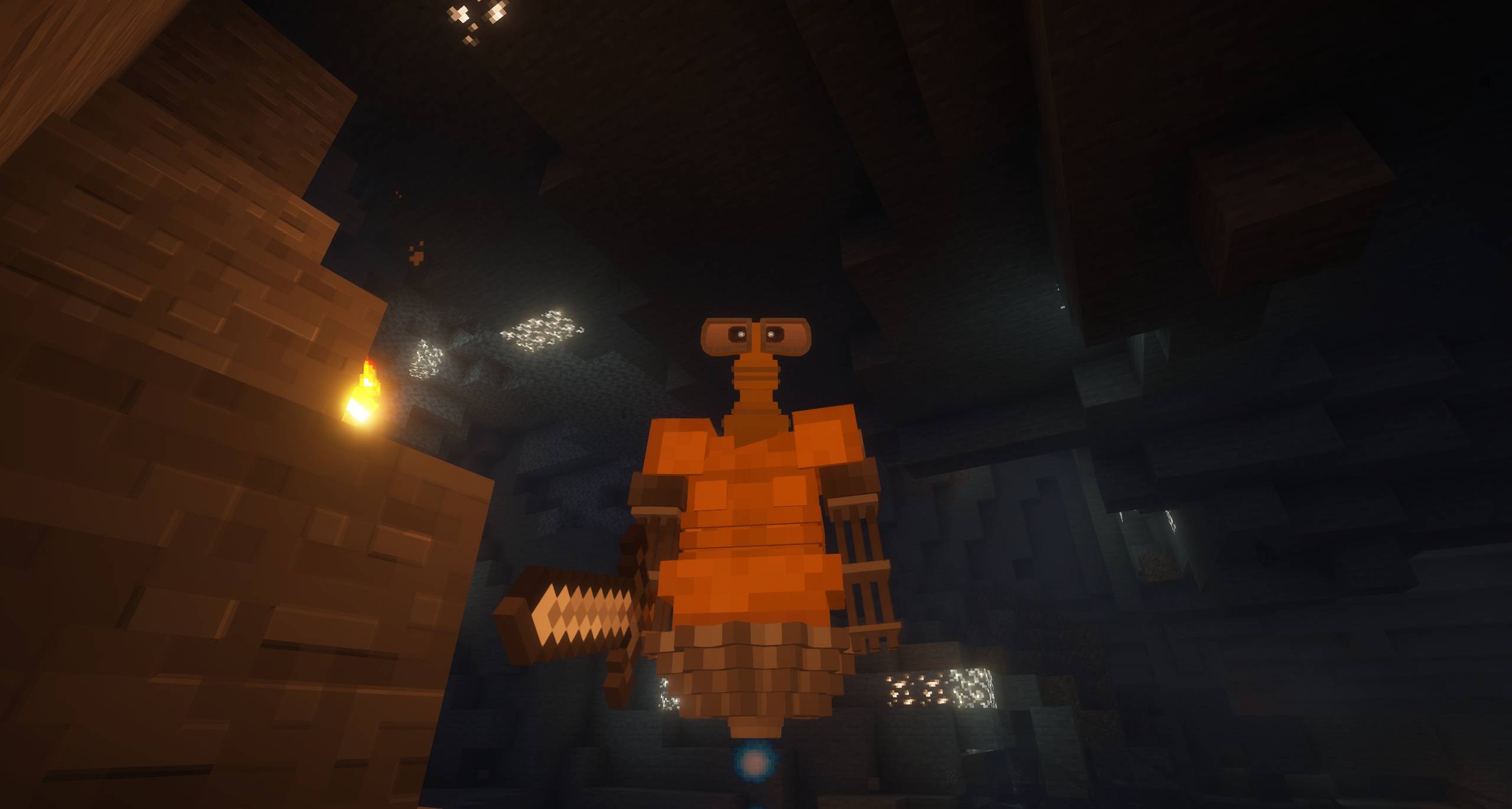
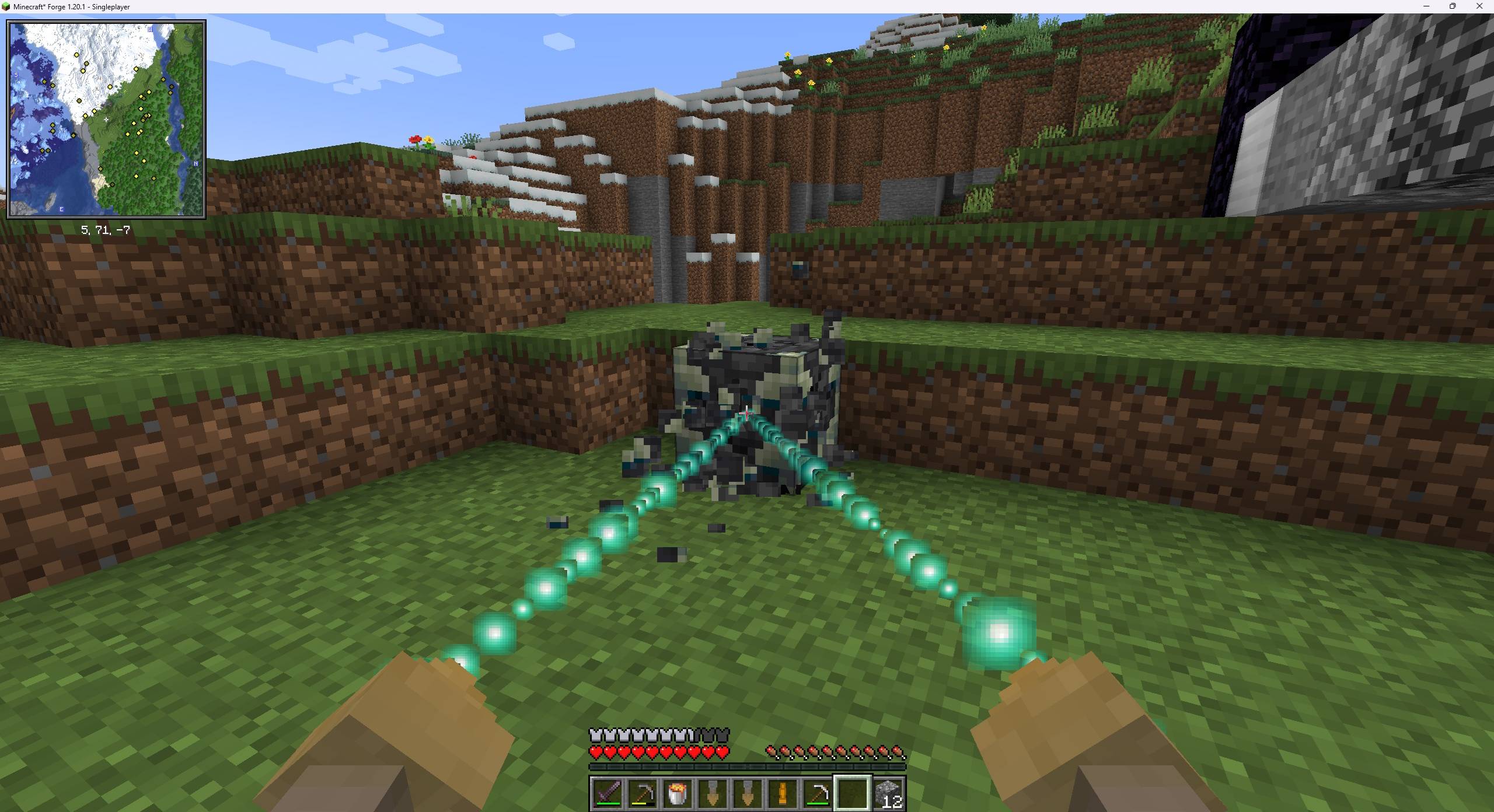
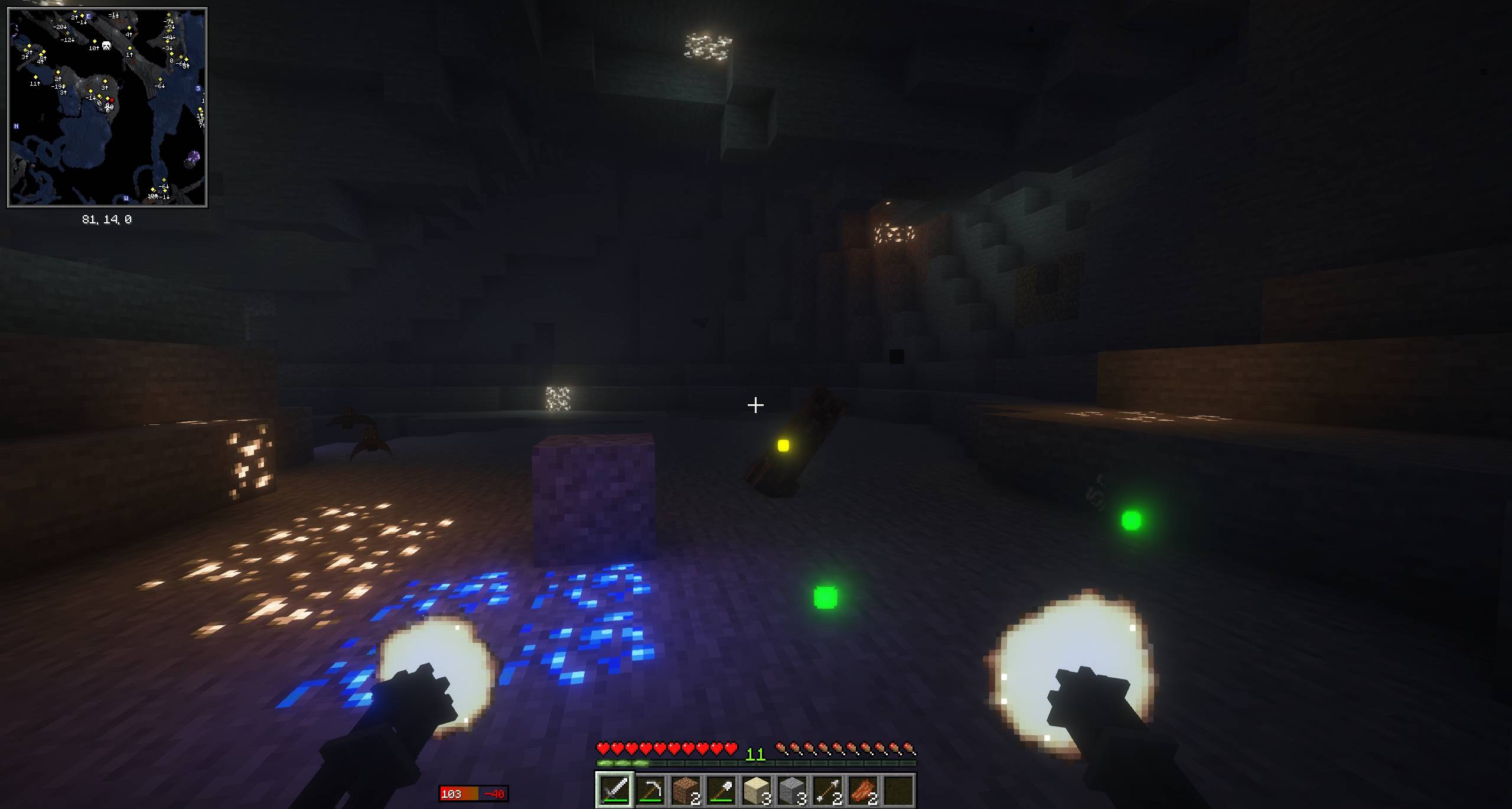
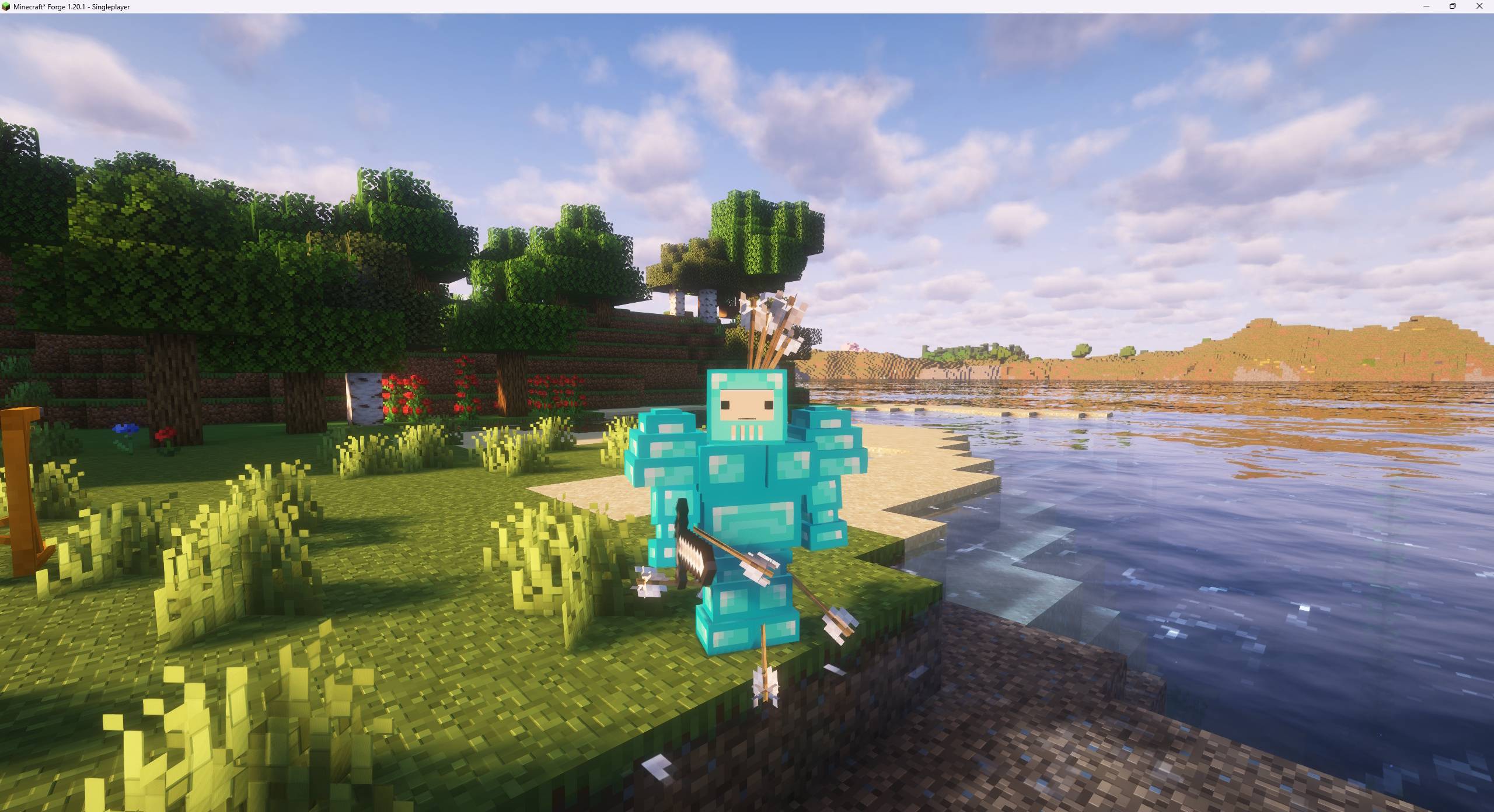
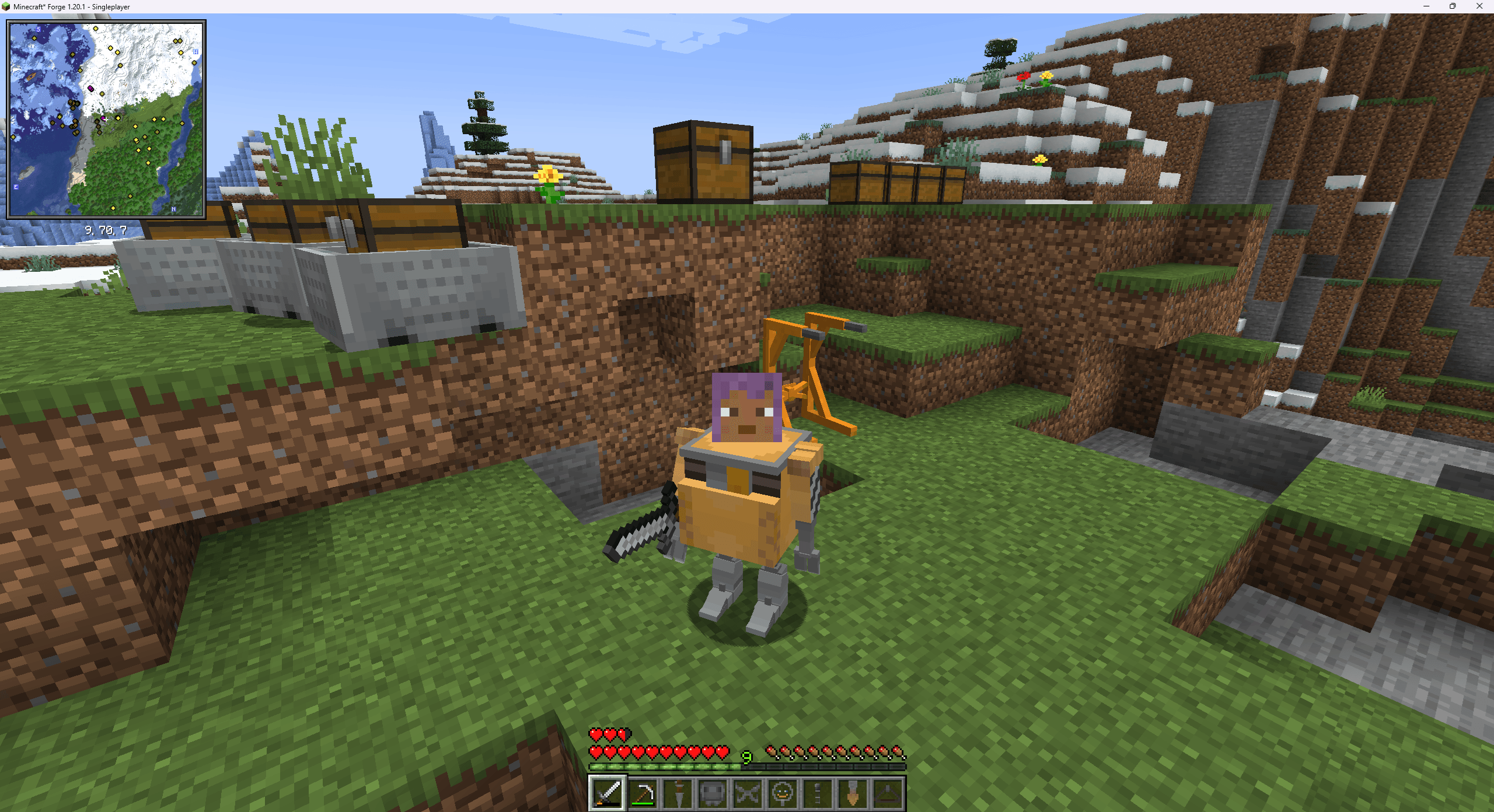
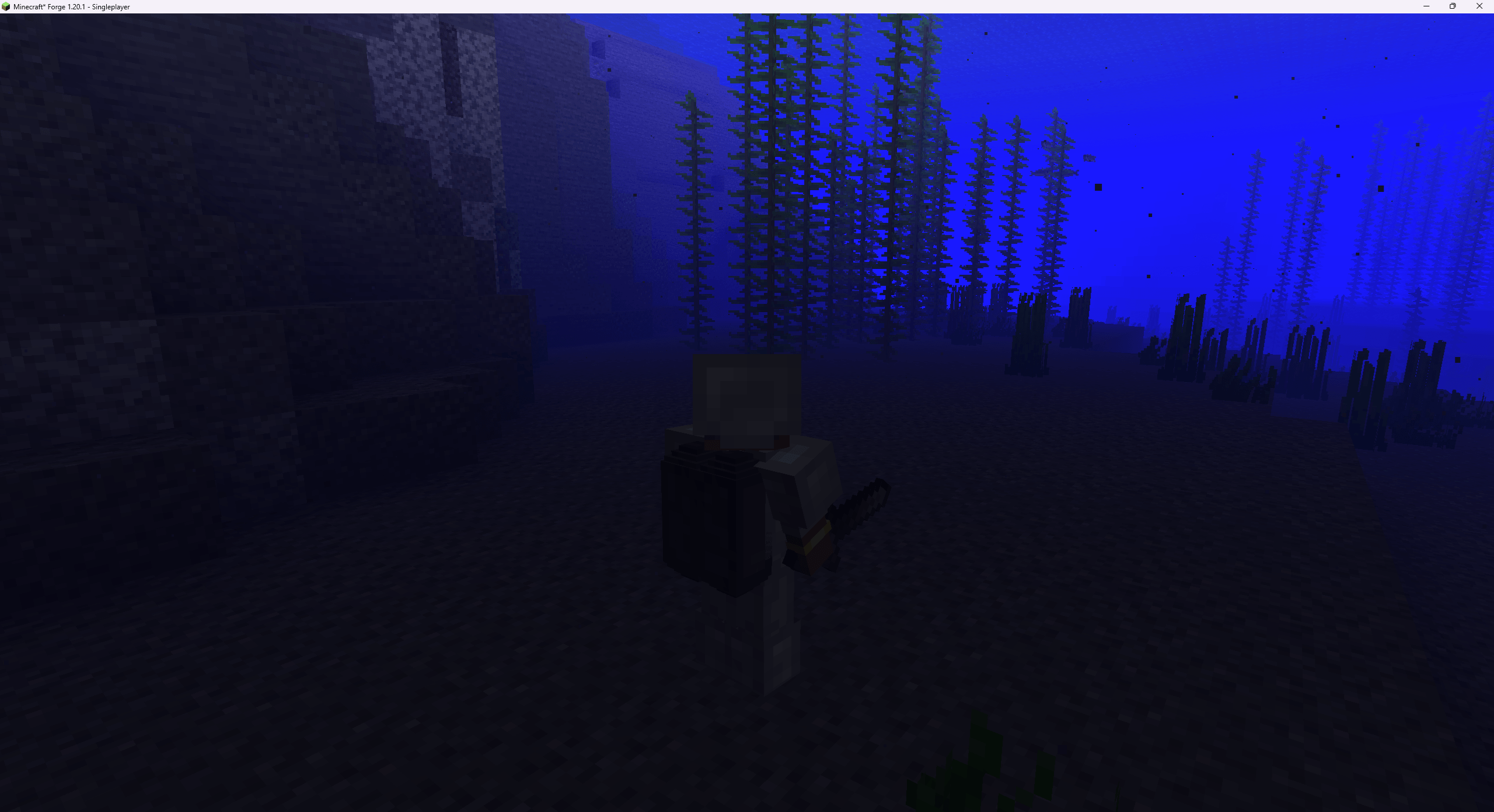
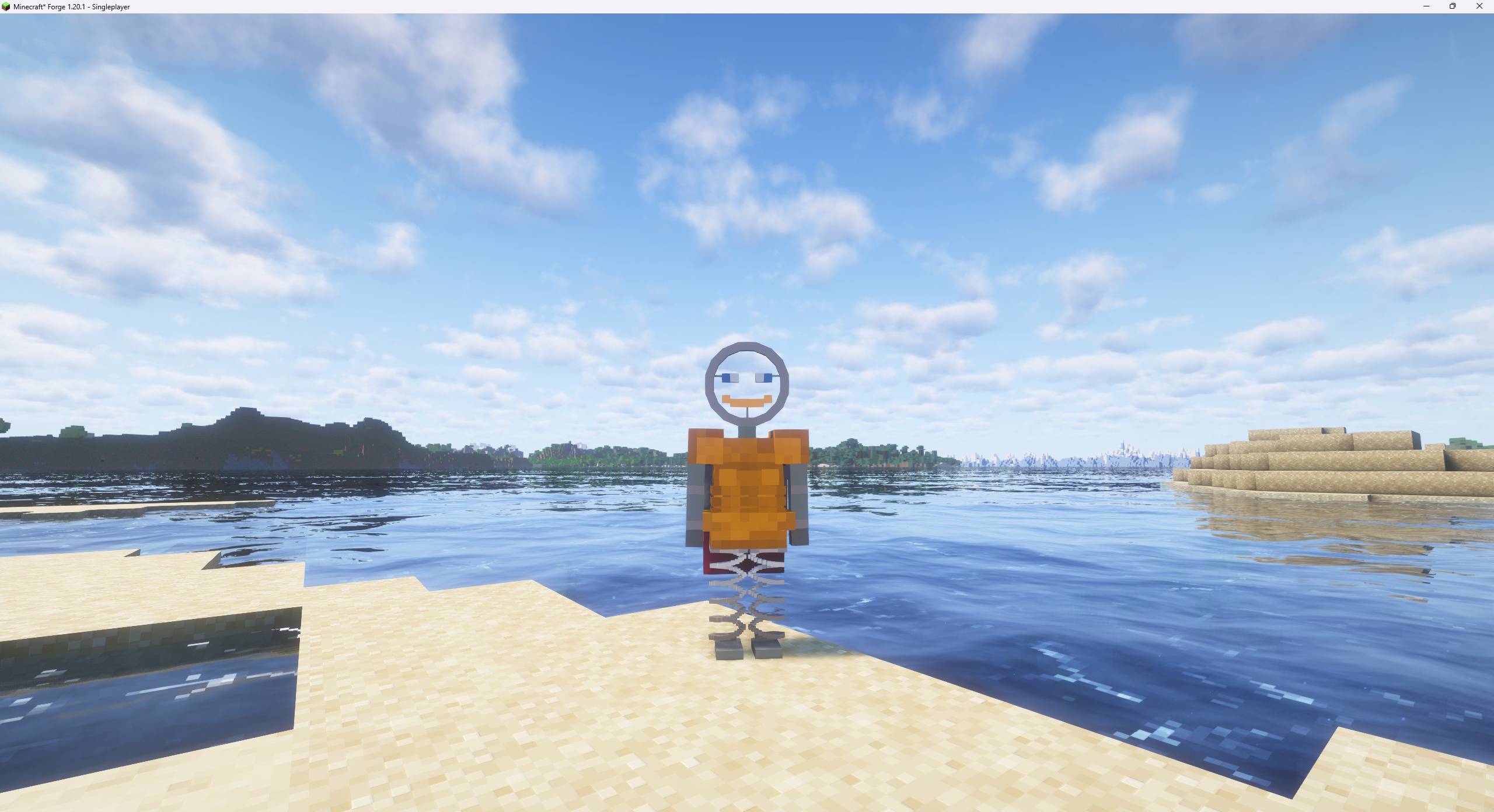
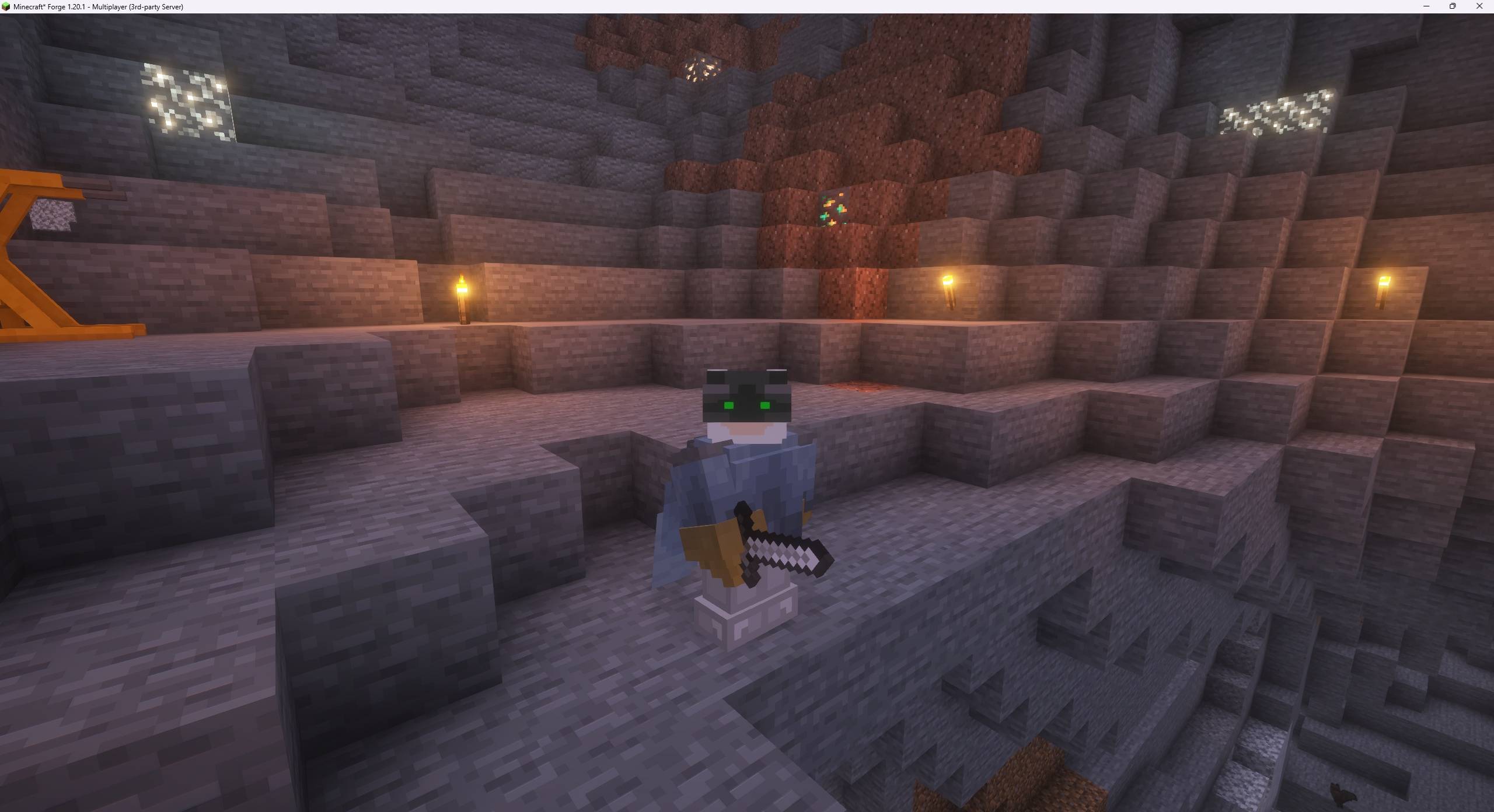

Replace your body parts with machine parts - and become even stronger
This project is for submission to ModJam The Future
https://mod.curseforge.com/minecraft-modjam/

<Required Dependency AzureLib>

Begin building your brand new mech body!
Chests now have a small chance of containing BioMech parts in them. Or - specifically seek out dungeons, mineshafts, shipwrecks, nether fortresses, or ancient cities, which have a greatly boosted chance to contain BioMech parts.
After acquiring a part, build the BioMech Station to begin assembling your new body
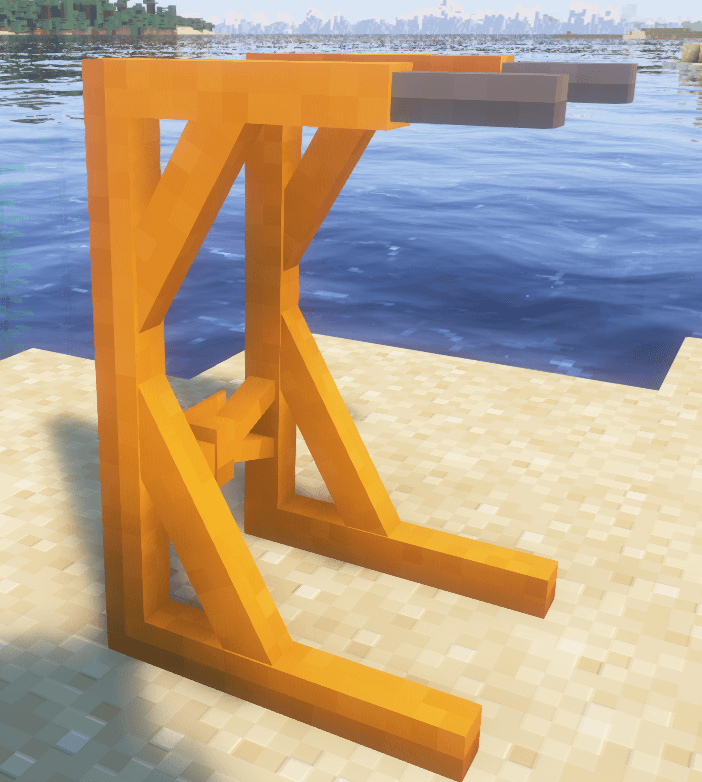
Place your newly acquired parts onto the grid and become a whole new person!
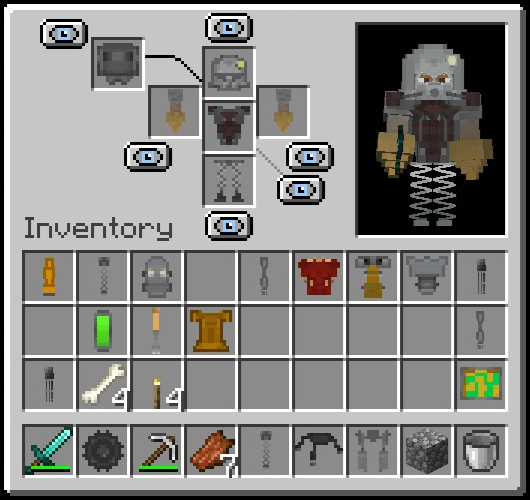
Each part has unique attributes which can greatly enhance your person.
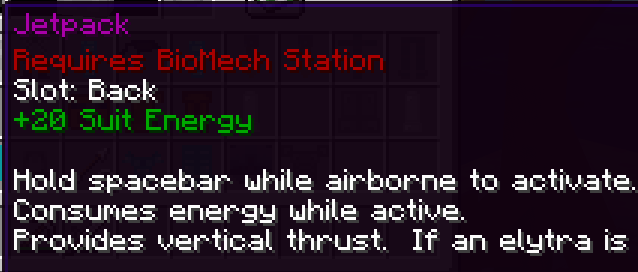
Each suit has energy and energy regeneration as innate attributes. Certain items like the Jetpack can consume this energy.
Some items include hand items. These can be used by holding alt+left-click or alt+right-click depending on which hand is being used. As of 1.02, you can activate your hands whether you are holding an item or not. For example, if you have a sword equipped (or nothing at all equipped), press alt+left-click and you will use your arm function despite wielding a sword. Alternatively, if you want to put your hands "on your hotbar" you can craft the BioMech Activator item which lets you use the hands as a hotbar slot.
After activating a hand, you can let go of alt and just hold the mouse button.
Trying to acquire the perfect part for your new body? Craft it! To craft a BioMech part, you can either craft it directly for the Iron/Diamond set - or, for more exotic parts, you need to accumulate scrap. To acquire scrap, place a looted BioMech part on the crafting grid with any pickaxe and you can scrap the part (your pickaxe will be retained after the craft). After scrapping several parts, you can use the scrap to craft a brand new BioMech part.
Misc:
A new command is added: /biomech energy <number>
Used for testing, this command set your current BioMech suit energy to the specified value.
Known graphical glitch:
If using the Mobility Treads leg item, these will fail to animate if GeckoLib4 is in your modlist (this has a conflict with AzureLib which is required for this mod to function).
Accepting tips! https://ko-fi.com/dairymoose
- Edition: Minecraft Java
- File type: .jar
- Minecraft versions listed: 1.21.1, 1.20.1
- How to install: Install the matching mod loader (Forge, Fabric or NeoForge) for your Minecraft version. → Download the .jar. → Put it in the .minecraft/mods folder and launch that loader profile.
- Where to get it: Opens on CurseForge — not every file is mirrored on our own servers.
Install steps are the general flow for this file type — How to install Minecraft Java mods & modpacks walks through it step by step.
- Ships as biomech-1.20.1-1.27.jar — drop this file into the mods folder
- Download size: 1.0 MB
- Download link checked 2 Oct 2026 — working
These come from our own check of the pack file, not from the source page.