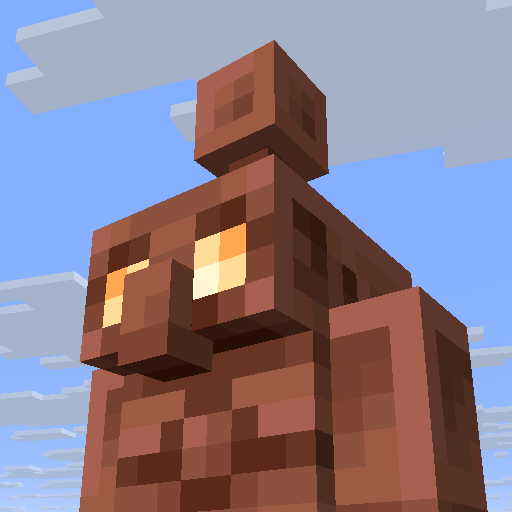
Forgetful Copper Golems
The author built this one for Minecraft 1.21.9–1.21.10 on NeoForge. On other versions it may install and then do nothing.
This mod makes Copper Golems no longer forgetful and remember where they last placed items, overall making organization faster and more efficient!
Please note due to prevent performance issues the golems will check every 2 seconds. This means if your copper chest is not at least 6-8 blocks away from a regular chest, it will ignore the mod for the first 2 seconds and proceed to check normally. After the 2 seconds, it will find the chest immediately. As per community request, I've provided a video proving my point that the mod is legitimate and works. The video was recorded on 1.21.10.
- Edition: Minecraft Java
- File type: .jar
- Minecraft versions listed: 1.21.9, 1.21.10
- How to install: Install the matching mod loader (Forge, Fabric or NeoForge) for your Minecraft version. → Download the .jar. → Put it in the .minecraft/mods folder and launch that loader profile.
- Where to get it: Opens on CurseForge — not every file is mirrored on our own servers.
Install steps are the general flow for this file type — How to install Minecraft Java mods & modpacks walks through it step by step.
- Ships as forgetful-copper-golems-1.0.0-neoforge.jar — drop this file into the mods folder
- Download size: 26 KB
- Download link checked 12 Sept 2026 — working
These come from our own check of the pack file, not from the source page.