Reinforced Black Holes
Java mod listed for Minecraft 1.20–1.21. Downloads from the MC Java Mods app on Android.
Have you ever wanted to create black holes with their iconic light bending effects? Well guess what! Now you can!
I don't know my version or loader
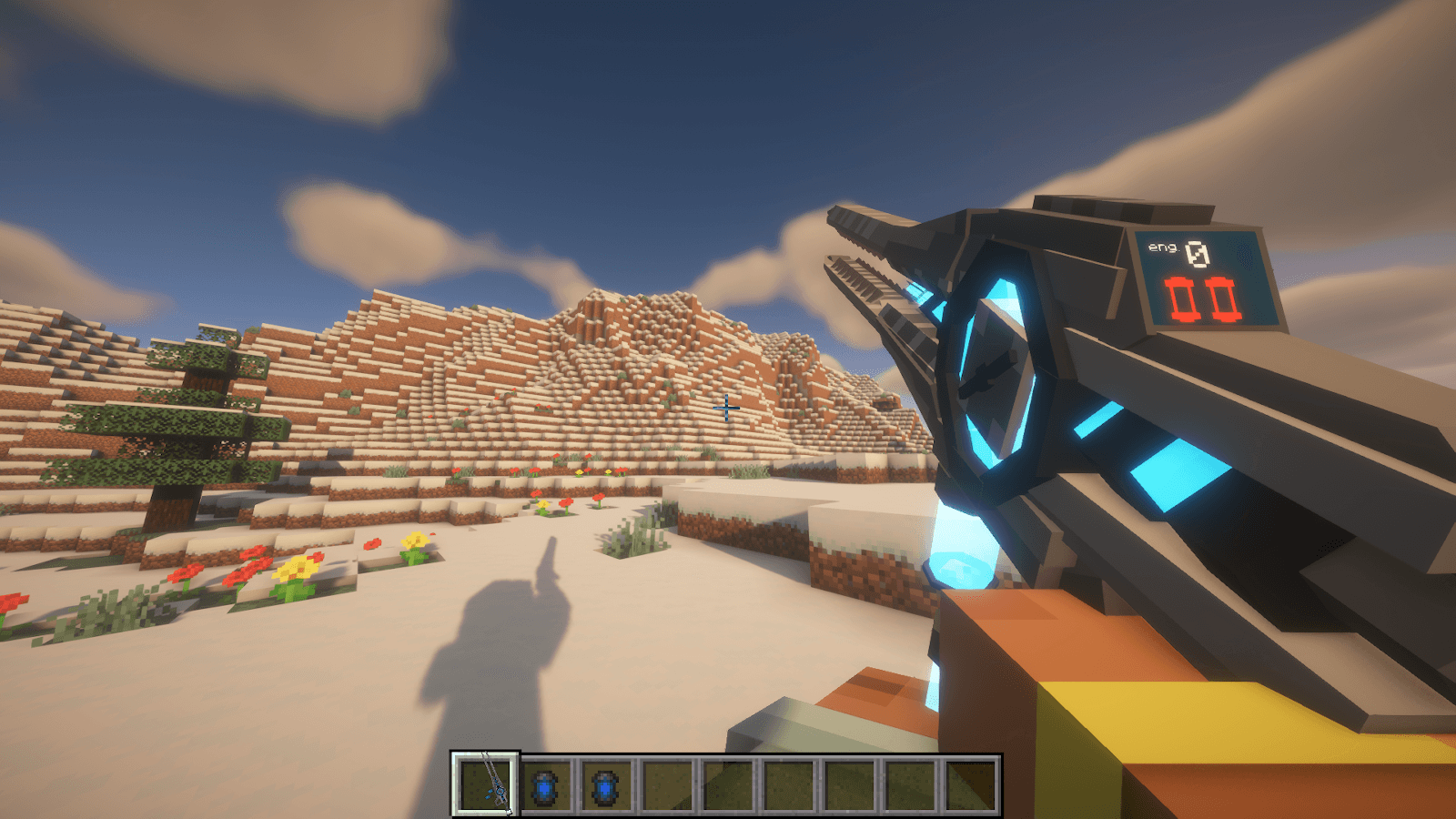
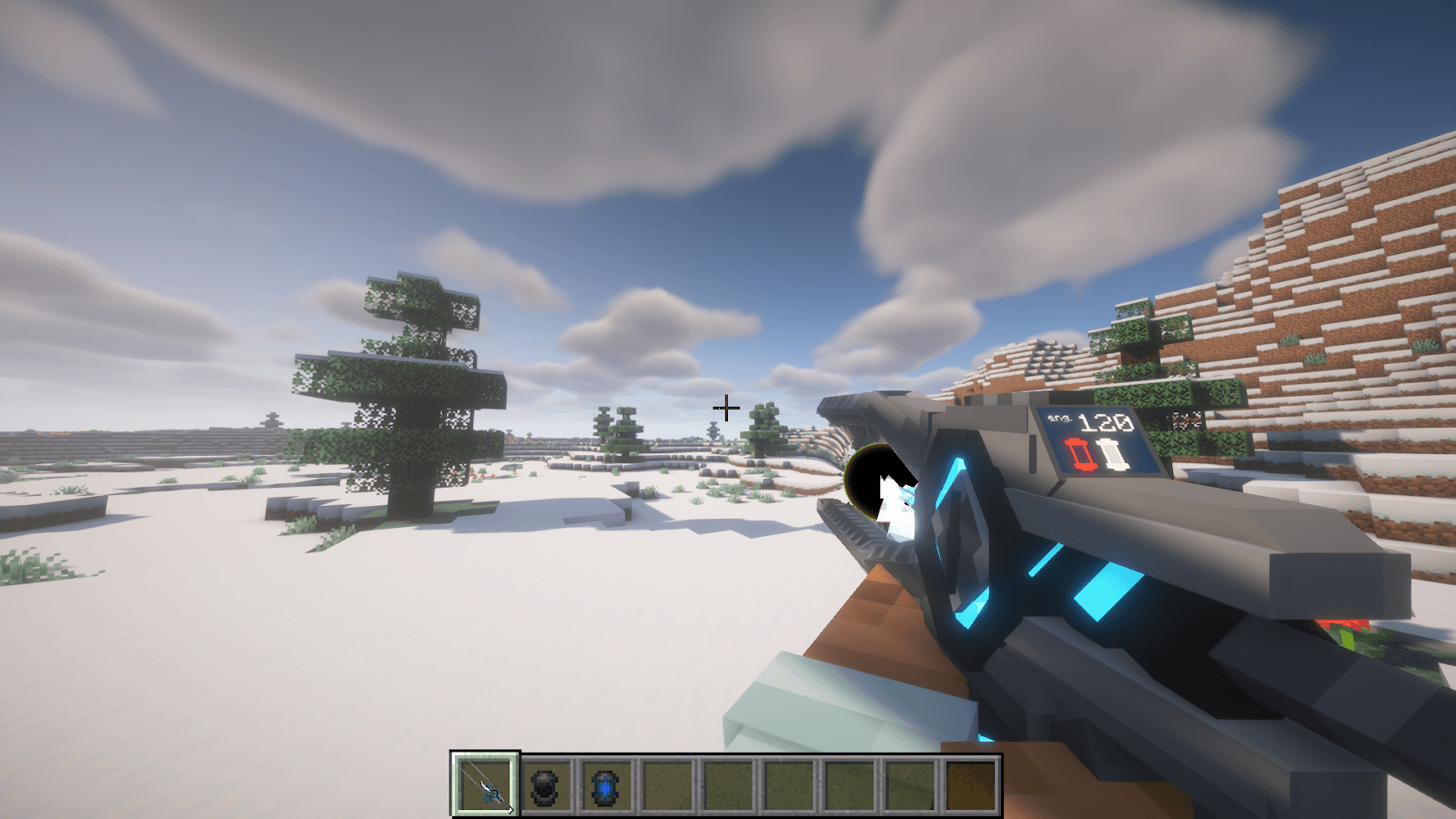
Reinforced Black Holes
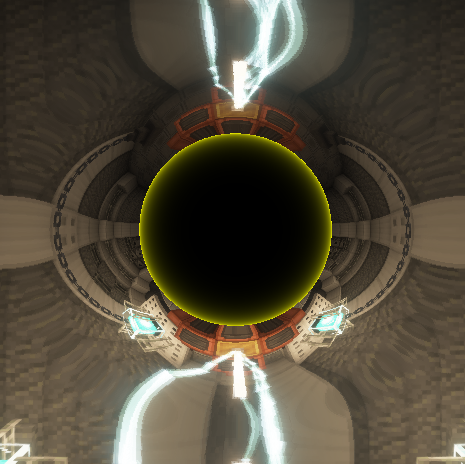
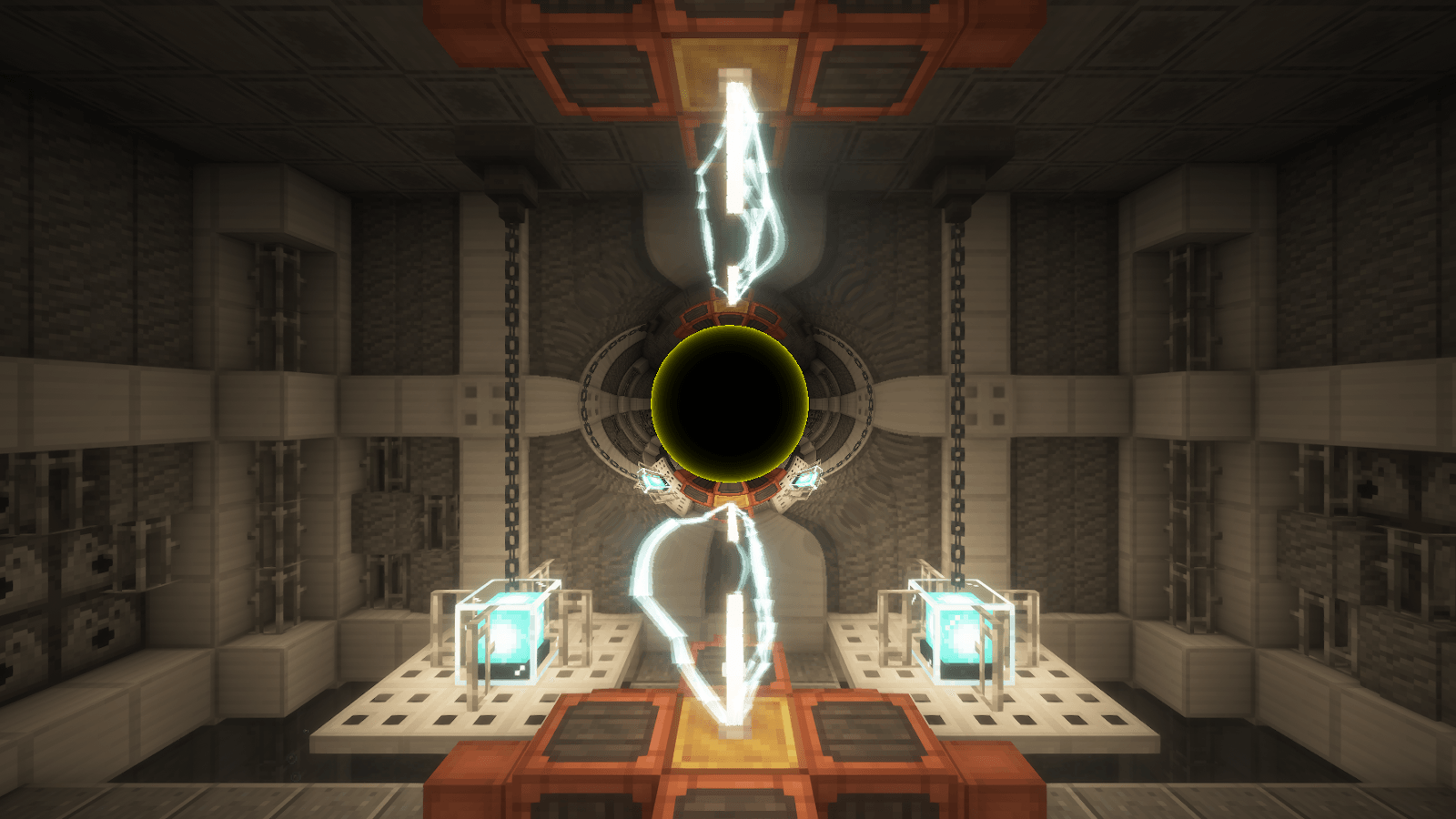
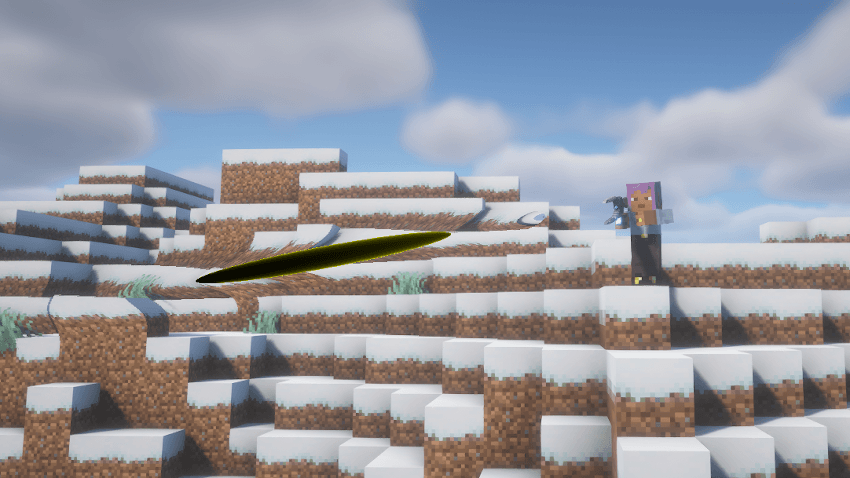
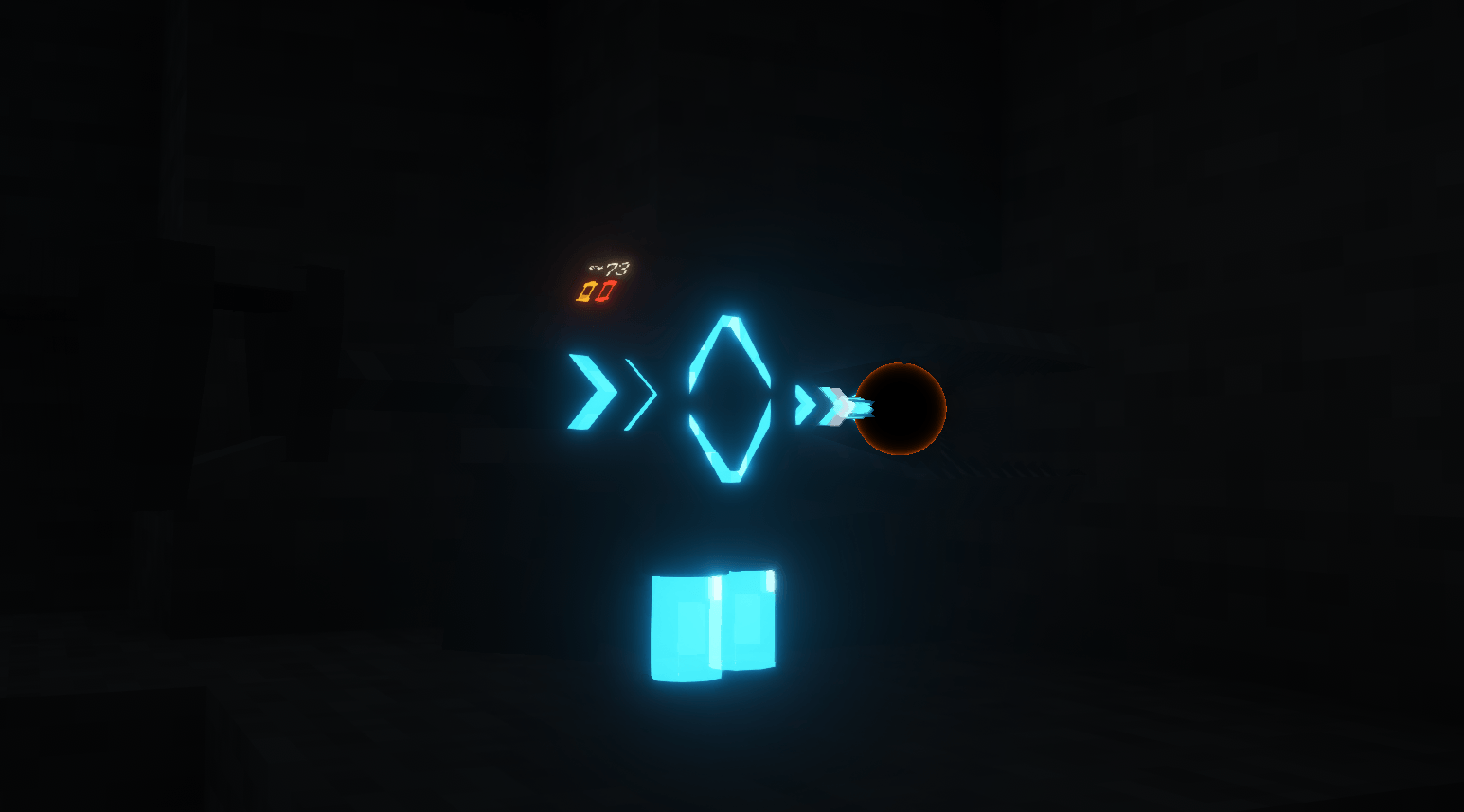
Reinforced Black Holes adds visually impressive black holes to Minecraft, complete with their iconic screen-warping and light-bending appearance.
The mod currently focuses on the black hole effect itself. It includes a Black Hole Tester block that can be used to display and experiment with the effect in-game.
Important version information
Starting with version 1.1.0, the Singularity Rifle is no longer included in this mod.
The rifle, its ammunition, batteries, crafting recipes, and shooting mechanics have been moved into a separate addon called Singularity Rifle.
GeckoLib is not required for Reinforced Black Holes.
What does the mod add?
At the moment, Reinforced Black Holes includes:
-
The black hole visual effect
-
Screen-space distortion around black holes
-
A Black Hole Tester block for displaying and testing the effect
-
An API that other mod developers can use to add the effect to their own projects
For now, the black holes are primarily cosmetic. They do not automatically pull in nearby blocks, entities, or items.
Why don’t the black holes pull things in?
The simple answer is that this behavior has not been implemented yet, and it may not become part of the core mod.
These are not intended to be completely realistic black holes. Within the wider story behind the mod, they are errors created by an artificial intelligence capable of manipulating the game world.
Instead of bending real light, they distort the pixels rendered on your screen. This also prevents the effect from being used to look through walls or around corners.
Different versions of these anomalies may eventually have different properties. Some may remain harmless and visual, while others could become considerably more destructive.
For mod developers
Reinforced Black Holes is also designed to function as a library.
Other mods can use it to implement the same black hole distortion effect without having to recreate the rendering system from scratch.
This mod originated as part of a larger, currently unreleased project. The effect worked well enough on its own that I decided to release it as a standalone mod and development library.
Shaders
The effect generally looks even better when used with Iris, Oculus, or compatible shader packs.
Shaders are optional and are not required for the mod to work.
Development status
The mod is still in development. Some visuals, sounds, configuration options, or other features may change in future versions.
More functionality and improvements are planned over time.
Thanks for checking out Reinforced Black Holes!
- Edition: Minecraft Java
- File type: .jar
- Minecraft versions listed: 1.21.1, 1.20.1
- How to install: Install the matching mod loader (Forge, Fabric or NeoForge) for your Minecraft version. → Download the .jar. → Put it in the .minecraft/mods folder and launch that loader profile.
- Where to get it: Opens on CurseForge — not every file is mirrored on our own servers.
Install steps are the general flow for this file type — How to install Minecraft Java mods & modpacks walks through it step by step.
- Ships as ReinforcedBlackHoles-1.1.2-1.20.1-forge.jar — drop this file into the mods folder
- Download size: 754 KB
- Download link checked 2 Oct 2026 — working
These come from our own check of the pack file, not from the source page.