
SmartCull+
The author built this one for Minecraft 1.20.1 on Forge. On other versions it may install and then do nothing.
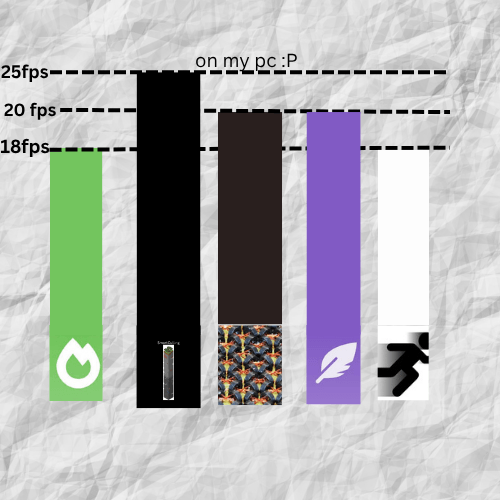
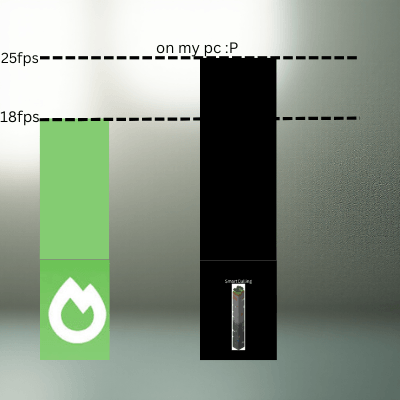
SmartCull+ is a lightweight client-side optimization mod built for Minecraft Forge 1.20.1. It improves performance by cutting down on how much the game needs to render at once.
Features include a custom menu ( press F9 to open), entity culling, and block culling
Instead of drawing every block and chunk around you, SmartCull+ focuses only on what you can actually see. Faces hidden behind solid blocks are skipped, and chunks outside your field of view aren’t rendered until you turn toward them.
When you’re exploring caves or enclosed areas, the mod only renders the visible sections around you, leaving everything else unloaded until it’s needed. The result is smoother gameplay, better frame rates, and less lag—especially on lower-end systems or large builds. comment yes me saw to tell me you saw the description
SmartCull+ doesn’t change gameplay or world generation. It simply makes Minecraft’s rendering smarter, faster, and more efficient.
- Edition: Minecraft Java
- File type: .jar
- Minecraft version listed: 1.20.1
- How to install: Install the matching mod loader (Forge, Fabric or NeoForge) for your Minecraft version. → Download the .jar. → Put it in the .minecraft/mods folder and launch that loader profile.
- Where to get it: Opens on CurseForge — not every file is mirrored on our own servers.
Install steps are the general flow for this file type — How to install Minecraft Java mods & modpacks walks through it step by step.
- Ships as smartcullplus-2.0.0.jar — drop this file into the mods folder
- Download size: 269 KB
- Download link checked 22 Aug 2026 — working
These come from our own check of the pack file, not from the source page.