
Auto Hide HUD
Java mod listed for Minecraft 1.21. Downloads from the MC Java Mods app on Android.
I don't know my version or loader

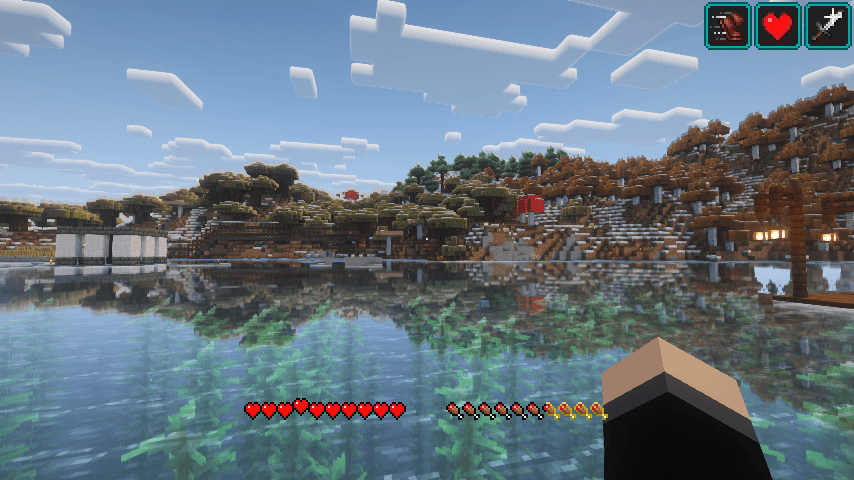
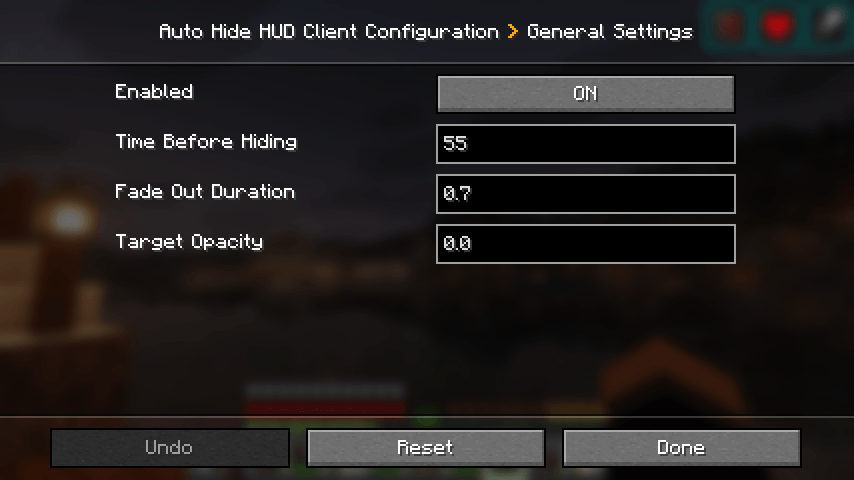
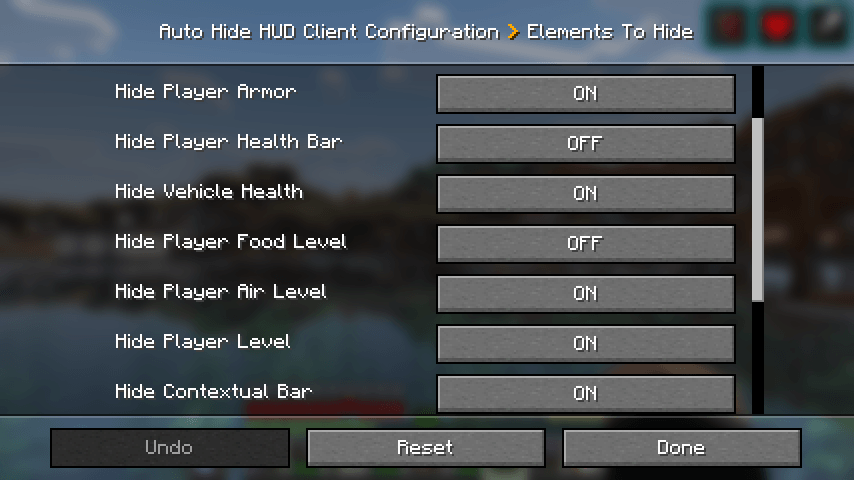
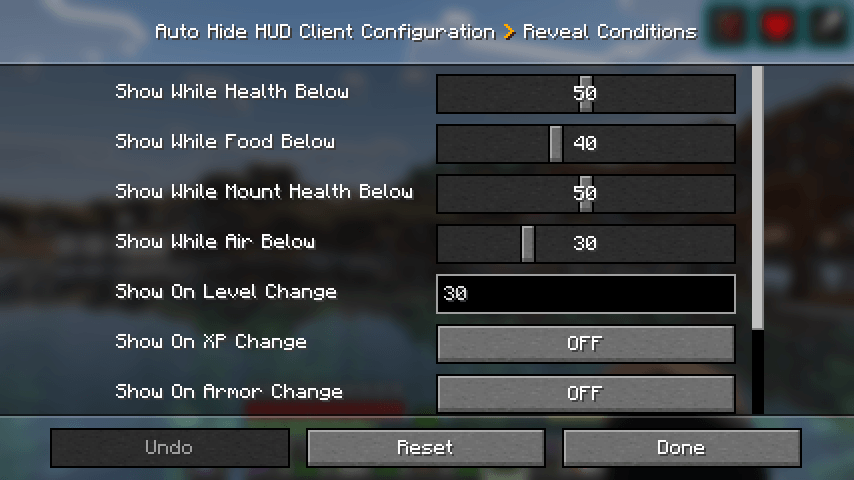

Have you even wanted the HUD elements to go away so you can enjoy the beauty of the world? I sure did. Welcome to Auto Hide HUD.
As the name implies, this mod will auto hide the HUD after a period of inactivity. DON'T panic. It's not gone forever. It will return when your health changes. Or your hunger goes down. Don't want it to do that? There are plenty of options to make this function exactly how you want. Want the HUD to disappear after 2.5 seconds and only comeback when your air levels are below 30%? There's a setting for that!
Using this mod makes your Minecraft experience so much more immersive. It really feels like the first time I used shaders again. Just beautiful.
Let me know if you have any issues or feature suggestions.
Companion App
I've added a little player-info data server that broadcasts things like your position, health, food, air, status effects, and hotbar items to a companion app running on the same machine. Disabled by default — enable it in the in-game config, then launch the mod jar directly (java -jar path/to/mod.jar, or double-click if on Windows).
The companion is very configurable: pick which info to show, choose a background color, even make the window transparent when unfocused (great for Wallpaper Engine users). I built it because I have a small monitor under my main one and I wanted to glance at position and health while keeping the in-game HUD hidden for a clean look.
Note: the companion's port must match the mod's playerDataServerPort config (default 25922).
If you enjoy this mod, please check out our other games and apps at KrookedLilly.com
- Edition: Minecraft Java
- File type: .jar
- Minecraft versions listed: 1.21.2, 1.21.11, 1.21.10
- How to install: Install the matching mod loader (Forge, Fabric or NeoForge) for your Minecraft version. → Download the .jar. → Put it in the .minecraft/mods folder and launch that loader profile.
- Where to get it: Opens on CurseForge — not every file is mirrored on our own servers.
Install steps are the general flow for this file type — How to install Minecraft Java mods & modpacks walks through it step by step.
- Ships as autohidehud-26.2-1.2.2.jar — drop this file into the mods folder
- Download size: 397 KB
- Download link checked 2 Oct 2026 — working
These come from our own check of the pack file, not from the source page.