
AtMUL - Atmospheric Materials & Unobtrusive Lighting
Java mod listed for Minecraft 1.20–1.21. Downloads from the MC Java Mods app on Android.
AtMUL adds several materials with useful functionality to the game, including light emitting blocks for uses in builds where something like torches or…
I don't know my version or loader
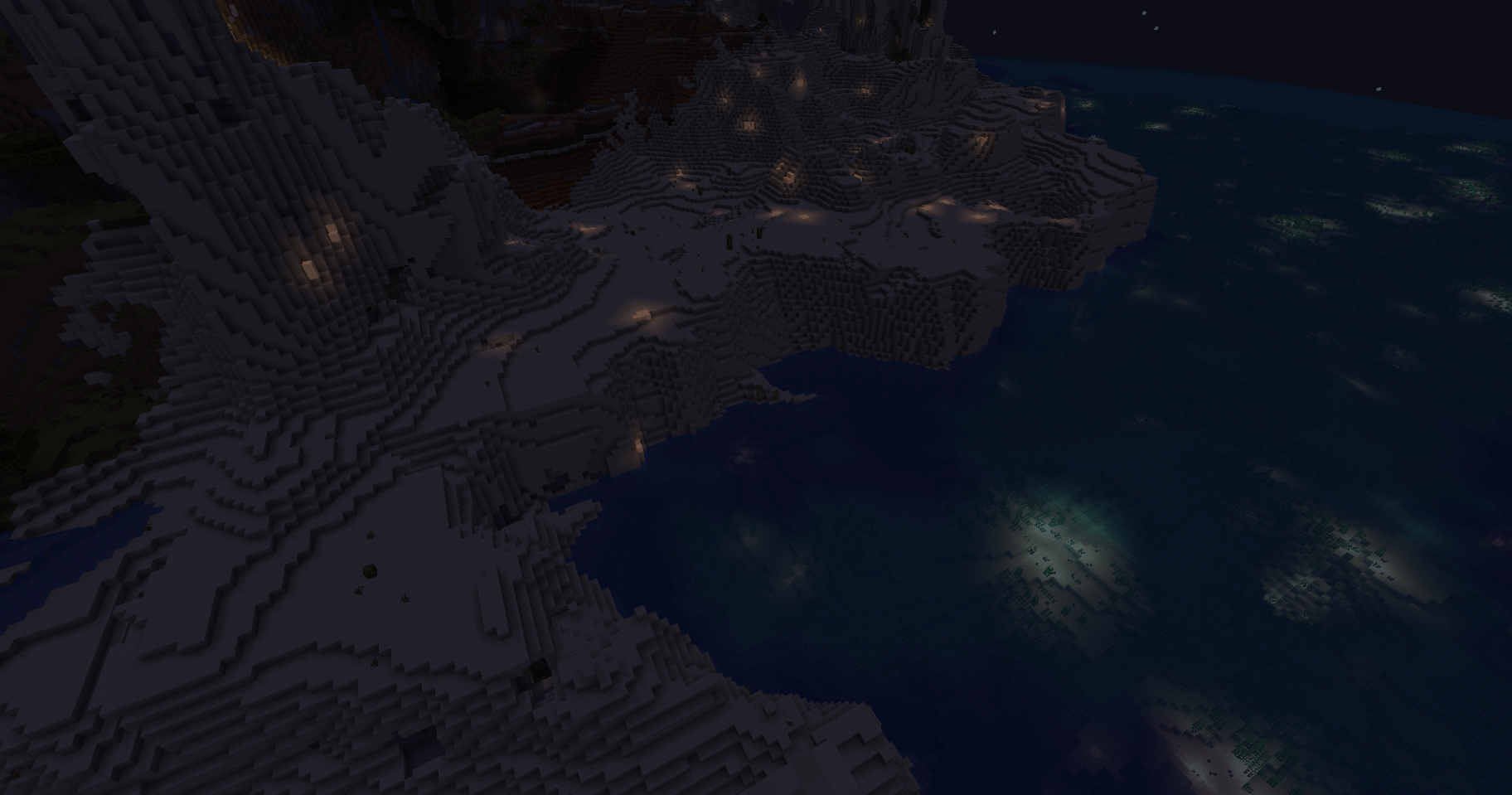
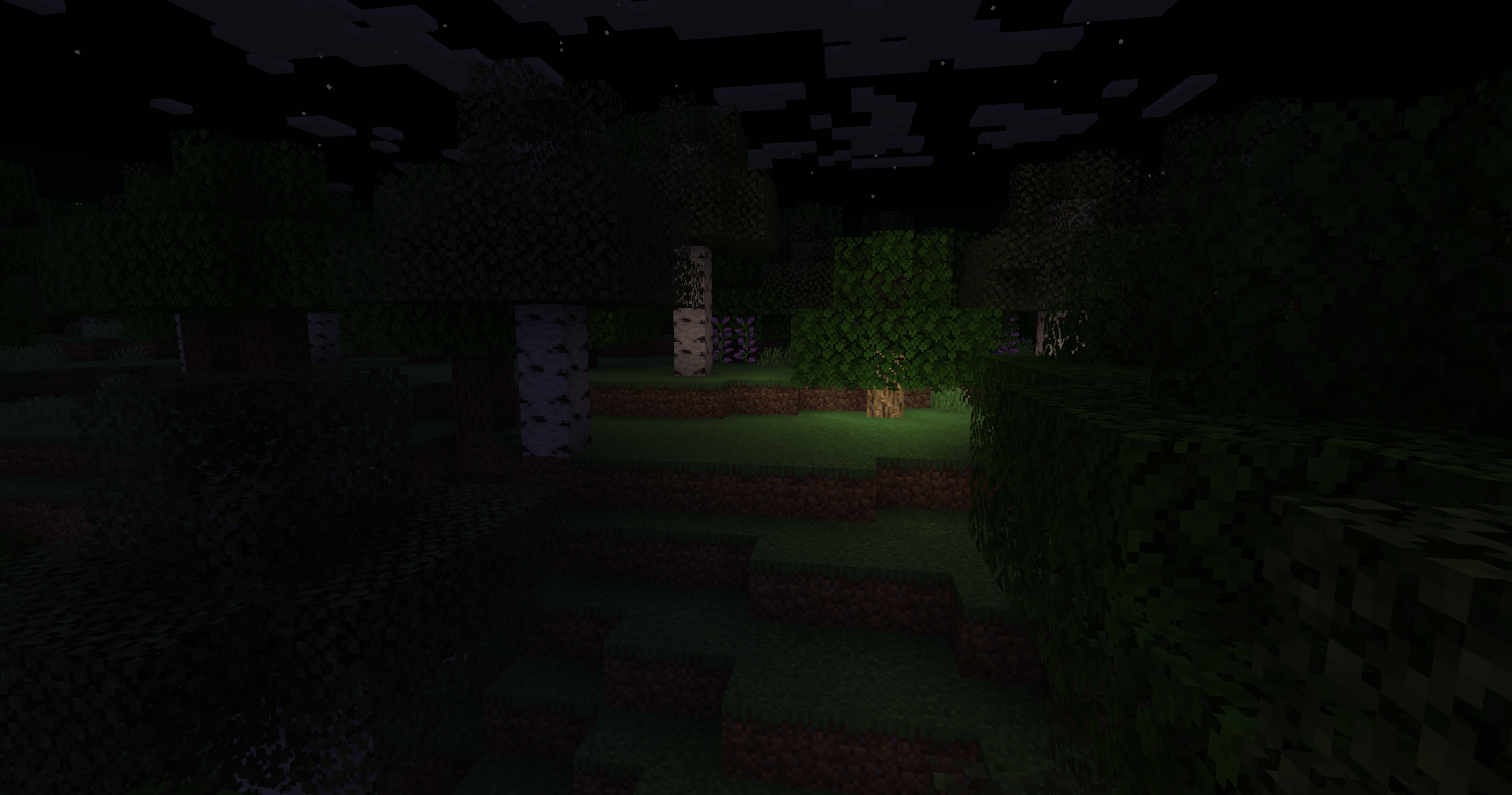
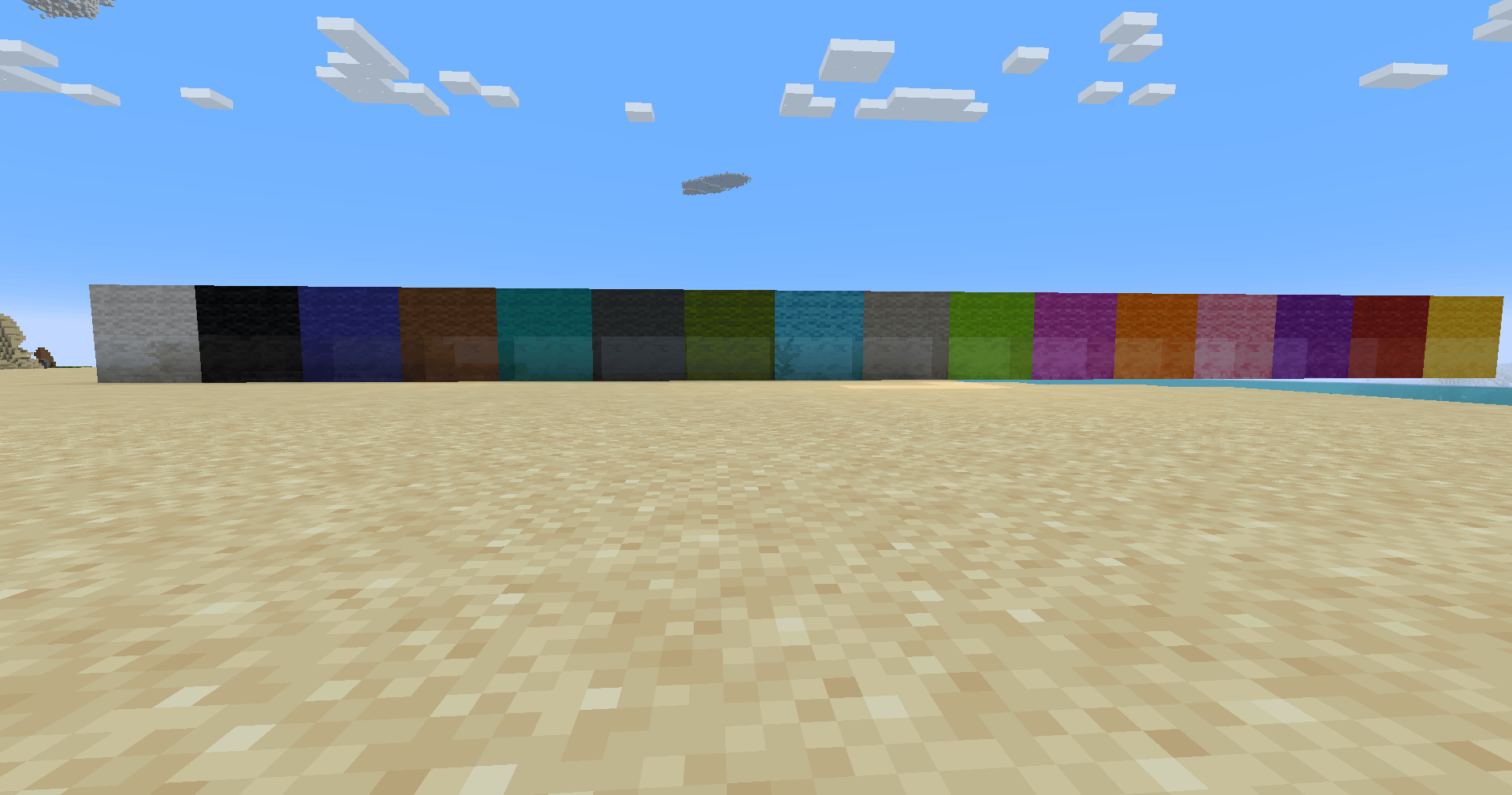
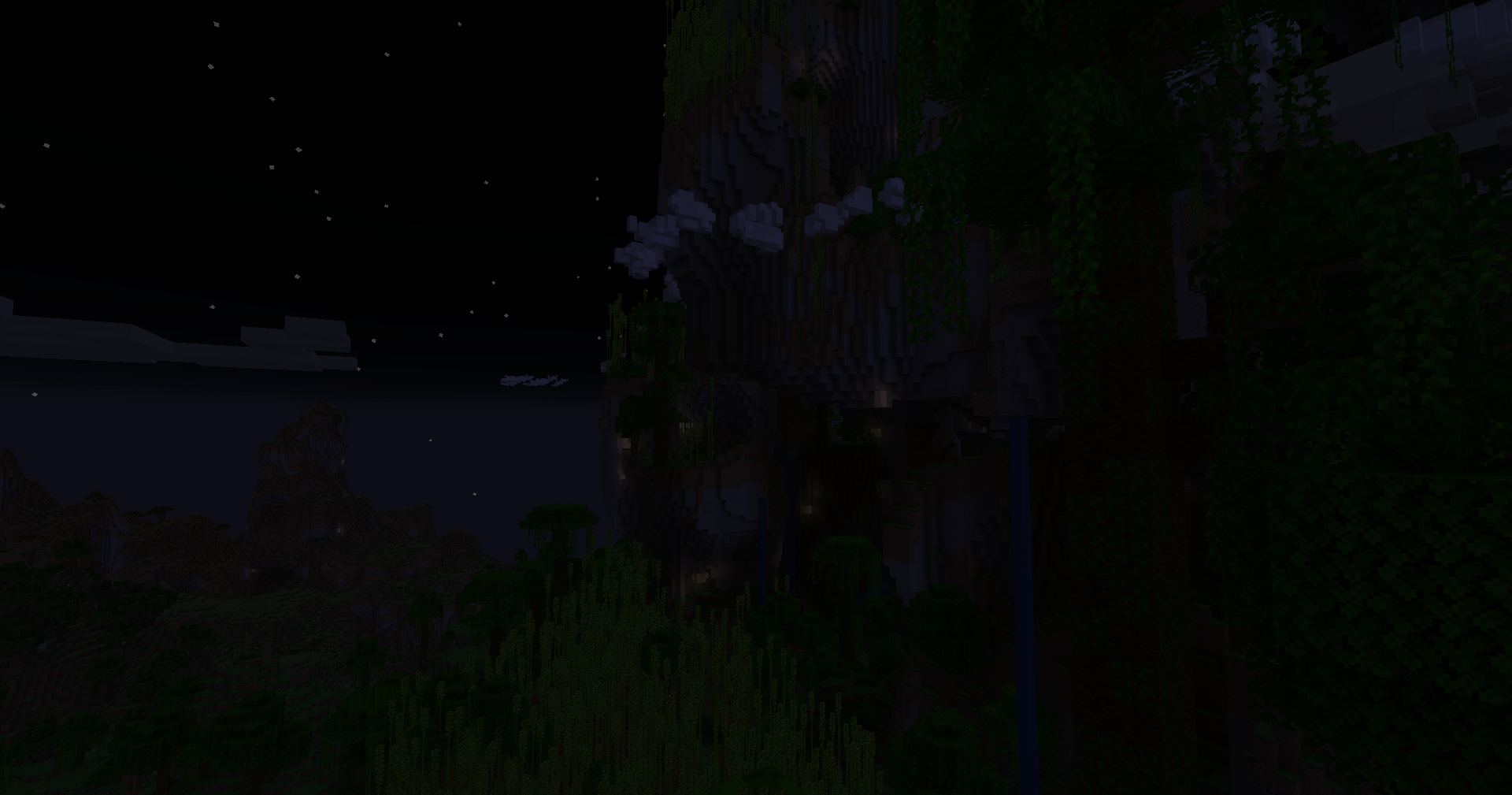
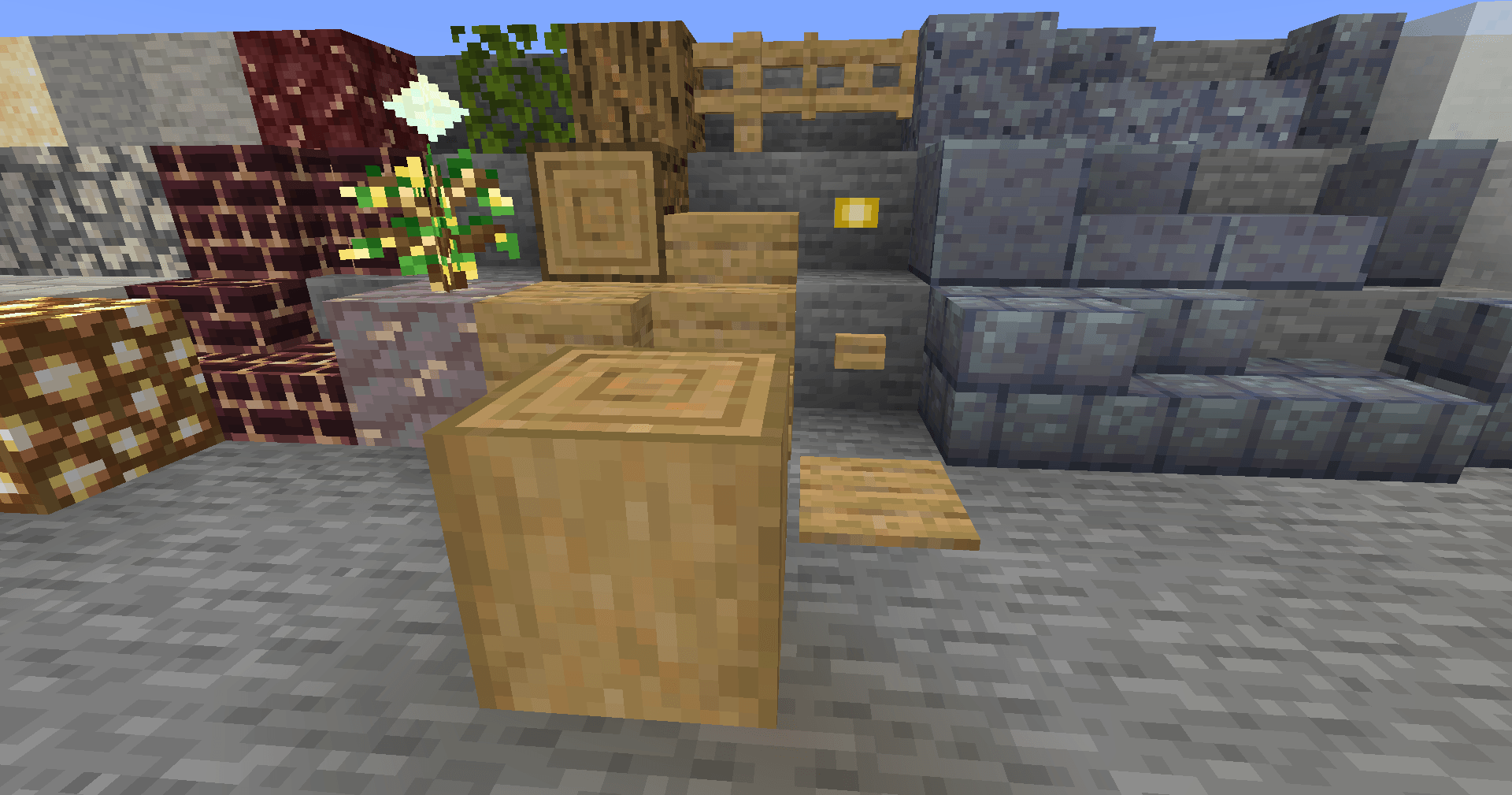
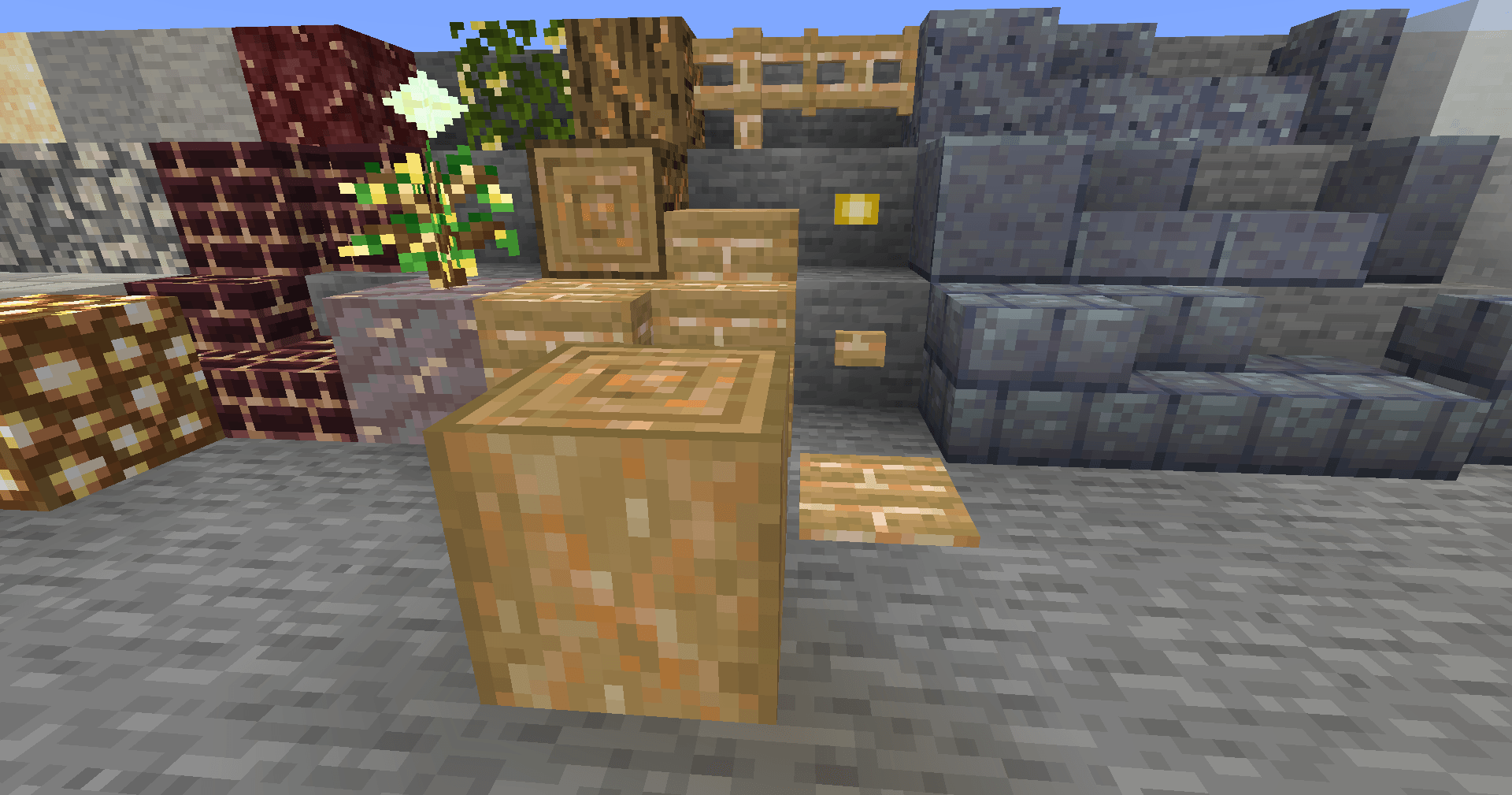
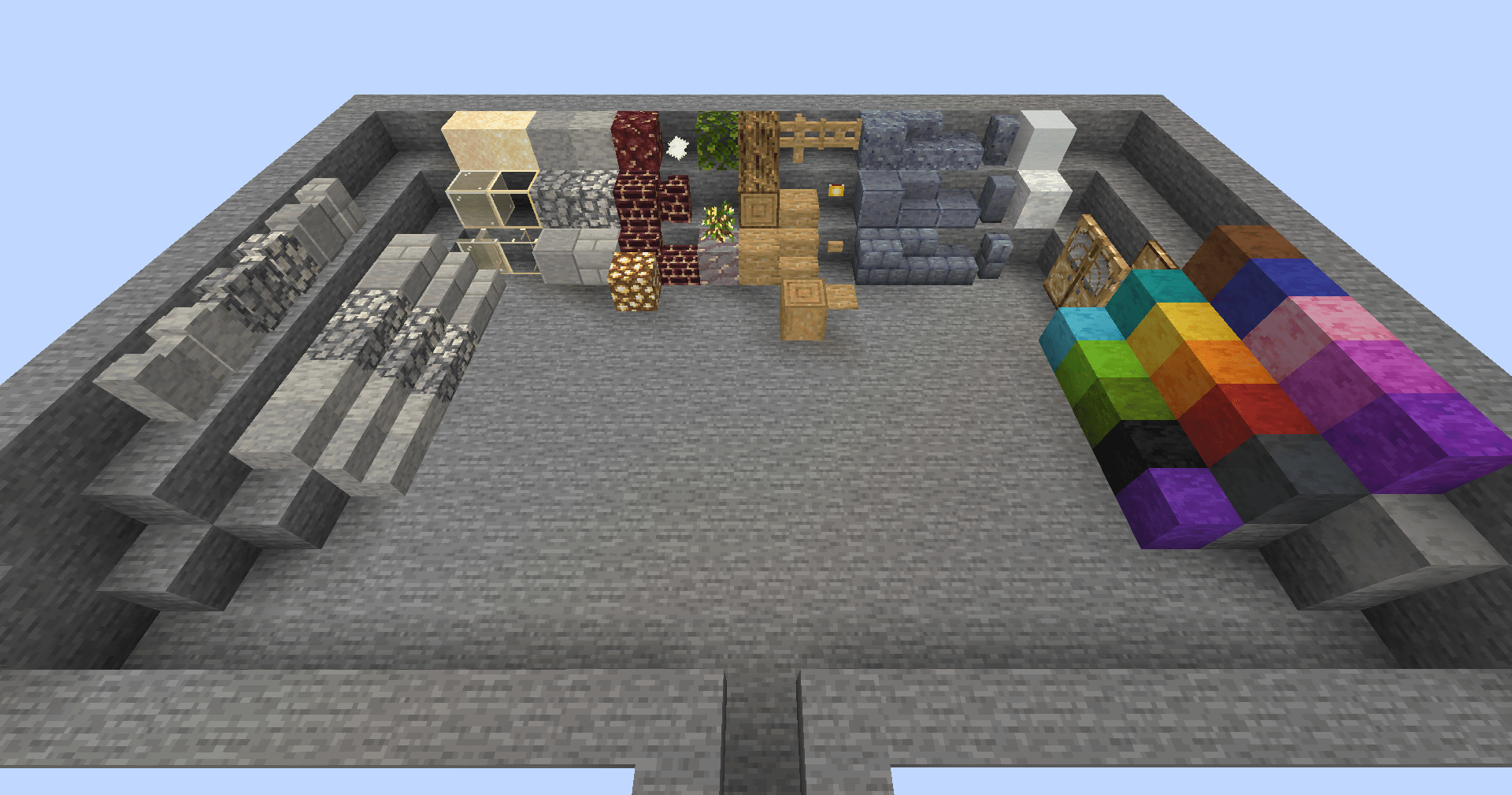
 AtMUL stands for "Atmospheric Materials and Unobtrusive Lighting"
AtMUL aims to add materials to the game that don't feel out of place, as well as lighting options that aren't as in-the-way as things like torches can be in some instances.

There are several methods of lighting added by AtMUL, most of which are found in naturally spawning variants of wood, stone, and sand that give off light; as well as blocks you can craft from those. Our favorite light emitting block is Shimmershale, in part because of its secondary purpose.

AtMUL currently adds only a couple new materials that don't have the primary purpose of emitting light (though more are planned for the future!), made with the aim of adding things that feel like they fit into the Minecraft world while also having useful functionality. Our favorite is Slipstone, a super slippery stone found in some icy biomes! If you polish it, it gets even more slippery! Slippery enough to destroy boats (to prevent their infinite acceleration)... wait, what?

- Sand, Glass, Stone, and Cobblestone variants that produce dim light
- Sand, Glass, Stone, Cobblestone, and Oak variants that produce light as bright as a torch
- A couple materials more slippery than ice
- Clouds that give you the slow fall effect for a couple seconds when you fall through it
- A crystal that spawns underground and infrequently gives nearby mobs the glowing effect
- Several of these materials naturally spawn in certain areas to add atmospheric value to environments
- A couple miscellaneous things
Apollo_Apsis: Primary Modder, Art Direction
Animanical: Artist, Assistant Modder
This mod was made with the help of MCreator, but we plan to shift over to fully manual coding at some point in the future, and we have a few updates planned for the mod that are in the same vein of what's already here. Animanical and I will occasionally stream development builds of the mod on our Twitch channels.
- Edition: Minecraft Java
- File type: .jar
- Minecraft versions listed: 1.21.8, 1.21.4, 1.21.1
- How to install: Install the matching mod loader (Forge, Fabric or NeoForge) for your Minecraft version. → Download the .jar. → Put it in the .minecraft/mods folder and launch that loader profile.
- Where to get it: Opens on CurseForge — not every file is mirrored on our own servers.
Install steps are the general flow for this file type — How to install Minecraft Java mods & modpacks walks through it step by step.
- Ships as atmul-1.1.0-forge-1.20.1.jar — drop this file into the mods folder
- Download size: 1.0 MB
- Download link checked 2 Oct 2026 — working
These come from our own check of the pack file, not from the source page.