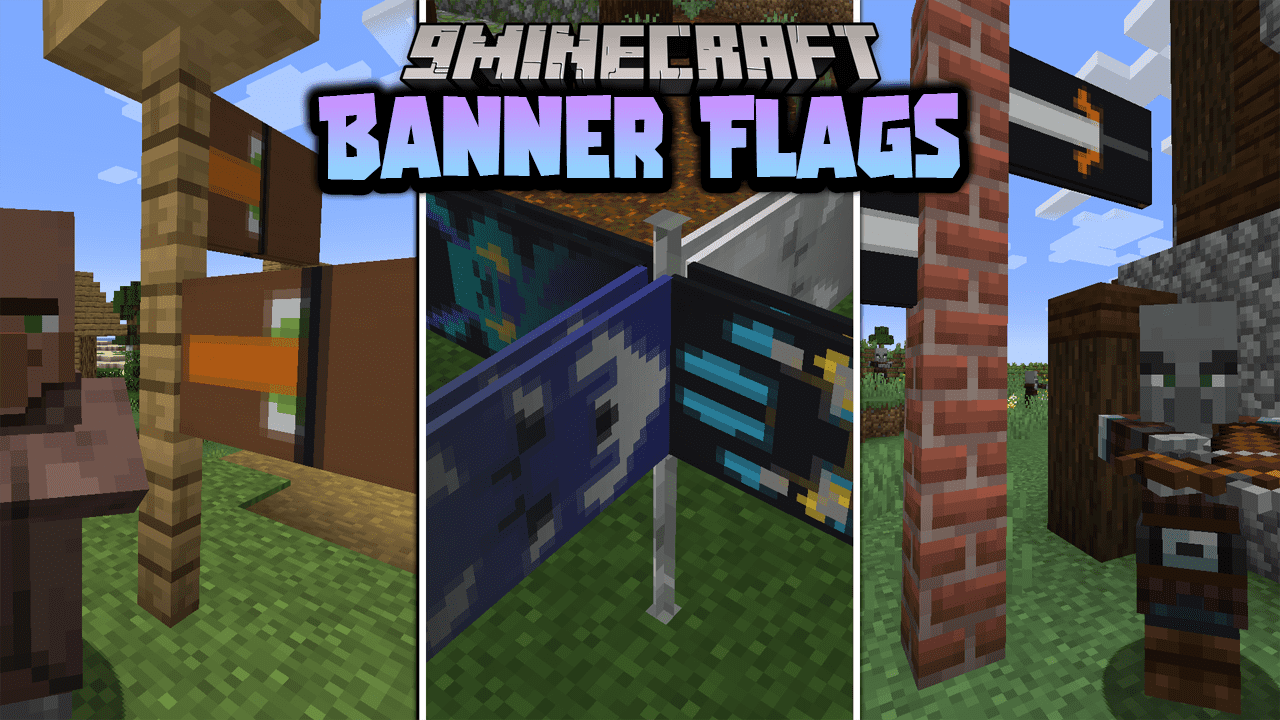
Banner Flags Data Pack (1.21.11, 1.20.1) – Place Banners Horizontally as Flags
Java data pack listed for Minecraft 1.20–1.21. Downloads from the MC Java Mods app on Android.
⬇ Download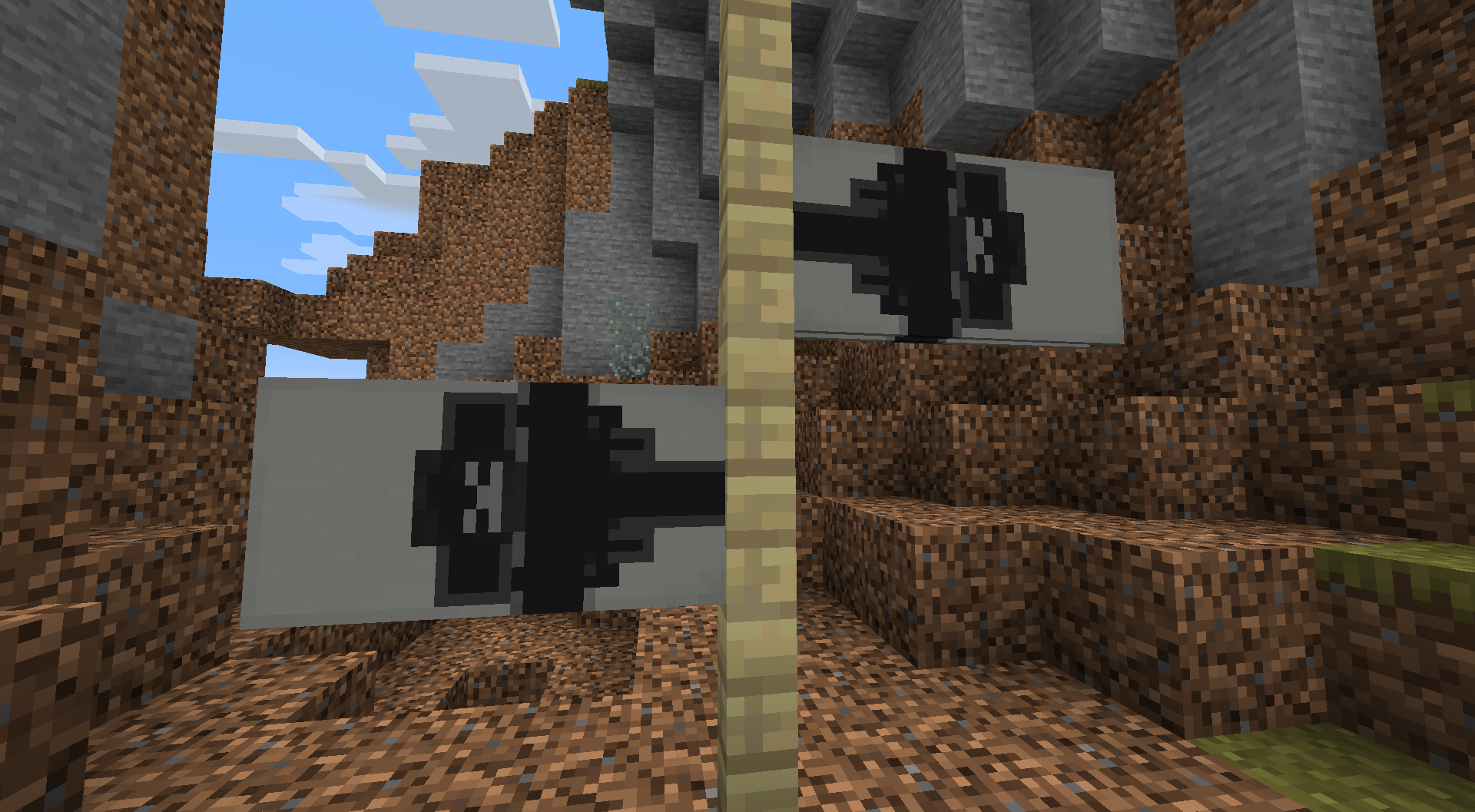
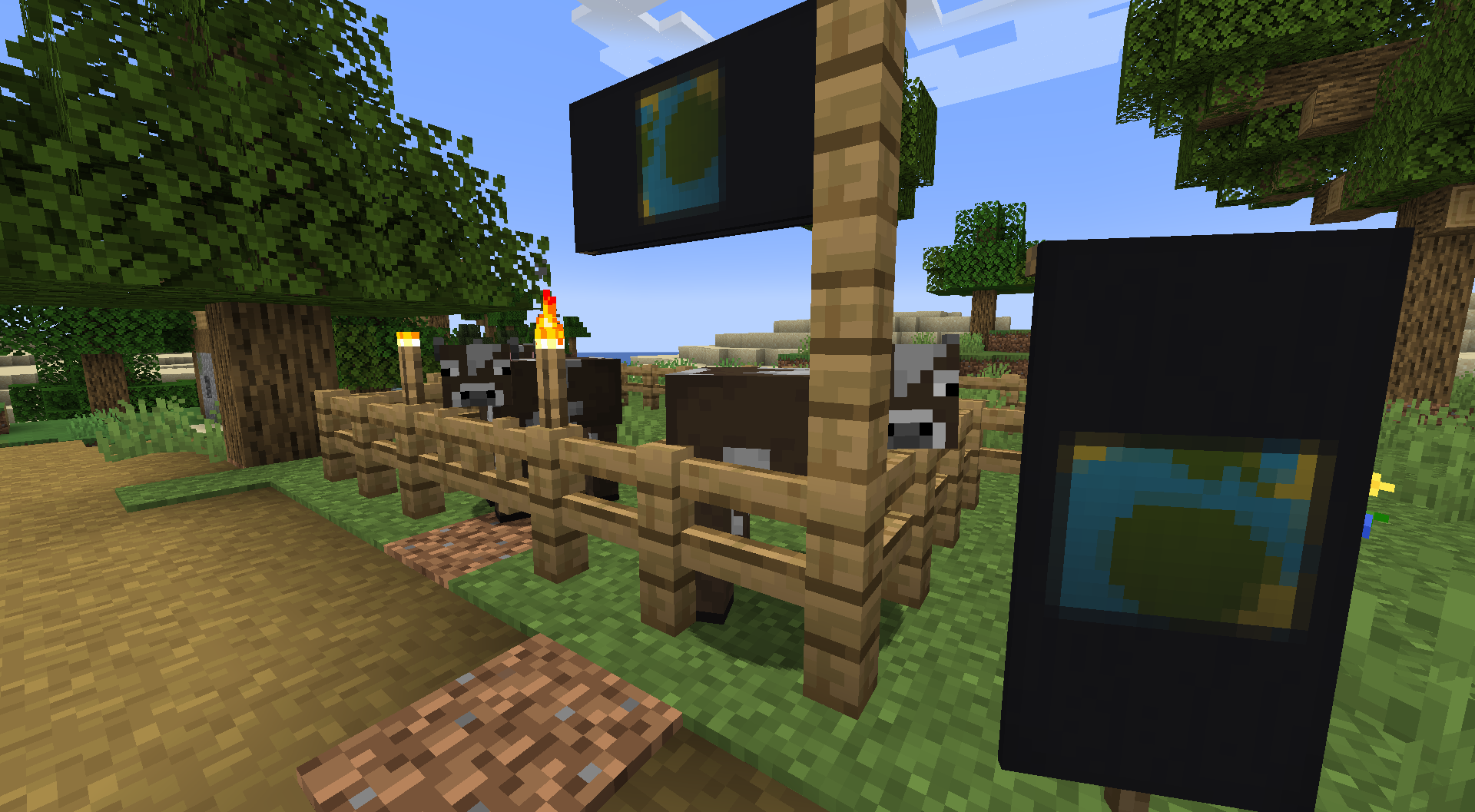
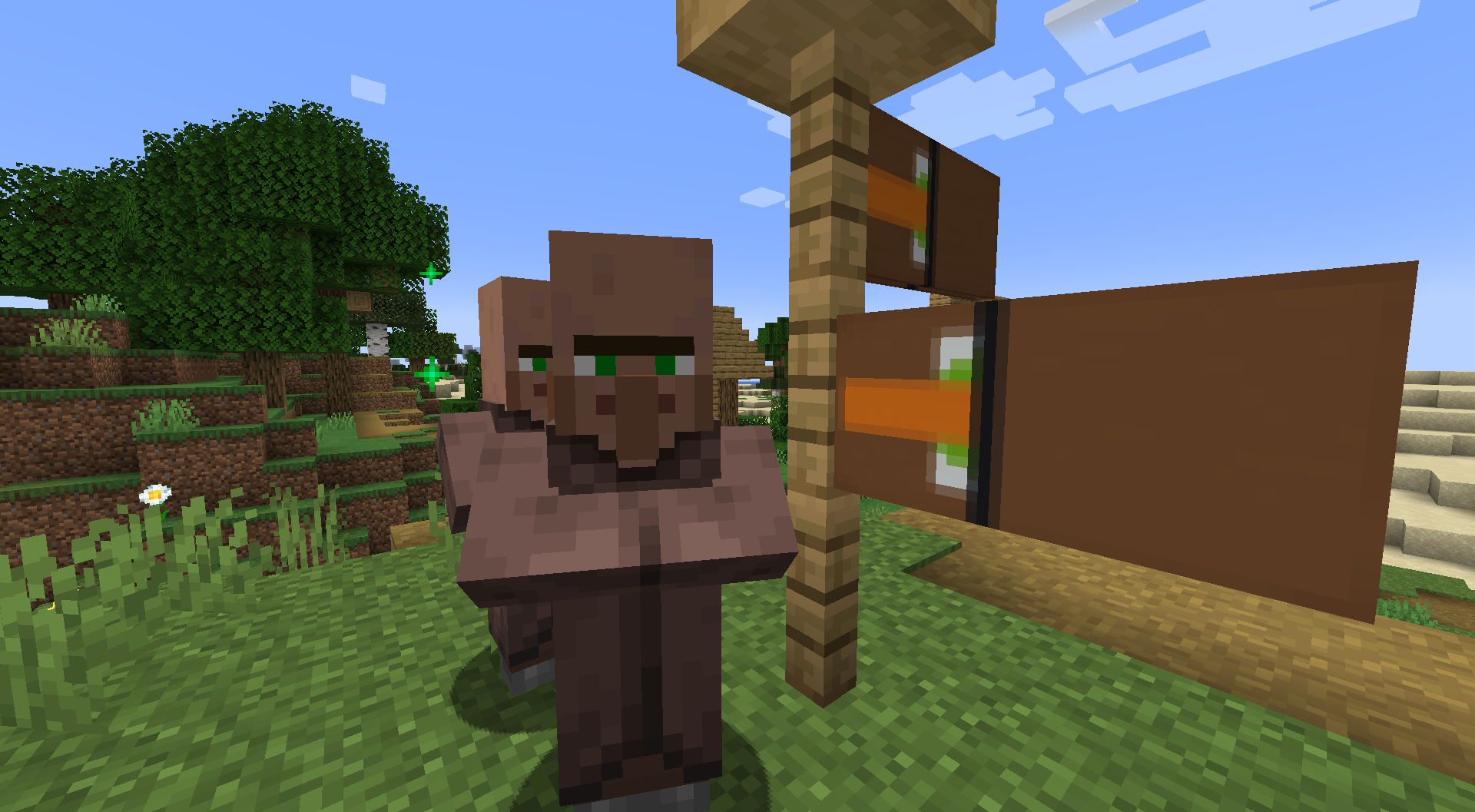
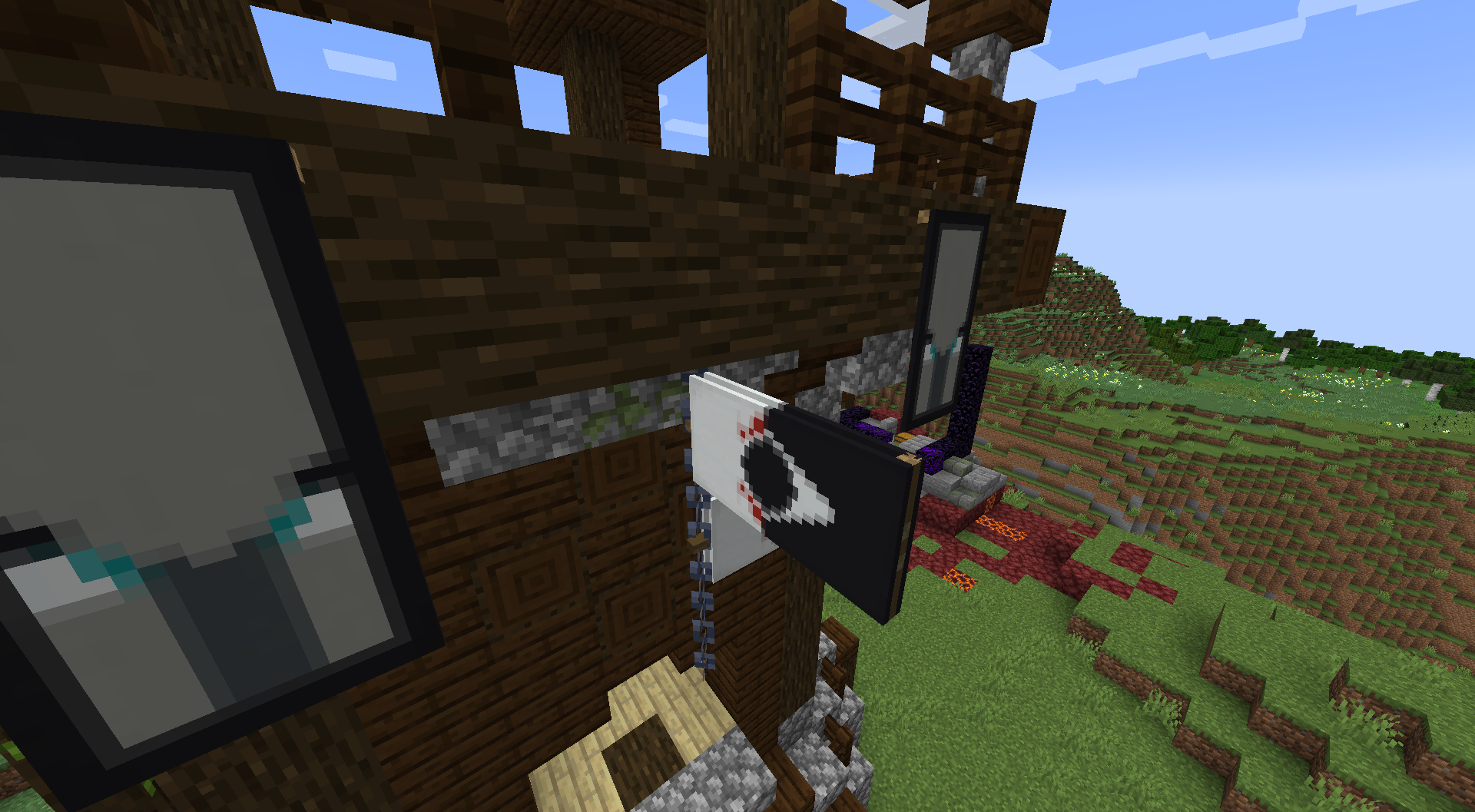
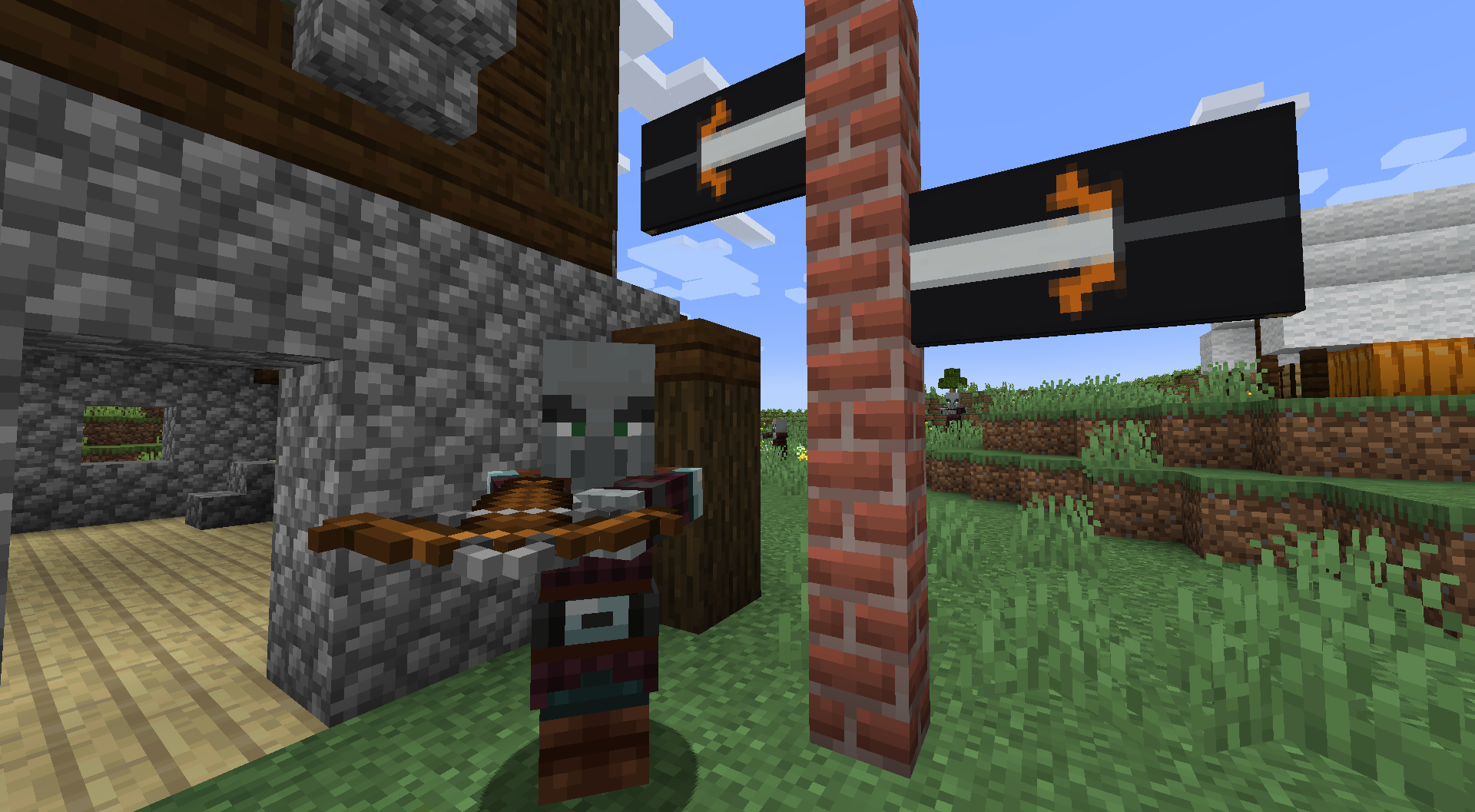
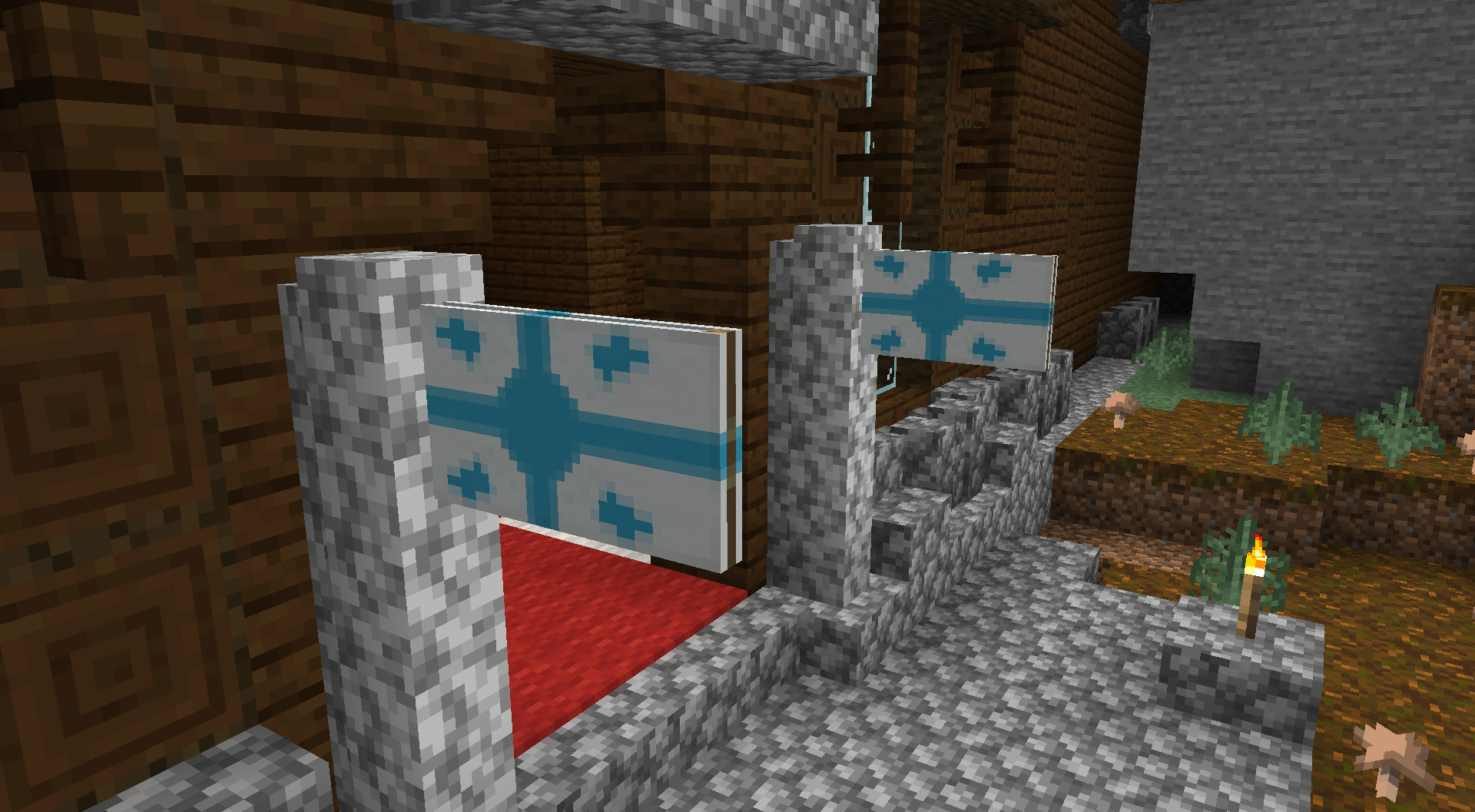
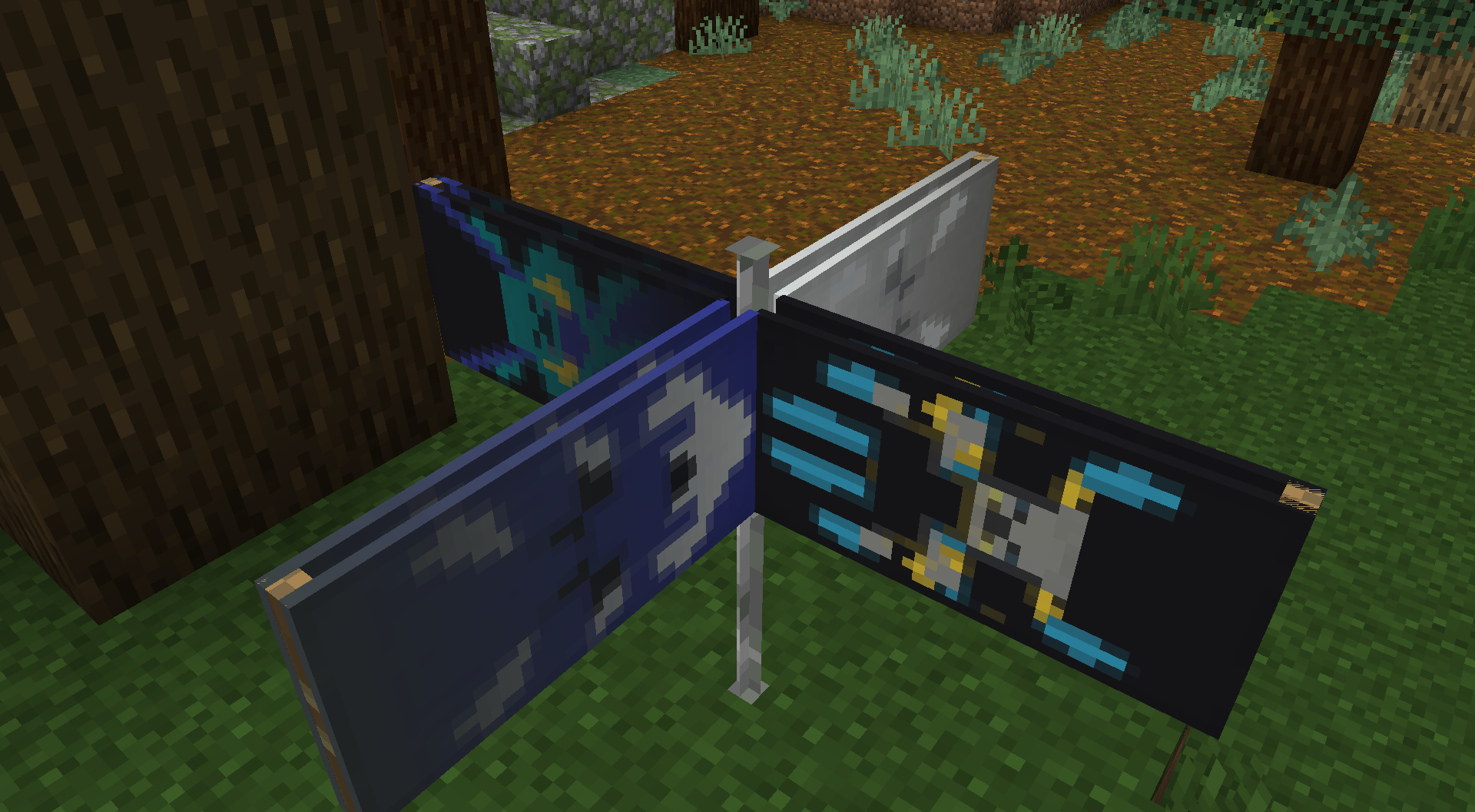
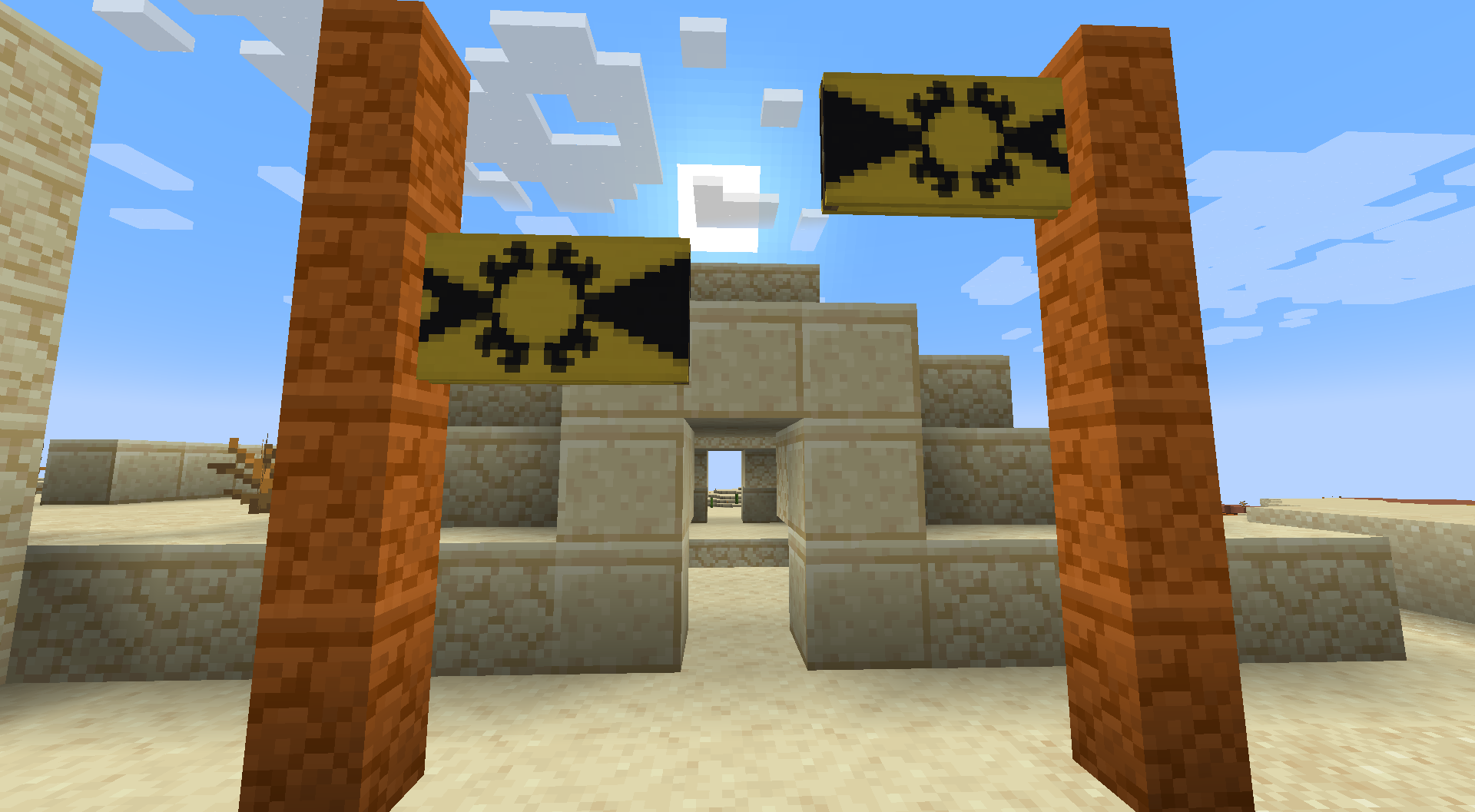
Banner Flags Data Pack introduces a brand new mechanic that allows you to place your banner horizontally to make it feels like a flag. Banners were a great addition to Minecraft that extends the ability for the player to customize and choose a proper decoration for their builds. However, they can only be placed vertically and that limits a lot of their potential. With this data pack, you can place your banner horizontally on blocks like fences, walls, chains, etc.
Features:
- Place flags in 4 directions (8 in version 3.0+)
- Displays the banner you placed
- Break the supporting block to remove and retrieve the banner
- Place multiple flags on the same block
- Works in multiplayer and survival-friendly
- Resize, rotate and flip flags
Supported Blocks
- Fences, walls
- Glass panes
- Iron & copper bars
- Iron & copper chains
- Lightning rods
- Bamboo stems
- End rods
How to Use
- Crouch + right-click a banner onto a supported block to place a flag
- Break the supporting block to remove the flag
- Crouch with a diamond near the flag pole to make the flag bigger (diamond is refunded when removed)
- Crouch with a stick to flip the flag; hold stick in off-hand to rotate
For Admins
- Enable placement delay to avoid protected-area exploits: /function bannerflags:delay_on
Uninstallation
- Break blocks with flags to get banners back
- Or run /function bannerflags:removeall (no banner refund)
Screenshots:
Banner Flags Data Pack Download Links
For Minecraft 1.21.11
For Minecraft 1.21.10, 1.21.9
For Minecraft 1.21.8, 1.21.7, 1.21.6
For Minecraft 1.21.5
For Minecraft 1.21.4
For Minecraft 1.21.1, 1.21
For Minecraft 1.20.6
For Minecraft 1.20.4, 1.20.2, 1.20.1, 1.20
For Minecraft 1.19.4, 1.19.3, 1.19.2, 1.19.1, 1.19
For Minecraft 1.18.2, 1.18.1
- Edition: Minecraft Java
- File type: .jar
- Minecraft versions listed: 1.21.11, 1.20.1
- How to install: Install the matching mod loader (Forge, Fabric or NeoForge) for your Minecraft version. → Download the .jar. → Put it in the .minecraft/mods folder and launch that loader profile.
- Where to get it: In MC Java Mods, or directly above on this page.
Install steps are the general flow for this file type — see the MC Java Mods guides for the full walkthrough.
- Download size: 23 KB
- Download link checked 17 Jun 2026 — working
- Mirrored on our own servers — the download does not depend on the original host
These come from our own check of the pack file, not from the source page.