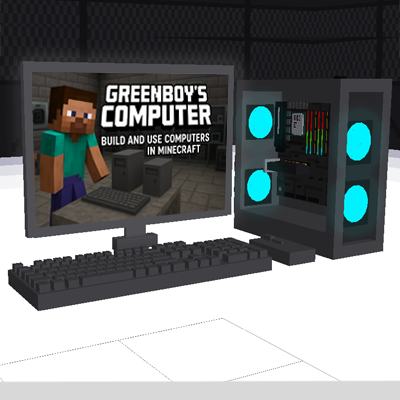
Greenboy's Computer
Java mod listed for Minecraft 1.21. File opened and checked on 22 Oct 2026; downloads from the MC Java Mods app on Android.
⬇ Download on CurseForgeThe author built this one for Minecraft 1.21.1 on NeoForge. On other versions it may install and then do nothing.
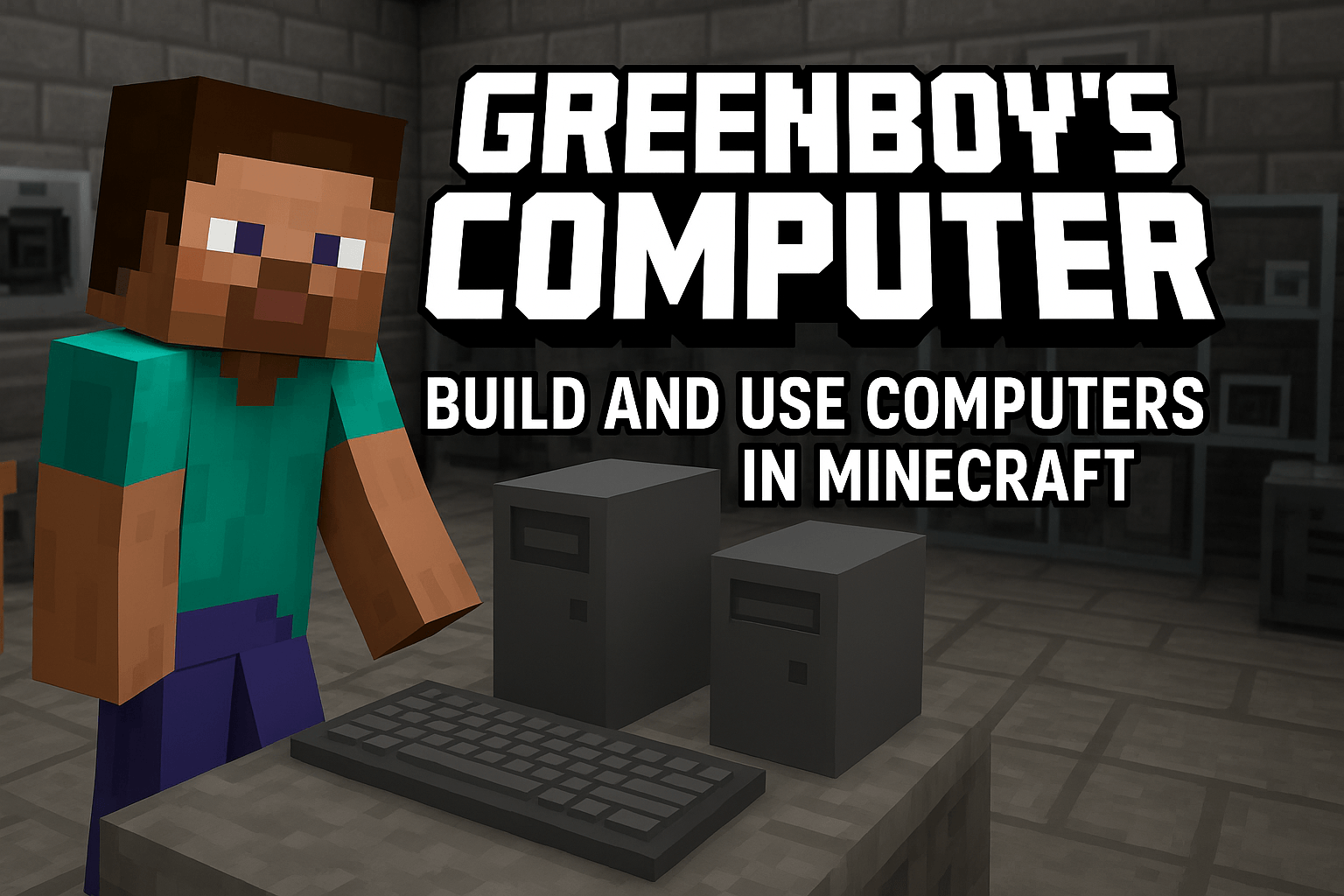
💻 Greenboy Working Computer Mod
Greenboy Working Computer Mod adds fully functional, buildable computers to Minecraft! Assemble real PC components, build your own setup, and use interactive apps just like in real life.
🔧 About the Mod
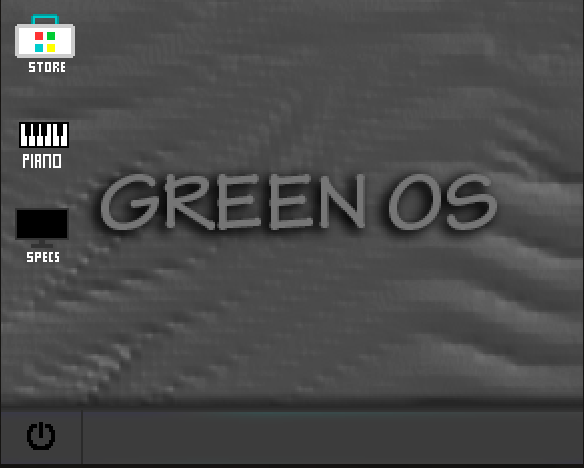
This mod introduces realistic, working computers into Minecraft. Players must collect and assemble authentic PC components such as CPU, GPU, SSD, and RAM to build their very own computer. Once completed, the computer becomes fully usable with multiple built-in applications.
🖥️ Features (V2)
V2 Added Save And Load Feature In Notepad And Paint To The Mod. Now You Can Save And Load.
✅ Craftable Computer System
Empty Case – Crafted by placing a Motherboard in the center with Iron Ingots surrounding it in the crafting table.
Computer Cabinet (Shell Only) – Used as the base to craft a full PC.
Full Computer Setup – Crafted using:
- Cabinet
- Mouse
- Keyboard
- Monitor
✅ PC Components
- CPU
- GPU
- SSD
- RAM
✅ Extra Devices
- Mouse
- Keyboard
- Monitor
📦 Special Items
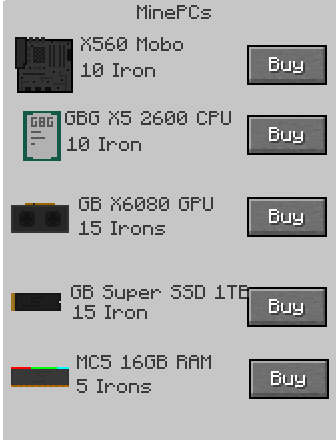
- Order Device – Automatically given when the player joins. Used to order PC parts.
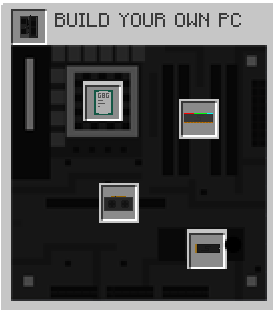
- PC Builder – Automatically given when the world loads. Used to assemble all PC components. Once all parts are inserted, the fully built PC is added automatically to the player’s inventory.
🧠 Built-in Apps & Programs
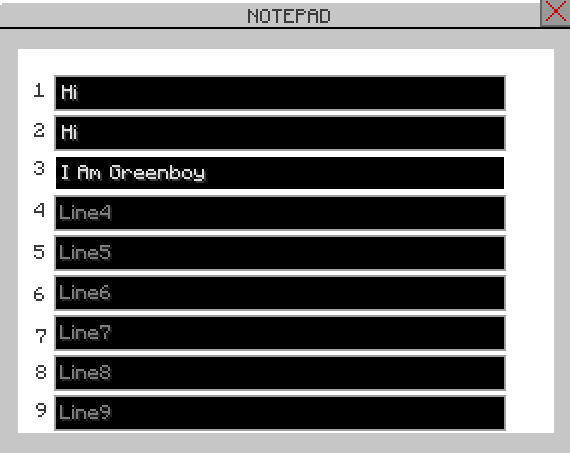
- 📝 Notepad – Simple text editor
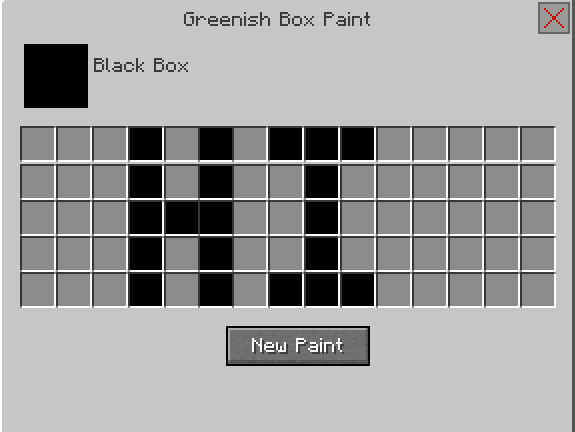
- 🎨 Paint – Slot-based drawing app
- 🎹 Piano – Fully playable virtual piano
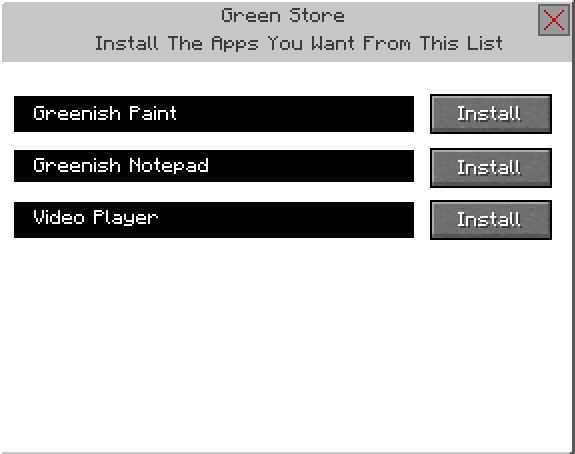
- 🛒 Store – In-game app store
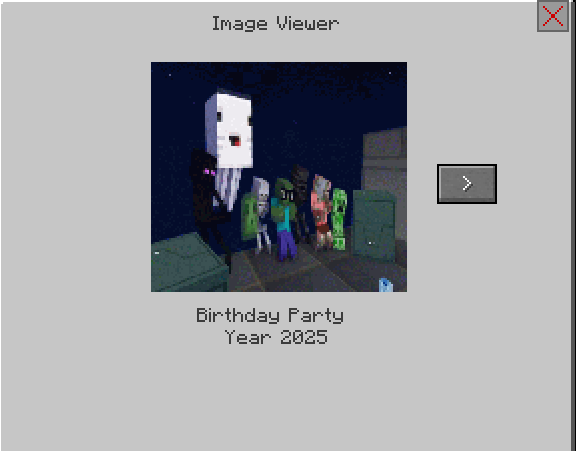
- 🖼️ Image Viewer – Displays images
- ⚙️ Specs – Shows full computer system properties
- Edition: Minecraft Java
- File type: .jar
- Minecraft version listed: 1.21.1
- How to install: Install the matching mod loader (Forge, Fabric or NeoForge) for your Minecraft version. → Download the .jar. → Put it in the .minecraft/mods folder and launch that loader profile.
- Where to get it: Opens on CurseForge — not every file is mirrored on our own servers.
Install steps are the general flow for this file type — How to install Minecraft Java mods & modpacks walks through it step by step.
- Ships as greenboy_computer-2.0.0-neoforge-1.21.1.jar — drop this file into the mods folder
- Download size: 3.1 MB
- Download link checked 23 Oct 2026 — working
These come from our own check of the pack file, not from the source page.