
Secure Pouch
Java mod listed for Minecraft 1.20. Downloads from the MC Java Mods app on Android.
⬇ Download on CurseForgeThe author built this one for Minecraft 1.20.1 on Forge. On other versions it may install and then do nothing.
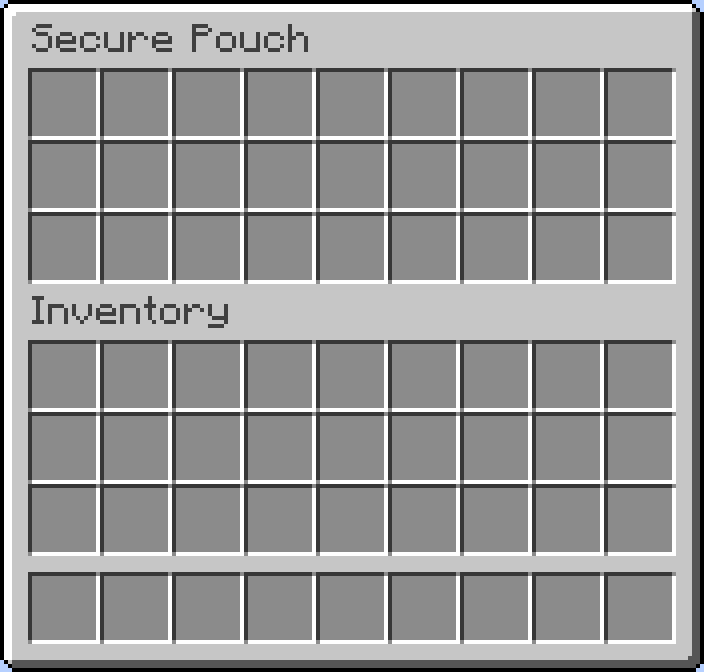
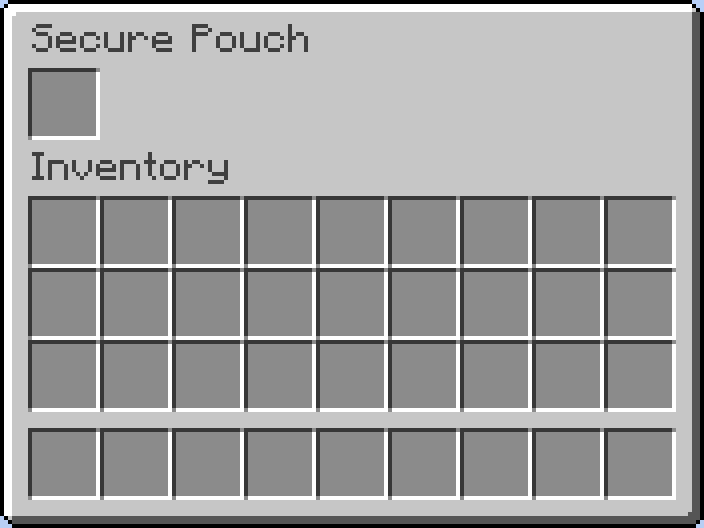
Tired of losing your hard-earned valuables every time you lose a fight? Secure Pouch is a simple but essential mod, inspired by the container system in Escape from Tarkov, designed to reduce the frustration of death in high-stakes environments.
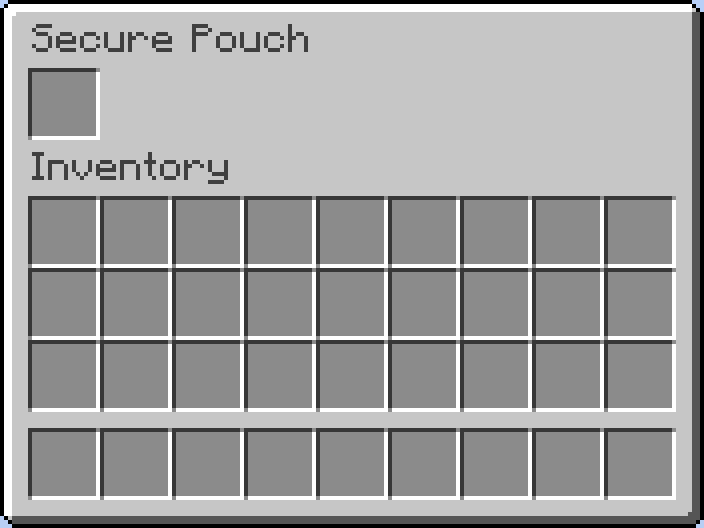
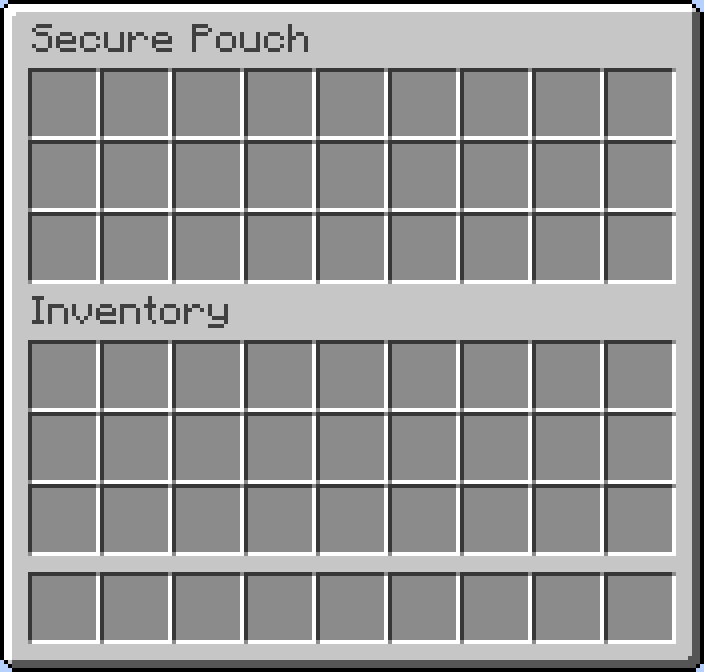
Secure Pouch - v1.0.0 Official Release!
Key Features
- Pouch Expansion System: You can now expand the number of slots in your pouch using a new item.
- New Item: 'Pouch Upgrade Kit': Crafted from Diamonds, Leather, and a Netherite Ingot. Hold it and Right-click to use.
- Server-Side Configuration (
securepouch-server.toml): Server administrators can now configure the 'initial slots', 'maximum slots', 'slots added per upgrade' , and 'Item Blacklist'for the pouch. - Death-Proof Storage: Store your most precious items in a special pouch. Everything inside is 100% safe when you die.
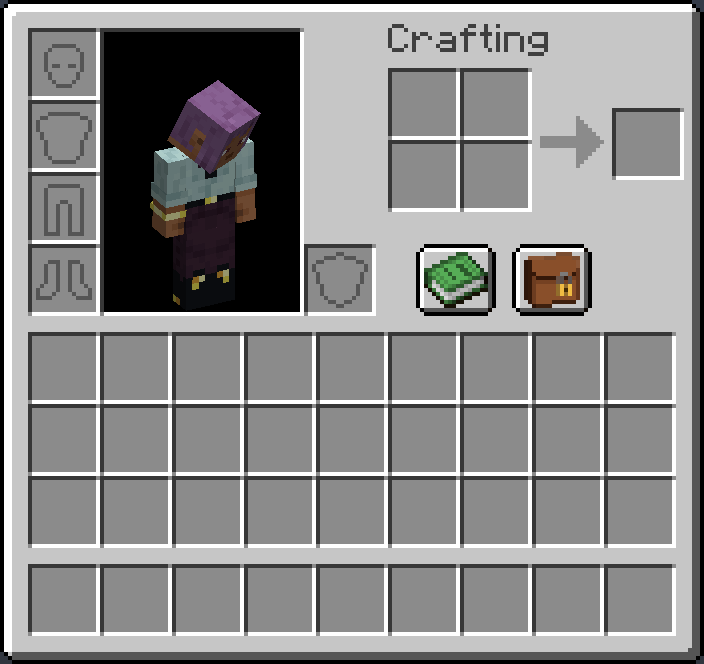
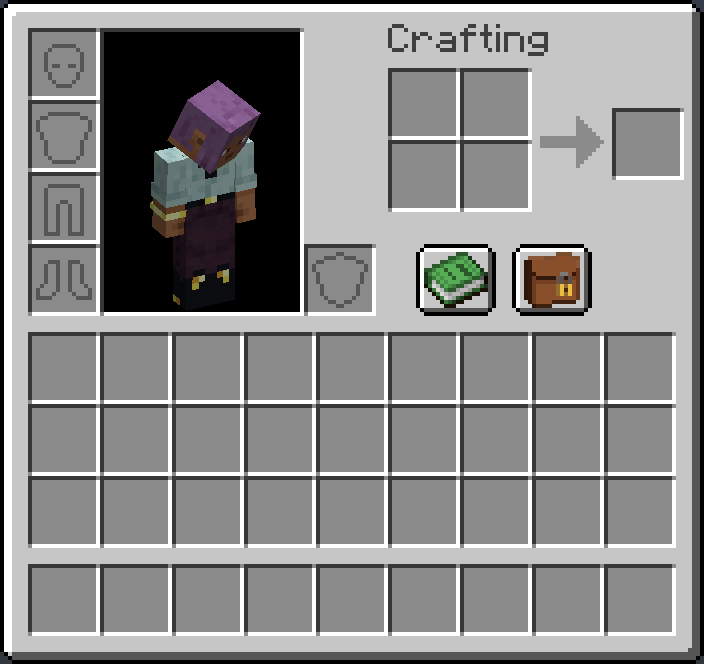
- Easy Access: A simple button is added directly to your player inventory screen. No extra hotkeys or commands to remember.
- Seamless Integration: Designed to feel like a natural part of the game. The inventory management is intuitive and works just like a chest.
- Server-Side & Secure: All pouch data is handled securely on the server, ensuring there's no way for other players to access your protected loot.
How to Use
- Press 'E' to open your inventory.
- Click the new pouch button located next to your character.
- Move items between your main inventory and the secure pouch. It's that simple!
Perfect for PvP servers, hardcore survival worlds, or for any player who wants a little extra insurance against disaster.
- Edition: Minecraft Java
- File type: .jar
- Minecraft version listed: 1.20.1
- How to install: Install the matching mod loader (Forge, Fabric or NeoForge) for your Minecraft version. → Download the .jar. → Put it in the .minecraft/mods folder and launch that loader profile.
- Where to get it: Opens on CurseForge — not every file is mirrored on our own servers.
Install steps are the general flow for this file type — How to install Minecraft Java mods & modpacks walks through it step by step.
- Ships as securepouch-1.20.1-0.1.0-beta.2.jar — drop this file into the mods folder
- Download size: 26 KB
- Download link checked 23 Oct 2026 — working
These come from our own check of the pack file, not from the source page.