Create: EasyFilling
Java mod listed for Minecraft 1.20–1.21. Downloads from the MC Java Mods app on Android.
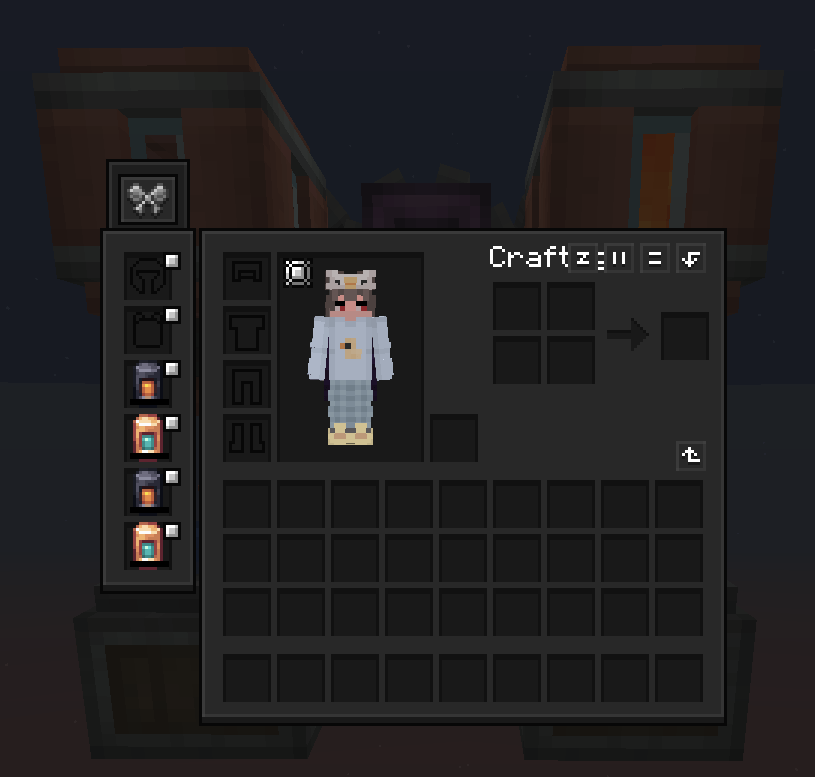
Create: EasyFilling lets you fill CS'NA (Create Stuff 'N Additions) filling tank items directly via the Create Spout. Supports small/medium/large tanks…
I don't know my version or loader
🌟 Overview

Ever been building a Create factory and thought: “Why can’t the Create Spout just fill my Create Stuff ’N Additions tanks?” Now it can.
EasyFilling is a tiny, focused add-on that bridges the two mods so your fluid automation stays simple and clean—no weird workarounds.
Place a Spout, feed it the right fluid, hold your CS'NA tank underneath… and watch it fill. That’s it.
✨ Features
- Spout → CS'NA tanks: Full support for
- Small Fueling/Filling Tank
- Medium Fueling/Filling Tank
- Large Fueling/Filling Tank
- Fluids: Water & Lava (more are handled by CS'NA as applicable)
- Tooltips: Titles always visible; extra details when you hold Shift
- Lightweight: No new blocks, no config—just proper fluid capability
- Works great in packs: Client + server friendly, performance-friendly
⚙️ Requirements
- NeoForge 21.1.176
- Create 6.0.6
- Flywheel 1.0.x
- Create Stuff ’N Additions 2.1.0.e
Tested on Minecraft 1.21.1 with the versions above.
🧪 How to Use
-
Craft a CS'NA Fueling/Filling tank (small/medium/large).
-
Put the right fluid in a Create Spout.
-
Hold the tank under the Spout (or pass it through your line). Done.
📦 Modpack Permissions
Go for it. You’re welcome to include EasyFilling in any modpack. A link back is appreciated but not required.
🙌 Credits
Huge thanks to the teams behind Create, Flywheel, and Create Stuff ’N Additions.
- Edition: Minecraft Java
- File type: .jar
- Minecraft versions listed: 1.21.1, 1.20.1
- How to install: Install the matching mod loader (Forge, Fabric or NeoForge) for your Minecraft version. → Download the .jar. → Put it in the .minecraft/mods folder and launch that loader profile.
- Where to get it: Opens on CurseForge — not every file is mirrored on our own servers.
Install steps are the general flow for this file type — How to install Minecraft Java mods & modpacks walks through it step by step.
- Ships as create-easyfilling-dypiduo-1.20.1Forge-1.0.0F.jar — drop this file into the mods folder
- Download size: 2.3 MB
- Download link checked 2 Oct 2026 — working
These come from our own check of the pack file, not from the source page.