
ModsJava
ClientSide Commands
Java mod listed for Minecraft 1.20–1.21. Downloads from the MC Java Mods app on Android.
I don't know my version or loader
Open the Minecraft launcher and look at the profile you play on — it names both, like fabric-loader-1.21.4. The version also shows in the bottom-right corner of the game's main menu.
No loader in the profile name? Then it's plain Minecraft, and these mods won't run — you need Fabric or NeoForge installed first.

ClientSide Commands


Adds a bunch of useful non-cheat clientside commands to your game such as:
- QOL features
- settings commands
- f3 menu display on keyboard layout with no f3 key
- debugging commands for developers
undefined
🔎 Full list of commands
List of commands
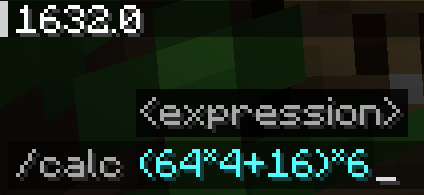
- /calc … : calculate an expression
- /copy mypos/myrot/myUUID : copy values to the clipboard
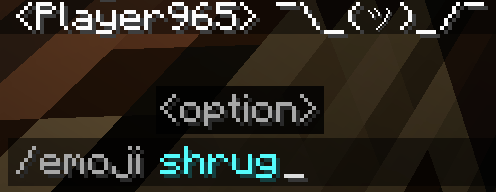
- /emoji … : send an emoji in the chat (such as ¯\(ツ)/¯ or (⊙ _ ⊙ ) )
- /lookat … … : rotate your camera to the specified yaw and pitch
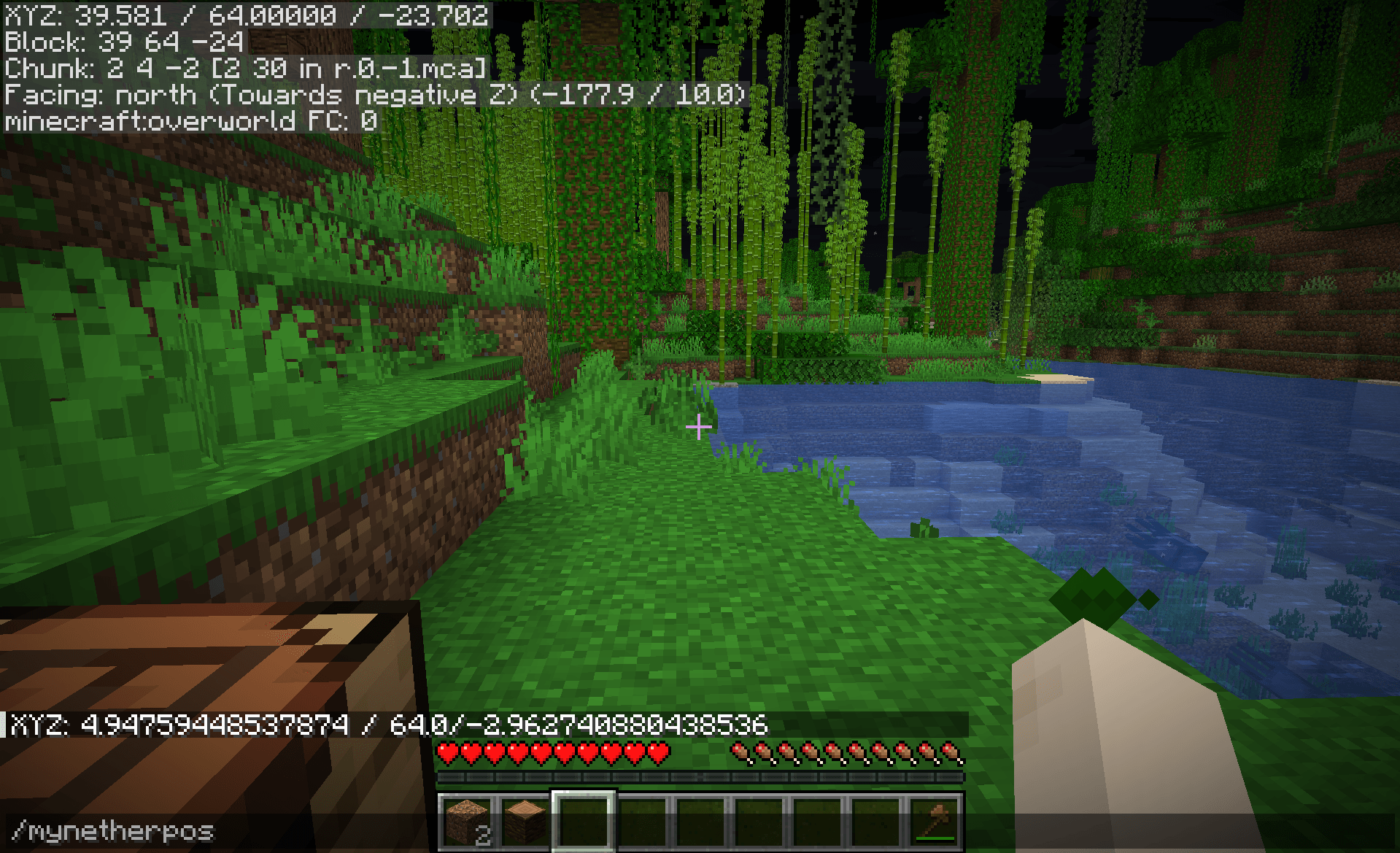
- /mynetherpos : convert your coordinates to the nether (/8 if the player is not already in the nether)
- /myoverworldpos : convert your coordinates to the overworld (*8 if the player is not already in the overworld)
- /clearchat : clear the chat
- /wiki : open the wiki's page of the held item
- /rc : reload chunks
- /rr : reload ressourcepacks
- /ss : takes a screenshot
- /quit : quit the world/server and go back to the main menu
- /set fov … : set a fov value (allow for values outside of the expected range)
- /set gamma … : set a gamma value (allow for values outside of the expected range)
- /set hudscale … : scale the hud
- /toggle fog : toggle in-game fog
- /toggle advancedtooltips : toggle advanced item tooltips
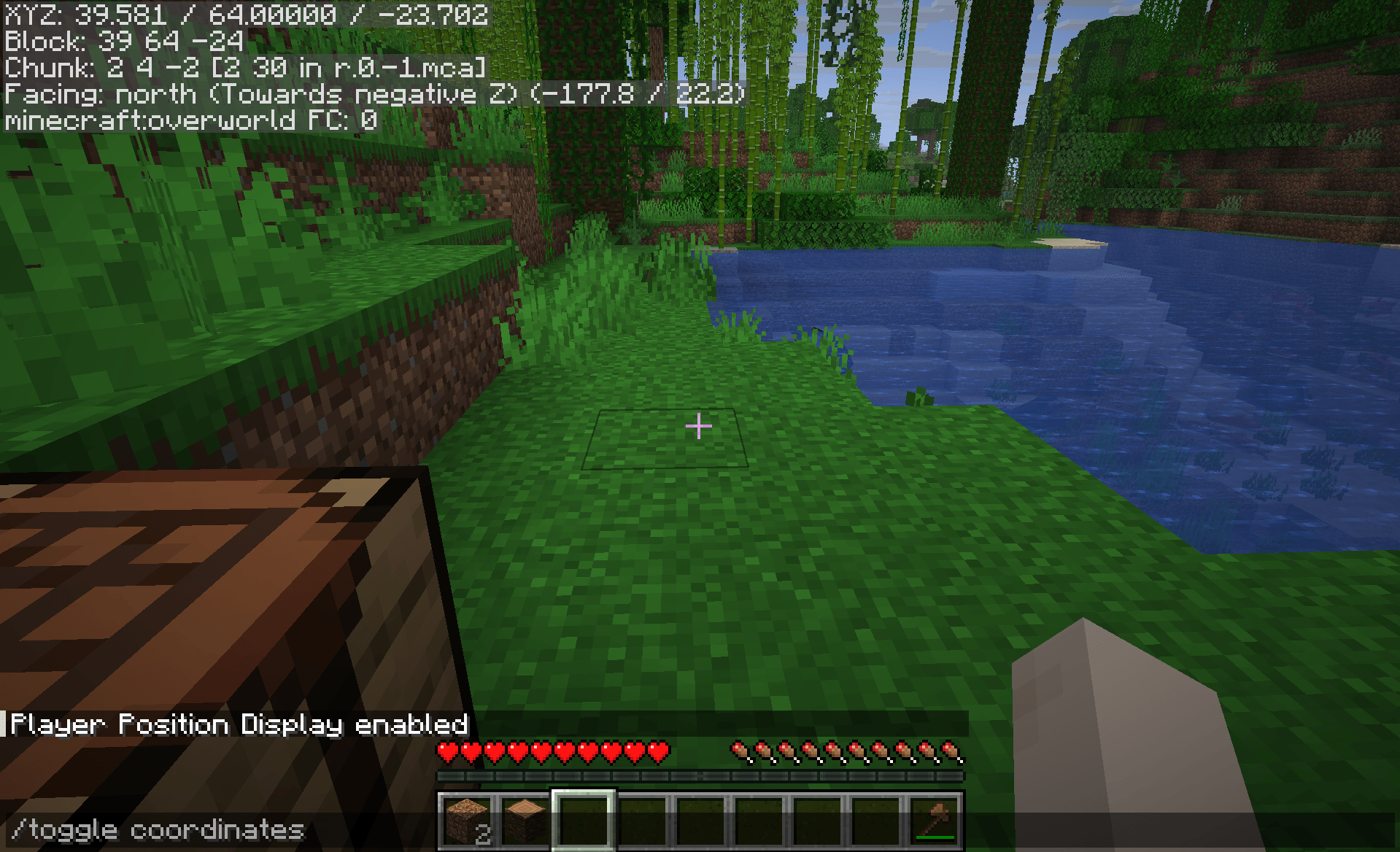
- /toggle f3menu (/f3) : toggle the f3 menu, useful for keyboards without the f3 key
- /toggle debugrenderer … : toggle one of the debug renderers, not accessible from inside of the vanilla game
- All the /copy command arguments also exists as standalone command to display the value
📦 Modpack
Feel free to add this mod in your modpacks.
undefined
Quick facts
- Edition: Minecraft Java
- File type: .jar
- Minecraft versions listed: 1.21.11, 1.21.9, 1.21.10
- How to install: Install the matching mod loader (Forge, Fabric or NeoForge) for your Minecraft version. → Download the .jar. → Put it in the .minecraft/mods folder and launch that loader profile.
- Where to get it: Opens on CurseForge — not every file is mirrored on our own servers.
Install steps are the general flow for this file type — How to install Minecraft Java mods & modpacks walks through it step by step.
File checked by MCModsHub
- Ships as clientsidecommands-1.0.1.jar — drop this file into the mods folder
- Download size: 232 KB
- Download link checked 2 Oct 2026 — working
These come from our own check of the pack file, not from the source page.