Efficient Entities
Minecraft Java mod. Downloads from the MC Java Mods app on Android.
This 1.12.2 mod speeds up mob rendering by batching an entity's geometry into one GPU draw call instead of many.
⬇ Download on CurseForge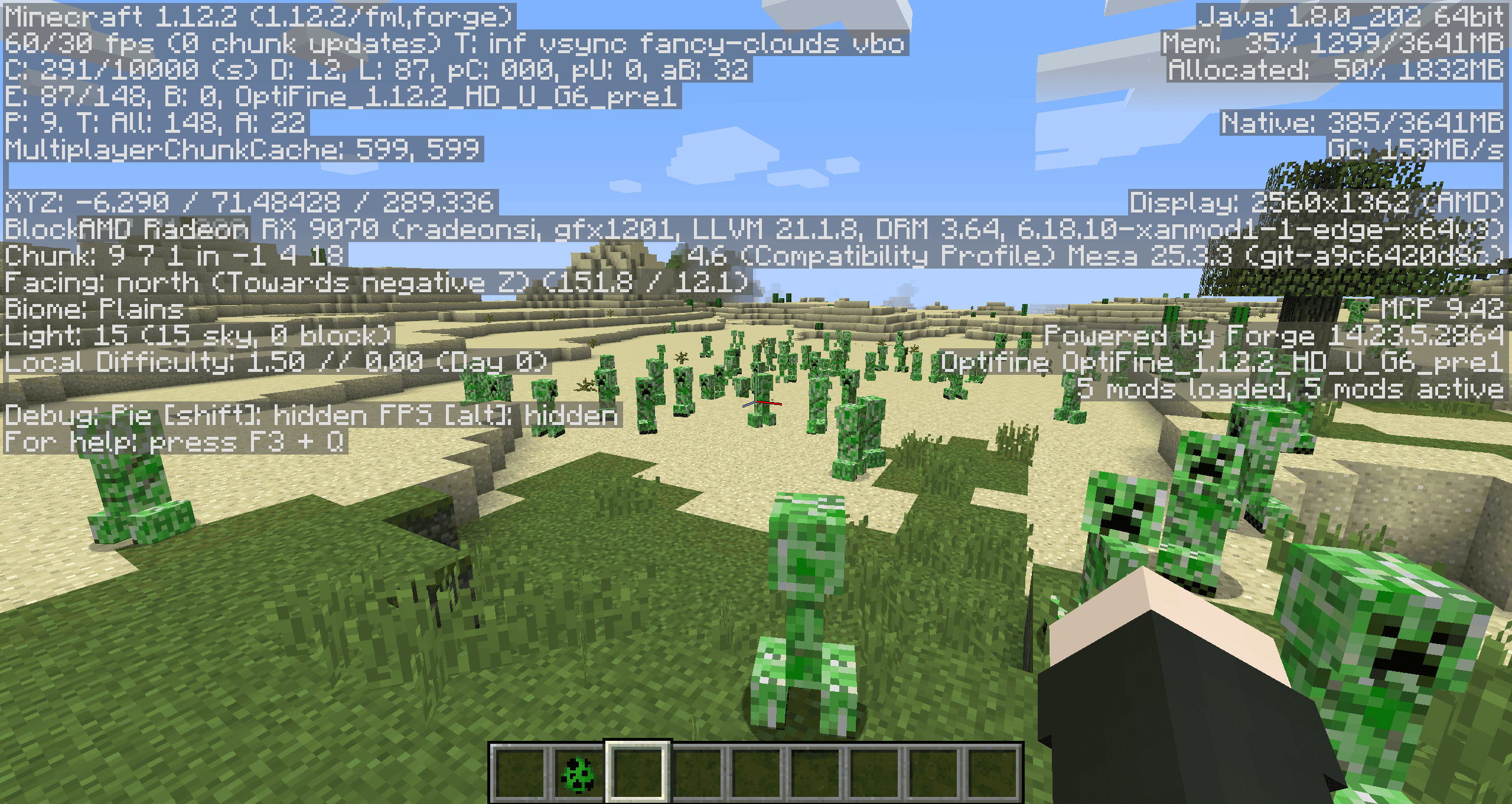
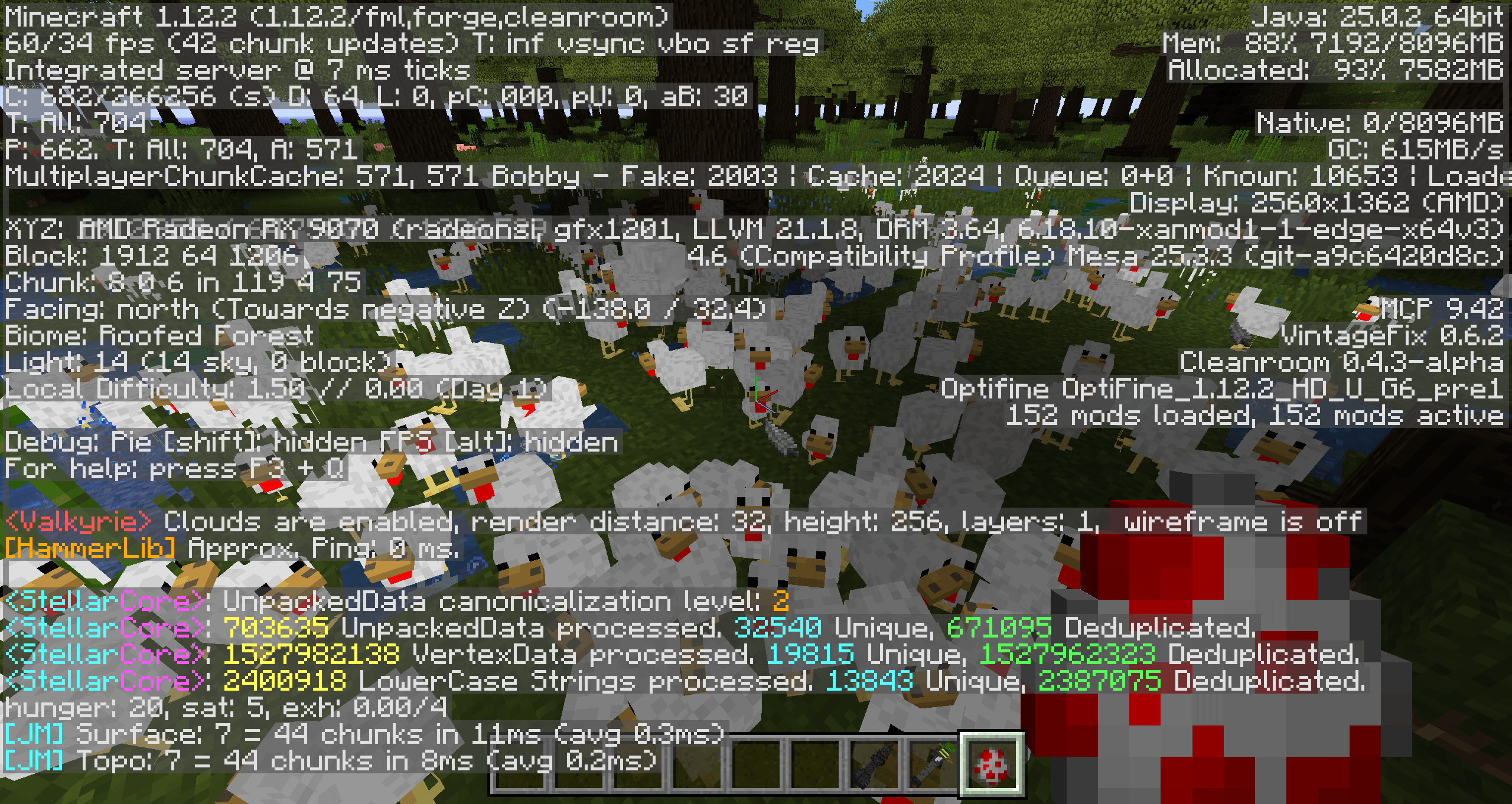
Efficient Entities speeds up Minecraft by reducing the CPU overhead of rendering mobs, collecting each entity's geometry into a persistent GPU buffer and submitting it in one draw call instead of dozens of small ones.
Requirements: MixinBooter or Cleanroom Relauncher
Detailed Explanation:
Minecraft renders entity models using OpenGL display lists one per body part, per mob, per frame. Each part triggers its own GL draw call along with matrix pushes, pops and state changes. With many mobs on screen this adds up to thousands of individual GPU submissions every frame, which becomes a significant CPU bottleneck.
This mod solves this by intercepting the rendering pipeline at two levels before the world loads. An ASM transformer scans entity model classes at load time and injects batch markers around their render calls. A Mixin then redirects geometry output away from the display list path and into a persistent buffer mapped directly inside GPU memory, so the CPU can write vertex data without any overhead. When a mob renders, each body part's bone transforms rotation points, angles, offsets are accumulated in a Java matrix stack rather than going through OpenGL's matrix calls.
Every 200 rendered frames the mod writes one summary line:
In an empty world with just your hand visible:
[EfficientEntities] Last 200 frames: 12 batches, 84 cubes, 200 auto-wrapped.
Near a group of mobs:
[EfficientEntities] Last 200 frames: 840 batches, 6120 cubes, 0 auto-wrapped.
Near armoured entities:
[EfficientEntities] Last 200 frames: 15000 batches, 90000 cubes, 400 auto-wrapped.
What each number means:
- Batches - number of entity model render calls processed through the VBO path that period.
- Cubes - total geometry processed.
- Auto-wrapped - render calls caught by the fallback path (hand, held items, armour pieces).
- Edition: Minecraft Java
- File type: .jar
- How to install: Install the matching mod loader (Forge, Fabric or NeoForge) for your Minecraft version. → Download the .jar. → Put it in the .minecraft/mods folder and launch that loader profile.
- Where to get it: Opens on CurseForge — not every file is mirrored on our own servers.
Install steps are the general flow for this file type — How to install Minecraft Java mods & modpacks walks through it step by step.
- Ships as efficient-entities.jar — drop this file into the mods folder
- Download size: 50 KB
- Download link checked 12 Nov 2026 — working
These come from our own check of the pack file, not from the source page.