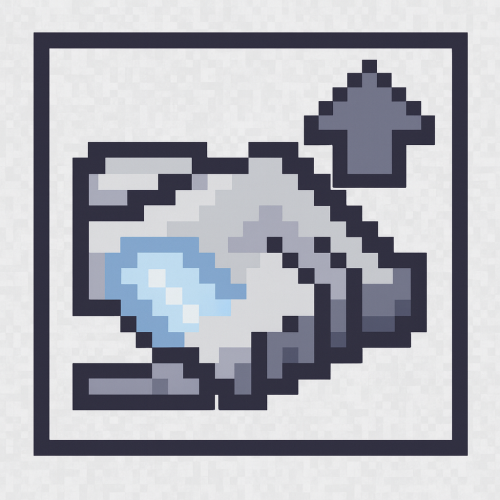
AE2 Auto Pattern Upload
Java mod listed for Minecraft 1.20. Downloads from the MC Java Mods app on Android.
add an upload button to the Pattern Terminal, allowing you to send encoded patterns directly to connected pattern providers with a single click.
⬇ Download on CurseForgeThe author built this one for Minecraft 1.20.1 on Forge. On other versions it may install and then do nothing.

AE2 Auto Pattern Upload is a lightweight add-on for Applied Energistics 2 that adds a small upload button to the Pattern Terminal and lets you send encoded patterns directly to connected pattern providers with a single click. It is designed to remove the most repetitive step in late‑game AE2 automation: moving encoded patterns by hand between the Pattern Terminal and your pattern storage.
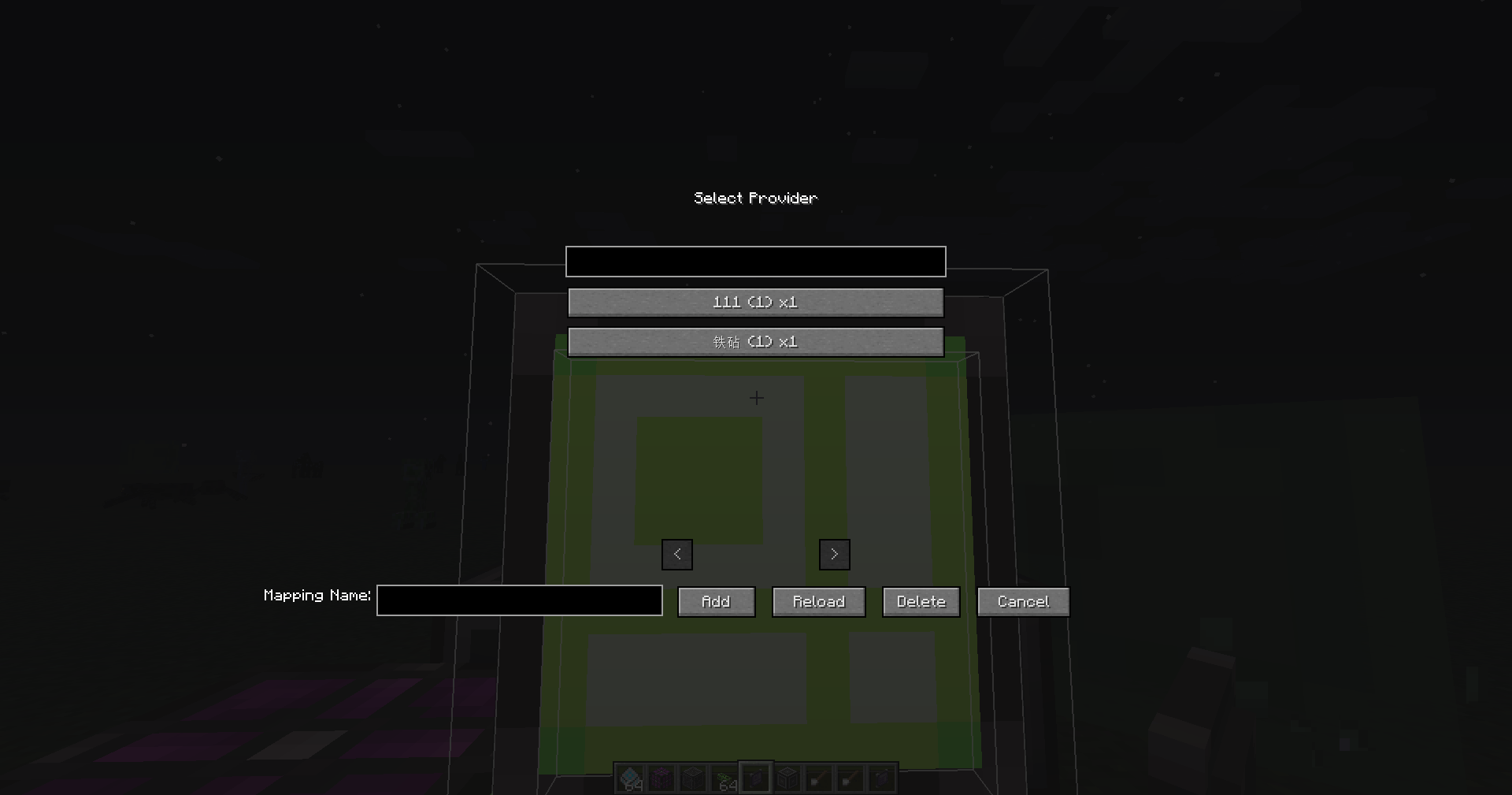
Once installed, the mod integrates a new button into the existing Pattern Terminal GUI next to the encode button. After you create and encode a pattern, simply press the upload button and the mod will automatically send the pattern to suitable pattern providers or other supported pattern storage on the same AE2 network. This greatly reduces GUI juggling and shift‑clicking every time you update or expand your automation setup.
AE2 Auto Pattern Upload is intentionally lightweight and non‑intrusive. It does not change the core progression or mechanics of Applied Energistics 2; it only adds a single extra control to the familiar Pattern Terminal workflow. The goal is to make pattern management more comfortable without introducing new complexity or extra grind.
This mod is essentially a standalone extraction of the pattern auto‑upload feature from my other mod, ExtendedAE‑Plus (EAEP). If you already use ExtendedAE‑Plus and enjoy its quality‑of‑life improvements for AE2, AE2 Auto Pattern Upload provides the same pattern‑upload convenience in a smaller, focused package for setups where you only want this one feature.
- Edition: Minecraft Java
- File type: .jar
- Minecraft version listed: 1.20.1
- How to install: Install the matching mod loader (Forge, Fabric or NeoForge) for your Minecraft version. → Download the .jar. → Put it in the .minecraft/mods folder and launch that loader profile.
- Where to get it: Opens on CurseForge — not every file is mirrored on our own servers.
Install steps are the general flow for this file type — How to install Minecraft Java mods & modpacks walks through it step by step.
- Ships as ae2_auto_pattern_upload-1.1.3.jar — drop this file into the mods folder
- Download size: 302 KB
- Download link checked 2 Oct 2026 — working
These come from our own check of the pack file, not from the source page.