
ModsJava
Riding Helmet
Java mod listed for Minecraft 1.18–1.21. Downloads from the MC Java Mods app on Android.
I don't know my version or loader
Open the Minecraft launcher and look at the profile you play on — it names both, like fabric-loader-1.21.4. The version also shows in the bottom-right corner of the game's main menu.
No loader in the profile name? Then it's plain Minecraft, and these mods won't run — you need Fabric or NeoForge installed first.
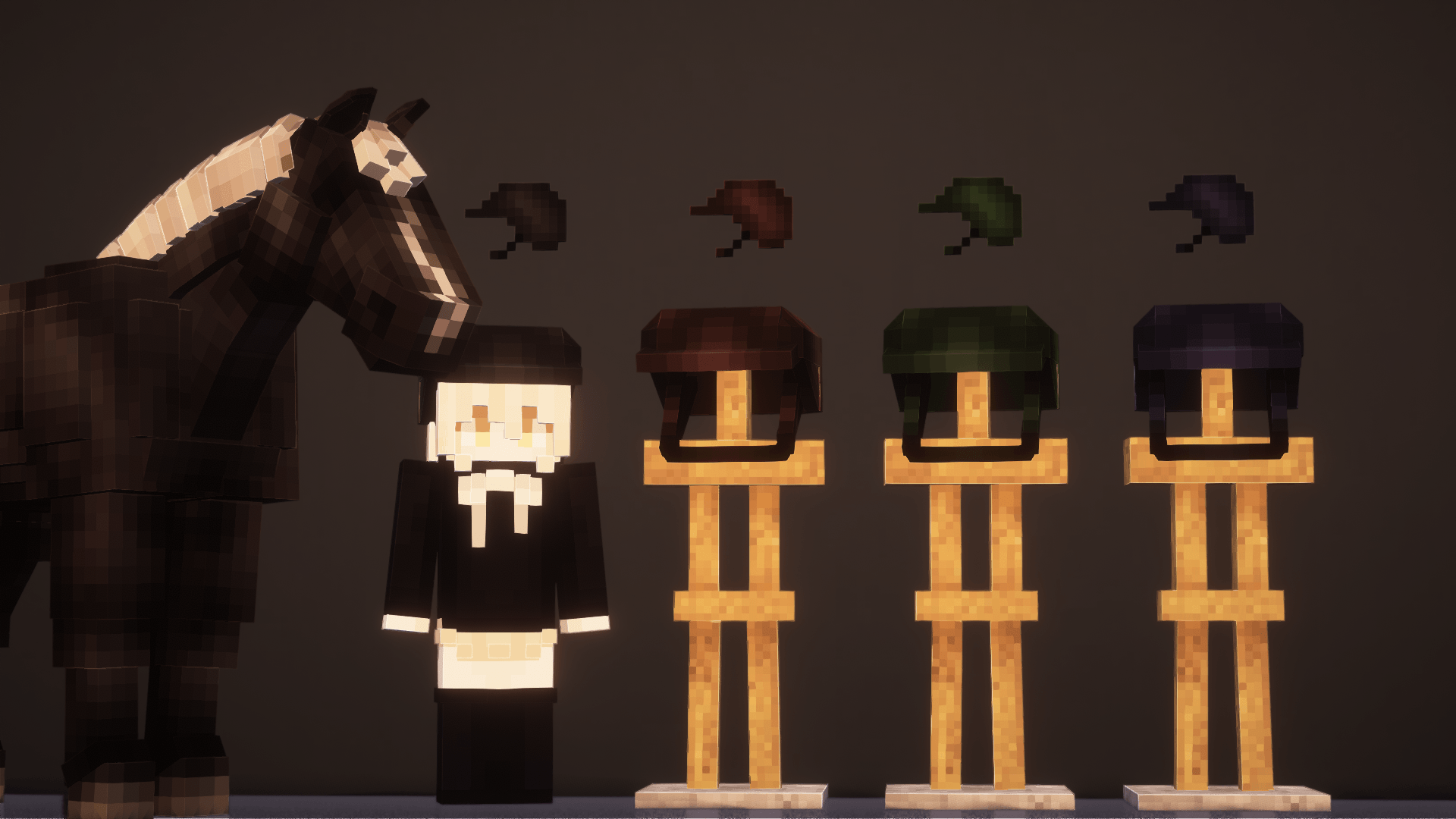
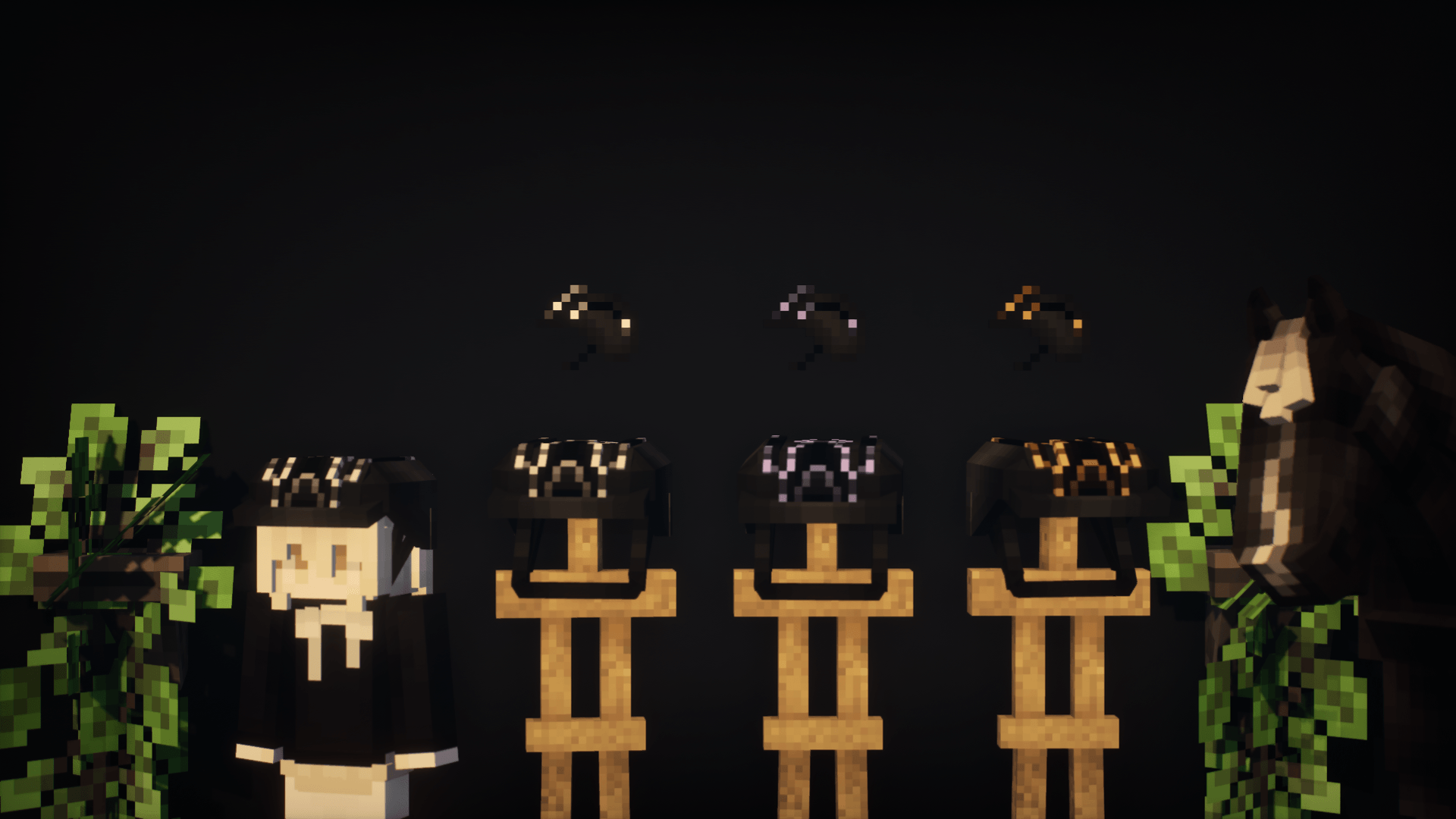
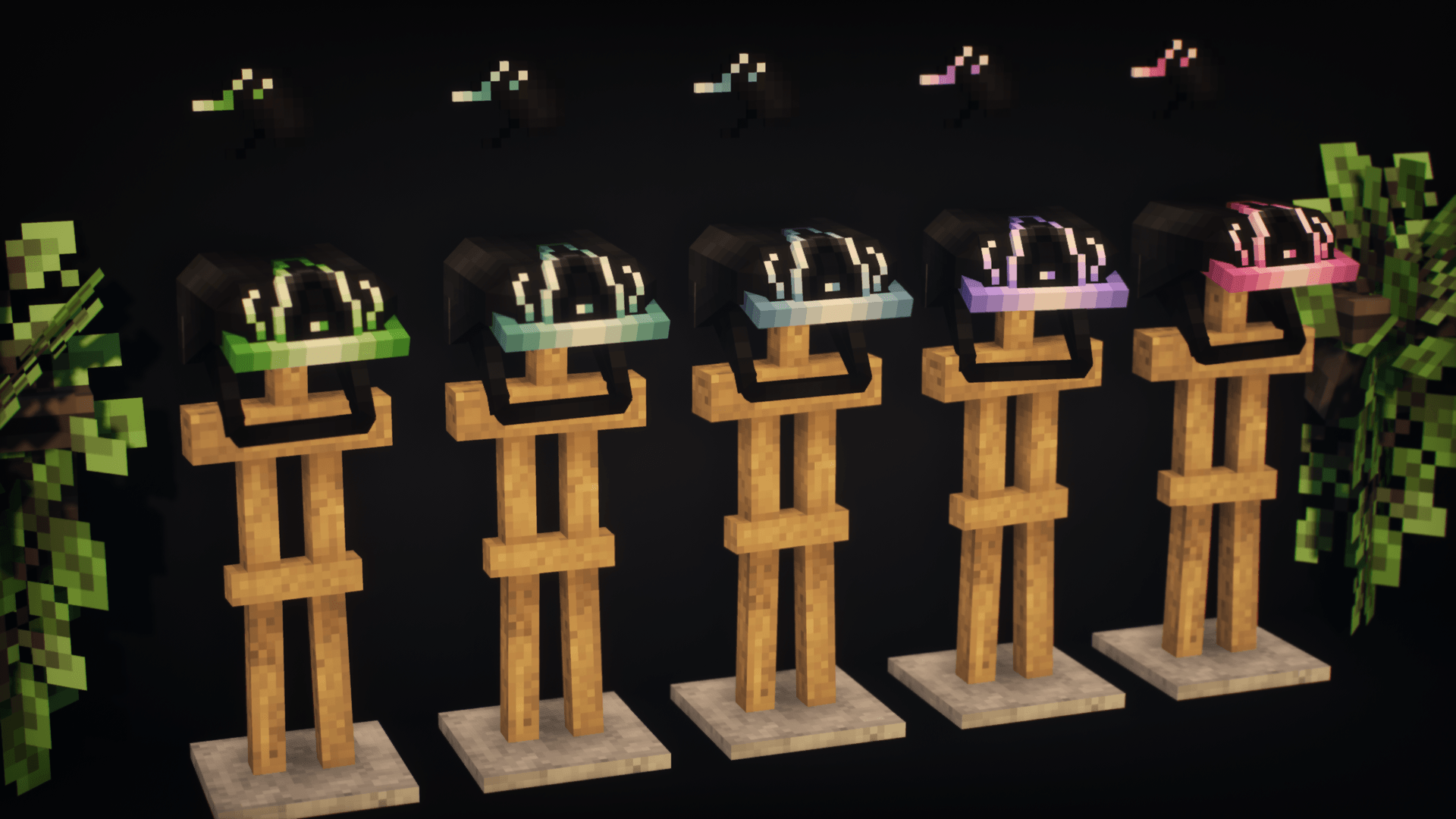
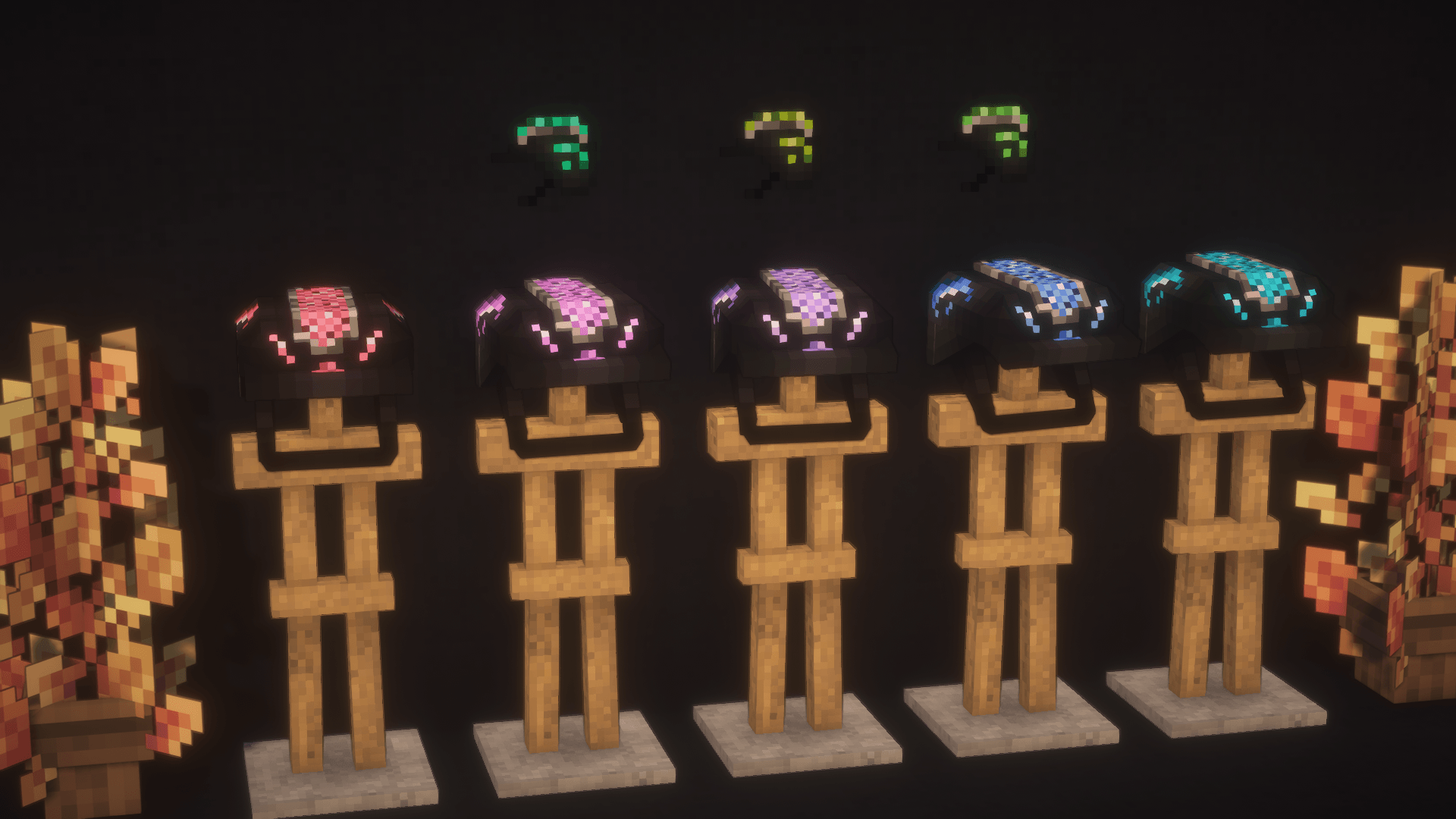
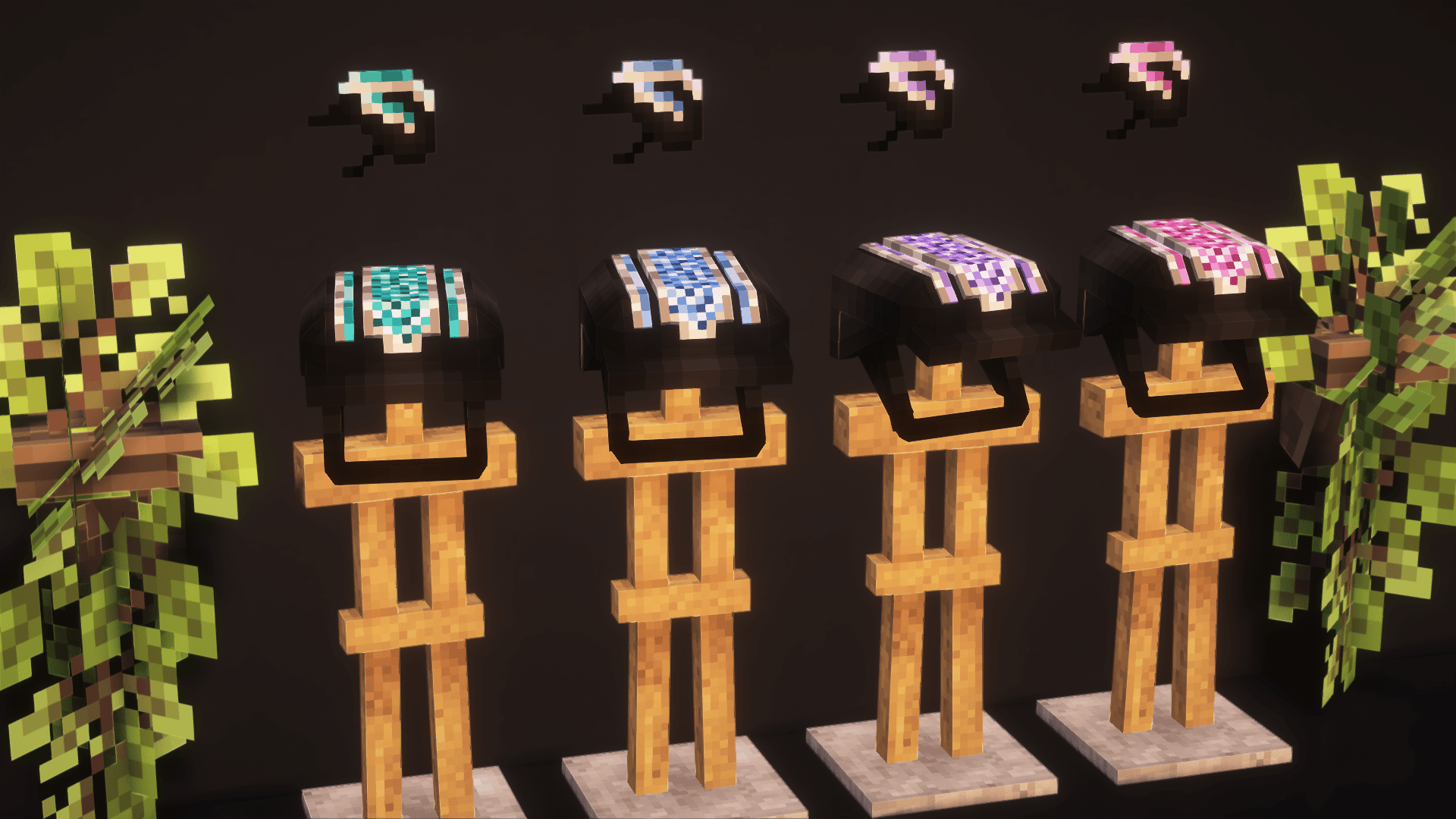
The mod adds a riding helmet!
There are 4 base colors and 40 "empty" textures available! You can use the empty textures, replacing them with your own, thereby complementing the mod with new colors and helmet designs!
In future updates of the mod, even more empty textures will be added, so there will be no limit to the space for new designs!
In future updates of the mod, even more empty textures will be added, so there will be no limit to the space for new designs!
🔧 How to replace a texture?
1. Replacing the main texture:
1). Right-click on the mod file → "Open archive".
2). Go to:
assets → riding_helmet_mod_bys_dreamalway → textures → entities.
3). Select the texture named h(n) (where n is any number: 1, 2, 3...).
4). Rename your texture according to the selected slot (for example, h5.png) and move it to the mod folder, replacing the original.
2. Replacing the icon:
1). Right-click on the mod file → "Open archive".
2). Go to:
assets → riding_helmet_mod_bys_dreamalway → textures → items.
3). Select the texture named hi(n) (where n is any number: 1, 2, 3...).
4). Rename your texture (for example, hi5.png) and move it to the mod folder, replacing the original.
Now your helmet will be displayed with your design! 🎨
The modification is waiting for you in the comments under the post!
🔧 Other Ways to Add New Helmet Textures
Via a Shared Resource Pack:
Download and install the resource pack. It is compatible with all versions of the mod and the game.
Note: It won’t add new helmets by itself—it only provides texture slots.
Replacing the Main Texture:
1). Open the resource pack folder.
2). Navigate to: assets → riding_helmet_mod_bys_dreamalway → textures → entities
3).Select a texture named h(n) (where n is any number: 1, 2, 3...).
4). Rename your texture to match the slot (e.g., h5.png) and replace the original file.
Replacing the Icon:
1). Open the resource pack folder.
2). Navigate to: assets → riding_helmet_mod_bys_dreamalway → textures → items
3).S elect a texture named hi(n) (where n is any number: 1, 2, 3...).
4). Rename your texture to match the slot (e.g., hi5.png) and replace the original file.
Via Separate Resource Packs (Pre-made Sets):
These packs come with pre-configured textures.
Each set replaces textures starting from the first "empty" slot (h1.png, h2.png, etc., depending on the number of helmets in the pack).
Replacing the Main Texture:
1). Open the resource pack folder.
2). Navigate to: assets → riding_helmet_mod_bys_dreamalway → textures → entities
3). Select a texture named h(n). If using multiple packs, check which slots are "empty/available."
4). Rename your texture accordingly (e.g., h5.png).
Replacing the Icon:
1). Open the resource pack folder.
2). Navigate to: assets → riding_helmet_mod_bys_dreamalway → textures → items
3). Select a texture named hi(n). If using multiple packs, check which slots are "empty/available."
4). Rename your texture accordingly (e.g., hi5.png).
Important Notes:
Always ensure your textures are in .png format and match the original dimensions.
If using multiple resource packs, check for conflicting textures in the same slots.
✅ Done! Your new helmet textures should now appear in-game. 🎮✨
Free and paid kits, as well as the opportunity to order your own unique designs (or your modest support) - Boosty https://boosty.to/samecreation
Discord - same1202
Quick facts
- Edition: Minecraft Java
- File type: .jar
- Minecraft versions listed: 1.21.1, 1.20.1, 1.18.2
- How to install: Install the matching mod loader (Forge, Fabric or NeoForge) for your Minecraft version. → Download the .jar. → Put it in the .minecraft/mods folder and launch that loader profile.
- Where to get it: Opens on CurseForge — not every file is mirrored on our own servers.
Install steps are the general flow for this file type — How to install Minecraft Java mods & modpacks walks through it step by step.
File checked by MCModsHub
- Ships as RidingHelmetMOD_byS_Dreamalway_1.20_2.1.jar — drop this file into the mods folder
- Download size: 256 KB
- Download link checked 2 Oct 2026 — working
These come from our own check of the pack file, not from the source page.