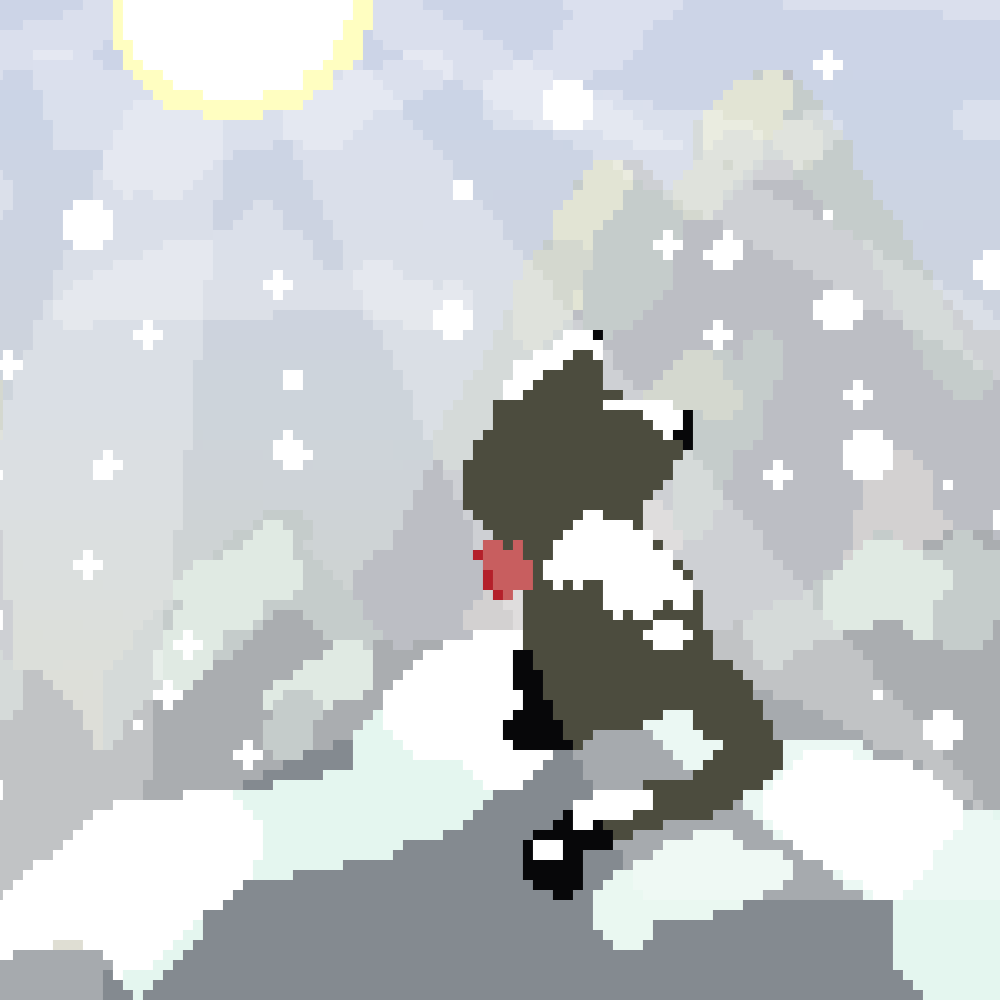
Merry Snow
Java mod listed for Minecraft 1.20–1.21. Downloads from the MC Java Mods app on Android.
I don't know my version or loader
Merry Snow
This is a mod that focuses on snow-related mechanics, aiming to add more variations to the vanilla snow mechanics in Minecraft.
Frozen Kingdom
All biomes can be set to have snow weather, even deserts!
Simply set enforceSnowWeather = "true" in the configuration file, and use the command /weather rain to make it snow across the entire dimension.
This only changes the weather appearance on the client side and does not force weather to activate. To enable snow accumulation and ice freezing effects, see below.
Additionally, this feature supports fine-tuning. For example, you can set only the jungle biome to have snow weather, or set the frozen ocean biome to have rain weather.
For details, refer to the configuration file: weatherModify = ["minecraft:forest=snow", "minecraft:ocean=rain", "minecraft:jungle=none"]. Here, none means no weather at all.
Snow and Ice Coverage
Besides weather, you can adjust whether a biome accumulates snow or freezes ice.
But first, let's see how to make the entire dimension covered in snow and ice!
Set enforceSnowCover = "true" in the configuration file to enable forced snow accumulation, and enforceIceFreeze = true to enable forced ice freezing.
Note that snow accumulation only takes effect when weather is active.
This feature also supports fine-tuning. For example, you can set the jungle biome to accumulate snow when it snows, or prevent the frozen ocean biome from freezing.
See the configuration files for details:
snowModify = ["minecraft:forest=true", "minecraft:ocean=false"]iceModify = ["minecraft:forest=true", "minecraft:ocean=false"]
Sunny Snow
In vanilla Minecraft, weather and clear skies (with the sun and moon) cannot coexist—when it rains or snows, you cannot see the sky. This mod allows you to adjust the "sunny snow factor" to make weather and clear skies appear together.
Specifically, the sunny snow factor represents a transition value from completely clear to full weather, which can be thought of as light snow, moderate snow, or heavy snow. More adjustable options will be added in the future.
Effect:
With shaders:
You can adjust the value of the sunnySnow option in the configuration file, or use the hotkey (default: M) + mouse wheel in-game to change the sunny snow factor.
This is a client-side feature and can also be used to temporarily disable weather effects easily.
Additionally, if you enable the randomSunnySnow option in the configuration file, a random sunny snow factor will be applied each time the weather changes.
Merry Snow
Tired of villages turning into ghost towns? Enable the merryPowderSnow option, and powder snow will always have a collision box equivalent to the bottom slab, with no freezing damage.
Annoyed by monsters spawning during snow? Enable merrySnowWeather, and if a monster is about to spawn naturally in a location where it is snowing, it will not spawn.
Also, if you enable merrySnowLayer, snow layers will no longer have collision volume, so they won't block your path.
Others
This mod also provides a new command to quickly get biome IDs:
/biomeid current– Gets the biome ID at the player's current location./biomeid all– Returns an array containing all biome IDs.
Future Plans
- Mobs will reduce snow layer depth by 1 when stepping on it, and they will experience slight slowdown in snow, with higher layers causing more slowdown.
- Items related to snow and weather, such as a snow doll that influences weather.
- Ice skating gameplay mechanics.
- Edition: Minecraft Java
- File type: .jar
- Minecraft versions listed: 1.21.10, 1.21.1, 1.20.1
- How to install: Install the matching mod loader (Forge, Fabric or NeoForge) for your Minecraft version. → Download the .jar. → Put it in the .minecraft/mods folder and launch that loader profile.
- Where to get it: Opens on CurseForge — not every file is mirrored on our own servers.
Install steps are the general flow for this file type — How to install Minecraft Java mods & modpacks walks through it step by step.
- Ships as MerrySnow-1.0.0.jar — drop this file into the mods folder
- Download size: 31 KB
- Download link checked 2 Oct 2026 — working
These come from our own check of the pack file, not from the source page.