Create: Luminous
Java mod listed for Minecraft 1.21. Downloads from the MC Java Mods app on Android.
⬇ Download on CurseForgeThe author built this one for Minecraft 1.21.1 on NeoForge. On other versions it may install and then do nothing.
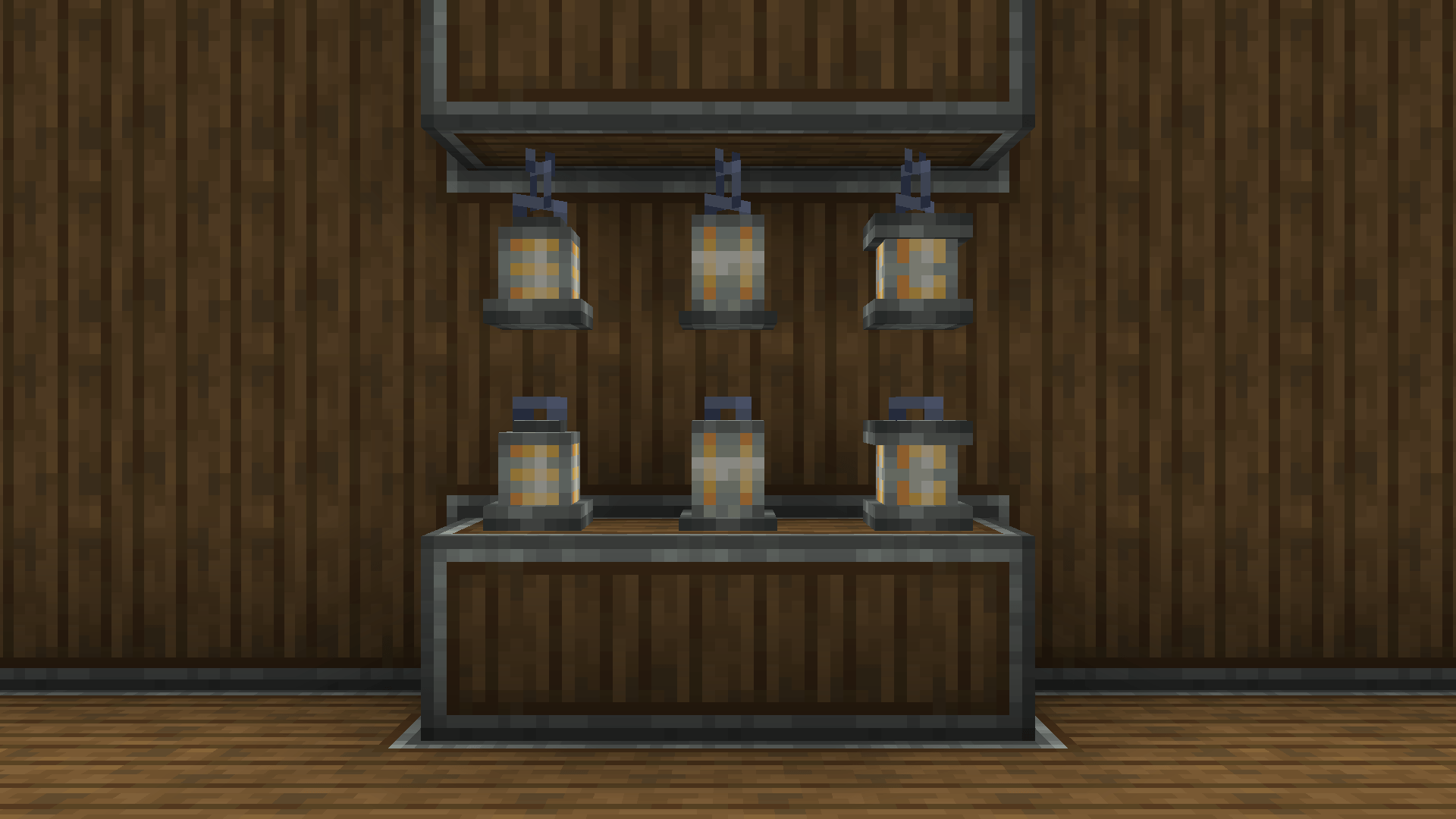
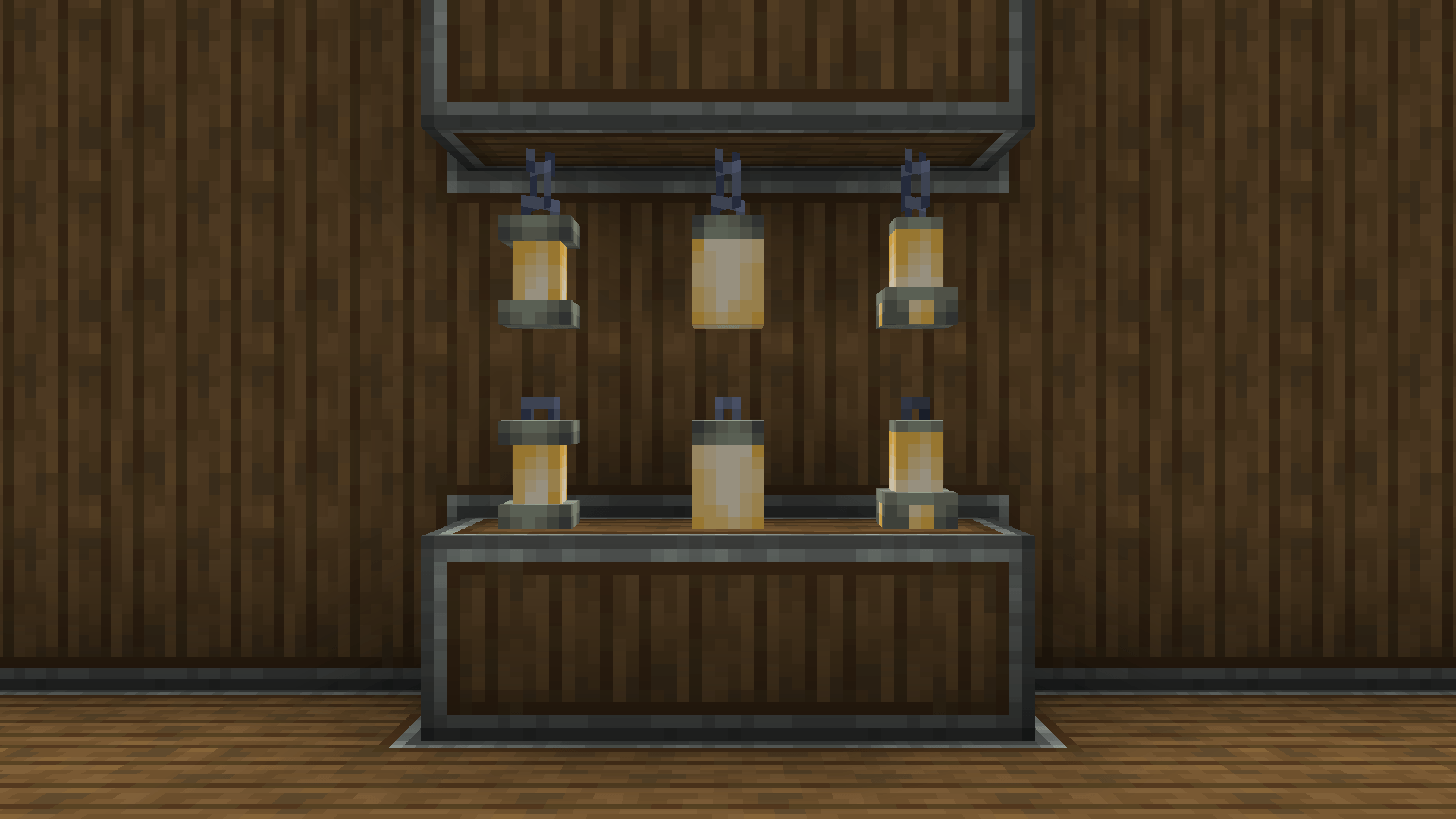
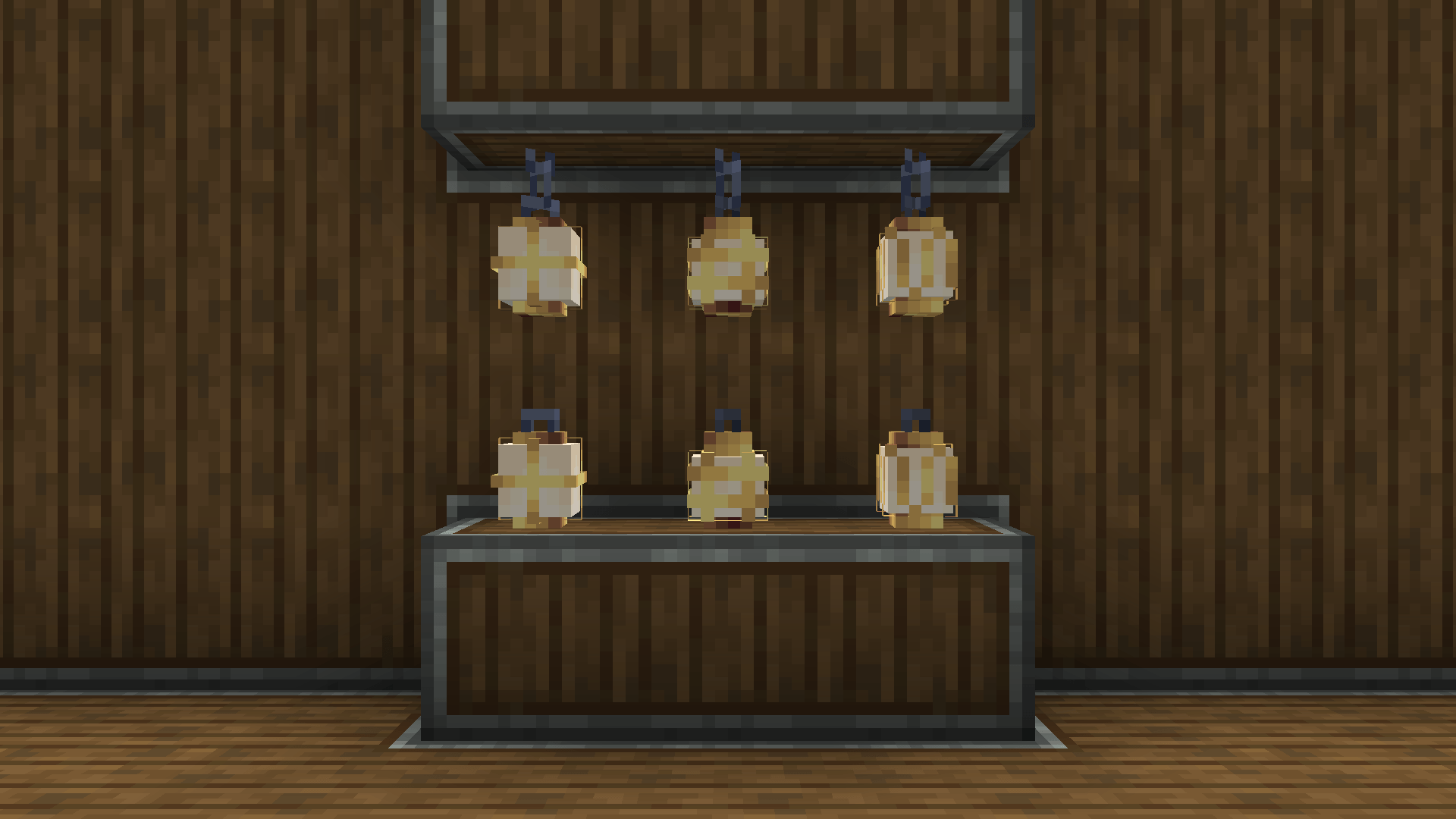
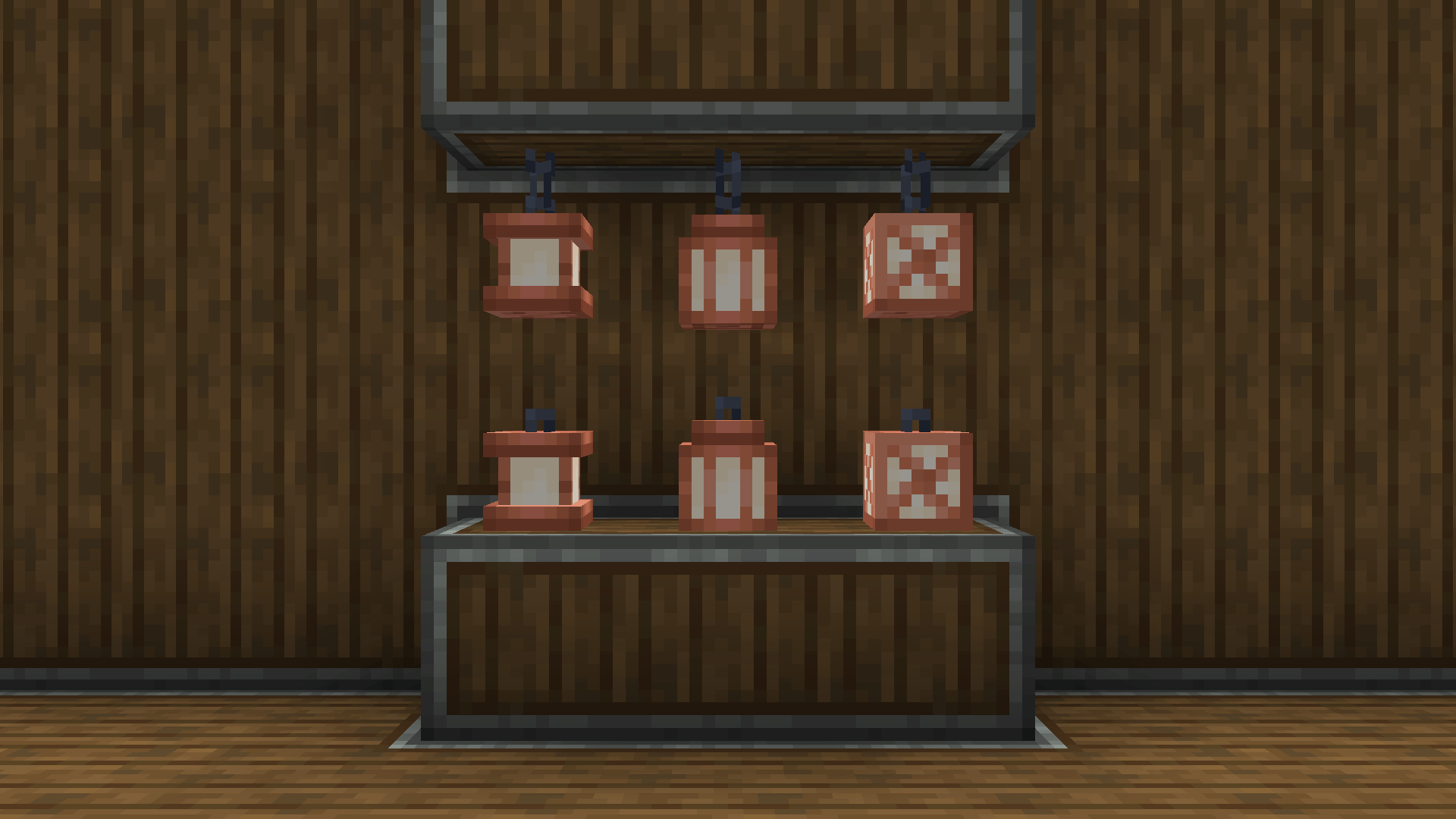
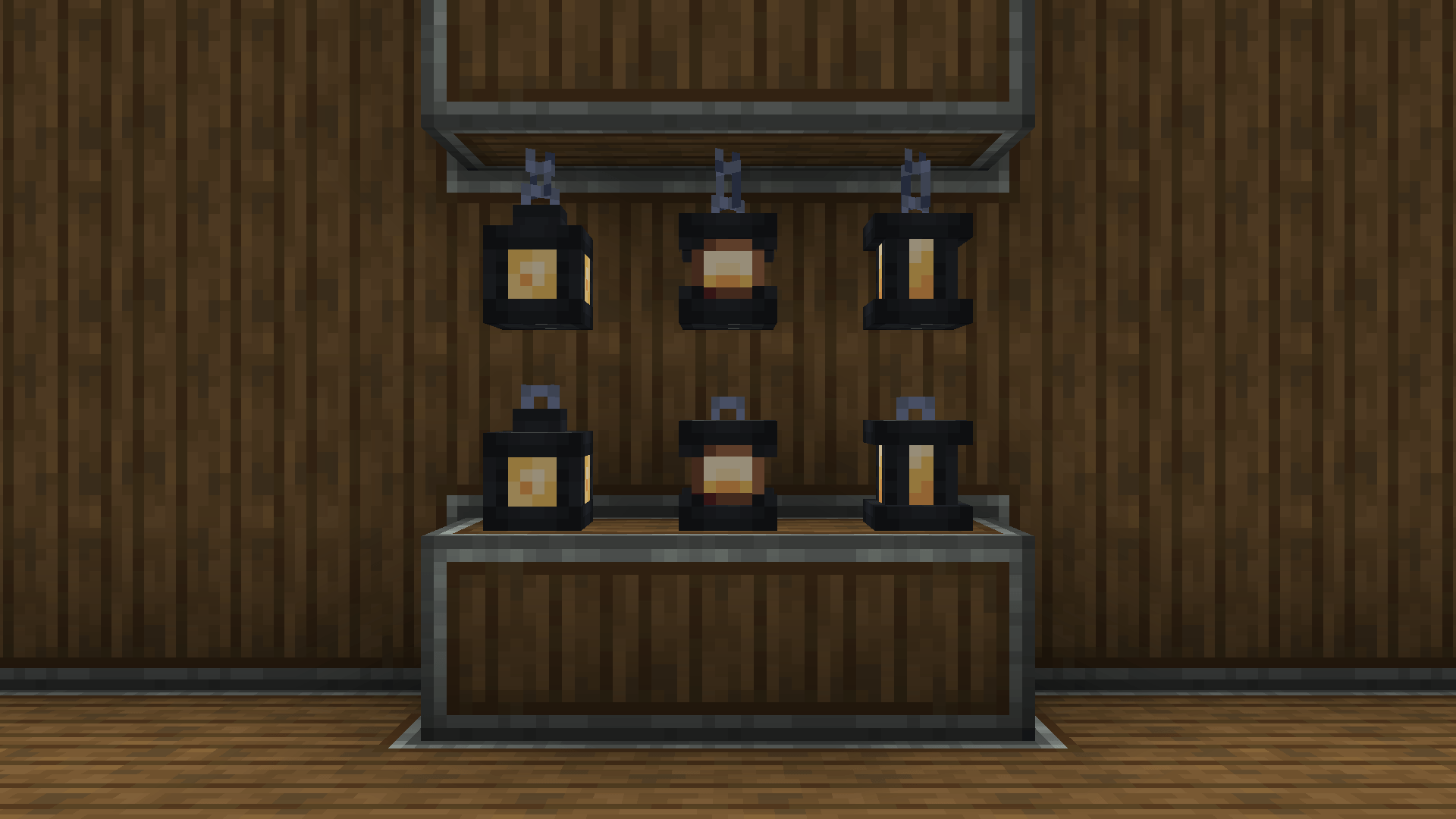
Create: Luminous is a cosmetic addon for the Create Mod that introduces new decorative lanterns designed to closely match the industrial aesthetic of Create.
Features:
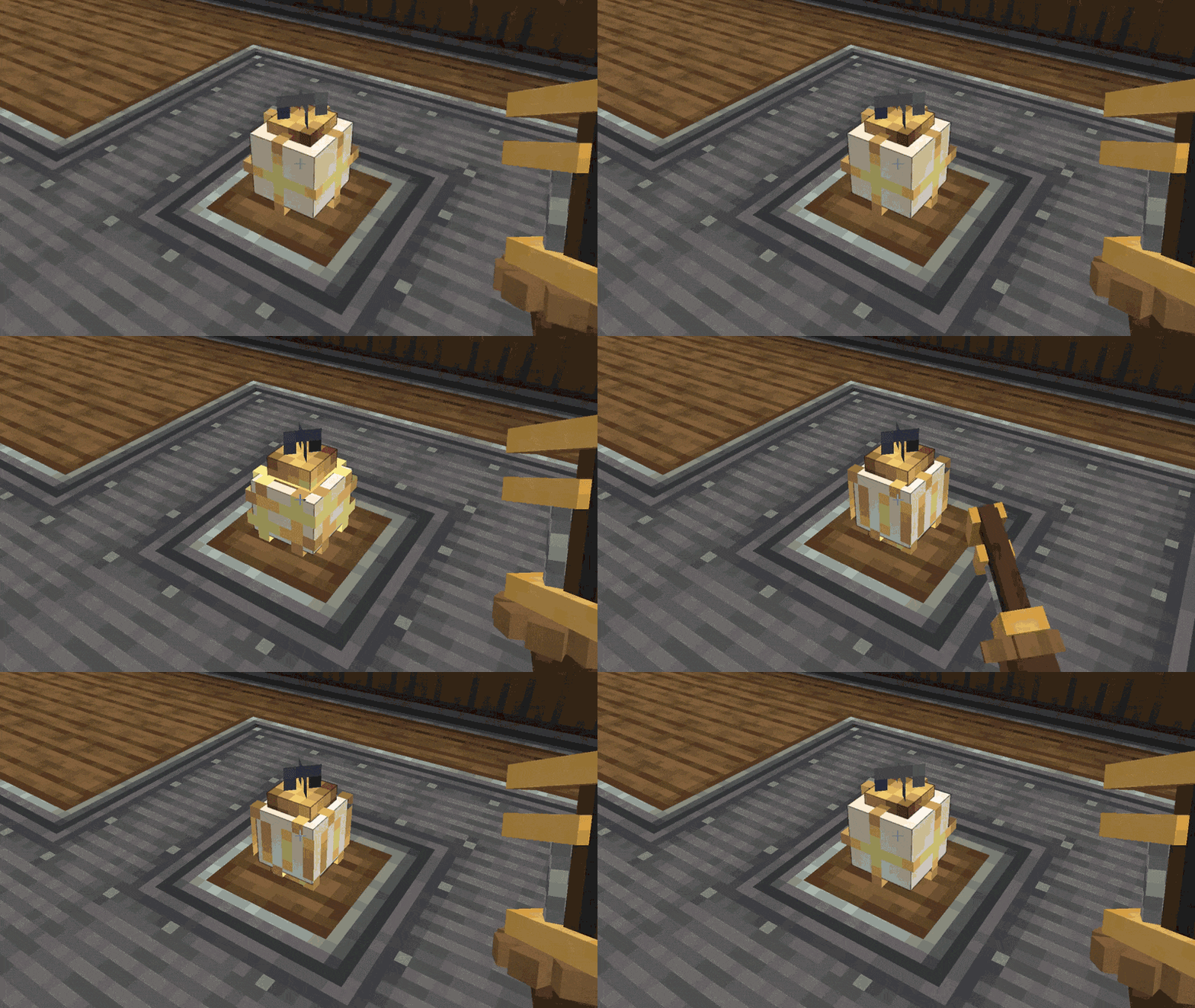
Wrenchable lantern styles (just right click it!)
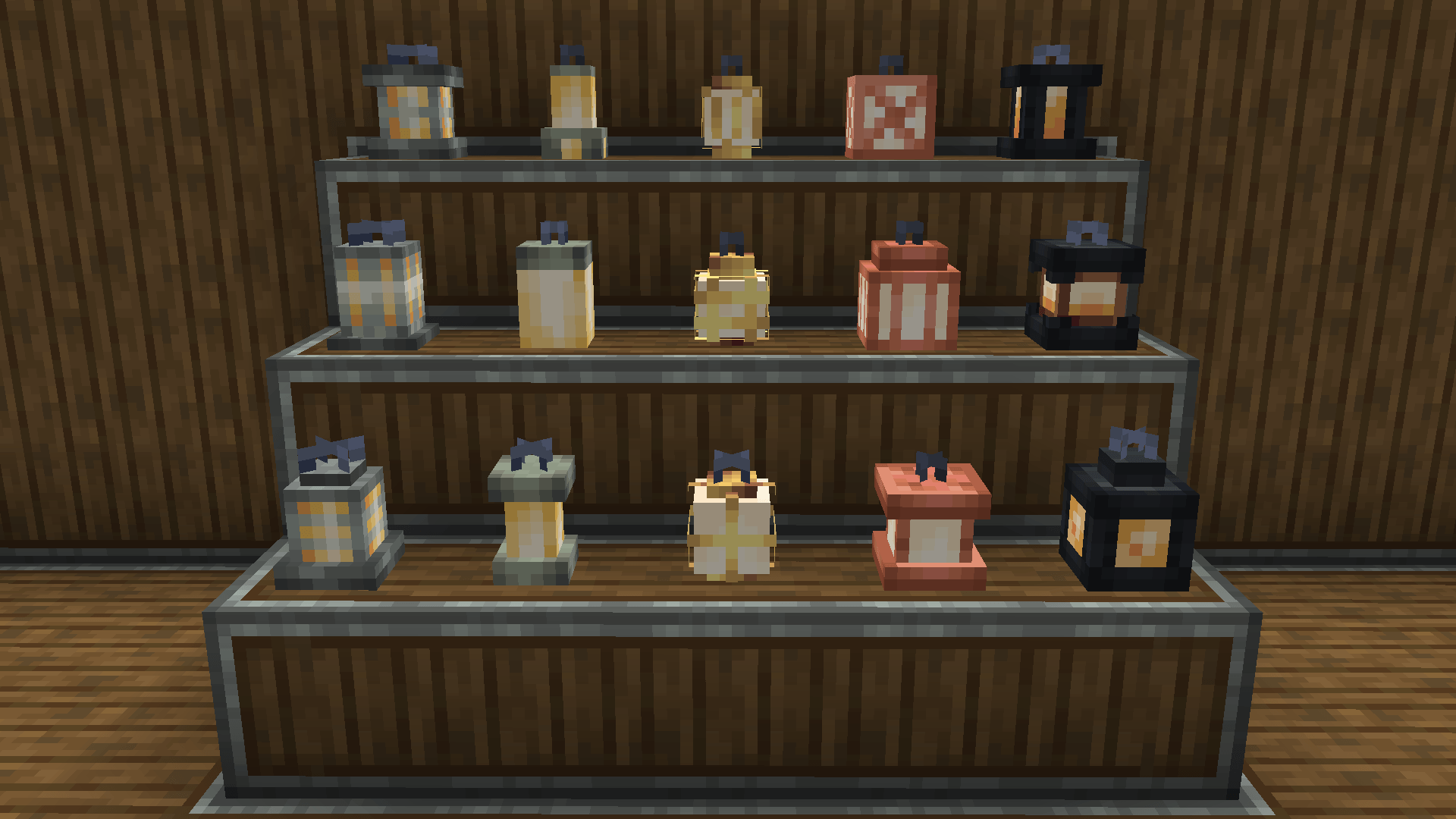
Lanterns:
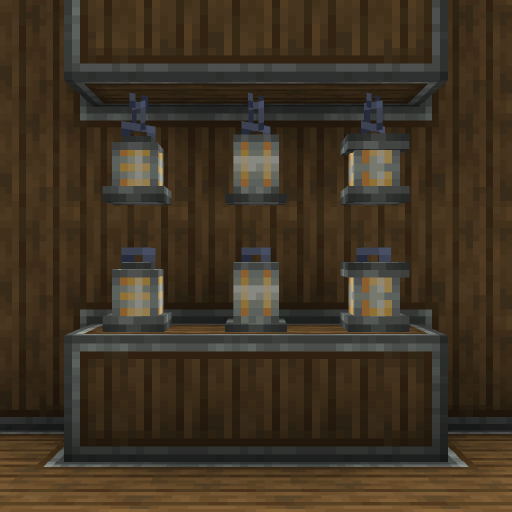
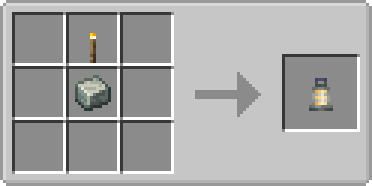
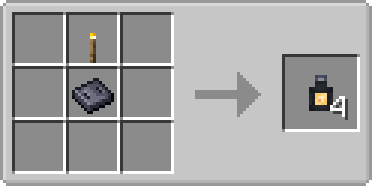
Andesite Lanterns & Crafting:
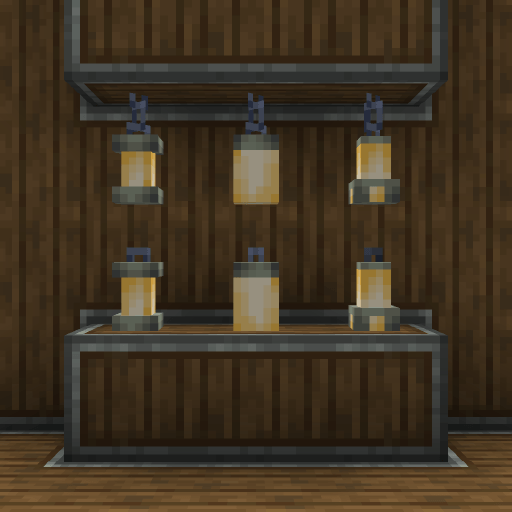
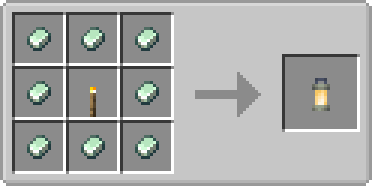
Zinc Lanterns & Crafting:
Brass Lanterns & Crafting:
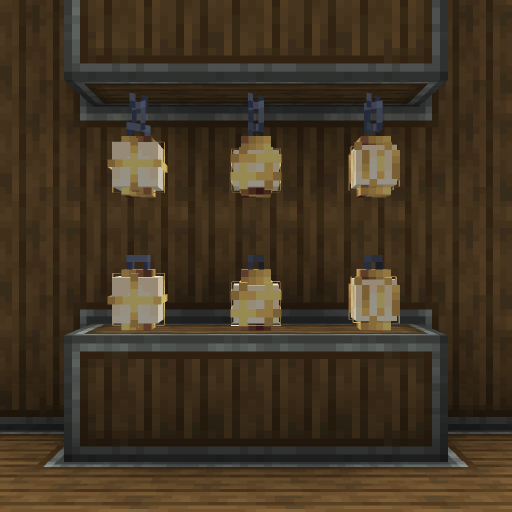
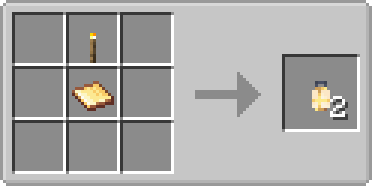
Copper Lanterns & Crafting:
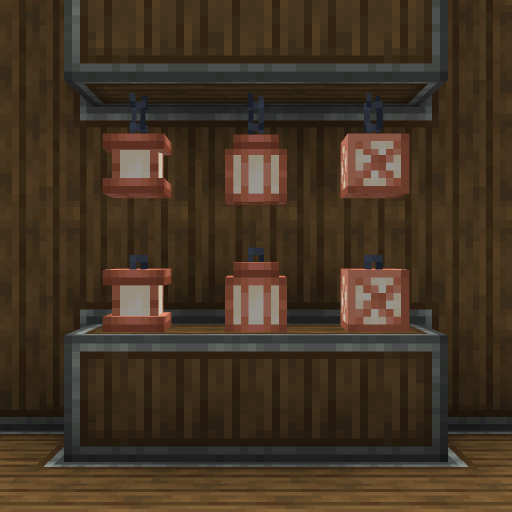
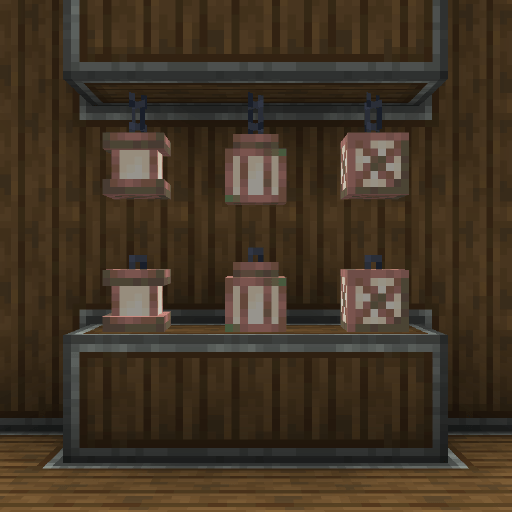
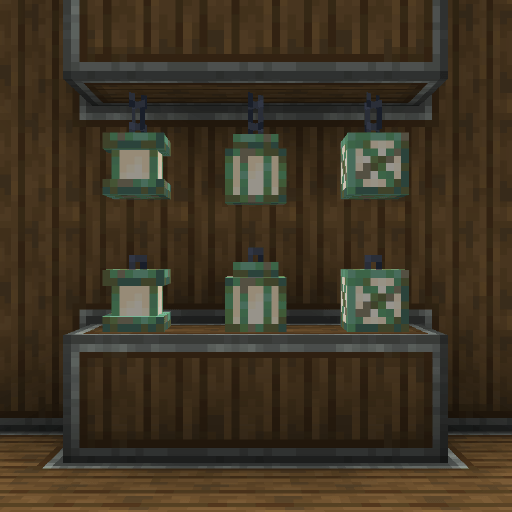
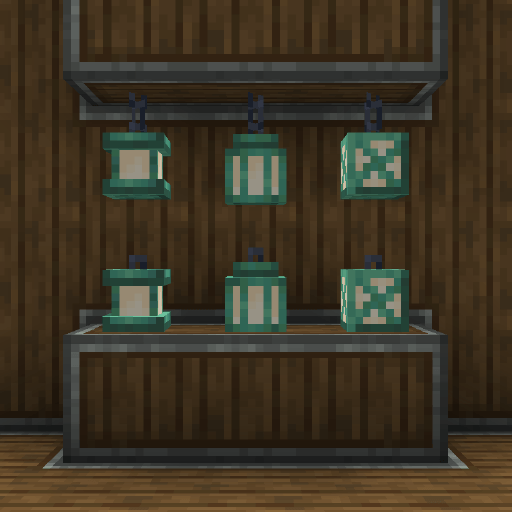
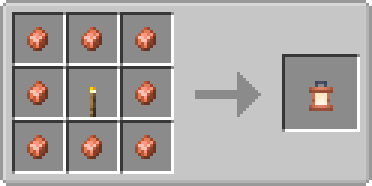
Sturdy Lanterns & Crafting:
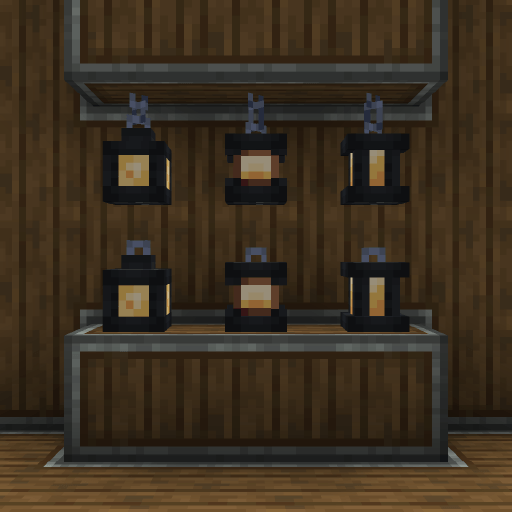
🛠️ Requirements & Installation
- Minecraft: 1.21.1
- Modloader: NeoForge
- Dependencies: This mod requires Create to function.
🔜 Planned Updates
- Cardboard lantern
- XP lantern
- More create style lanterns (each with variants)
- Soul update
- Kinetic Glow Update
⚠️ FAQ
Q: Do you plan to backport to older versions (1.20.1, 1.19.2, 1.18.2, etc.)? A: No, I do not plan to backport the mod myself. However, if you are a modder and want to port it to older versions, you are welcome to do so!
Q: Will there be a Fabric or Forge version? A: This mod is built for NeoForge. I might consider a standard Forge port in the future, but I have no plans for Fabric. If you know how to port mods to Fabric, feel free to create a port yourself!
Q: Which languages are supported? A: Currently, the mod supports English (US) and Spanish (MX). I plan to add more translations in future updates.
Q: Are there any compatibility issues with other mods? A: Since v1.1.0 mainly adds decorative blocks, it is highly unlikely to cause conflicts. It should work perfectly alongside any other mod. However, if you do encounter a bug, please leave a comment so I can fix it ASAP!
📦 Modpacks
You are free to use Create: Luminous in any modpack! No credit required, but it's always appreciated.
Created by Mirru.
- Edition: Minecraft Java
- File type: .jar
- Minecraft version listed: 1.21.1
- How to install: Install the matching mod loader (Forge, Fabric or NeoForge) for your Minecraft version. → Download the .jar. → Put it in the .minecraft/mods folder and launch that loader profile.
- Where to get it: Opens on CurseForge — not every file is mirrored on our own servers.
Install steps are the general flow for this file type — How to install Minecraft Java mods & modpacks walks through it step by step.
- Ships as createluminous-1.3.1.jar — drop this file into the mods folder
- Download size: 193 KB
- Download link checked 2 Oct 2026 — working
These come from our own check of the pack file, not from the source page.