Don't melt my snowy builds!
Java mod listed for Minecraft 1.21. Downloads from the MC Java Mods app on Android.
I don't know my version or loader
Dont melt my snowy builds!
Because building in snowy biomes shouldn't require melting it all.
What does this mod do?
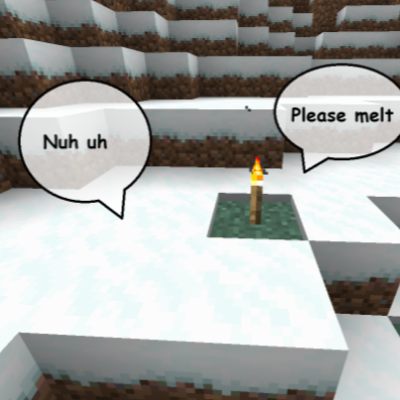
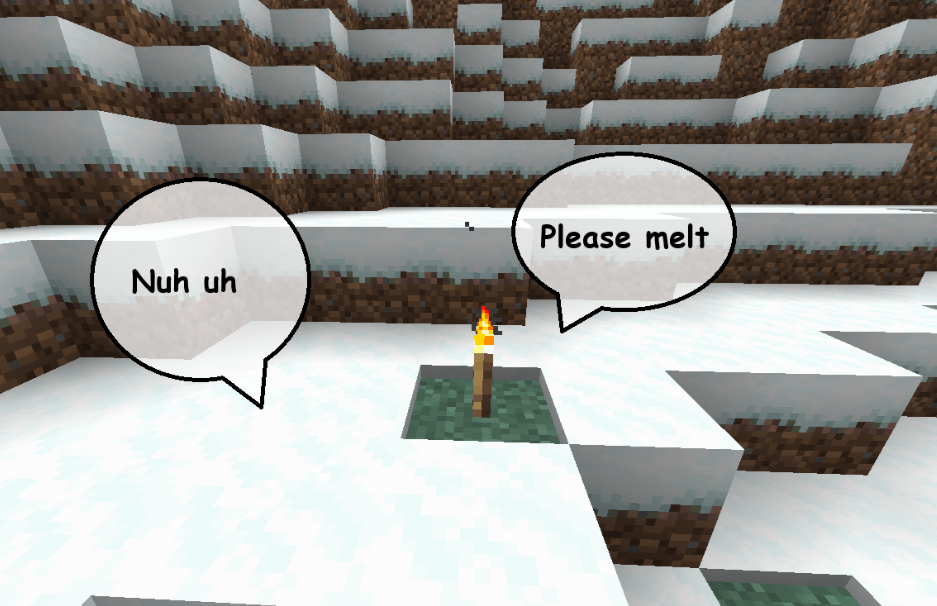
DMMSB is a very simple mod that allows players to simply disable snow melting from light sources. It also allows you to configure the light level at which snow melts, if you decide to enable snow melting anyway.
How do I use this mod?
Snow melting is disabled by the mod's default configuration, so if that's all you want, you just install the mod, and that's it.
It is server-sided and just works with no additional setup.
However, DMMSB also allows you to toggle its effects via config. It is recommended to use the McQoy
config if you want the ability to visually edit the config when the mod is installed on the client.
Otherwise DMMSB's config file is created under the config folder in your MC files after a run. That folder should be found in the same
folder as your saves folder on the client for instance.
The config's values are updated internally on restart or on McQoy config change, and are not world-specific.
The config is not world-specific because it is assumed that one player/server generally has the same preferences for snow melting
regardless of the world they play on. McQoy makes it particularly easy to edit on the client if needed.
DMMSB also additionally allows you to disable ice blocks melting from light sources, and to set custom light levels for melting.
If your config appears broken, you can delete the file and it'll be rebuilt on the game's next startup.
- Edition: Minecraft Java
- File type: .jar
- Minecraft versions listed: 1.21.8, 1.21.5, 1.21.4
- How to install: Install the matching mod loader (Forge, Fabric or NeoForge) for your Minecraft version. → Download the .jar. → Put it in the .minecraft/mods folder and launch that loader profile.
- Where to get it: Opens on CurseForge — not every file is mirrored on our own servers.
Install steps are the general flow for this file type — How to install Minecraft Java mods & modpacks walks through it step by step.
- Ships as nomeltsnowybuilds-1.0.0+26.2.jar — drop this file into the mods folder
- Download size: 1.1 MB
- Download link checked 23 Oct 2026 — working
These come from our own check of the pack file, not from the source page.