
Avatar: Legend Reforged
Java mod listed for Minecraft 1.21. File opened and checked on 11 Oct 2026; downloads from the MC Java Mods app on Android.
⬇ Download on CurseForgeThe author built this one for Minecraft 1.21.1 on NeoForge. On other versions it may install and then do nothing.
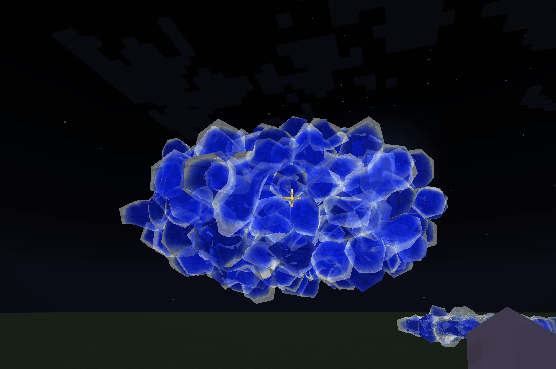
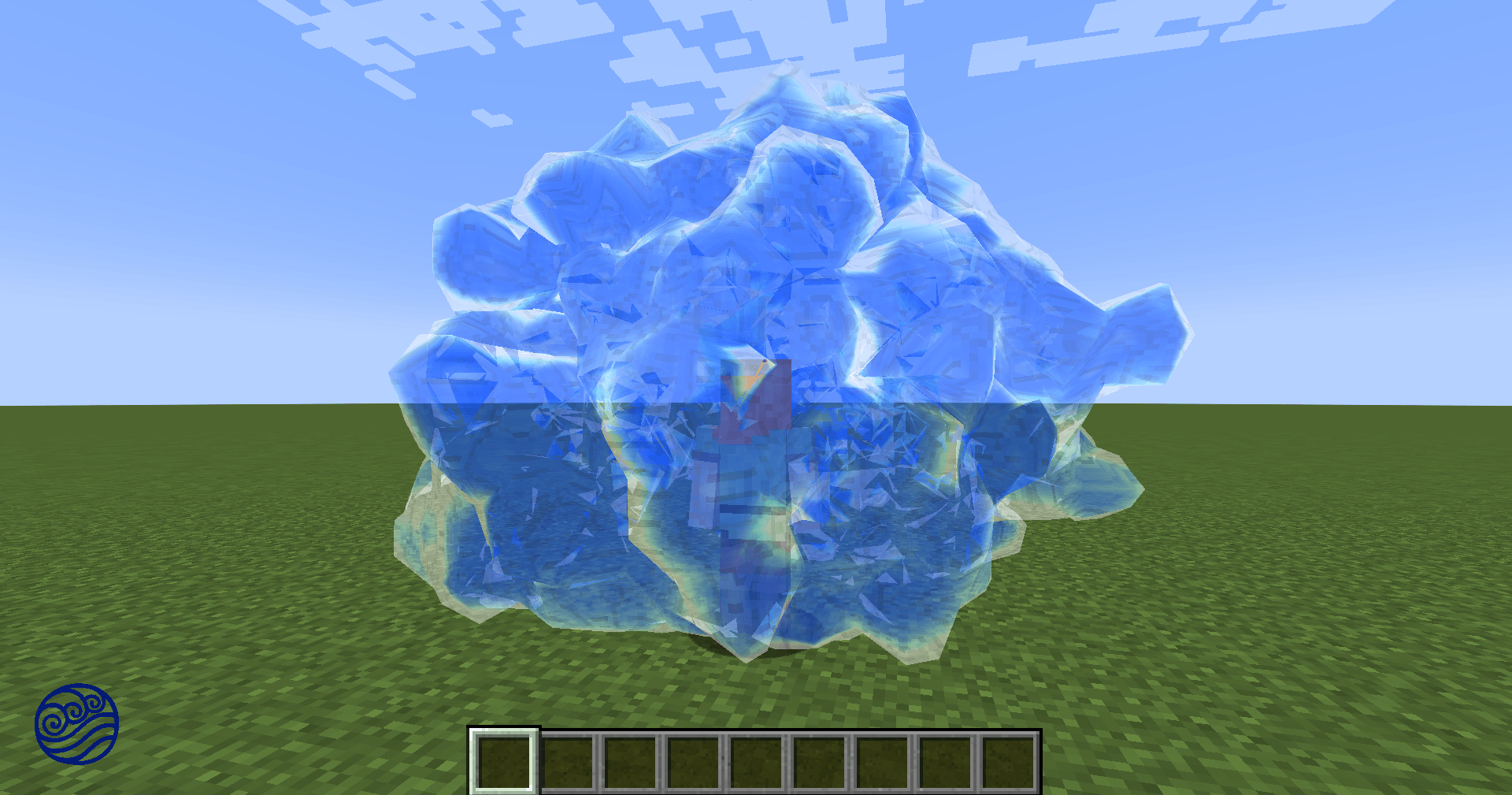
Avatar: Legend Reforged
This is an "Avatar: The Last Airbender" inspired Minecraft mod boasting versatile combat and ambitious dynamic bending.
The goal of this project is to provide a more immersive bending experience than ever before. Bending the elements is based on mastering the basic Forms and learning to use them in combination to achieve a number of feats.
Video Clips:
Quick Start Guide
Step 1: Select Your Element
Press the period (.) key to open the Element Selection Screen. Choose from:
- Airbending
- Waterbending
- Earthbending
- Firebending
Once selected, you become a Bender with access to that element's skills.
Step 2: Toggle Bending On/Off
Press Period (.) again to toggle bending mode on and off. When enabled, you can execute bending skills using the Bending Forms below.
Step 3: Master the Bending Forms
Bending Forms are the foundation of all bending skills. Each Form maps to a default key binding. Press or hold the corresponding key to execute a skill associated with that Form.
| Form | Default Key | Action |
|---|---|---|
| STRIKE | Left Mouse Button |
Primary offensive attack |
| BLOCK | Right Mouse Button |
Defensive barrier or protection |
| PUSH | W |
Forward directional force |
| PULL | S |
Backward/inward force |
| LEFT | A |
Left directional force |
| RIGHT | D |
Right directional force |
| RAISE | E |
Upward/elevating force |
| LOWER | Q |
Downward/descending force |
| ROTATE | R |
Rotational/circular motion |
| EXPAND | E |
Enlargement or spreading |
| COMPRESS | Q |
Compression or condensing |
| SPLIT | S |
Separation or division |
| COMBINE | W |
Merging or joining |
| ARC | Left Ctrl |
Curved trajectory |
| SHAPE | Left Alt |
Shaping or molding |
| STEP | W/A/S/D + Space (double tap) |
Dashing movement |
Step 4: Execute Bending Skills
To execute a bending skill, press the corresponding *Bending Form key* for the skill you want to use.
For example, to use Fire Strike, simply press Left Mouse Button (STRIKE Form). Your character will launch a curvable fire projectile.
Step 5: Combine Forms for Advanced Skills
Some skills require multiple Forms in sequence. For example, Flame Stream requires:
- Press
Left Alt(SHAPE) - Then, press
E(EXPAND) - Finally, hold
Right Mouse Button(BLOCK)
This combination allows you to continuously fire projectiles.
📚 Learn More
See full list of Bending Skills and how to execute them here: Bending Skills
💡 Pro Tip - Master one element first - Learn all skills of a single element before switching
Please be aware this mod is a work in progress and we plan on adding more content like progression, NPCs, structure generation and more! Please provide feedback and join our Discord!
- Edition: Minecraft Java
- File type: .jar
- Minecraft version listed: 1.21.1
- How to install: Install the matching mod loader (Forge, Fabric or NeoForge) for your Minecraft version. → Download the .jar. → Put it in the .minecraft/mods folder and launch that loader profile.
- Where to get it: Opens on CurseForge — not every file is mirrored on our own servers.
Install steps are the general flow for this file type — How to install Minecraft Java mods & modpacks walks through it step by step.
- Ships as avatar-legend-reforged-1.0.2.jar — drop this file into the mods folder
- Download size: 19.9 MB
- Download link checked 2 Oct 2026 — working
These come from our own check of the pack file, not from the source page.