Hello Biome
Java mod listed for Minecraft 1.20–1.21. Downloads from the MC Java Mods app on Android.
I don't know my version or loader
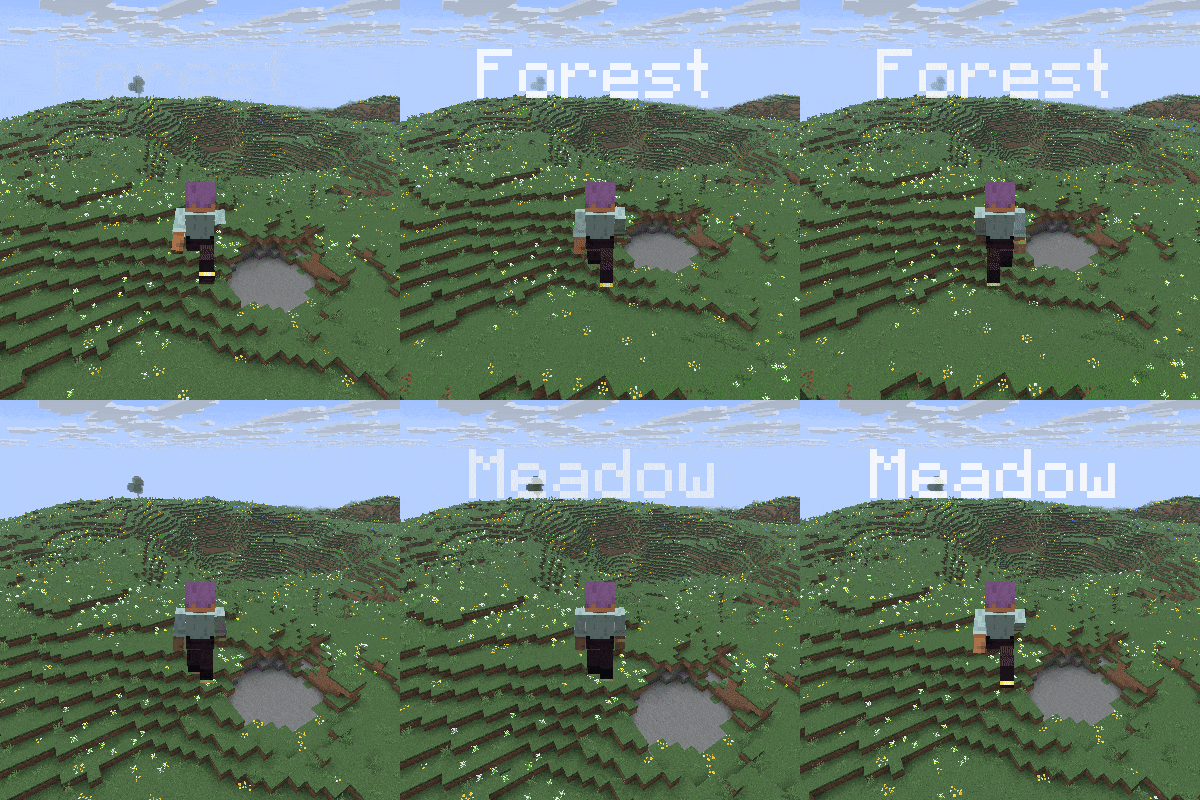
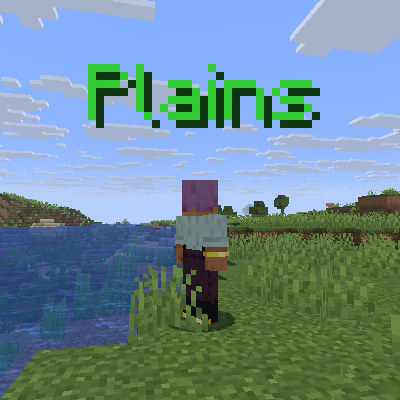
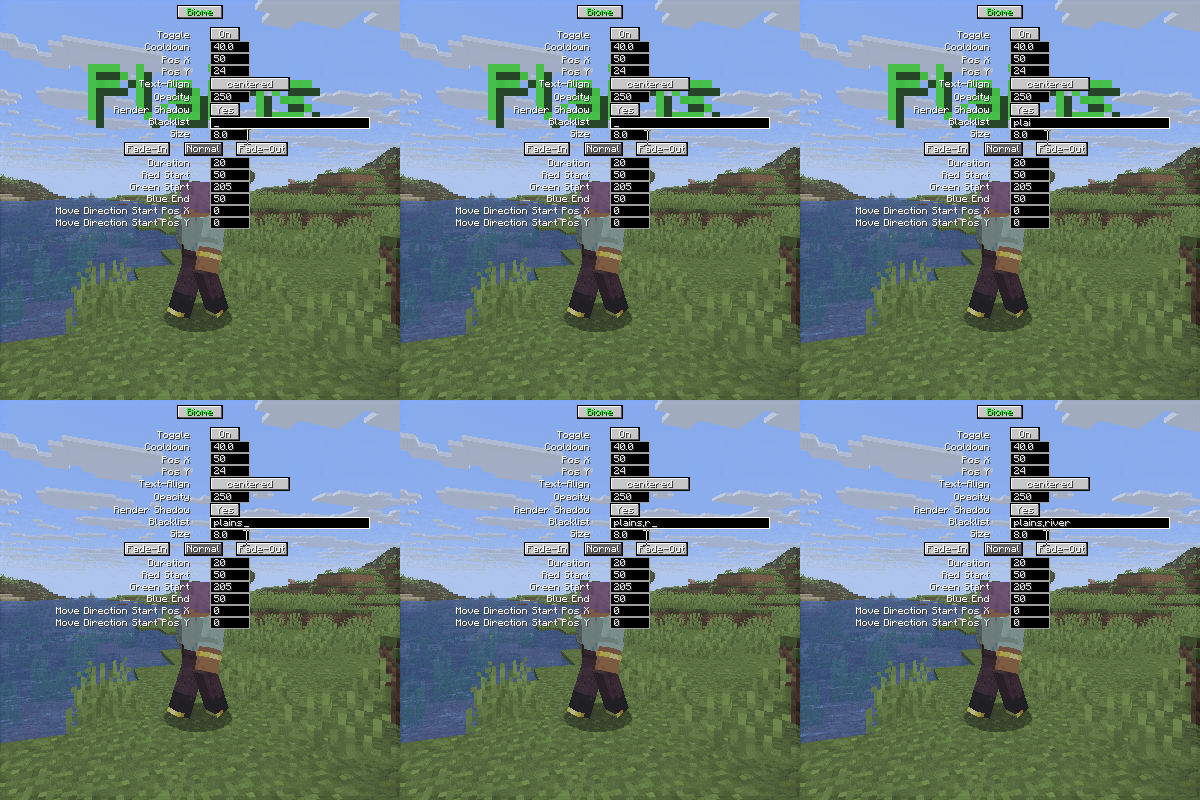
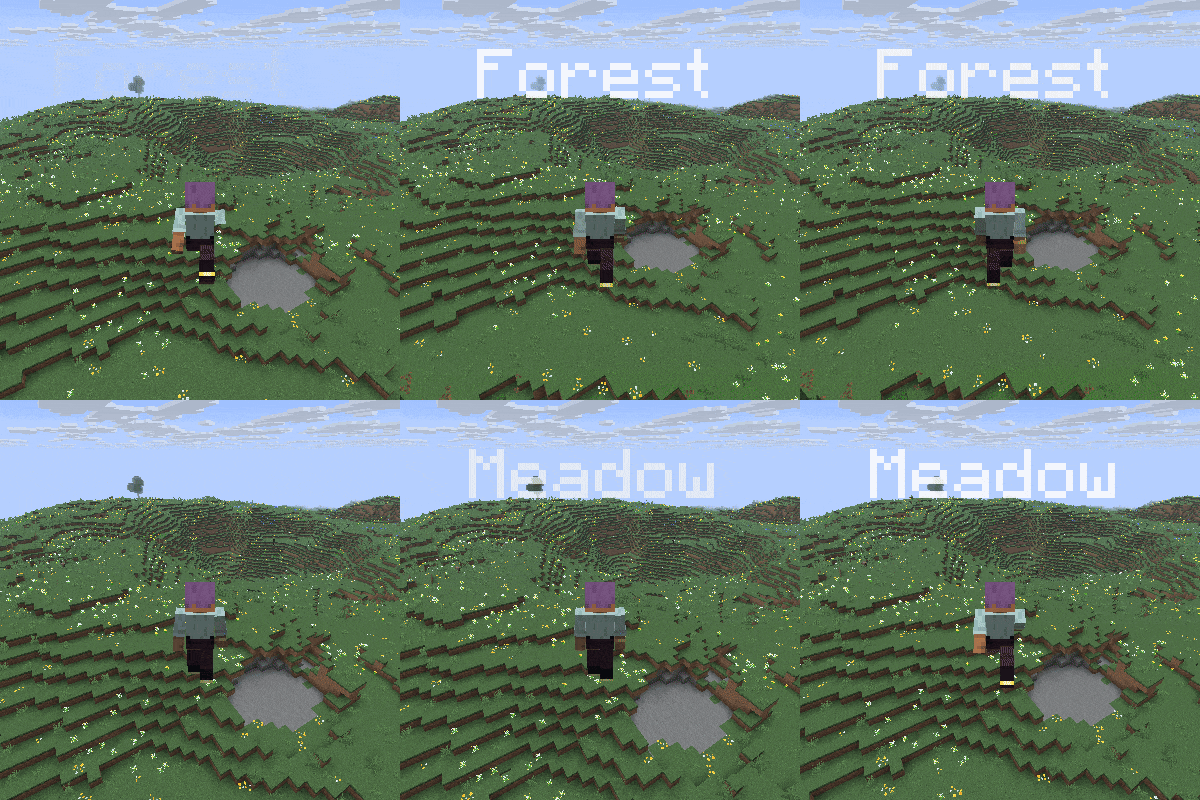
Whenever you go into another biome, the name of the biome pops up at the top of the screen.
Same for dimensions.
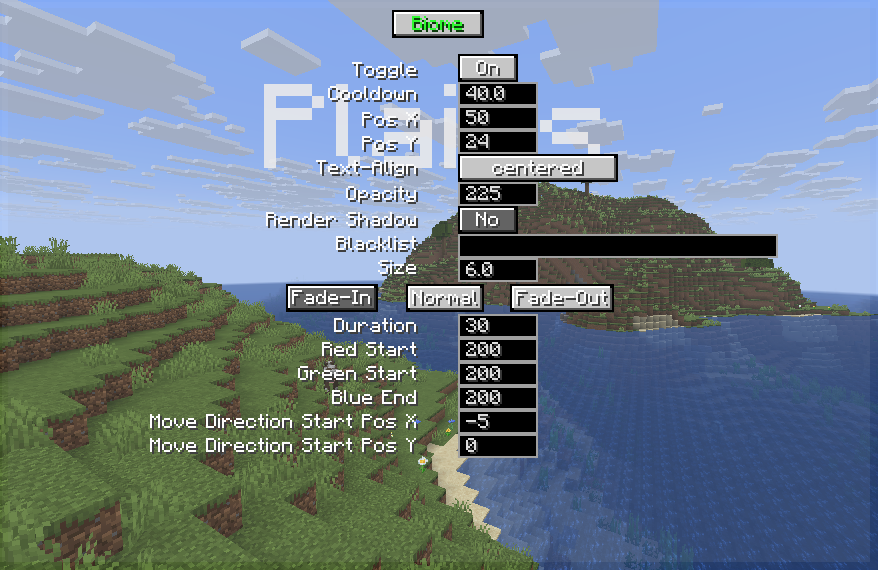
Beside that you can edit the text with the inbuilt settings screen that can be opened with the H key by default.
So after you open this screen you can
-switch between biome and dimension settings while clicking on the Biome or dimension button
-disable these texts whenever you want
-add a cooldown time between the texts
-base position
-text-align
-max opacity (opacity of the normal text, fade-in goes to this value, and fade-out starts from this value)
-enable the text shadow
-text size
-add biomes to a blacklist (just type river for example)
also you can edit the fade-in, normal and fade-out texts
-duration (uses ticks, and 20 tick is 1 second)
-red, green, blue color (colors changes from fade-in to normal, then from normal to fade out)
-x, y move direction (direction changes from fade-in to normal, then from normal to fade out)
Mod currently supports
Forge 26.x | 1.21.x | 1.20.1
Fabric 26.x | 1.21.x | 1.20.1
Neoforge 26.x | 1.21.x
SEND ME A PRIVATE MESSAGE IF YOU NEED THE MOD IN A DIFFERENT VERSION OR IF YOU ENCOUNTER ANY BUGS AT CURSEFORGE
https://legacy.curseforge.com/members/aquarius_playz/projects
Follow me on X (twitter)

- Edition: Minecraft Java
- File type: .jar
- Minecraft versions listed: 1.21.11, 1.21.9, 1.21.10
- How to install: Install the matching mod loader (Forge, Fabric or NeoForge) for your Minecraft version. → Download the .jar. → Put it in the .minecraft/mods folder and launch that loader profile.
- Where to get it: Opens on CurseForge — not every file is mirrored on our own servers.
Install steps are the general flow for this file type — How to install Minecraft Java mods & modpacks walks through it step by step.
- Ships as hellobiome-1.0.0-forge-26.2-65.0.0.jar — drop this file into the mods folder
- Download size: 34 KB
- Download link checked 2 Oct 2026 — working
These come from our own check of the pack file, not from the source page.