F-Tech: Equipment
Java mod listed for Minecraft 1.20. File opened and checked on 23 Sep 2026; downloads from the MC Java Mods app on Android.
I don't know my version or loader
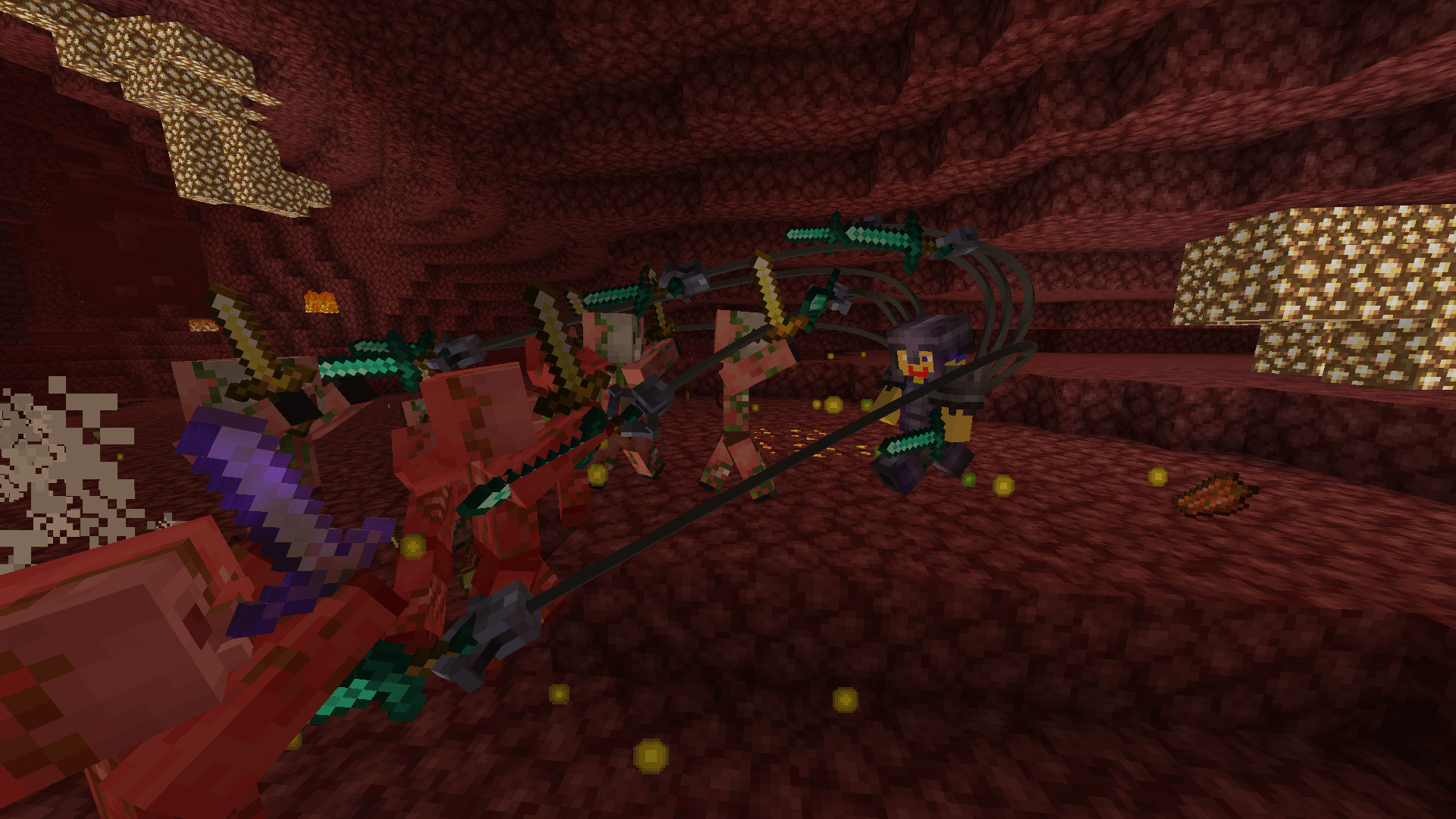
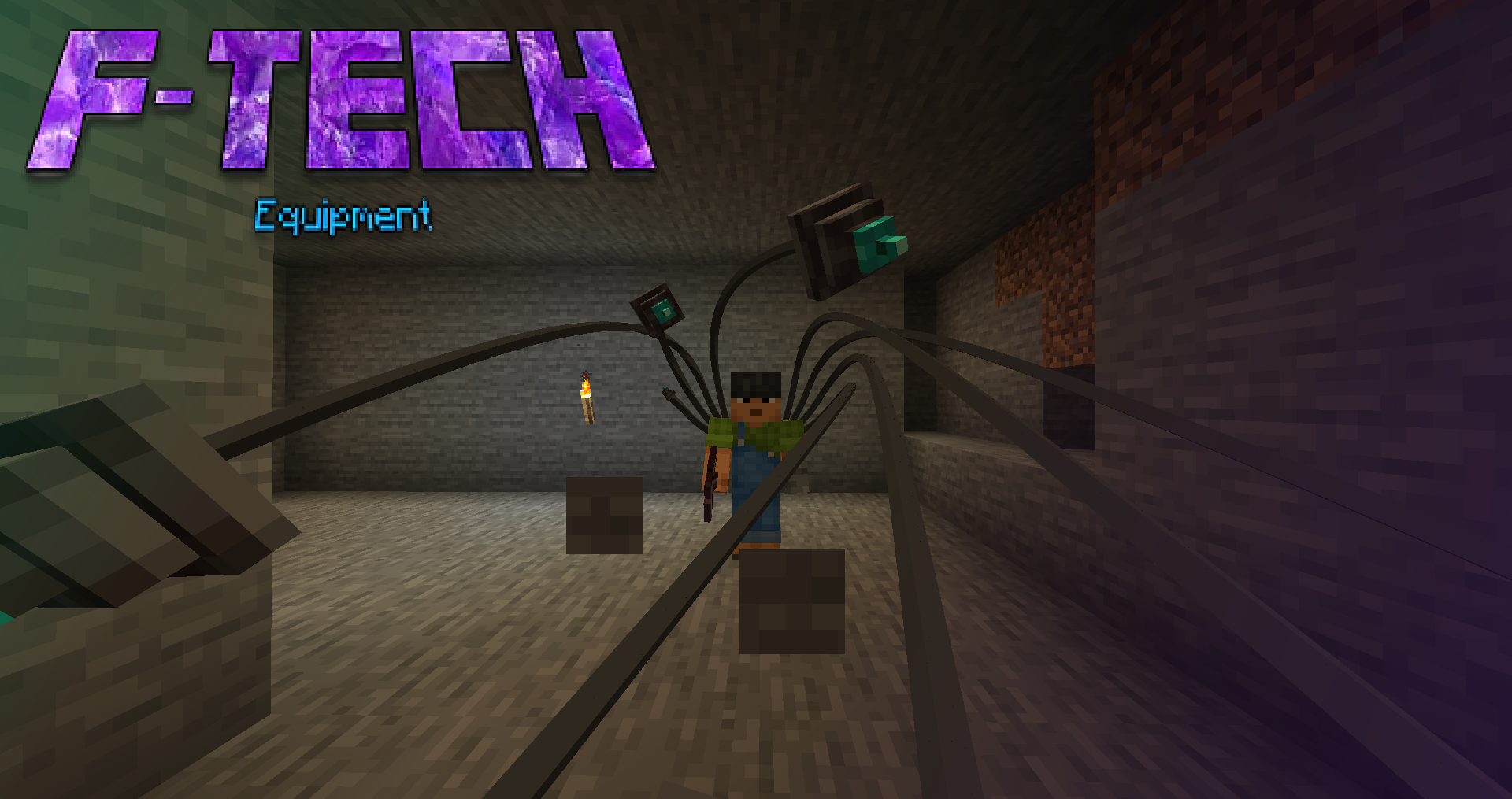
F-Tech: Equipment is part of the F-Tech series.
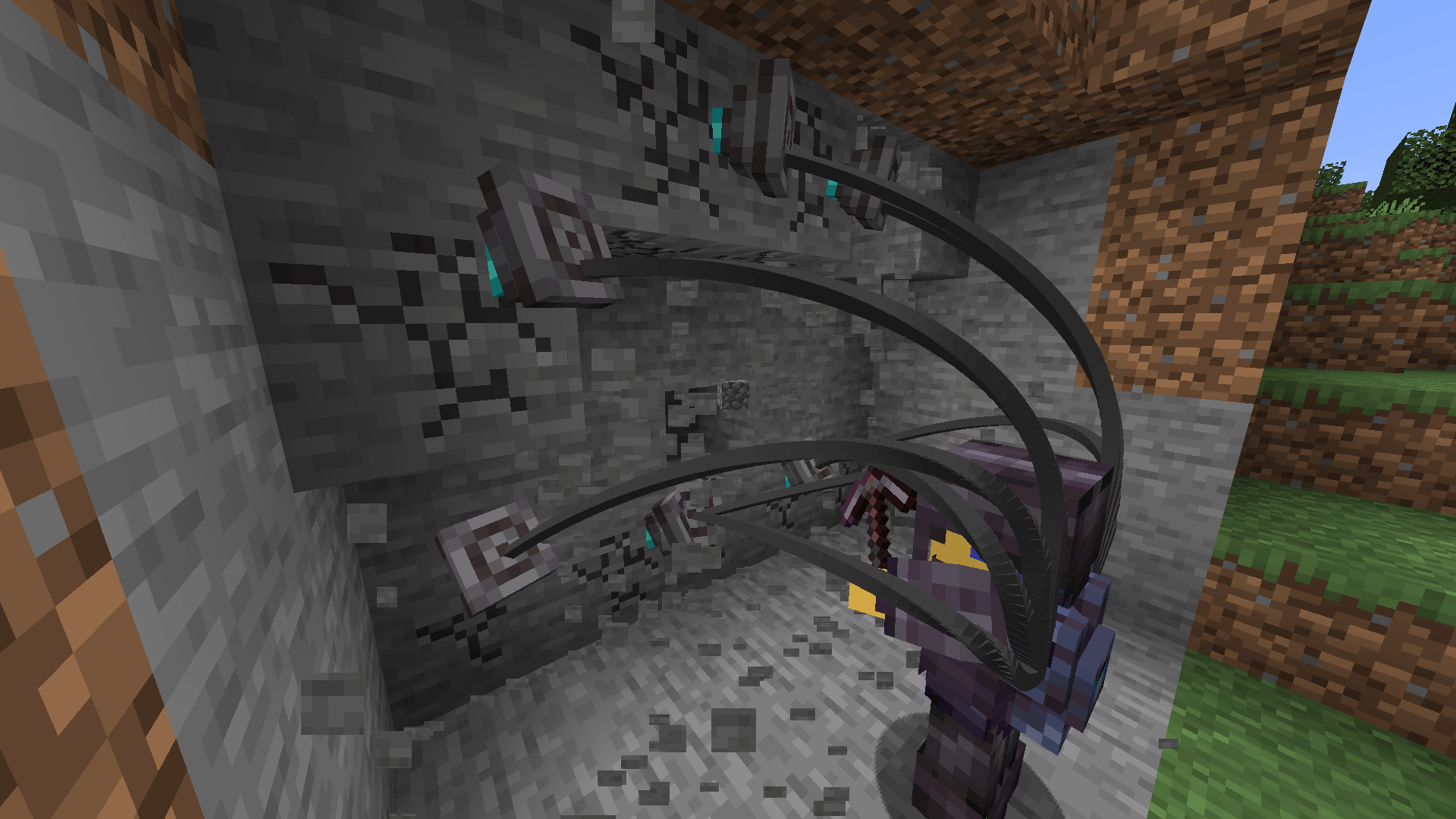
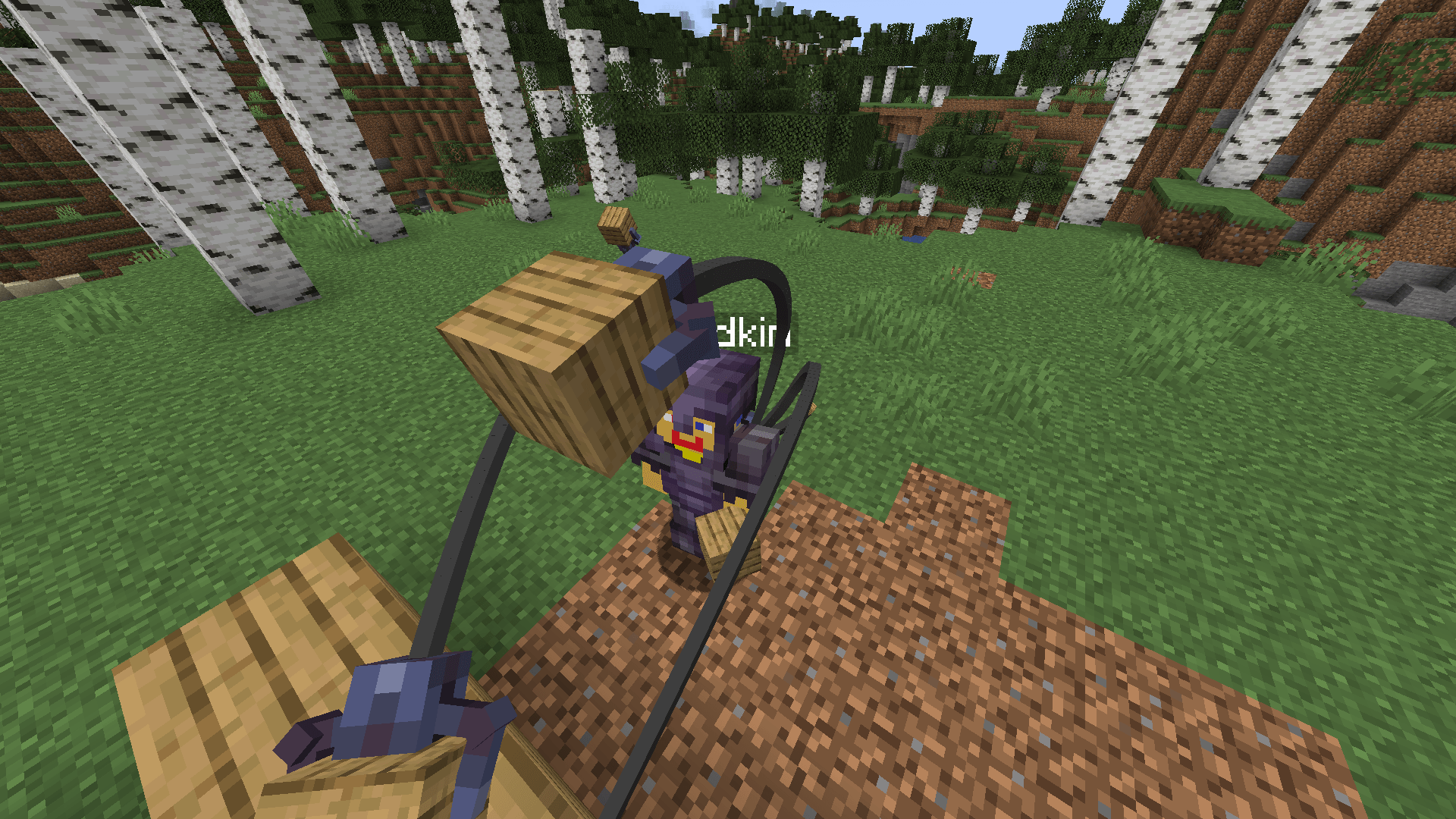
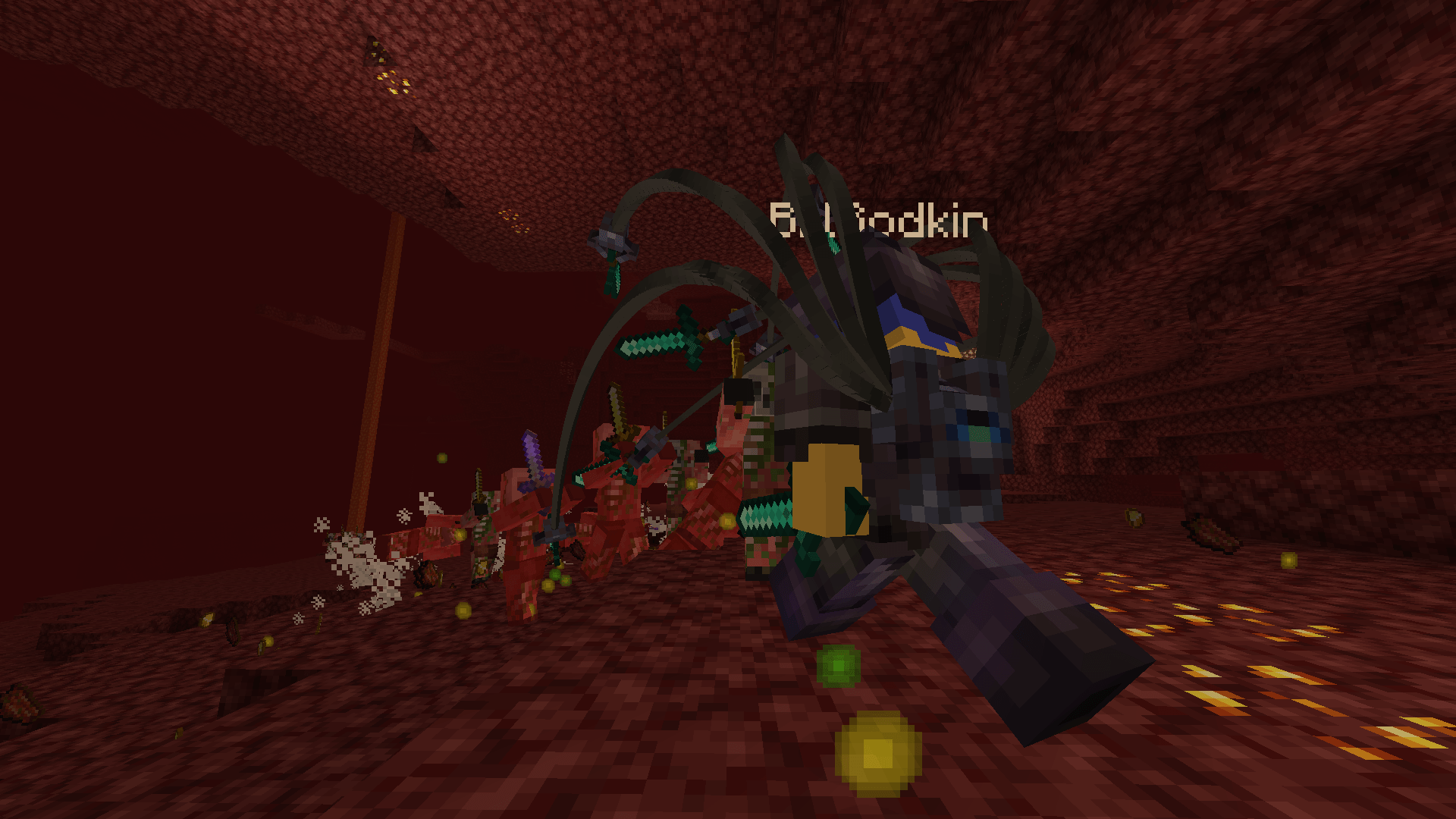
This mod brings a high-tech backpack to your world with different upgrades you can use. The backpack can store 1k items on its own, with storage upgrades of 3 tiers: +500, +1,000, and +2,000. There are 9 slots total for upgrades, so you can prioritise what upgrades are important to you.
There is also the Block Operations upgrade. This is what enables the robot arms to place and mine blocks. They do this by replicating what the player does in a range around the crosshair. Block placing requires that block to be in the backpack, and mining requires drills in the backpack drill slots. Drills can be enchanted like a pickaxe. The max range of the selection area for replication can be increased using an upgrade.
There is also an Item Pickup upgrade that enables the robot arms to pick up nearby dropped items.
Default keybinds
(These can be changed in settings)
- Open backpack [B]
- Open replication screen [U]
- Toggle replication [Unbound]
- Toggle item pickup [Unbound]
- Edition: Minecraft Java
- File type: .jar
- Minecraft version listed: 1.20.1
- How to install: Install the matching mod loader (Forge, Fabric or NeoForge) for your Minecraft version. → Download the .jar. → Put it in the .minecraft/mods folder and launch that loader profile.
- Where to get it: Opens on CurseForge — not every file is mirrored on our own servers.
Install steps are the general flow for this file type — How to install Minecraft Java mods & modpacks walks through it step by step.
- Ships as F-Tech_Equipment-1.0-rc.3.jar — drop this file into the mods folder
- Download size: 283 KB
- Download link checked 2 Oct 2026 — working
These come from our own check of the pack file, not from the source page.