
More Fox
Java mod listed for Minecraft 1.20–1.21. Downloads from the MC Java Mods app on Android.
I don't know my version or loader

MORE FOX
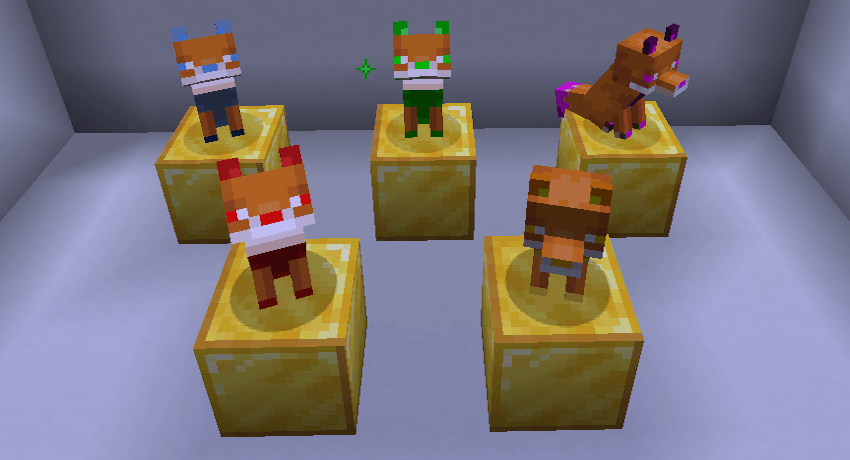
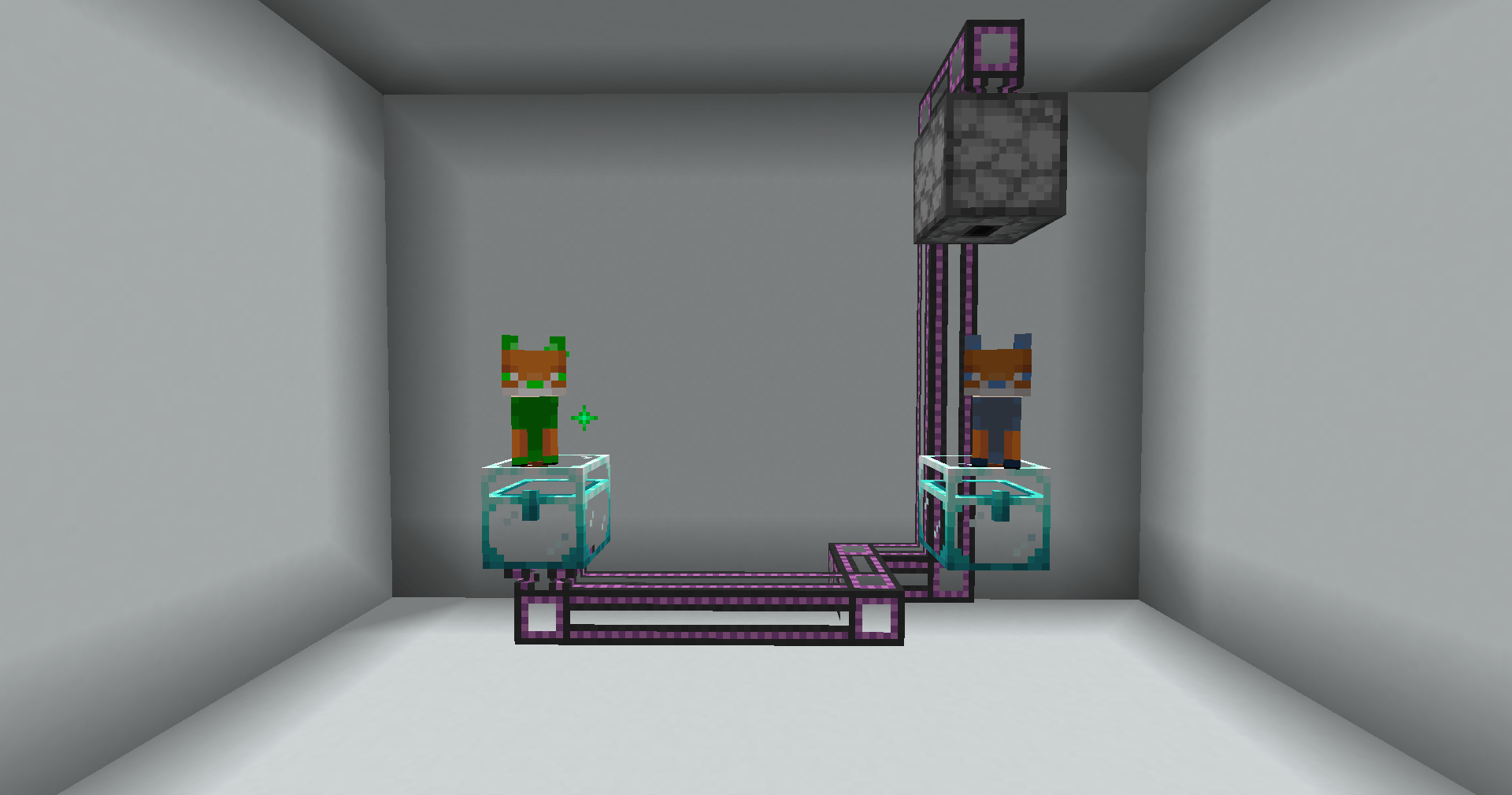
Add new foxes to your Minecraft. The new foxes have amazing effects and abilities. These foxes can be transformed using a necklace from the mod itself. Each necklace has its own attribute and transforms you into a specific fox. Currently, there are 5 types. Learn more about them below!
The mod was designed to be very powerful. Both ore generation and duplication are already quite strong, but everything can be configured through the mod’s config file.
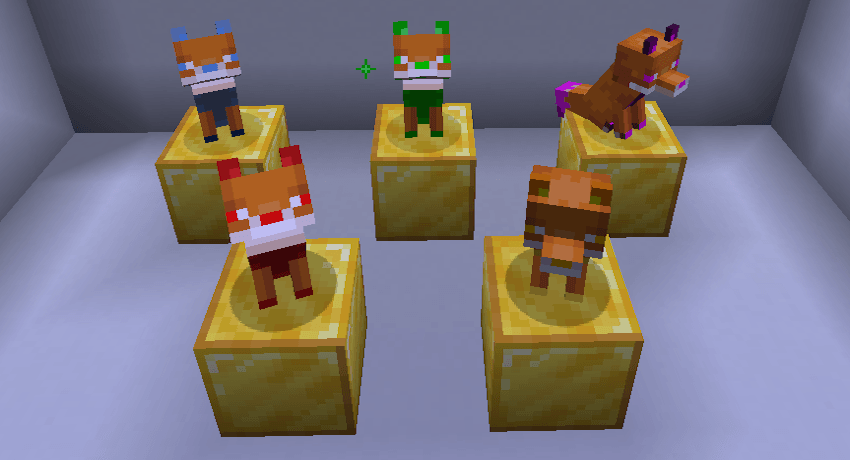
Blue Fox - Duplication
Fox of duplication. It is used to duplicate ores and raw materials. It duplicates all raw materials by 2x, and with upgrades it can reach up to 8x.
Green Fox - Mining
Fox of mining. It sniffs out ores lost around the world and delivers them to you. It can sniff all ores in the world and even across different dimensions.
Purple Fox - Enchanting
Fox of enchanting. It combines your enchantments in exchange for some items, allowing you to create enchantments of extraordinary levels.
Red Fox - Warrior
Fox of war. It helps you in battles by giving you strength, which can reach Strength V, and by attacking your enemies. It has 6 attack modes.
Gold Fox - God
God Fox. It helps you by making you practically immortal with Defense level V and a Totem of Undying every 15 seconds. Experience its godly powers.

How to play?
Find a fox in the world and tame it by giving it some diamonds. After that, it will officially be yours. It is similar to a wolf: it helps you and follows you. However, that’s not all. After taming it, you can assign it a profession. Choose a fox, craft a necklace, and put it on your fox. After that, it will start working together with you!
Need help or found a bug?
Report any problems on our Discord server:
https://discord.gg/R7rZcVugf6
- Edition: Minecraft Java
- File type: .jar
- Minecraft versions listed: 1.21.1, 1.20.1
- How to install: Install the matching mod loader (Forge, Fabric or NeoForge) for your Minecraft version. → Download the .jar. → Put it in the .minecraft/mods folder and launch that loader profile.
- Where to get it: Opens on CurseForge — not every file is mirrored on our own servers.
Install steps are the general flow for this file type — How to install Minecraft Java mods & modpacks walks through it step by step.
- Ships as More-Fox-Forge-1.20.1-1.0.0.jar — drop this file into the mods folder
- Download size: 189 KB
- Download link checked 2 Oct 2026 — working
These come from our own check of the pack file, not from the source page.