
TDSMP Translator
Java mod listed for Minecraft 1.20. Downloads from the MC Java Mods app on Android.
I don't know my version or loader
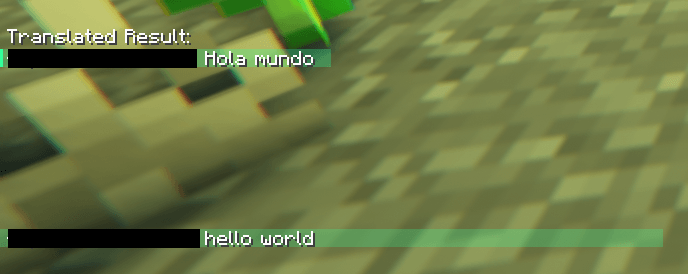
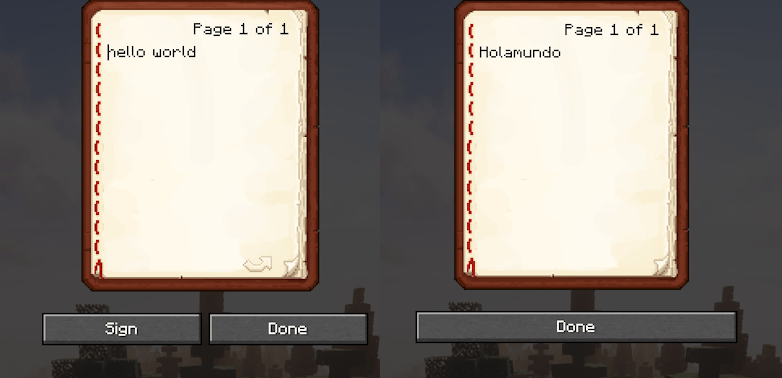
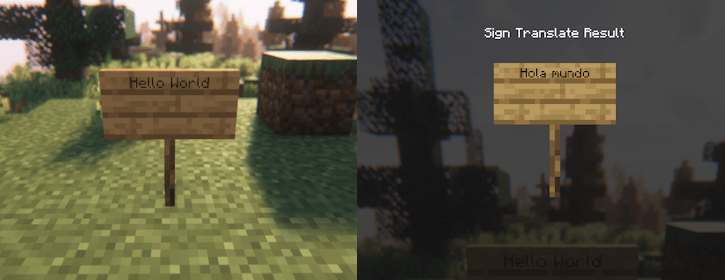
TDSMP Translate uses Azure Translator API to be able to translate text from books, signs, chat and even books on lecturns, all in real time!
The Main 4 Commands needed are;
- /translator from auto-detect
- /translator to ??
- /translator toggleChat
- /translator toggleItem
The first command sets what language you want to translate from.
(Use https://en.wikipedia.org/wiki/List_of_ISO_639_language_codes if you dont know what to put (Set 1).)
The second command sets the target language you want to translate to.
(Use https://en.wikipedia.org/wiki/List_of_ISO_639_language_codes if you dont know what to put (Set 1).)
The third command toggles the chat translation on/off.
The forth command toggles the item translation on/off.
If you want to be able to use the translater for a server you need to setup an azure translator api and change/add the required things needed in the config file.
This is a modified version of TranslateOverlay by PlumelS
Here is a link to the original mod ---> https://modrinth.com/mod/translateoverlay
- Edition: Minecraft Java
- File type: .jar
- Minecraft version listed: 1.20.1
- How to install: Install the matching mod loader (Forge, Fabric or NeoForge) for your Minecraft version. → Download the .jar. → Put it in the .minecraft/mods folder and launch that loader profile.
- Where to get it: Opens on CurseForge — not every file is mirrored on our own servers.
Install steps are the general flow for this file type — How to install Minecraft Java mods & modpacks walks through it step by step.
- Ships as TDSMP_Translator-1.1.0.jar — drop this file into the mods folder
- Download size: 182 KB
- Download link checked 23 Oct 2026 — working
These come from our own check of the pack file, not from the source page.