
Improved Happy Ghast
Java mod listed for Minecraft 1.21. Downloads from the MC Java Mods app on Android.
Allows players to create a not-wandering, faster, smaller, silenced Happy Ghast, get damage alerts and even summon it back in survival using items.
I don't know my version or loader
Improved Happy Ghast
➜ The data pack version of this mod can be found here
Allows players to create a not-wandering, faster, smaller, silenced Happy Ghast, get damage alerts and even summon it back in survival using items.
Makes the Happy Ghast usable again while staying balanced and survival-friendly.
Installation
After adding the data pack/mod to your world or server, you should be able to open the about panel, which is fully controllable with the mouse:
/function improved_happy_ghast:about
Usage
The above-mentioned improvements can be done by right-clicking the Happy Ghast with certain items in the mainhand of the player. As a confirmation, the player will see particles and hear a subtle sound cue. To revert these changes, just repeat the mentioned steps again.
Behavior Adjustments
Happy Ghasts also keep their riders underwater instead of forcing a dismount.
Disable Wandering
Item: Brush
Right-clicking and applying
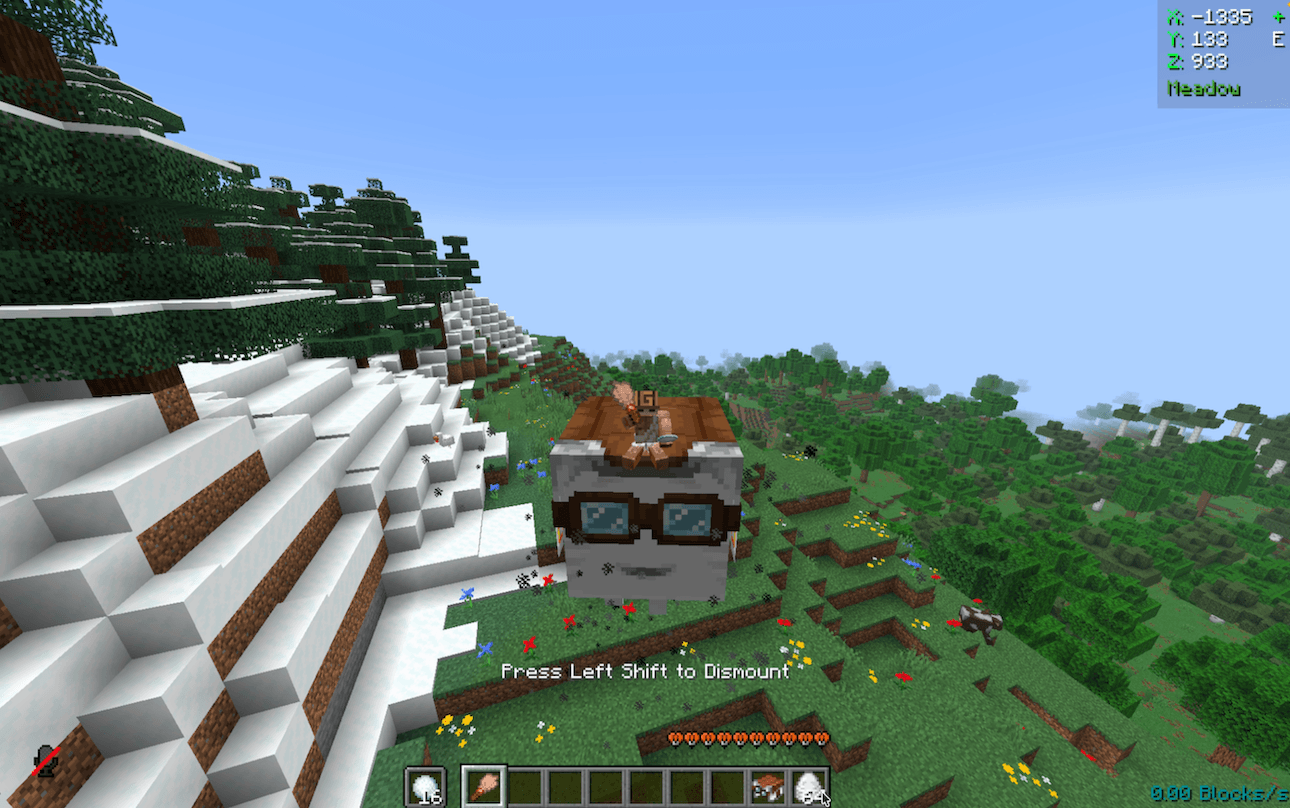
Not following snowballs and not-wandering
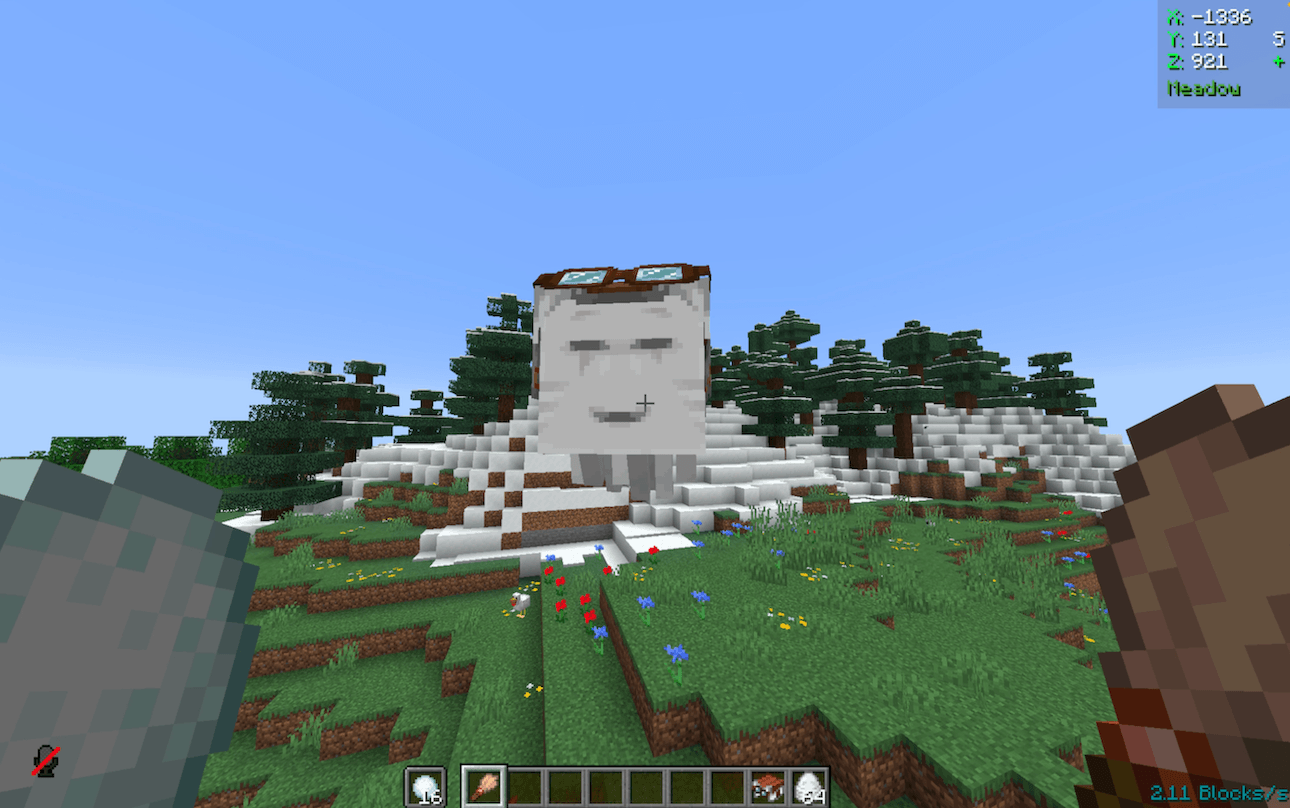
Increasing Speed
Item: Cookie
Right-clicking and applying
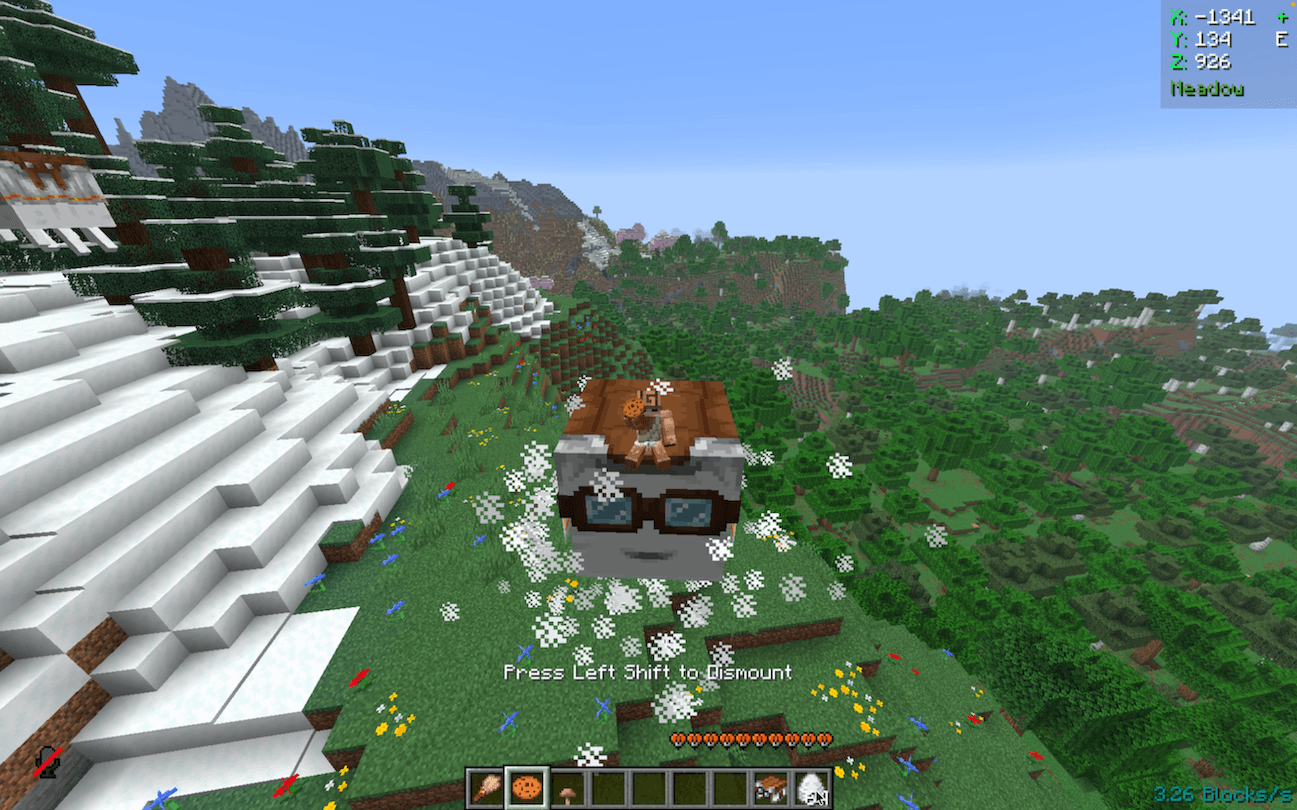
Faster, measured in-game speed at ~10b/s
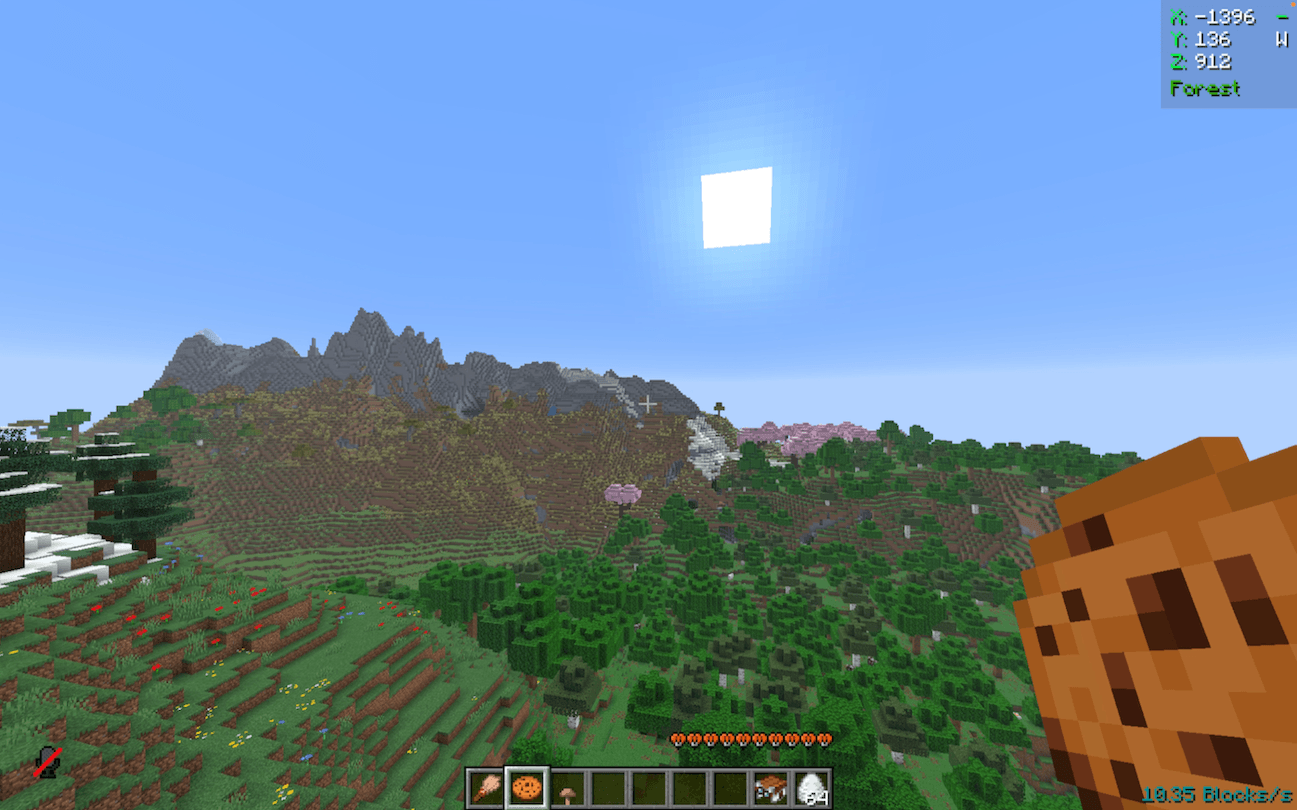
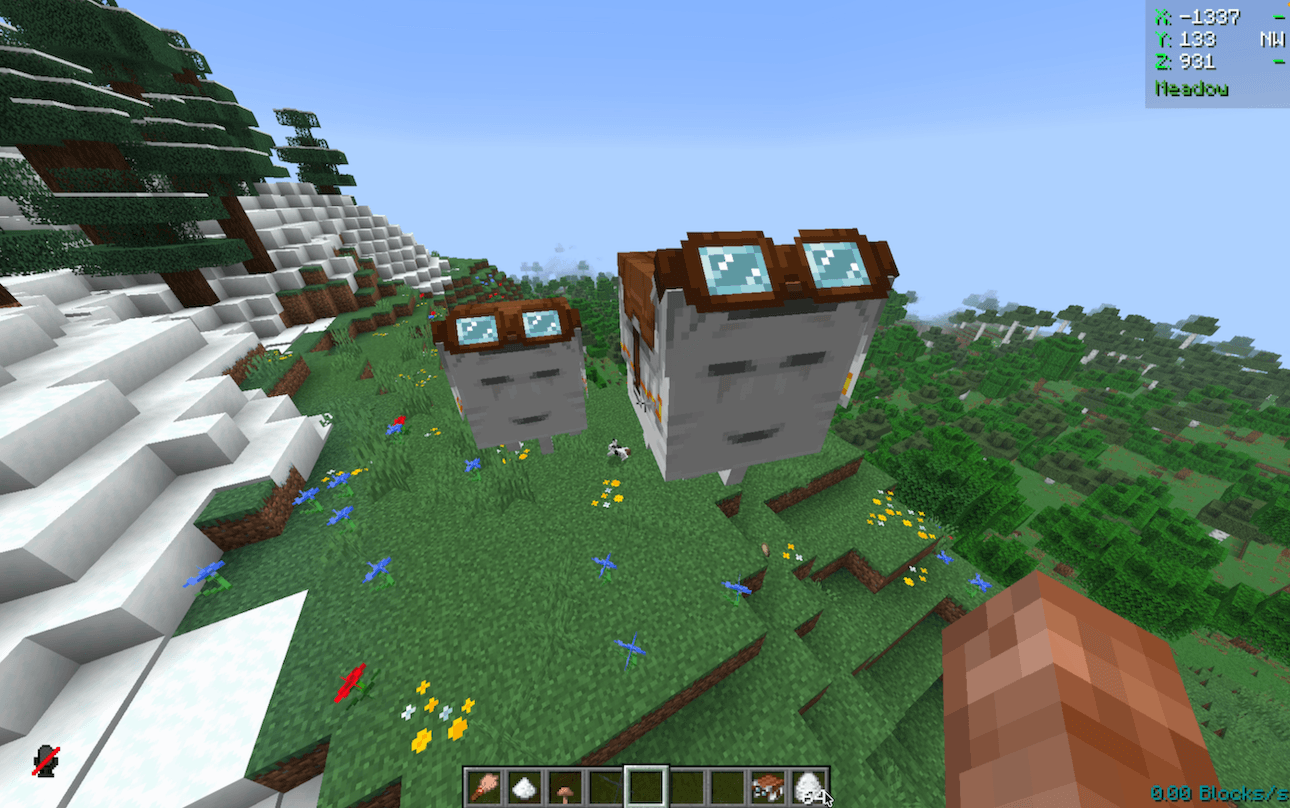
Reducing Size
Item: Brown Mushroom
Right-clicking and applying
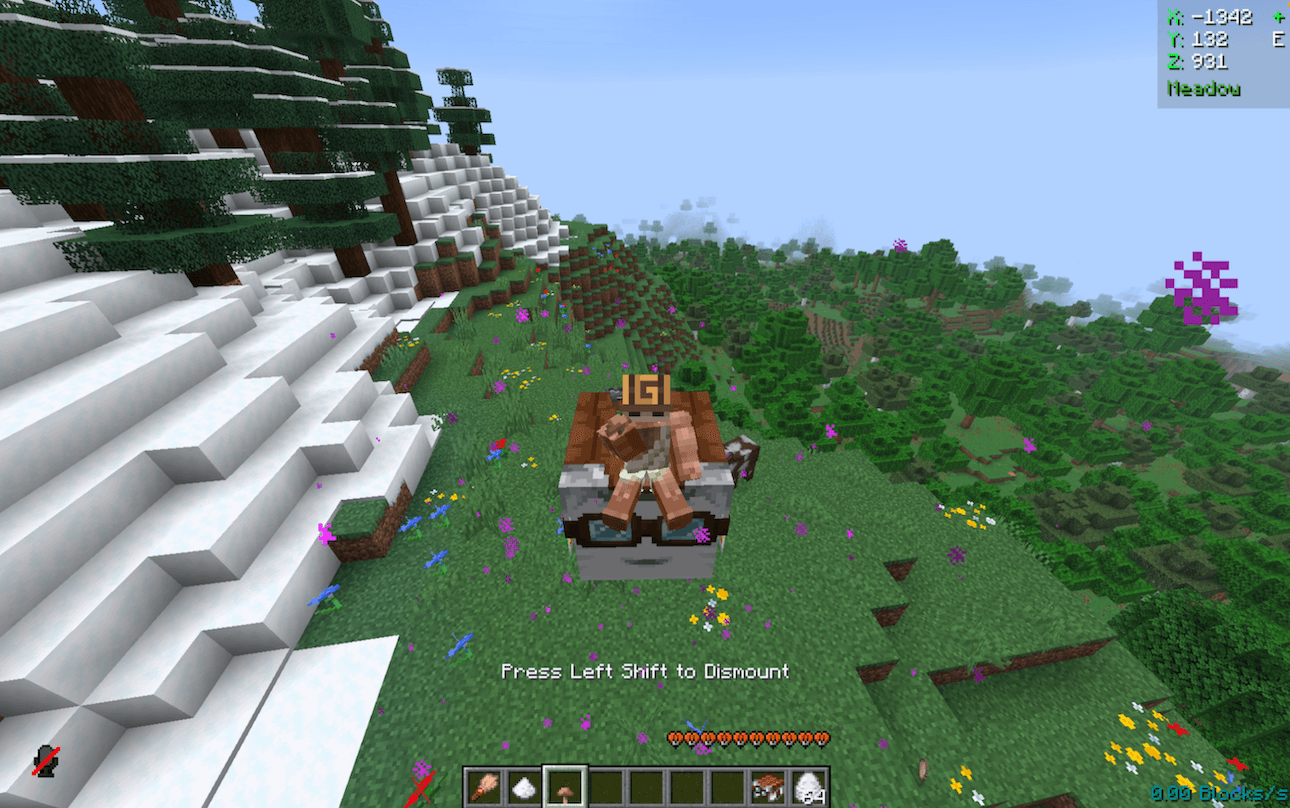
Compared to a normal one on the right
Silencing
Item: Honey Bottle
Right-clicking and applying
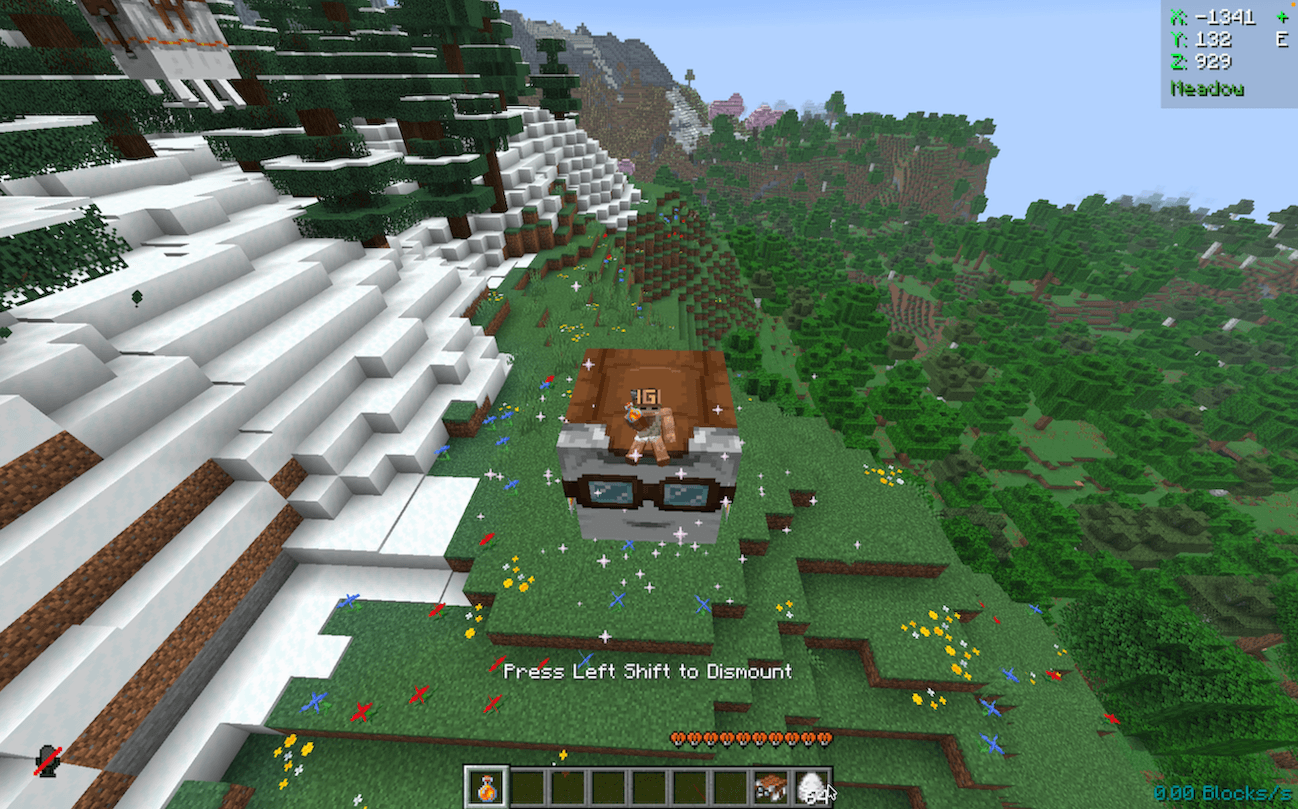
Now silent
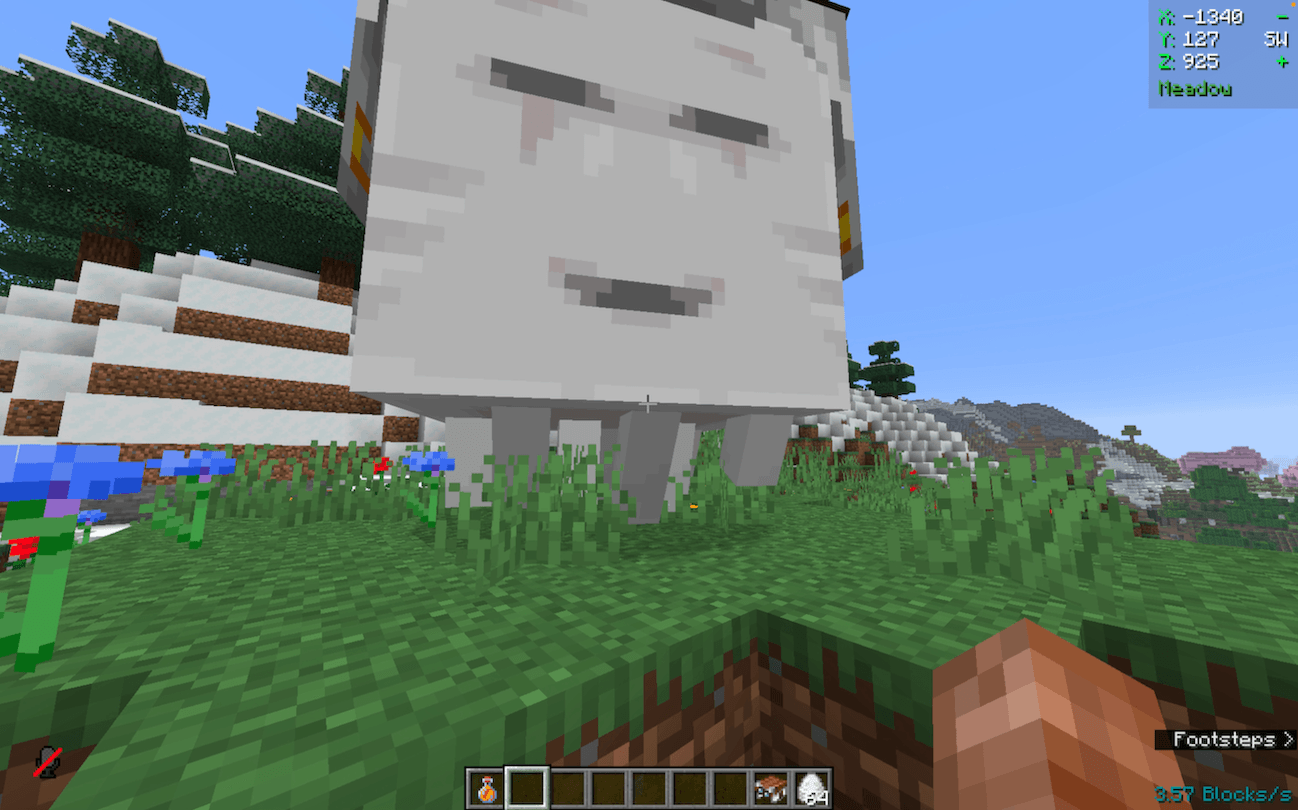
Summoning Back
Item: Goat Horn
Right-clicking and applying
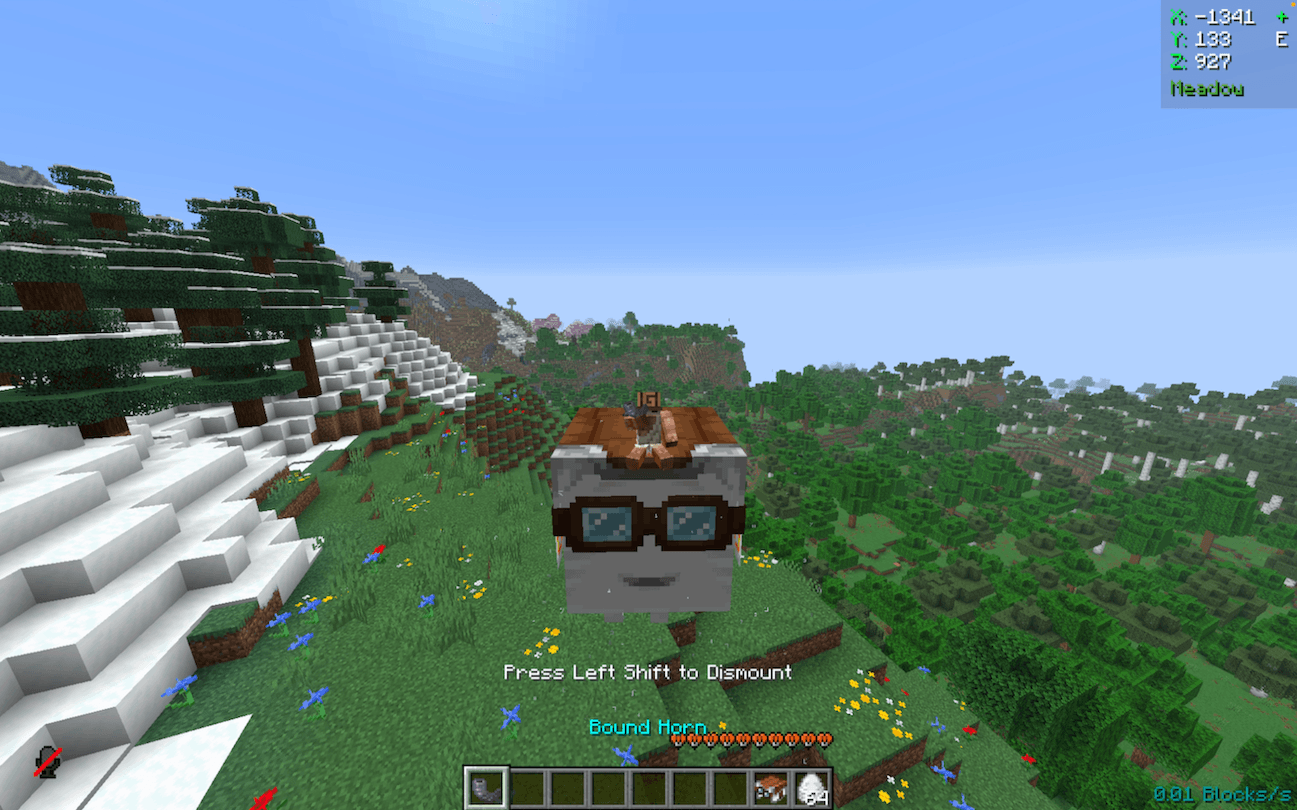
Summoned to your side, even across dimensions, via a Bound Horn
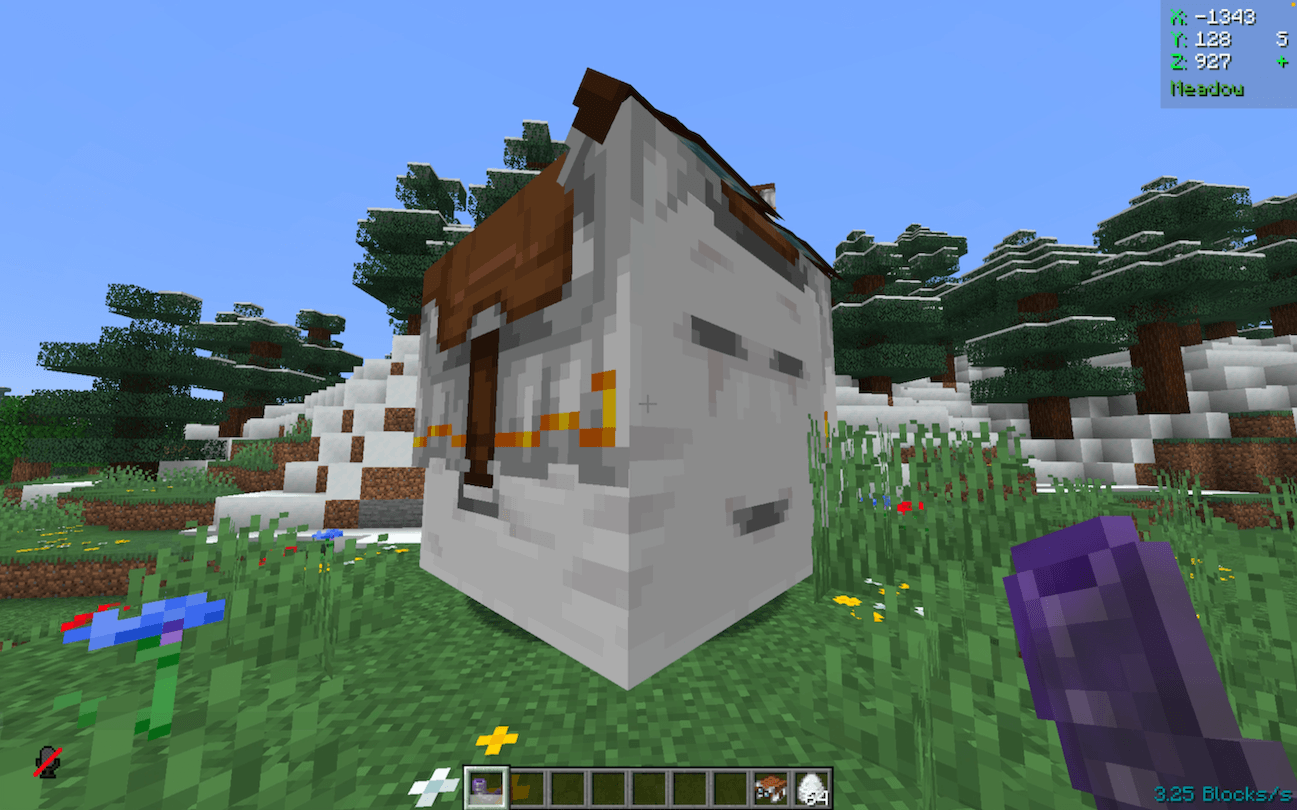
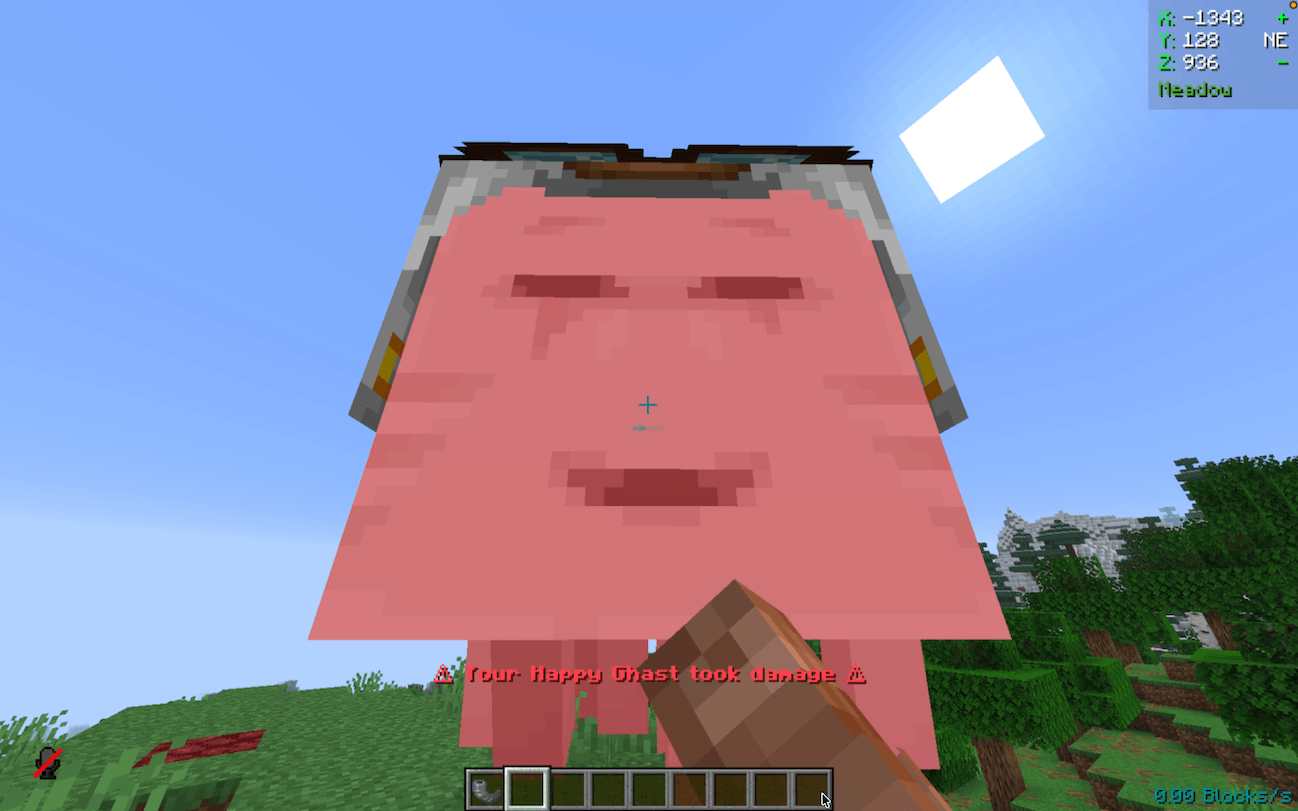
Damage Alerts
Item: None (always active)
While riding

While away as tamed owner
Contributing & Issues
I warmly welcome:
- Bug reports
- Feature requests
- Pull requests
Please open issues or PRs on GitHub.
License
This project is licensed under the LGPLv3 License. See LICENSE for details.
- Edition: Minecraft Java
- File type: .jar
- Minecraft versions listed: 1.21.8, 1.21.6, 1.21.7
- How to install: Install the matching mod loader (Forge, Fabric or NeoForge) for your Minecraft version. → Download the .jar. → Put it in the .minecraft/mods folder and launch that loader profile.
- Where to get it: Opens on CurseForge — not every file is mirrored on our own servers.
Install steps are the general flow for this file type — How to install Minecraft Java mods & modpacks walks through it step by step.
- Ships as improved-happy-ghast-0.5.0+mod.jar — drop this file into the mods folder
- Download size: 166 KB
- Download link checked 2 Oct 2026 — working
These come from our own check of the pack file, not from the source page.