WebDisplays Fork
The author built this one for Minecraft 1.21.1 on NeoForge. On other versions it may install and then do nothing.
WebDisplays - NeoForge 1.21.1 Port
An unofficial community port of WebDisplays for NeoForge 1.21.1.
Features
- In-Game Web Browsing - Create screens that display real web content
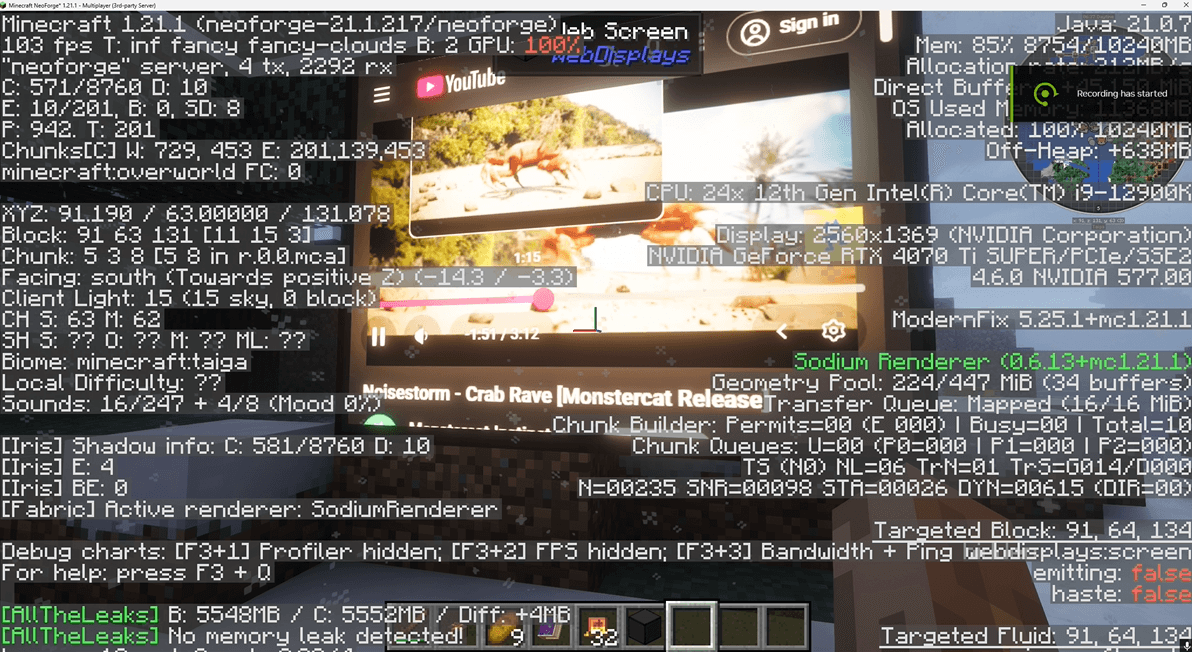
- Video Playback - Watch YouTube and other video content on your displays
- Multiplayer Support - Share screens with other players on servers
- Interactive - Click, scroll, and type on your web displays
- Customizable Sizes - Build screens of various dimensions
Requirements
- Minecraft: 1.21.1
- Mod Loader: NeoForge 21.1.x
- Java: 21
- MCEF 1.21.1 (REQUIRED) - Chromium Embedded Framework for Minecraft
Installation
- Install NeoForge for Minecraft 1.21.1
- Download and install MCEF (required dependency)
- Download WebDisplays and place in your
modsfolder - Launch Minecraft
Credits & Attribution
This is an unofficial port - all credit goes to the original creators:
Original Author: montoyo
Current Maintainers: CinemaMod Group
Contributors: GiantLuigi4, ds58, Mysticpasta1, WaterPicker
1.21.1 Port + Fixes/Improvements: BrotherBill
1.21.1 Laser Click: xmutsix
1.21.1 Brightness Config: IttoSanzzo
Original Project
- GitHub: https://github.com/CinemaMod/webdisplays - Discord: https://discord.gg/rNrh5kW8Ty
License
MIT License - This port is based on the MIT-licensed original WebDisplays mod.
Disclaimer
This is an unofficial port and is not affiliated with or endorsed by montoyo or CinemaMod Group. If an official 1.21.1 version is released, we recommend using that instead.
Source Code
- Edition: Minecraft Java
- File type: .jar
- Minecraft version listed: 1.21.1
- How to install: Install the matching mod loader (Forge, Fabric or NeoForge) for your Minecraft version. → Download the .jar. → Put it in the .minecraft/mods folder and launch that loader profile.
- Where to get it: Opens on CurseForge — not every file is mirrored on our own servers.
Install steps are the general flow for this file type — How to install Minecraft Java mods & modpacks walks through it step by step.
- Ships as webdisplays-2.6.0-1.21.1.jar — drop this file into the mods folder
- Download size: 855 KB
- Download link checked 22 Aug 2026 — working
These come from our own check of the pack file, not from the source page.