Coordinate Display Customizable
Java mod listed for Minecraft 1.21. Downloads from the MC Java Mods app on Android.
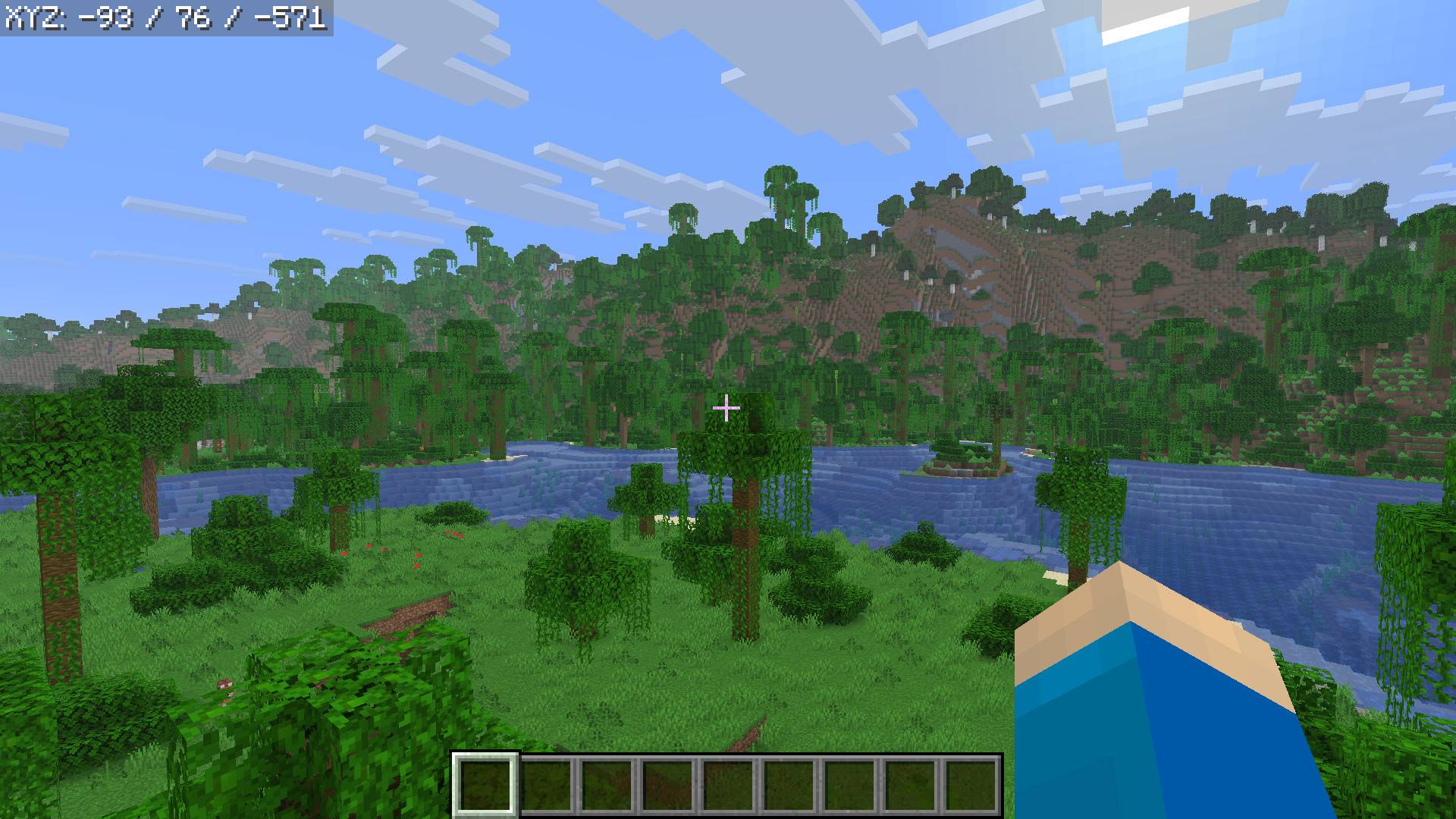
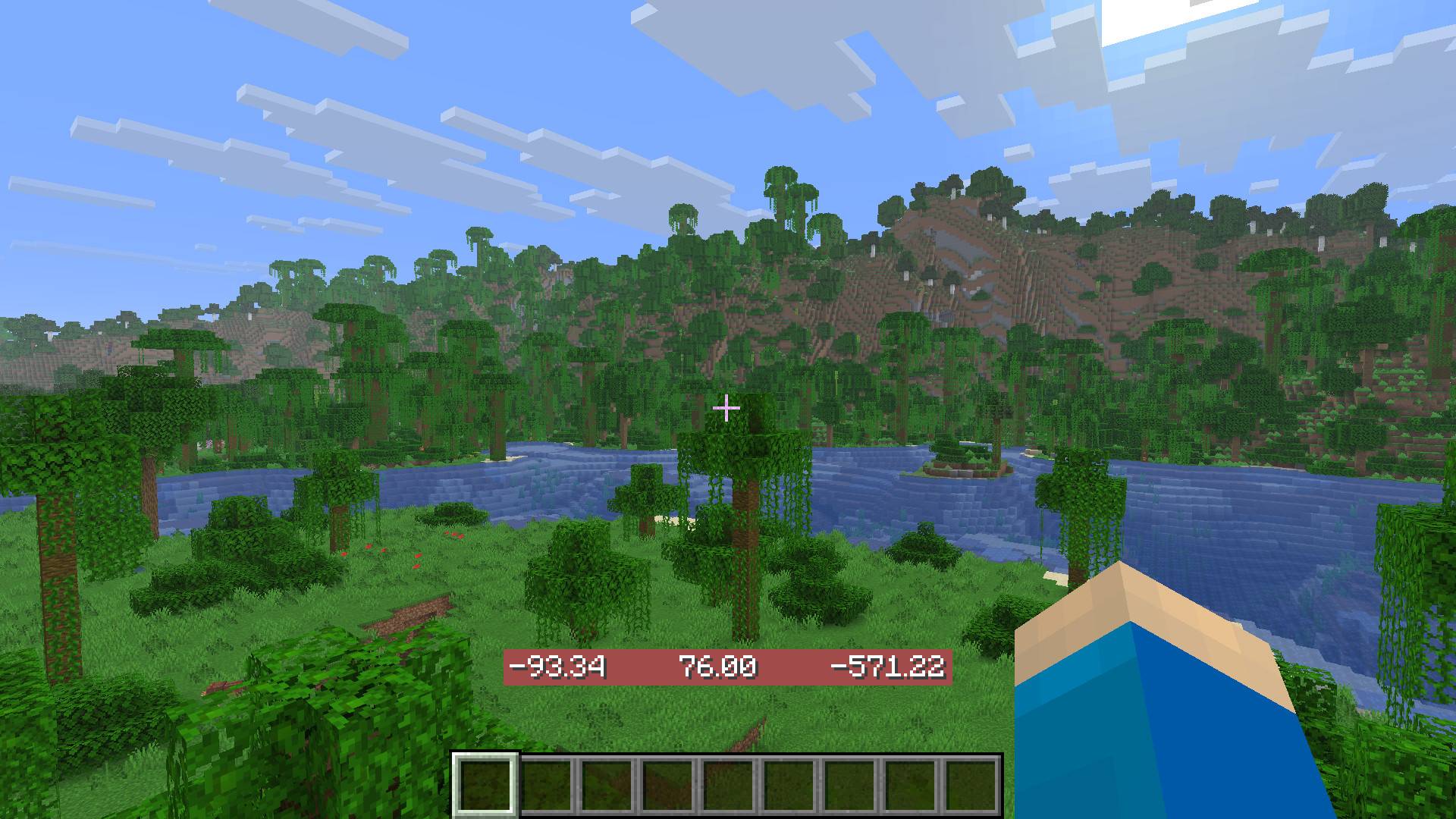
A mod that displays your coordinates in Minecraft and is customizable - especially easy with Mod Menu installed.
⬇ Download on CurseForgeThe author built this one for Minecraft 1.21.11 on Fabric. On other versions it may install and then do nothing.
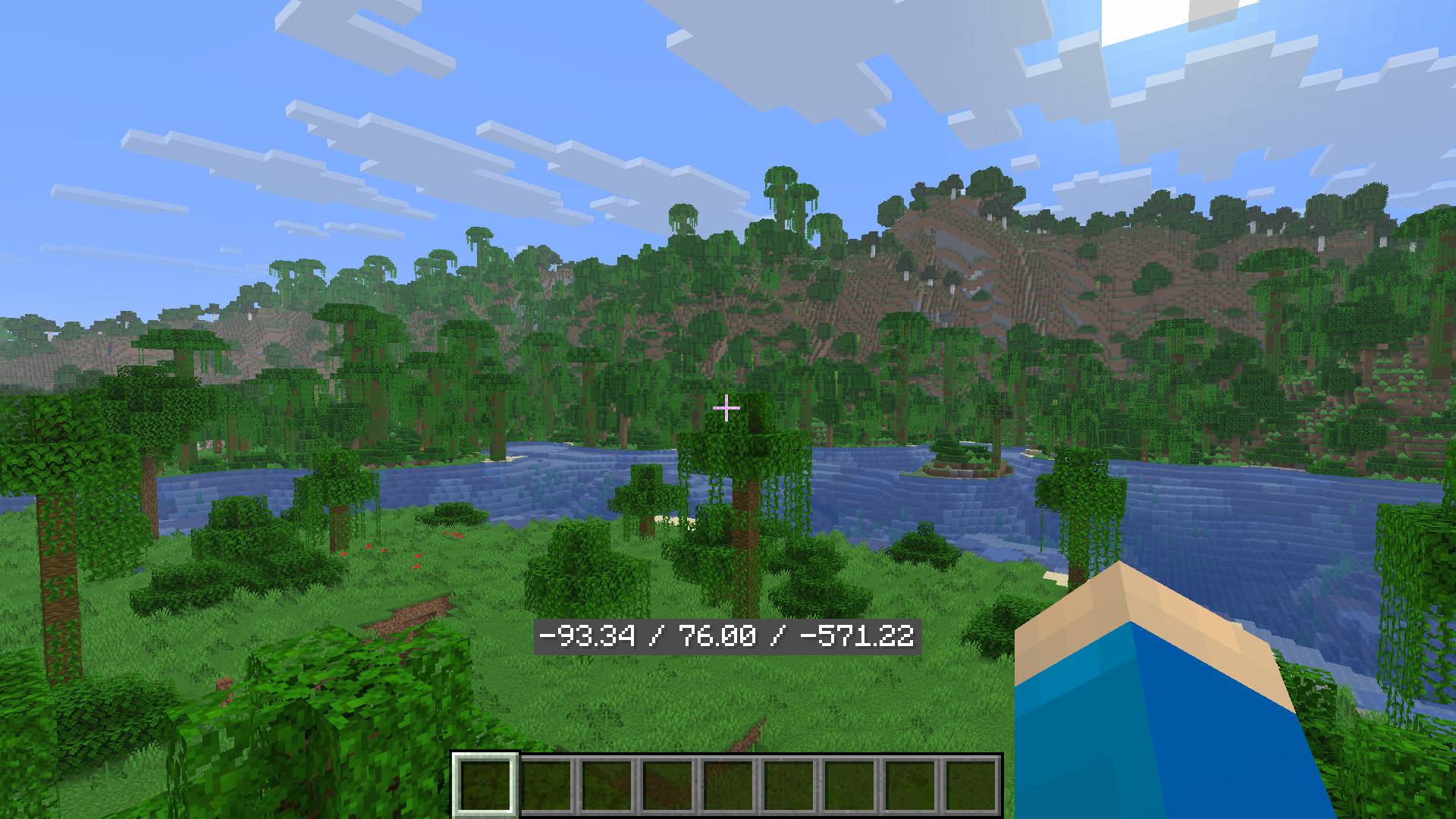
Coordinate Display
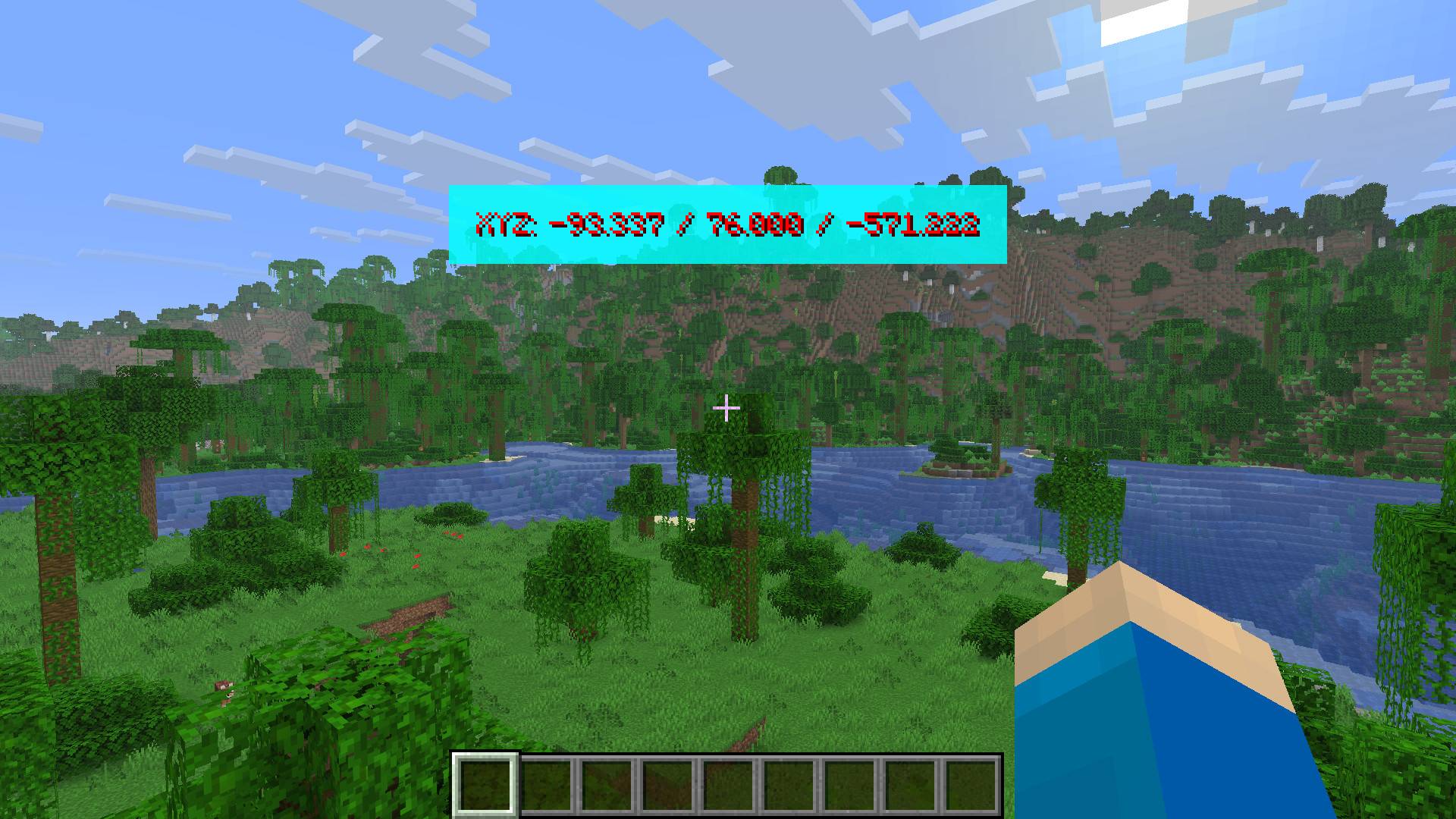
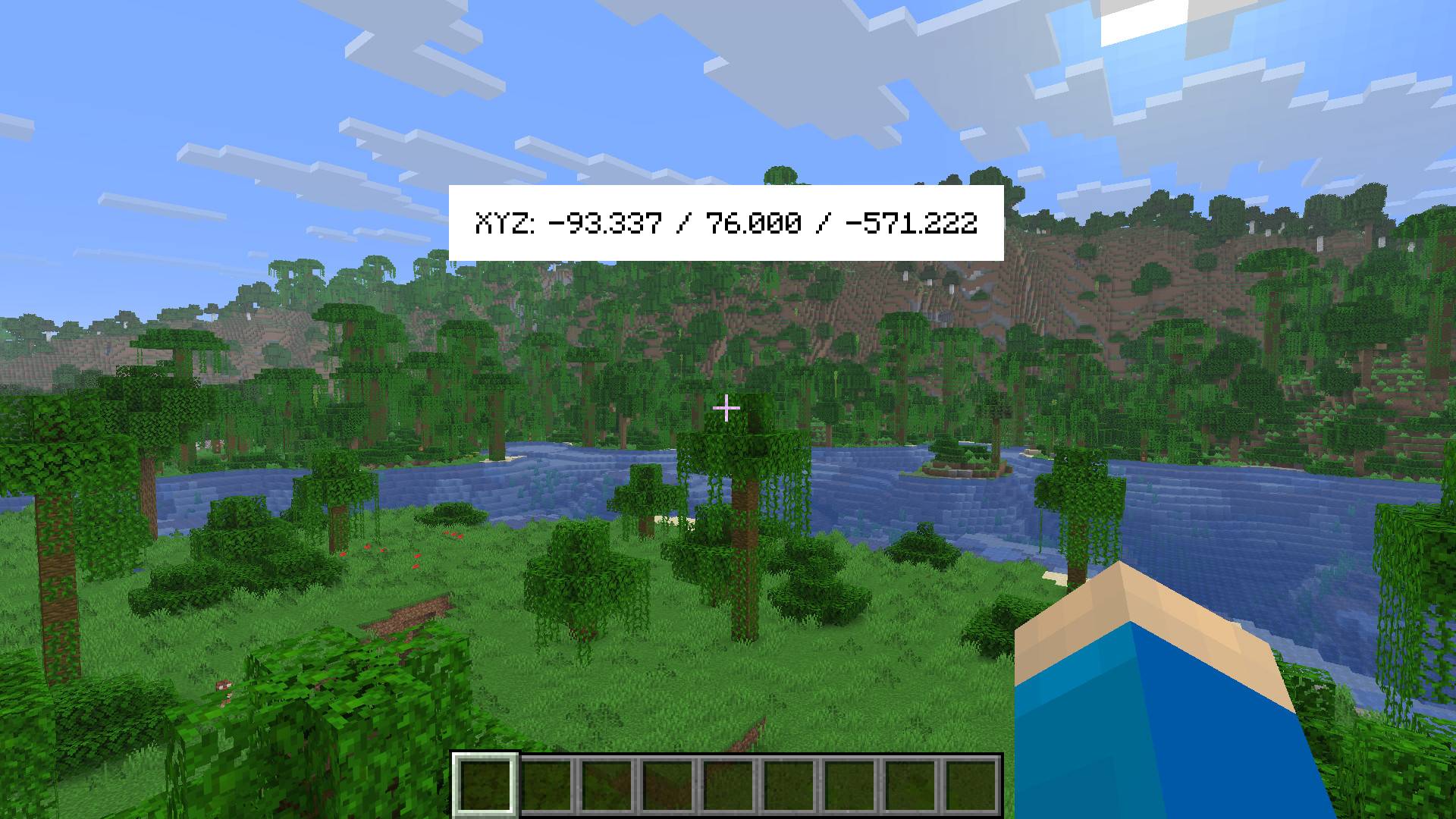
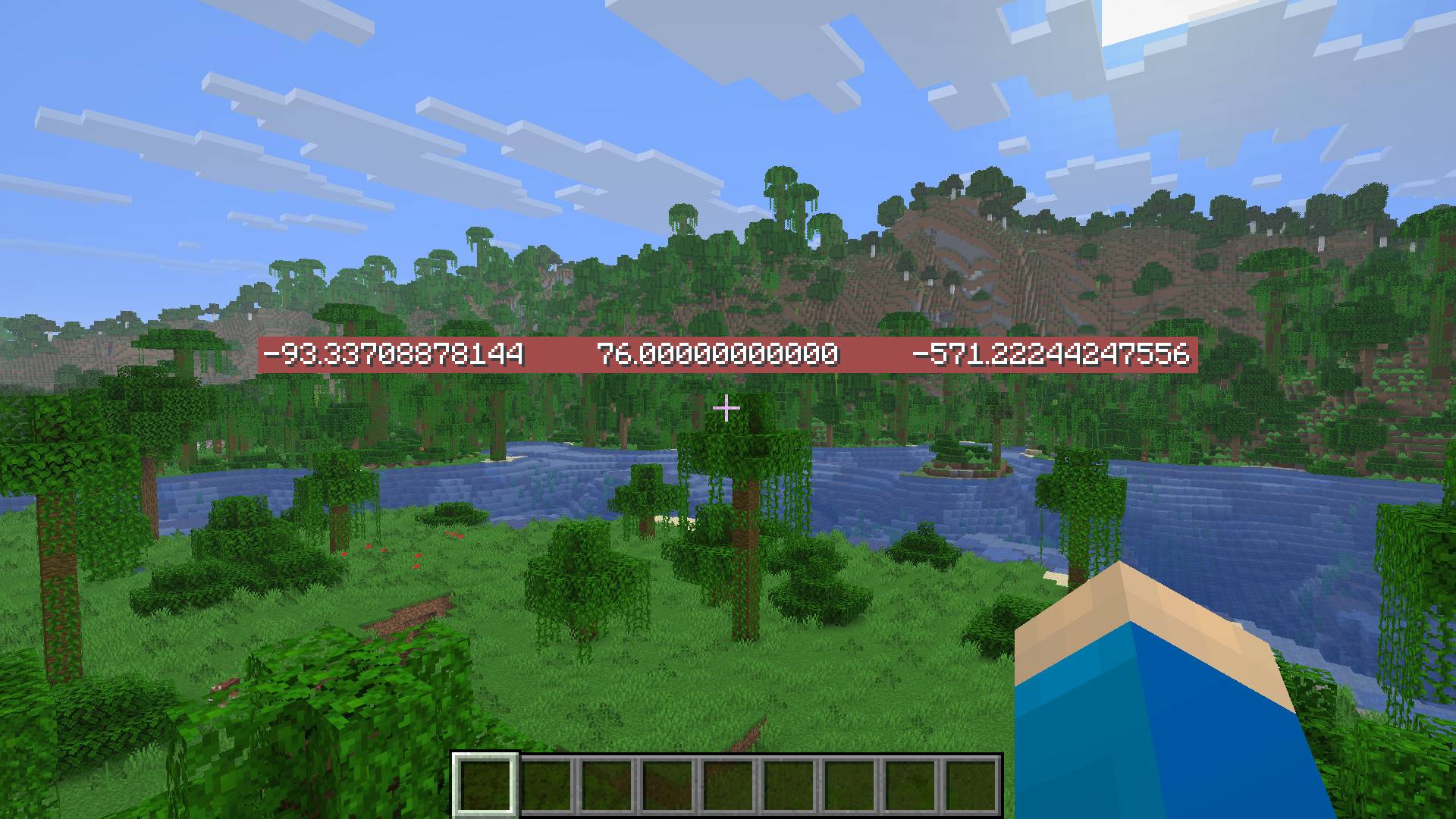
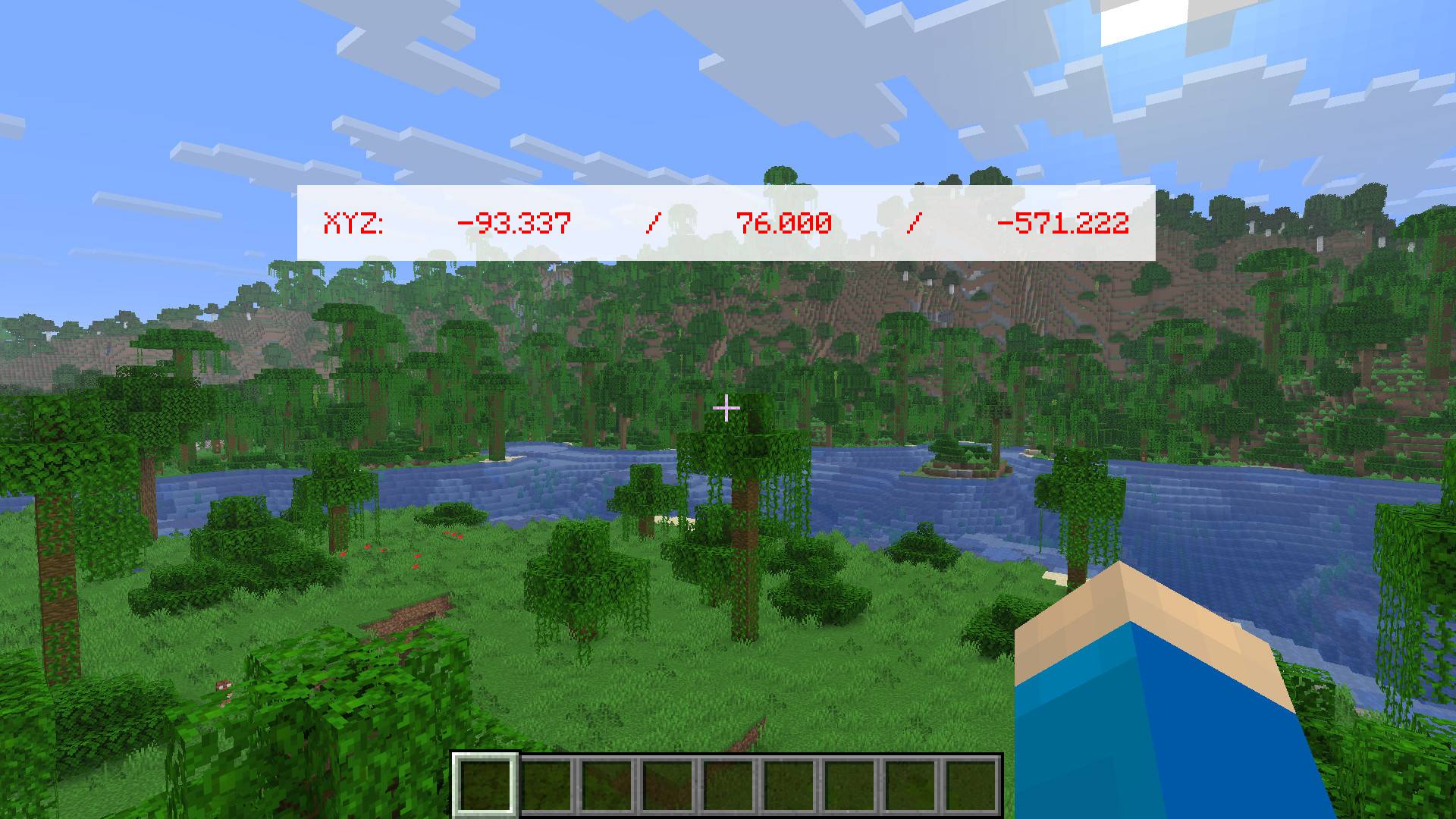
This mod displays your coordinates in a customizable way, which is easy to do using Mod Menu. Alternatively, you can change the "hestr8177_coordinate_display_config.json" file found under the "config" folder. This folder may not appear until you have launched the game with the mod installed first.
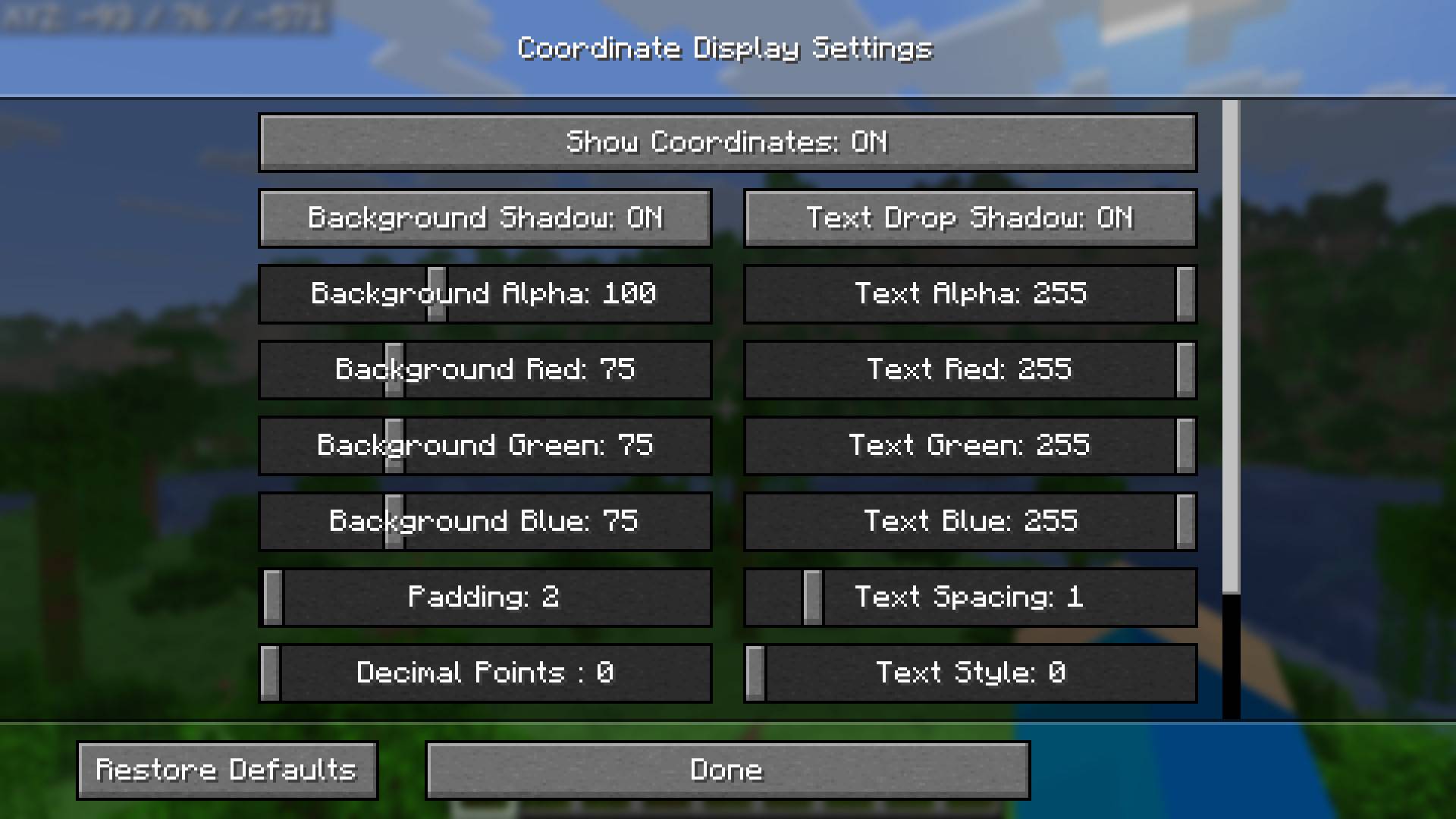
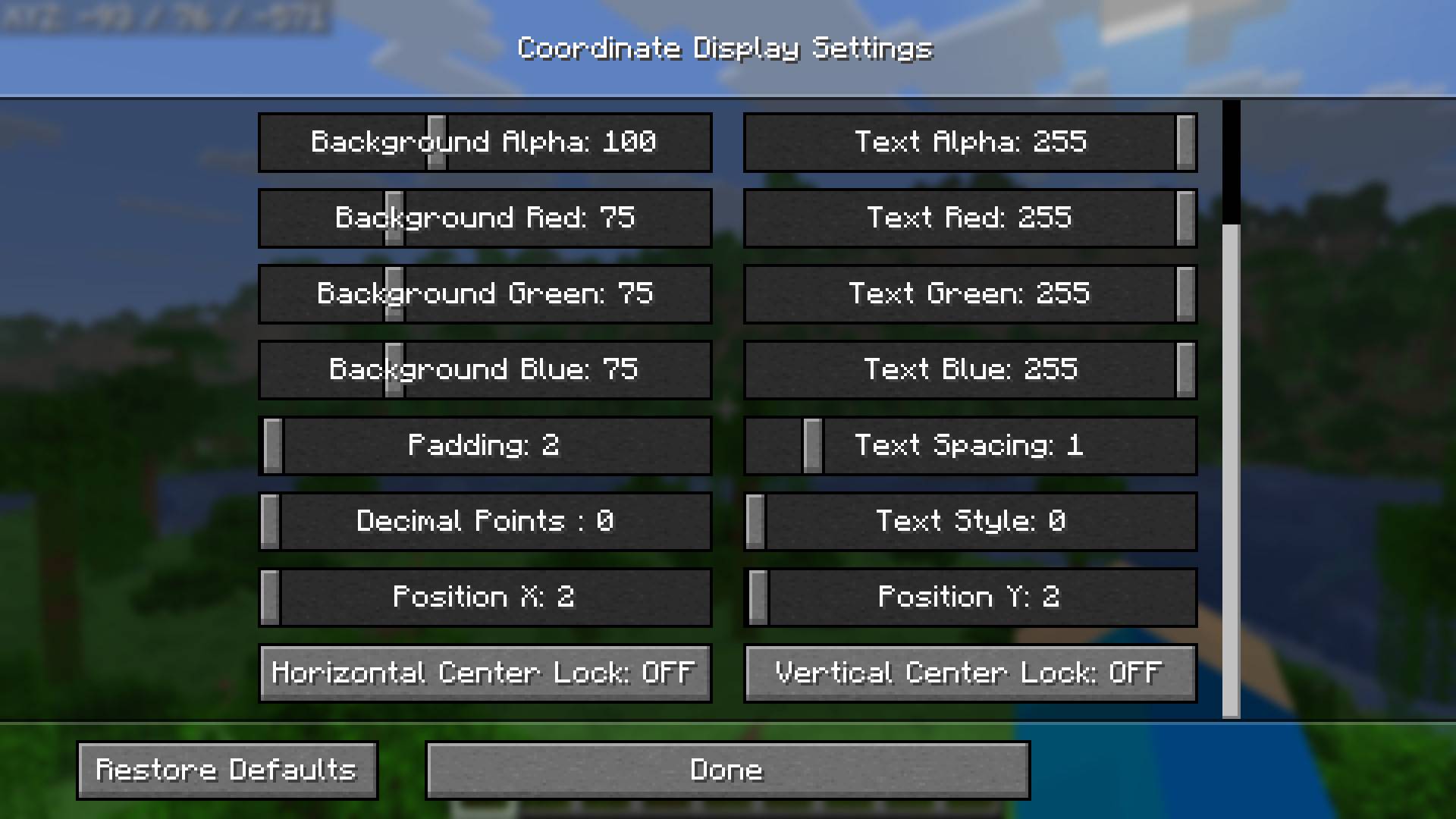
The settings you can change include:
- Show Coordinates: ON/OFF
- Text Alpha (transparency)
- Text RGB
- Text Shadow: ON/OFF
- Amount of decimals
- Text Style
- Text Spacing
- Background Shadow: ON/OFF
- Background Alpha (transparency)
- Background RGB
- Background Padding (size)
- Position of the coordinate display
- Central locking of position hortizontally and/or vertically
(Image: Default Settings)
(Image: Settings Sreen Part 1)
(Image: Settings Sreen Part 2)
(Images Below: Examples)
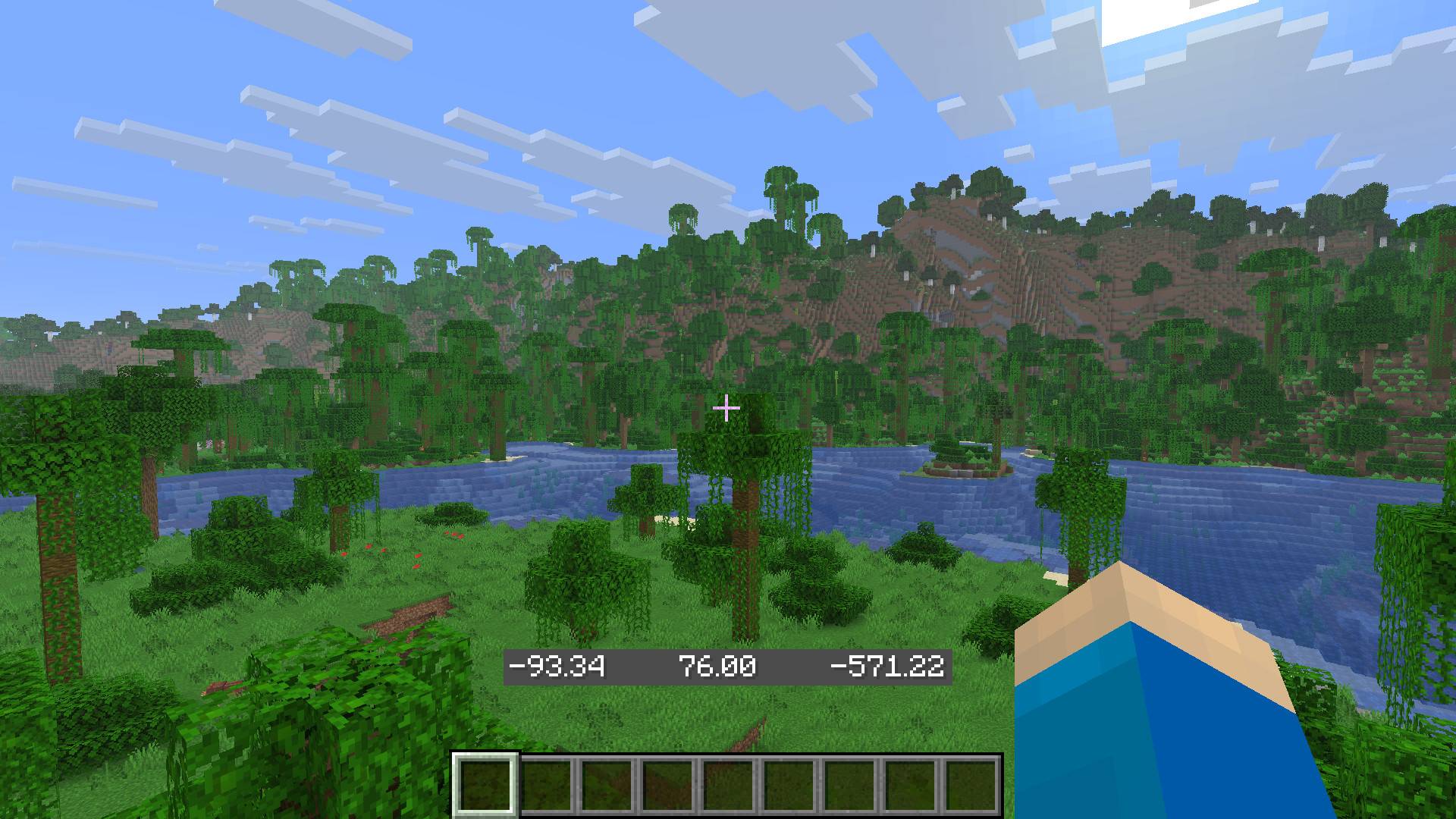
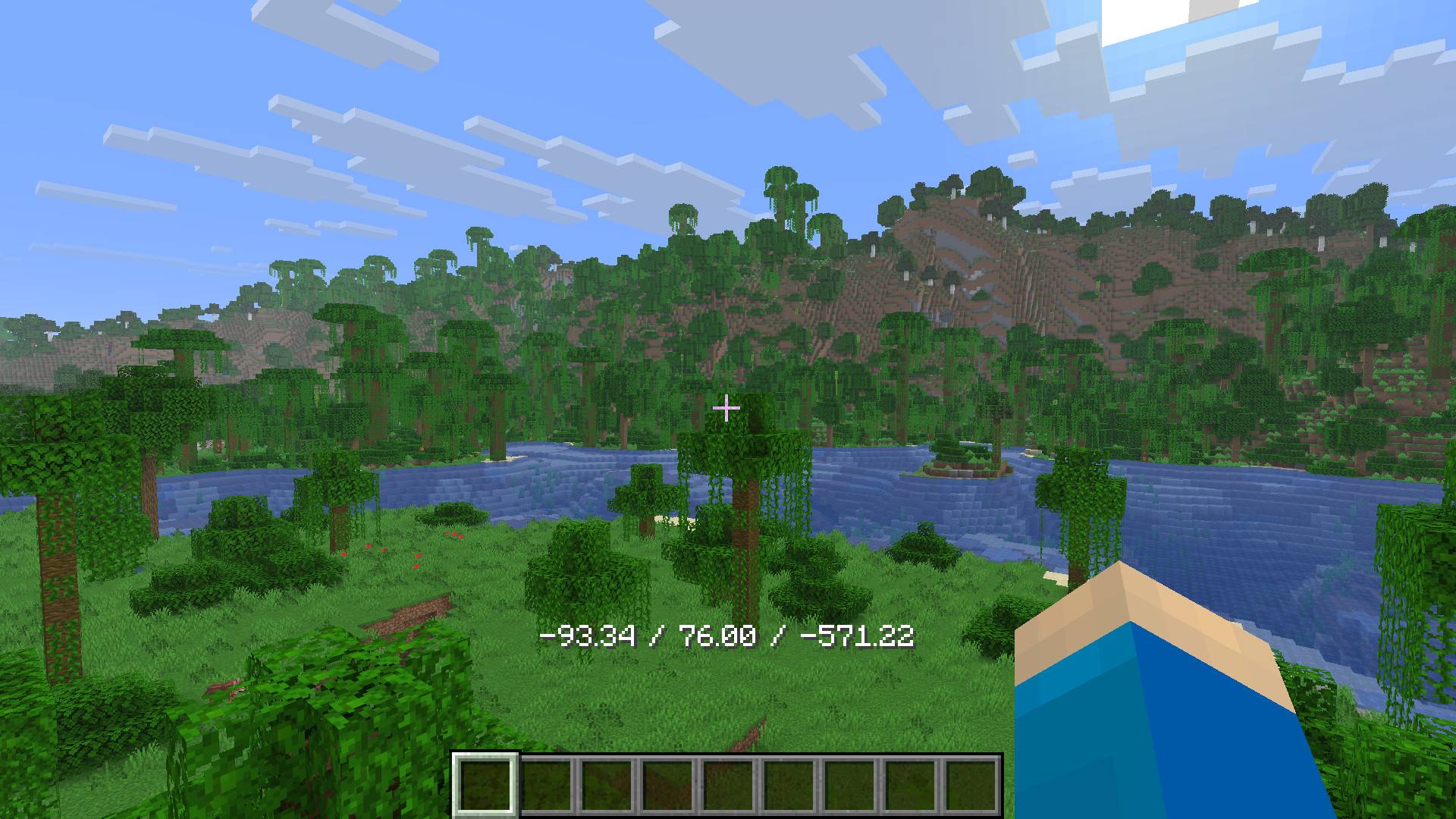
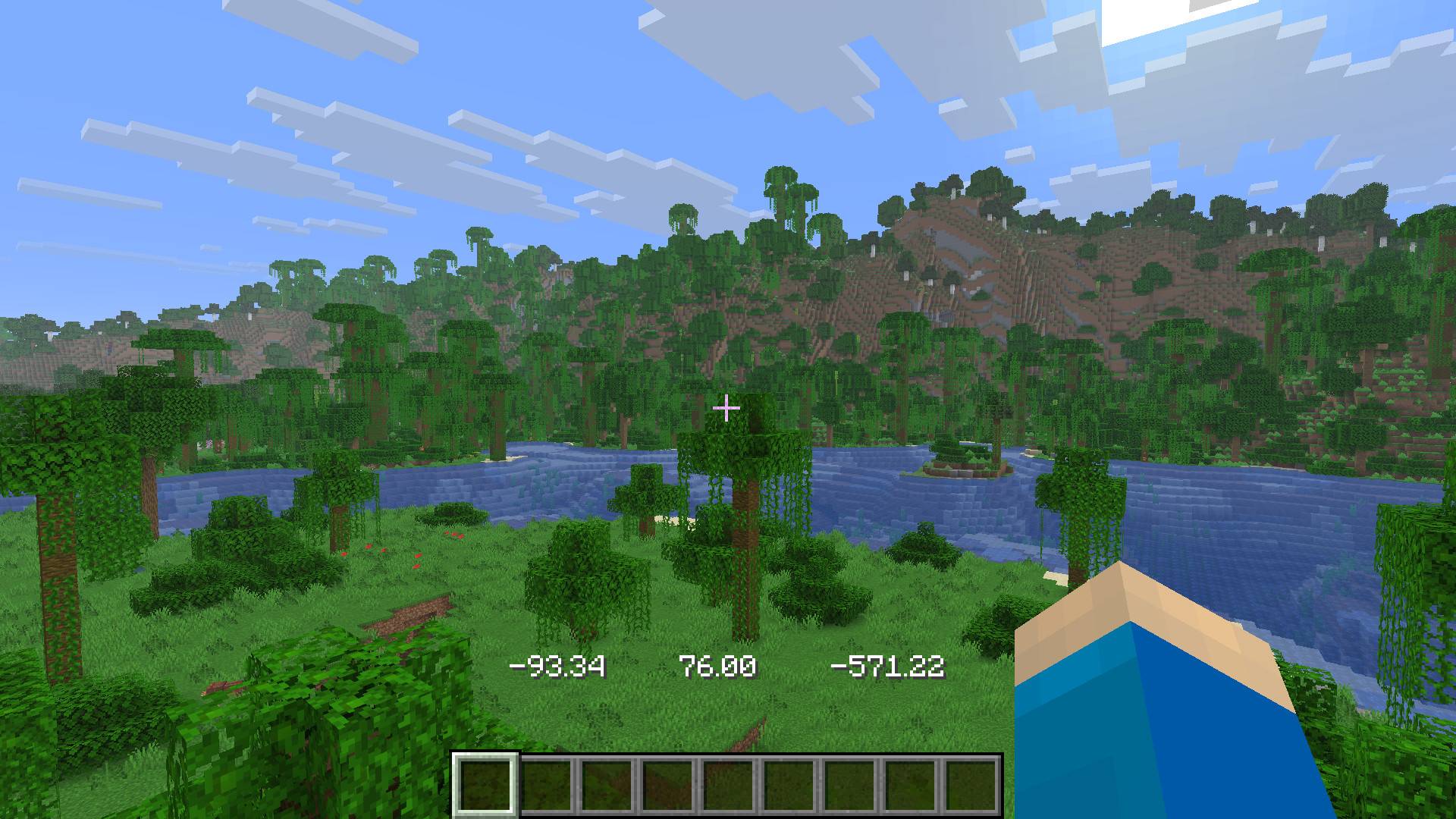
- Edition: Minecraft Java
- File type: .jar
- Minecraft version listed: 1.21.11
- How to install: Install the matching mod loader (Forge, Fabric or NeoForge) for your Minecraft version. → Download the .jar. → Put it in the .minecraft/mods folder and launch that loader profile.
- Where to get it: Opens on CurseForge — not every file is mirrored on our own servers.
Install steps are the general flow for this file type — How to install Minecraft Java mods & modpacks walks through it step by step.
- Ships as hestr8177-coordinate-display-1.0.2.jar — drop this file into the mods folder
- Download size: 26 KB
- Download link checked 23 Oct 2026 — working
These come from our own check of the pack file, not from the source page.