ScreenshotGallery Mod
Java mod listed for Minecraft 1.20–1.21. Downloads from the MC Java Mods app on Android.
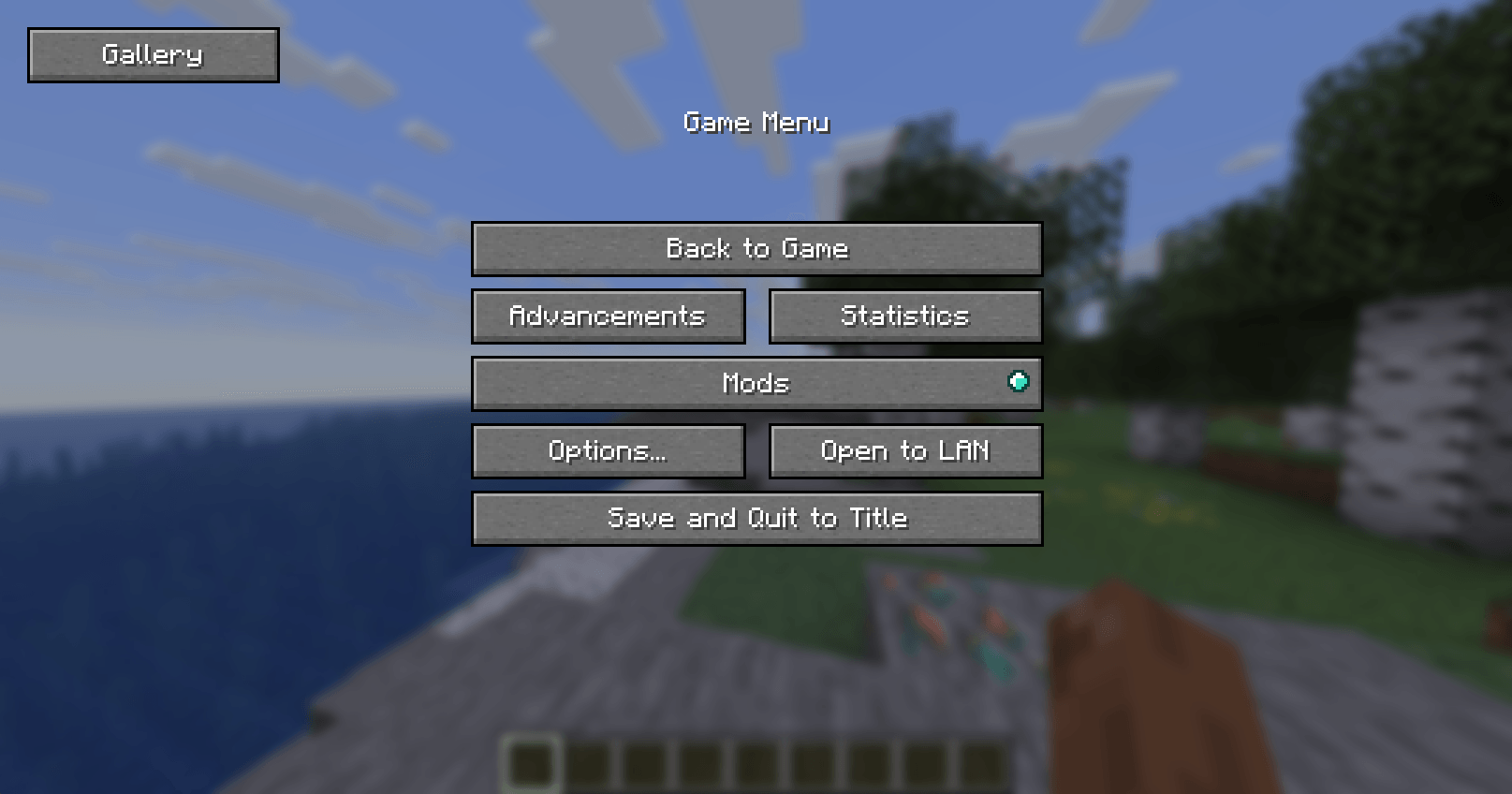
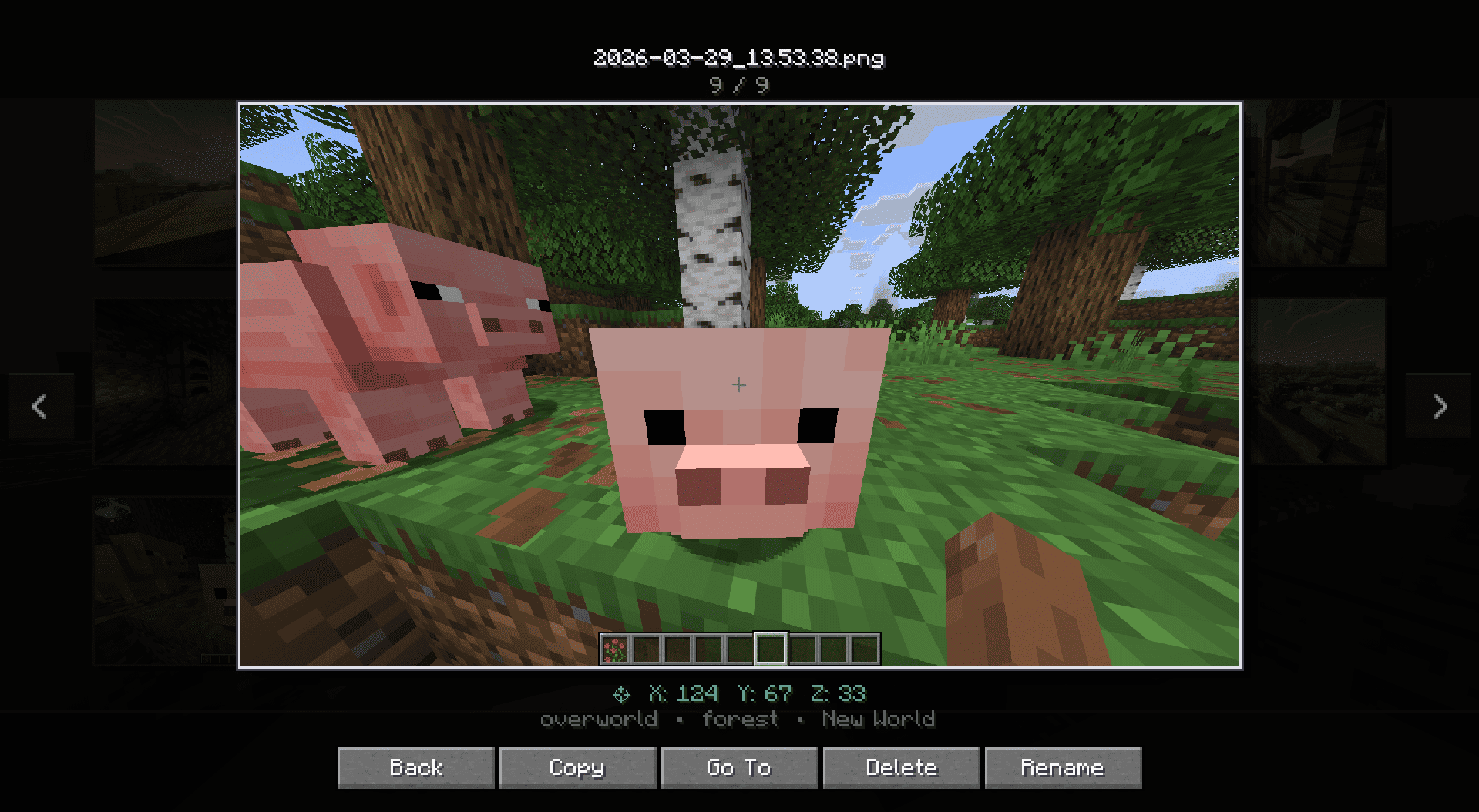
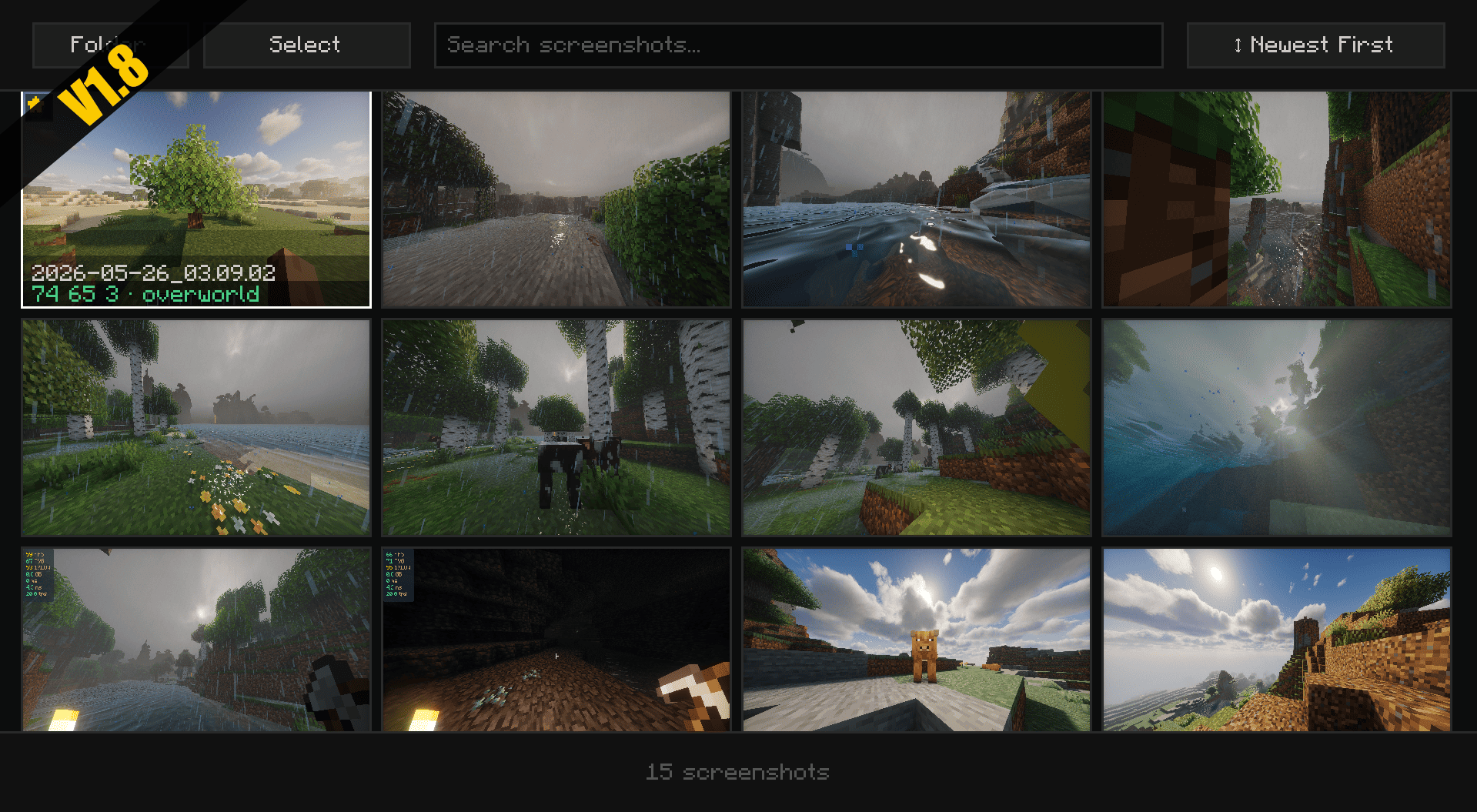
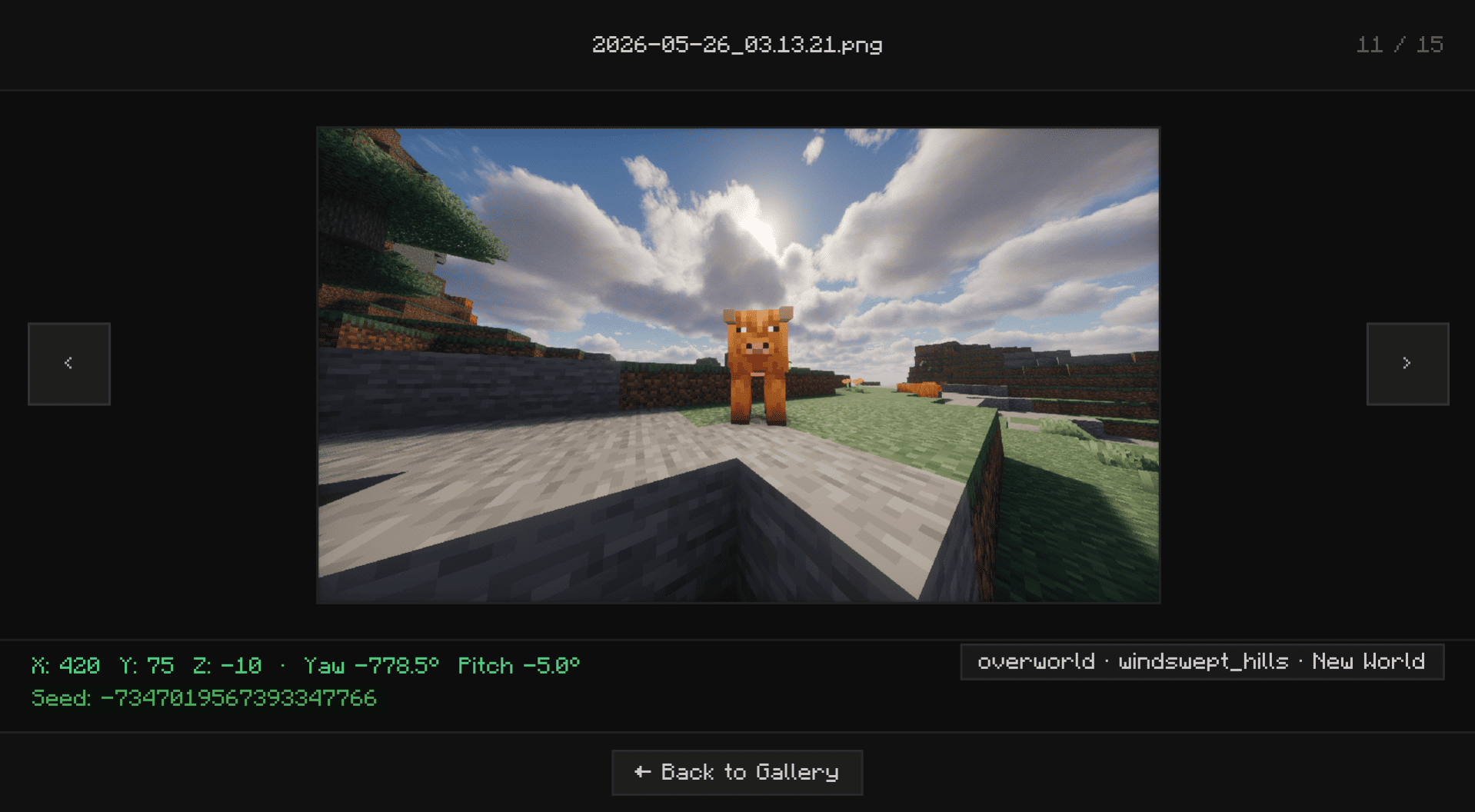
integrates a native screenshot gallery into the pause menu, allowing you to preview, manage, and copy images to your clipboard without leaving the game.
I don't know my version or loader
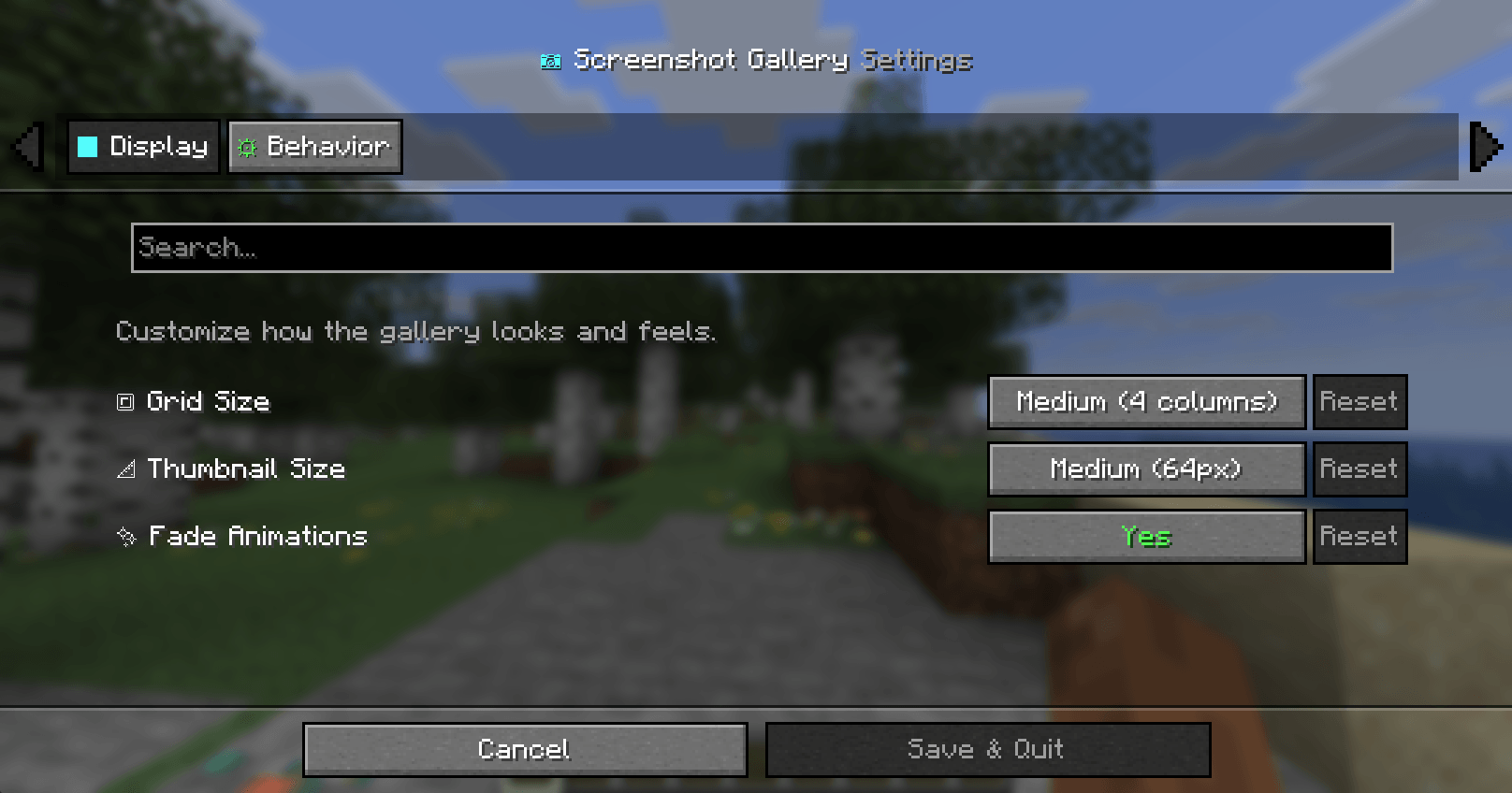
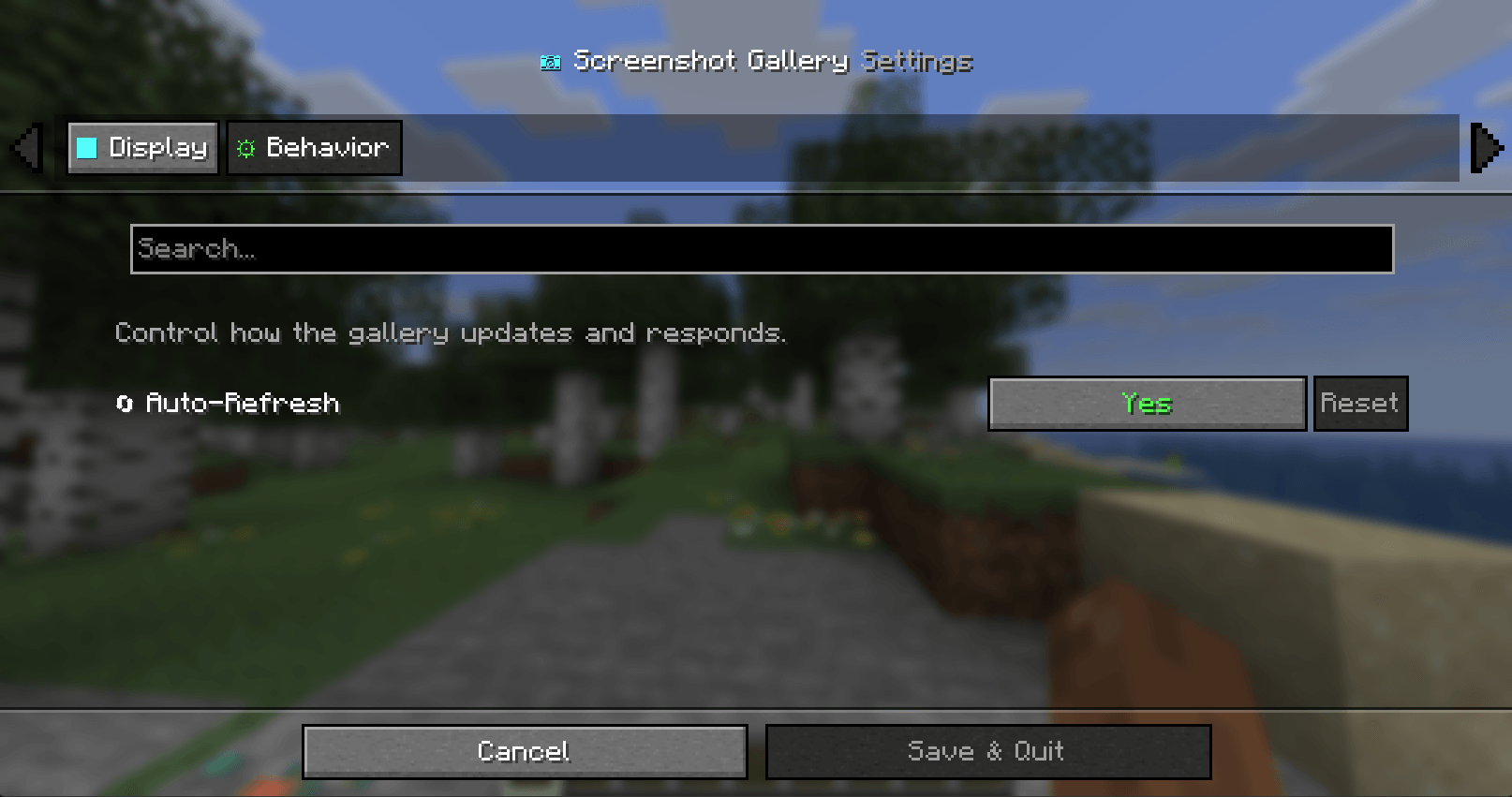
Screenshot Gallery
Your Ultimate In-Game Photography Manager





What does this mod do?
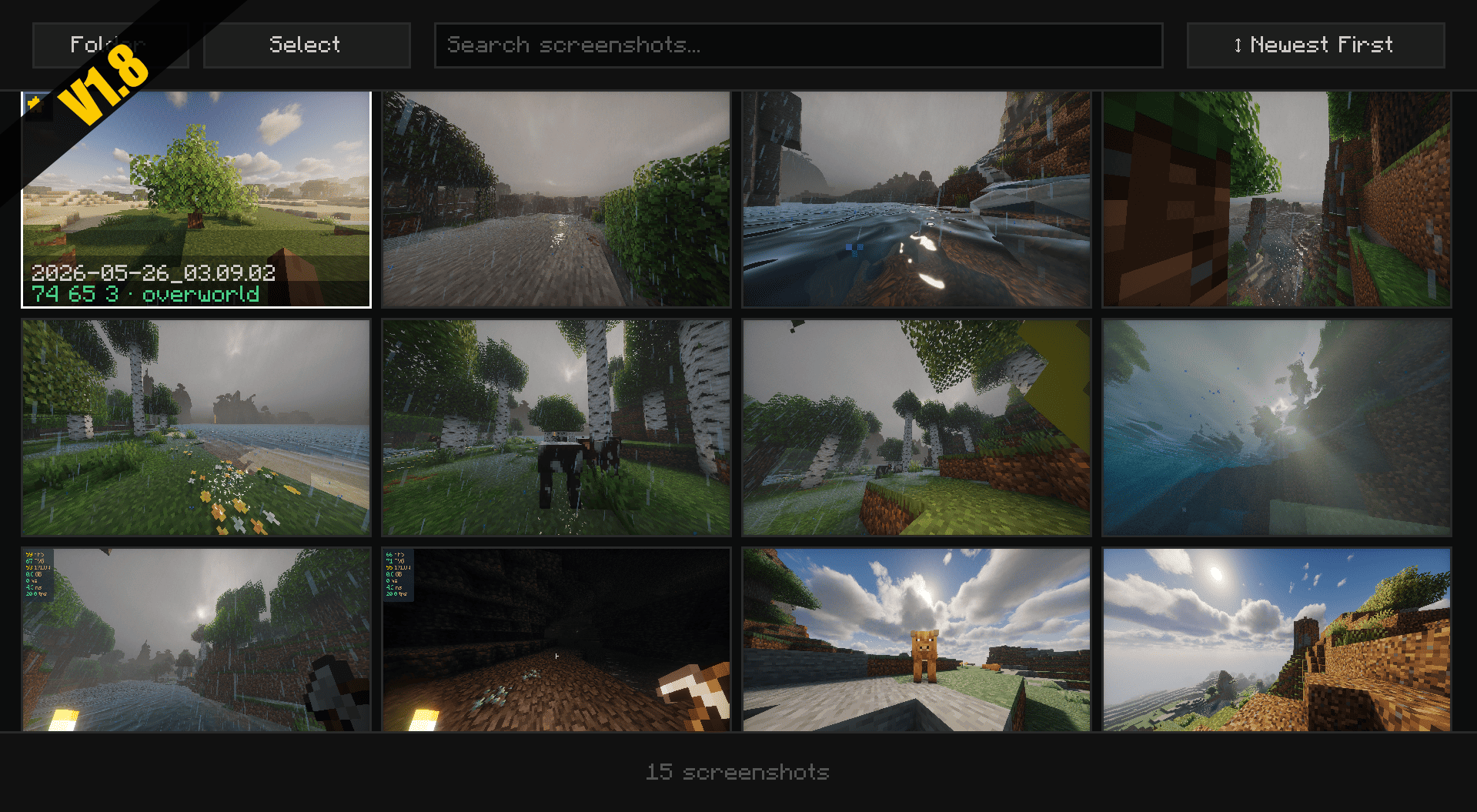
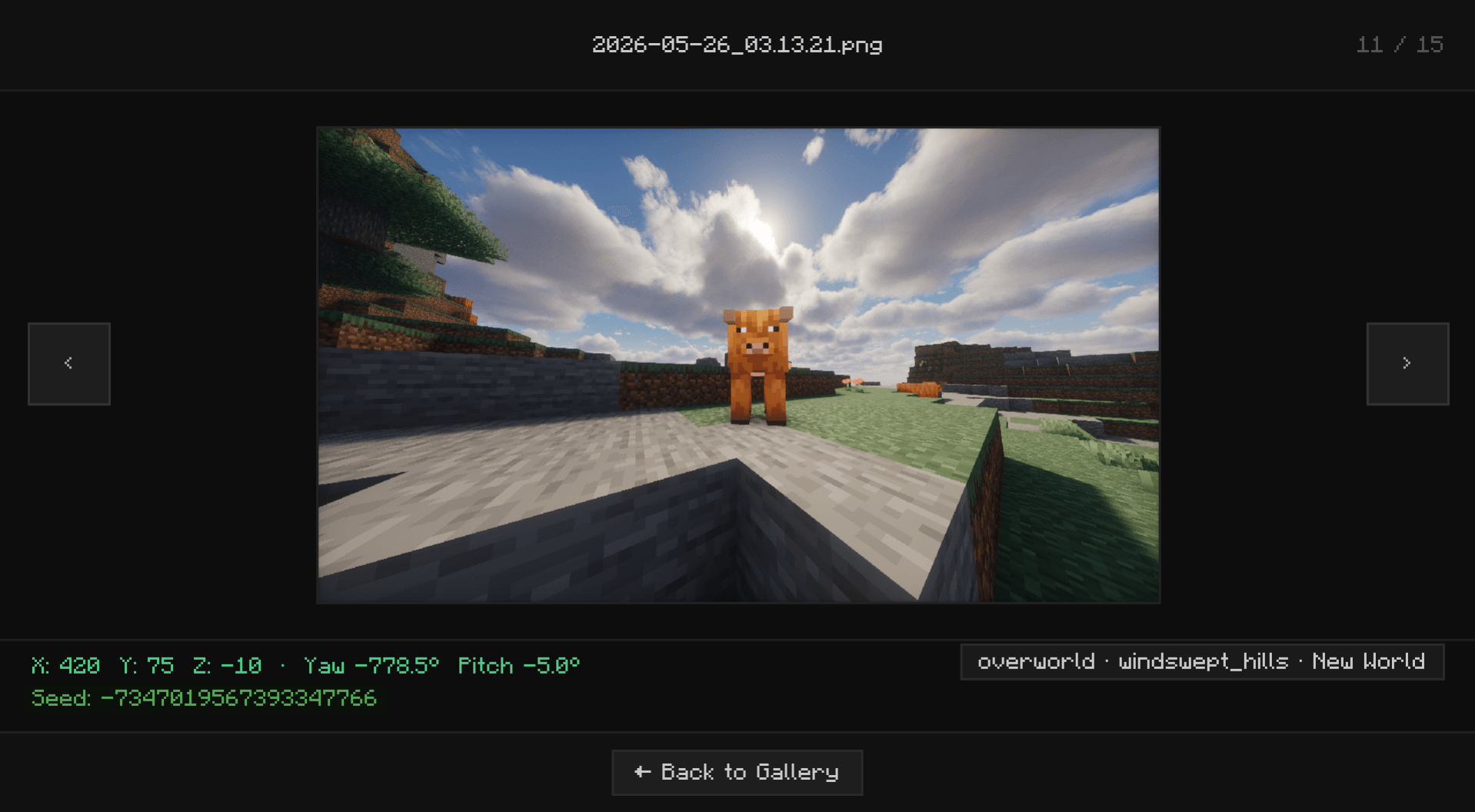
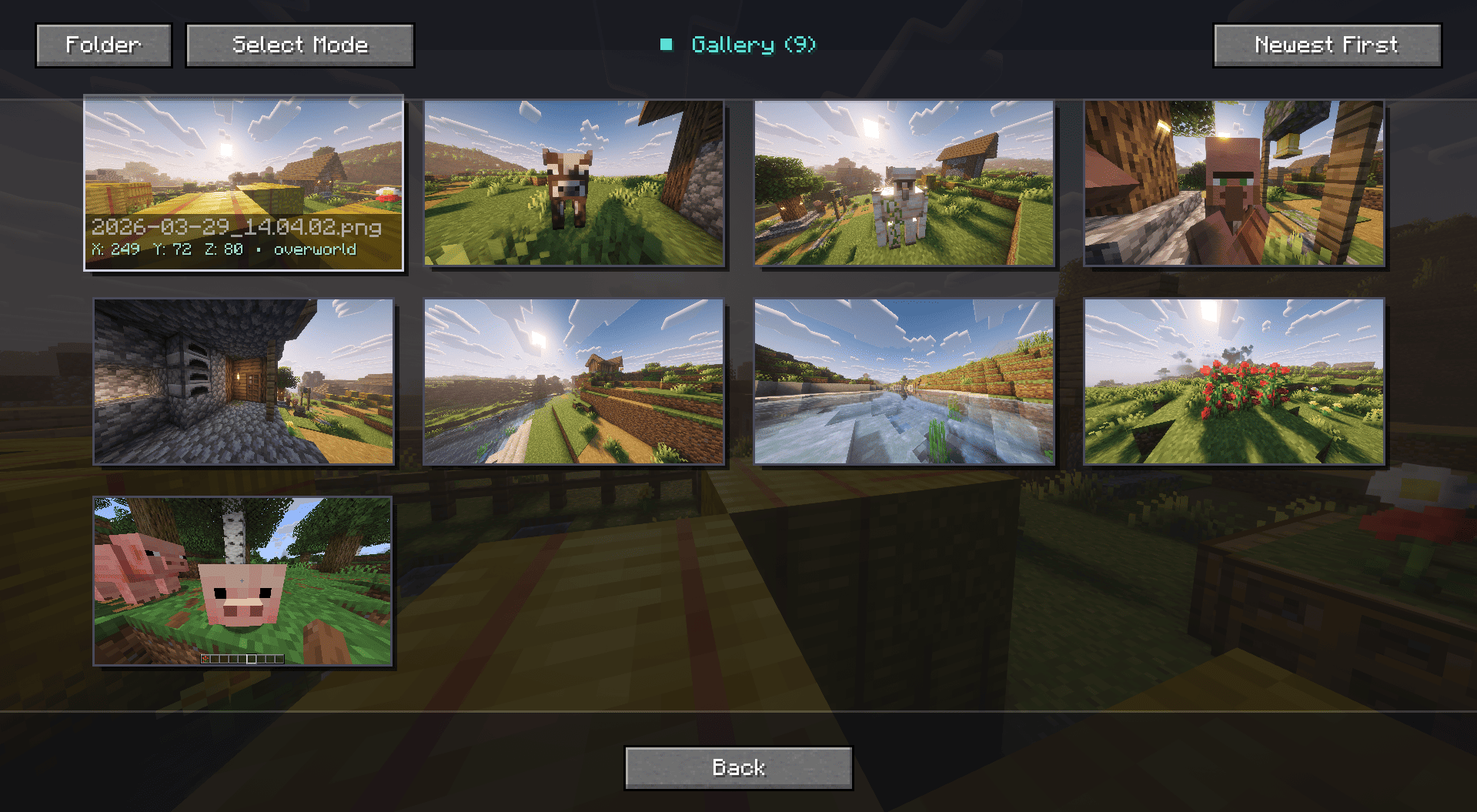
Stop alt-tabbing and digging through your deep folder directories just to find that one perfect sunset screenshot. Screenshot Gallery seamlessly integrates a sleek, minimalist image browser directly into your Minecraft pause menu. View, manage, locate, and share your photos without ever leaving the game.
Fullscreen
Key Features
- Seamless In-Game Access: A new "Gallery" button is injected straight into your Pause Menu (Esc) for immediate access to your captures.
- "Go To" Explorer Support: Need the actual file to share on Discord or Reddit? The "Go To" button instantly opens your Windows File Explorer with the exact screenshot highlighted.
- Quick File Management: Took a bad shot? Delete unwanted screenshots instantly from the in-game UI to keep your folders clean and save disk space without cluttering your screen.
- Zero-Lag Performance: Built with smart lazy-loading technology. Whether you have 10 or 10,000 screenshots, your game will remain buttery smooth while browsing.
Installation Guide
Screenshot Gallery supports Fabric, Forge, and NeoForge from a unified Architectury codebase.
For Fabric Users
- Download the latest Fabric version of the mod.
- Ensure you have the required Fabric API installed.
- Drop both
.jarfiles into your/.minecraft/modsfolder.
For Forge & NeoForge Users
- Download the correct Forge or NeoForge version for your specific Minecraft instance.
- Drop the downloaded
.jarfile directly into your/.minecraft/modsfolder. - (No extra API required!)
- Edition: Minecraft Java
- File type: .jar
- Minecraft versions listed: 1.21.1, 1.21.11, 1.20.1
- How to install: Install the matching mod loader (Forge, Fabric or NeoForge) for your Minecraft version. → Download the .jar. → Put it in the .minecraft/mods folder and launch that loader profile.
- Where to get it: Opens on CurseForge — not every file is mirrored on our own servers.
Install steps are the general flow for this file type — How to install Minecraft Java mods & modpacks walks through it step by step.
- Ships as screenshotgallery-1.2.jar — drop this file into the mods folder
- Download size: 64 KB
- Download link checked 23 Oct 2026 — working
These come from our own check of the pack file, not from the source page.