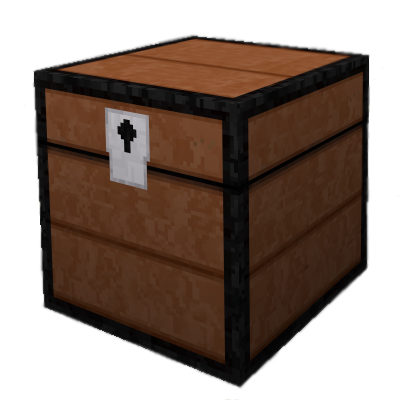
UsefulDecor: Interactive Craft
Java mod listed for Minecraft 1.21. Downloads from the MC Java Mods app on Android.
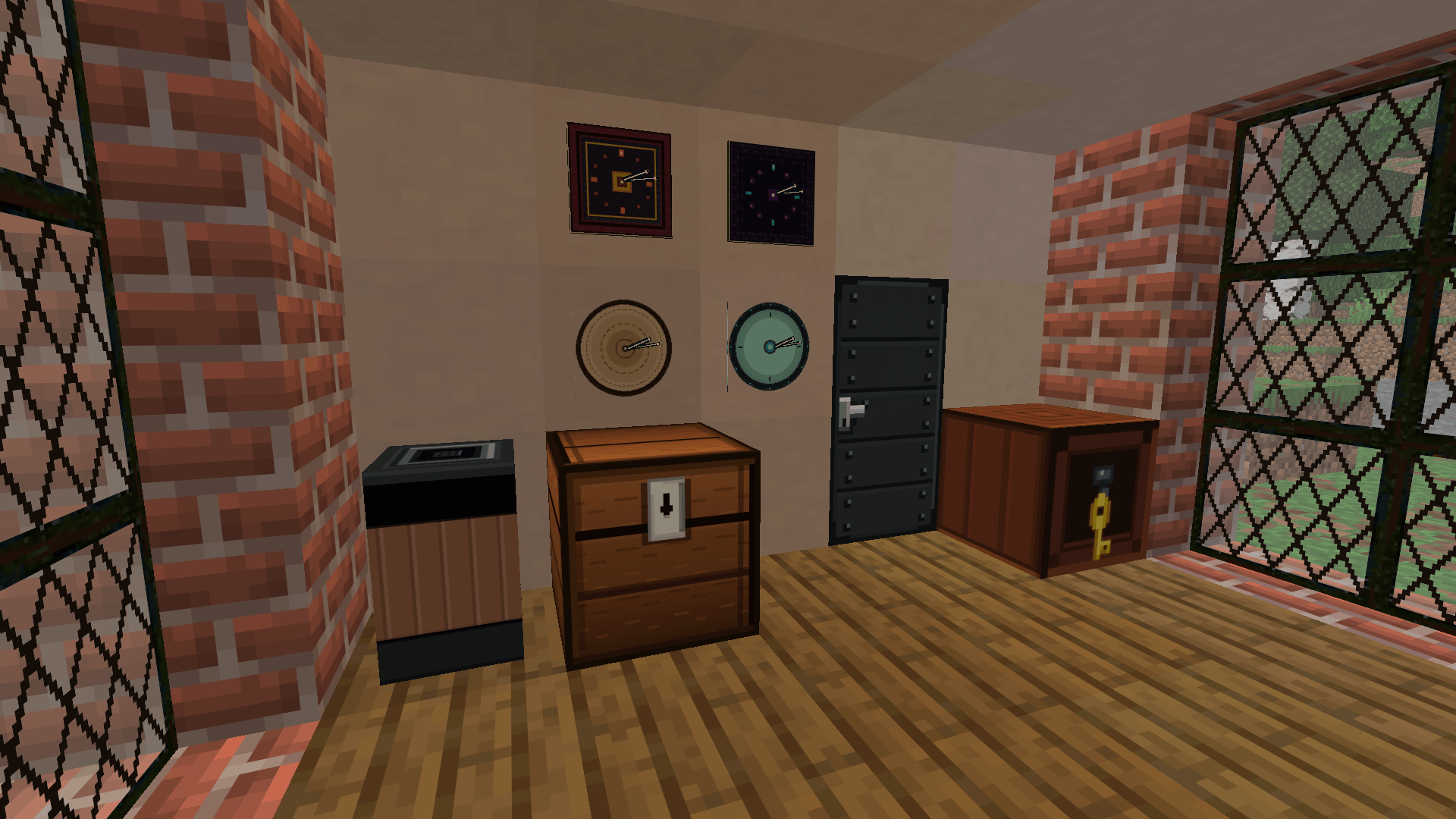
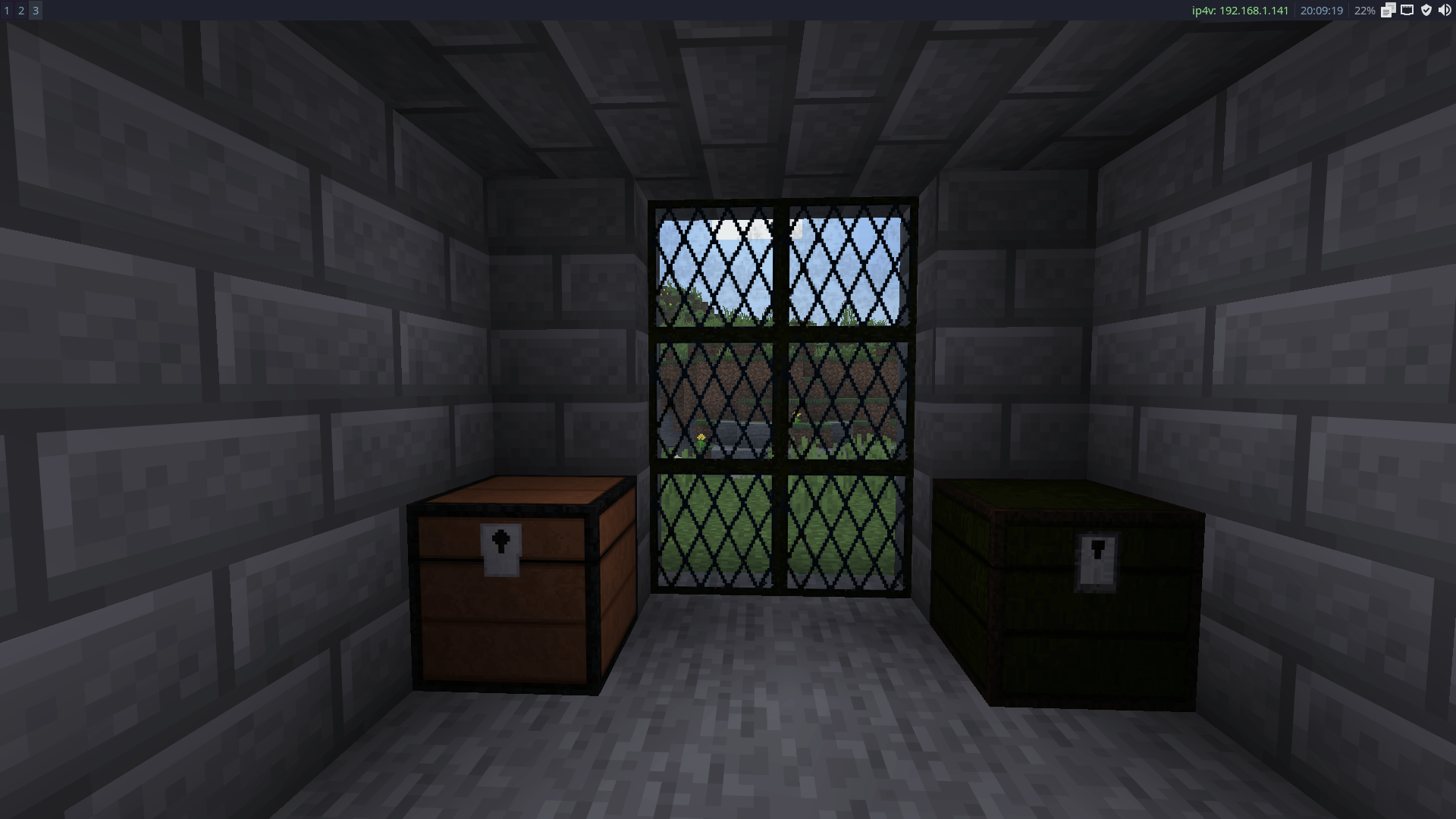
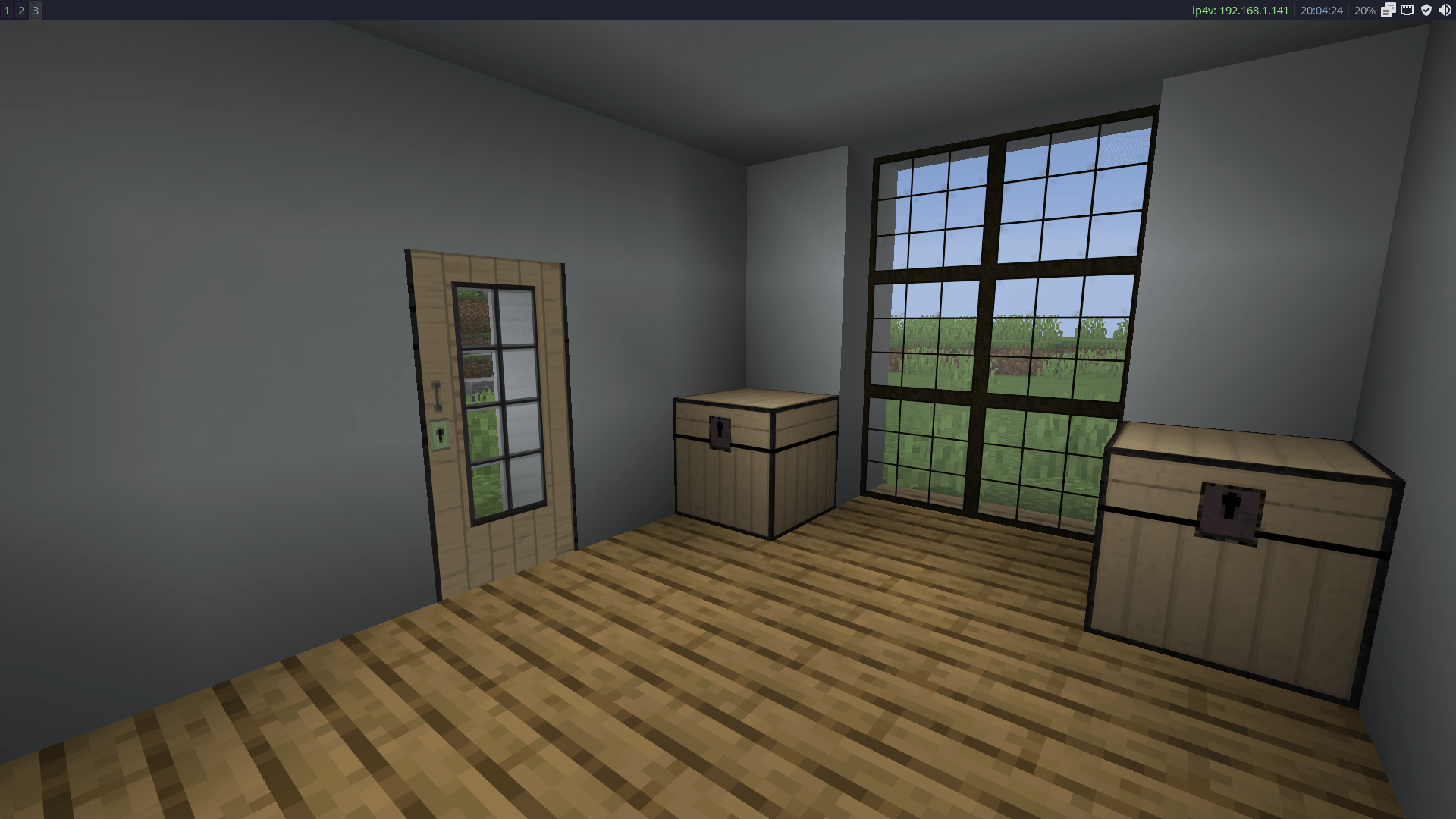
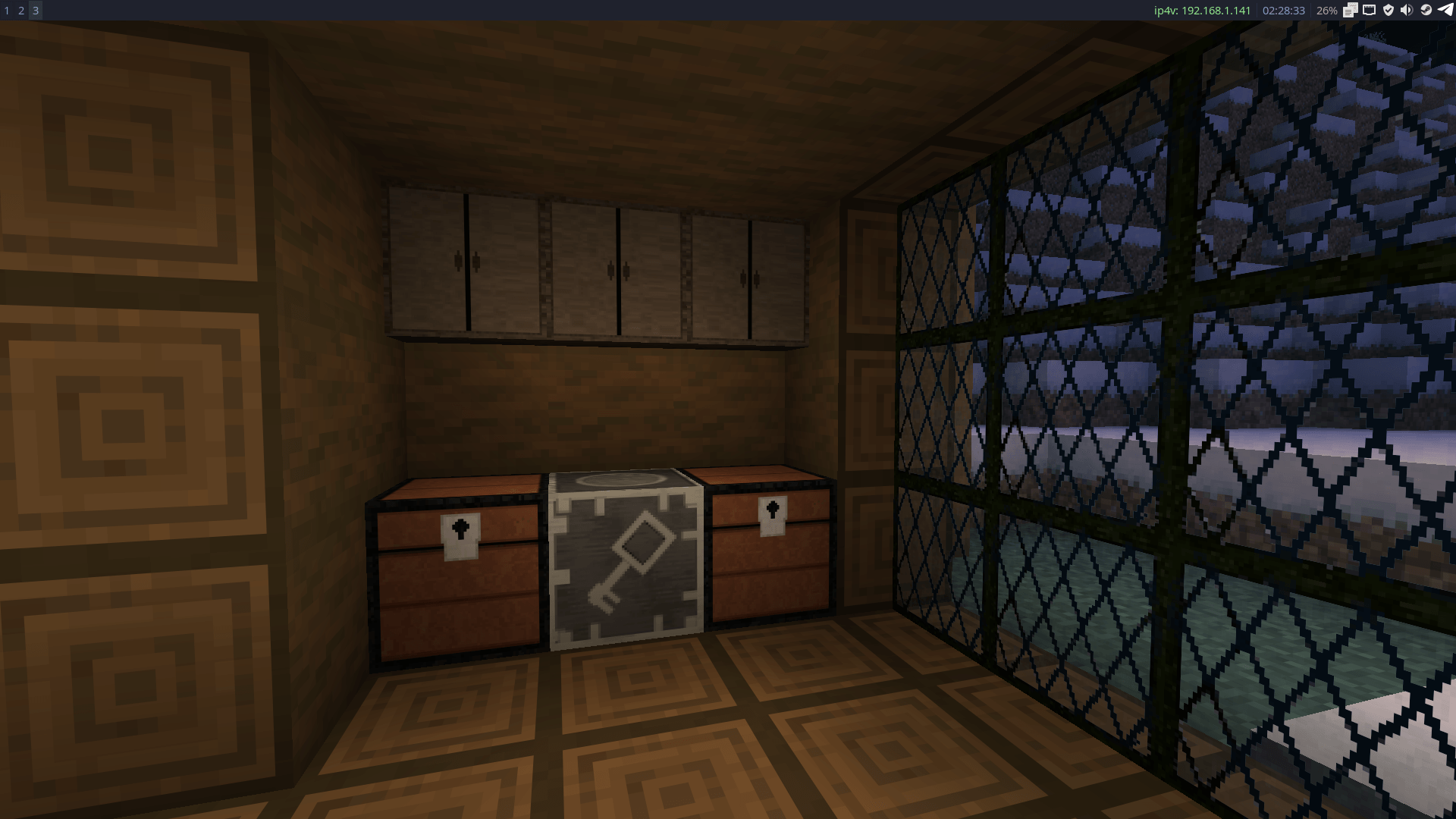
Adds functional decorative blocks including storage chests, oak windows, and lockable doors that enhance base security.
⬇ Download on CurseForgeThe author built this one for Minecraft 1.21.11 on Fabric. On other versions it may install and then do nothing.
UsefulDecor: Interactive Craft
Project Description
Features & Added Content
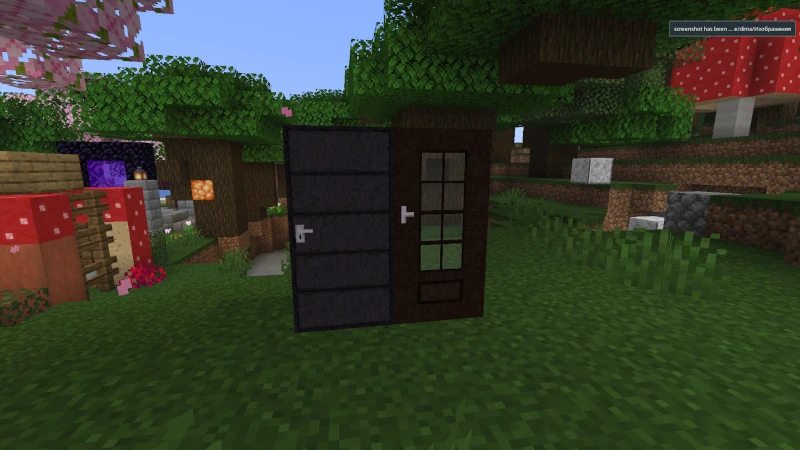
Interactive & Secure Doors
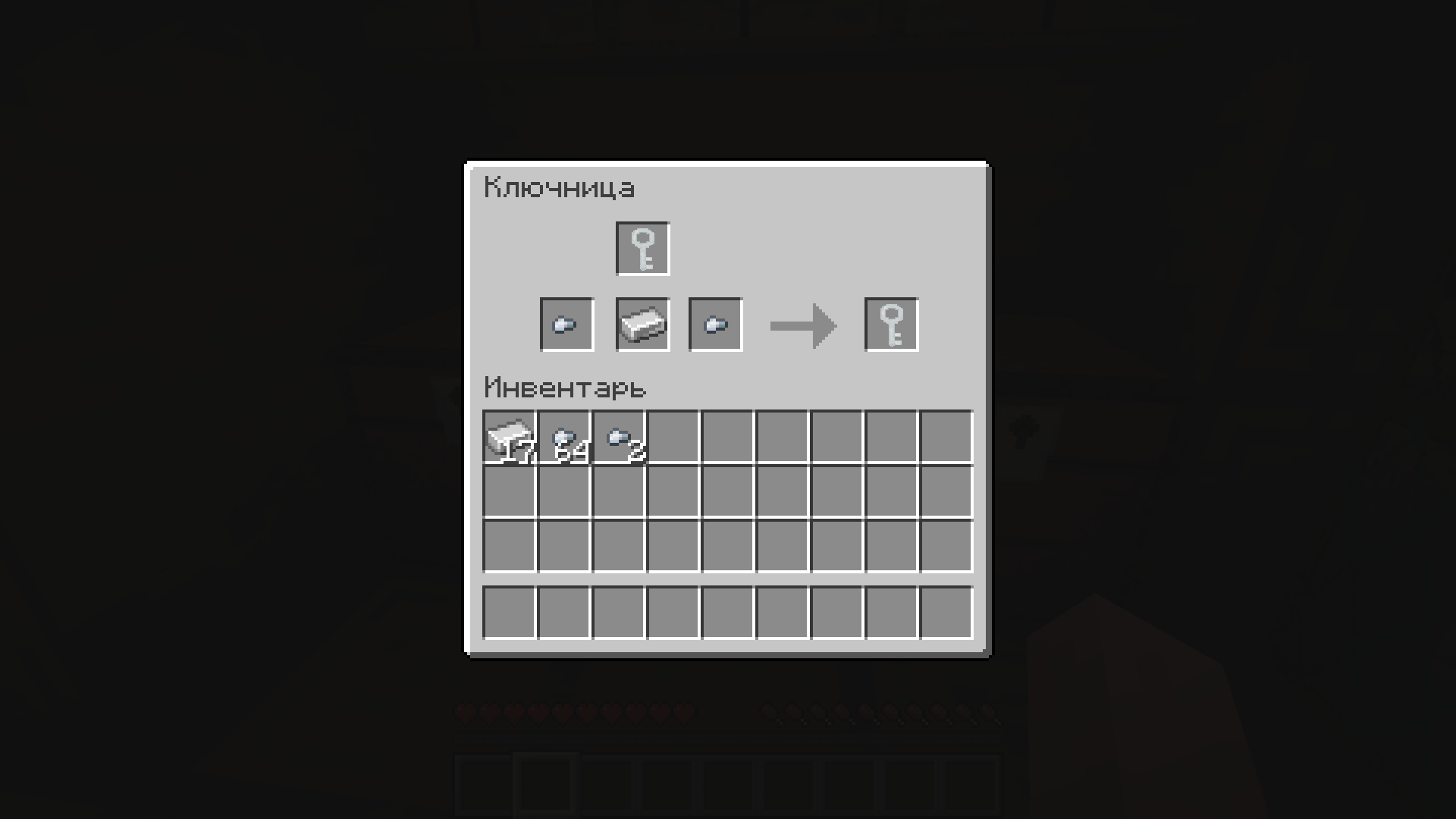
- Lock Mechanism: Use the Key item to lock these doors.
- Security Note: Locked doors are not indestructible but provide an extra layer of defense against intruders in survival mode, making breaking them more difficult.
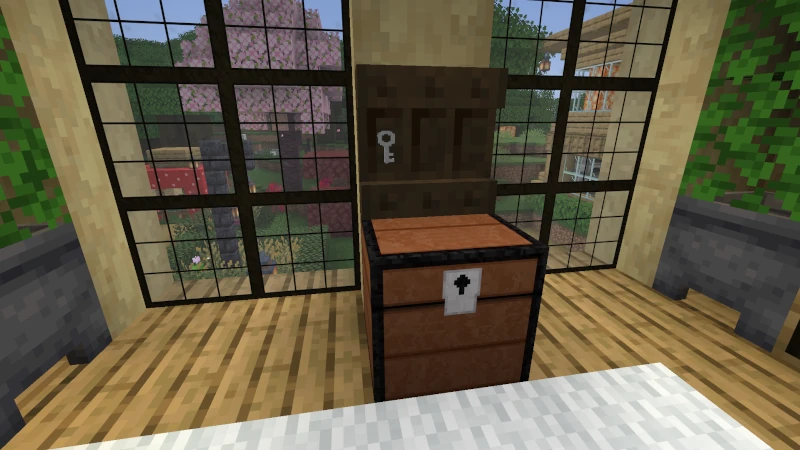
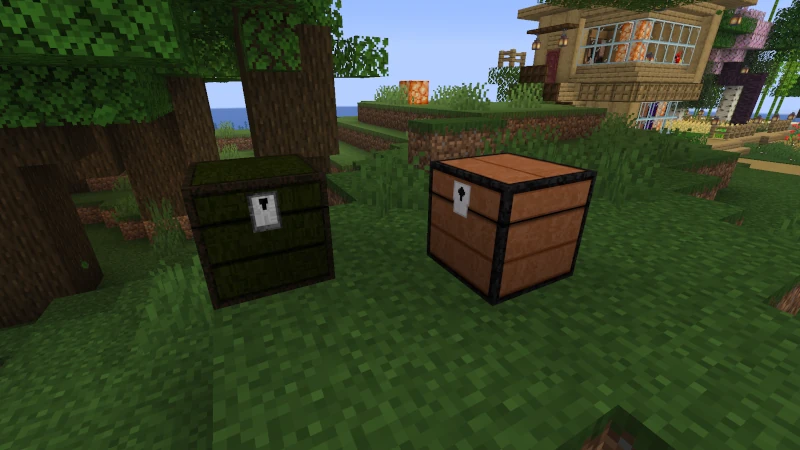
Decorative Storage Chests
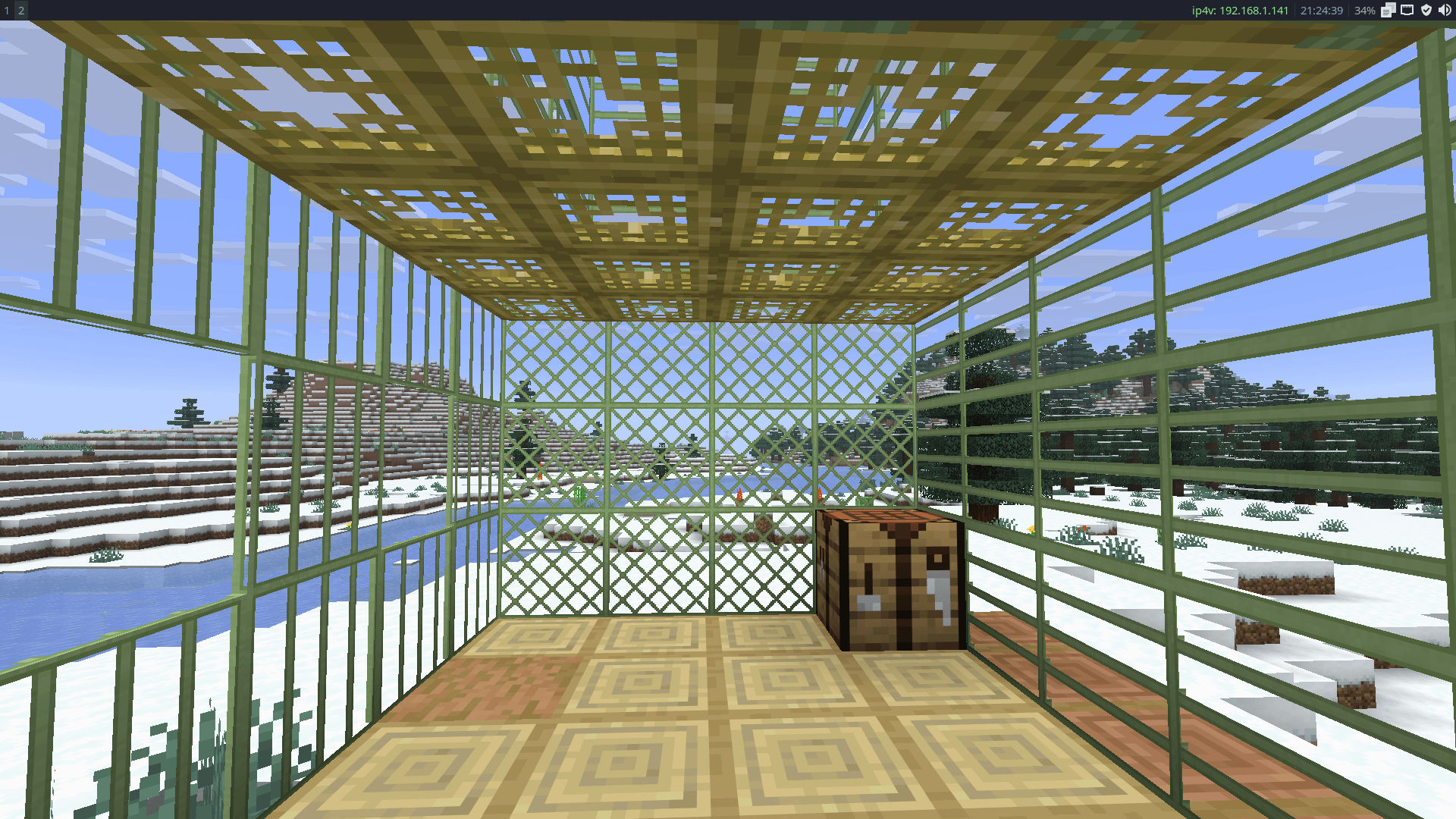
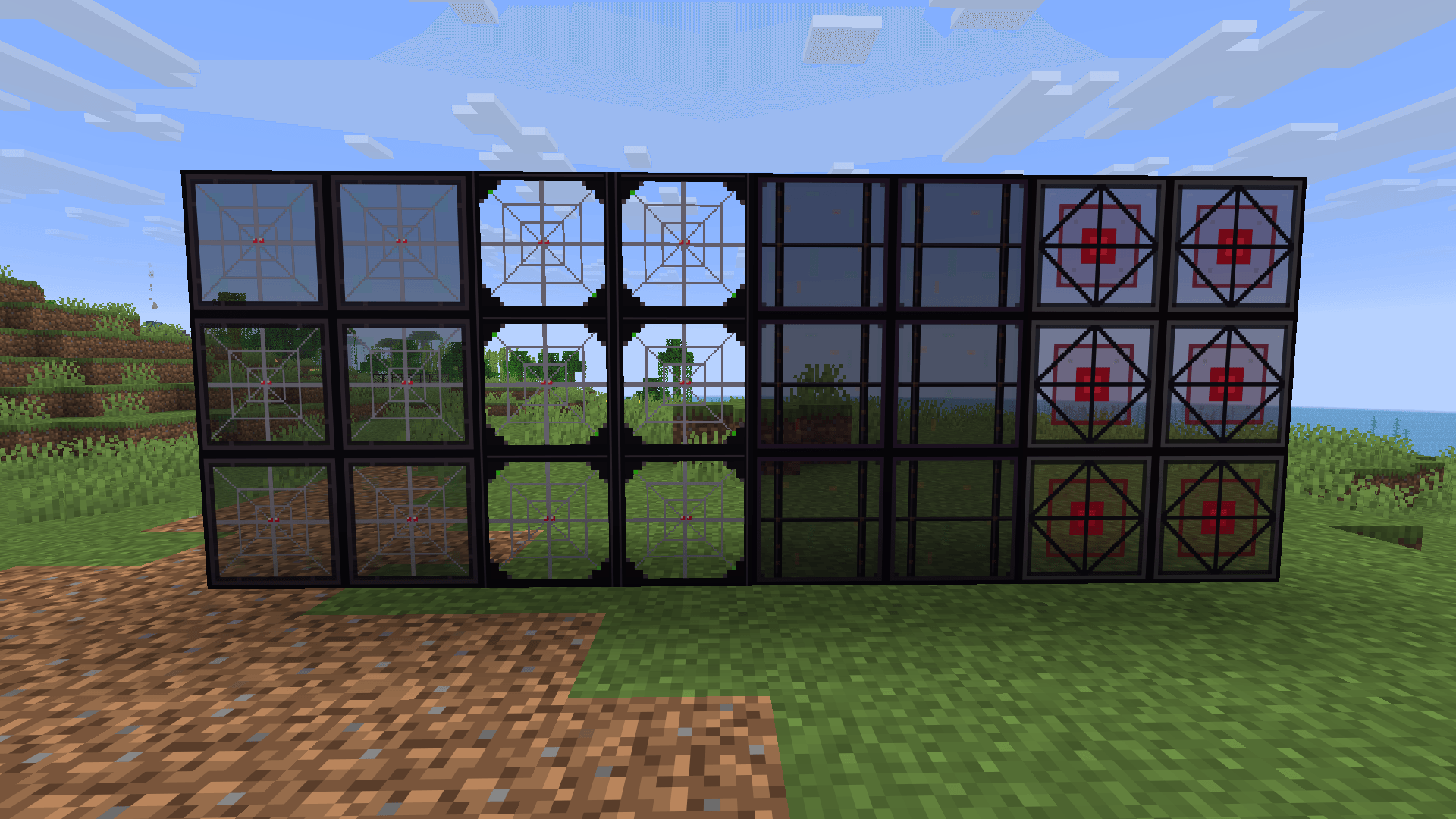
Stylized Windows
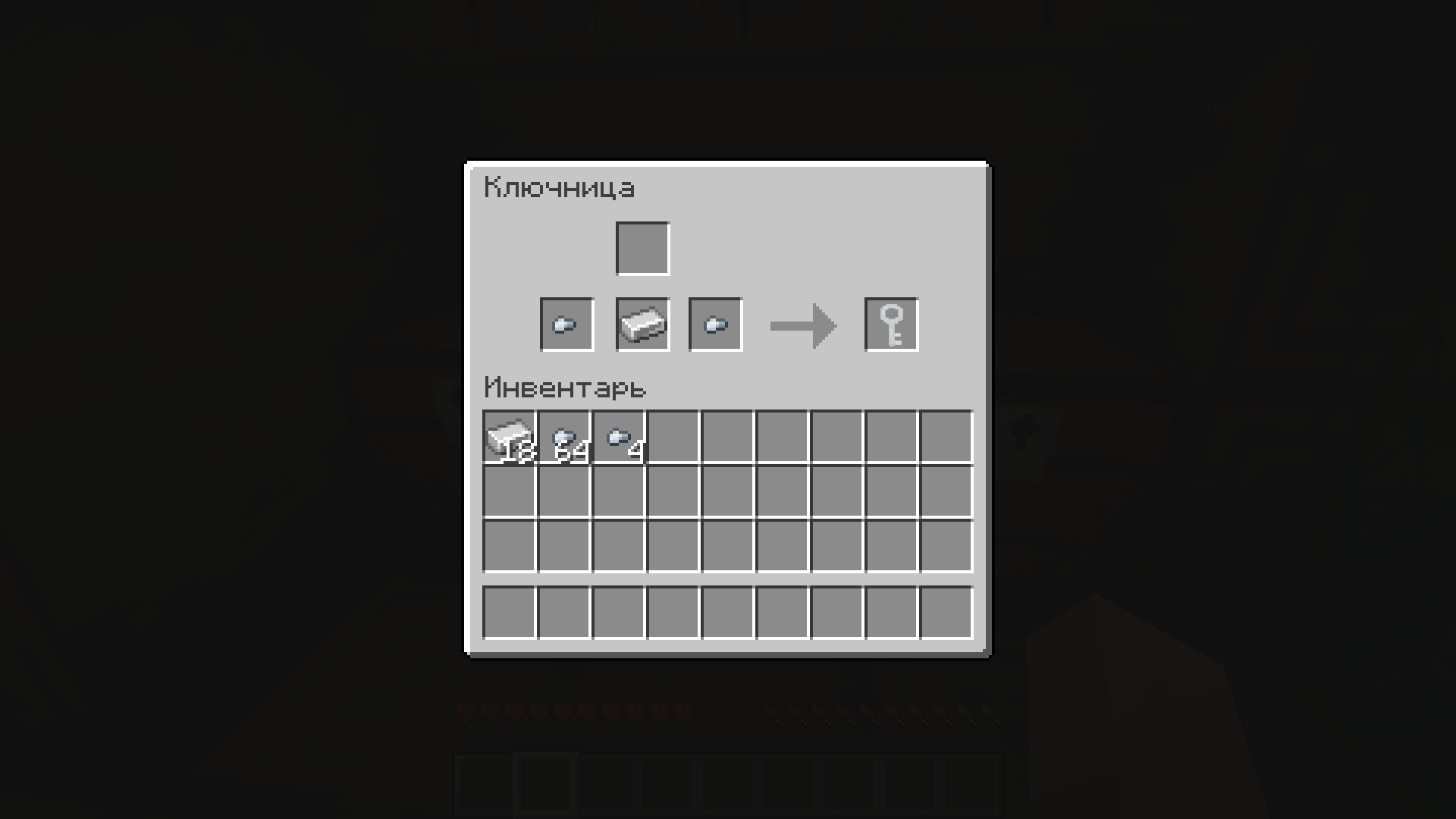
The Key Item
Clocks & Redstone Alarms
A complete timekeeping system featuring 6 unique clock variants to fit any build.
Redstone Alarm:
Set your desired time, and the clock will emit a Redstone Signal when the time arrives. Great for automating bases or creating custom daytime triggers.
Trash Can
A practical and functional bin block designed to keep your home tidy.
Item Disposal:
Easily interact with the block to discard unwanted items and blocks directly from your inventory.
⚠️ Development Status (WIP)
- Potential Bugs: Expect some issues and report them in the Issues section.
- Crafting Recipes: Recipes may change in future updates.
- Backups: It is highly recommended to back up your world before updating the mod.
Future Plans
- Expanding the range of materials (Birch, Spruce, Dark Oak, etc.).
- A more robust locking system and key management.
- More types of interactive blocks and furniture.
📥 Installation & Requirements
- Ensure you have the required modloader installed ([Specify your Modloader: Forge / Fabric / Quilt]).
- Make sure you are running Minecraft Version [Specify your Minecraft Version, e.g., 1.20.1].
- Place the downloaded
.jarfile into yourmodsfolder. - Enjoy your updated interior!
- Edition: Minecraft Java
- File type: .jar
- Minecraft version listed: 1.21.11
- How to install: Install the matching mod loader (Forge, Fabric or NeoForge) for your Minecraft version. → Download the .jar. → Put it in the .minecraft/mods folder and launch that loader profile.
- Where to get it: Opens on CurseForge — not every file is mirrored on our own servers.
Install steps are the general flow for this file type — How to install Minecraft Java mods & modpacks walks through it step by step.
- Ships as useful_interactive-26.2-0.0.7-beta-WIP.jar — drop this file into the mods folder
- Download size: 389 KB
- Download link checked 2 Oct 2026 — working
These come from our own check of the pack file, not from the source page.