
Vital XP
Java mod listed for Minecraft 1.16–1.21. Downloads from the MC Java Mods app on Android.
I don't know my version or loader
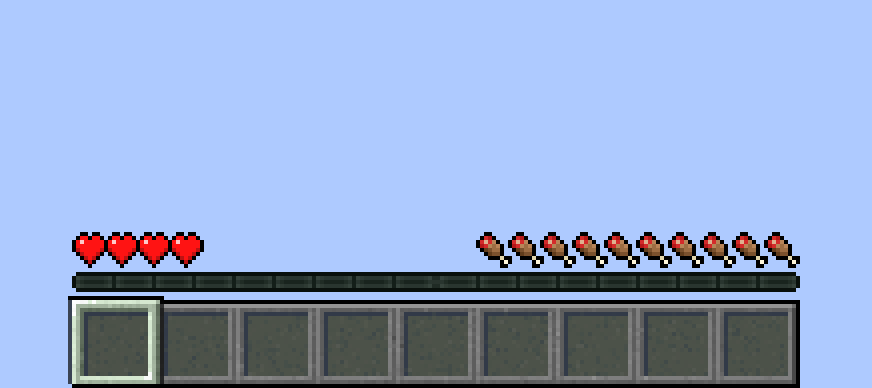
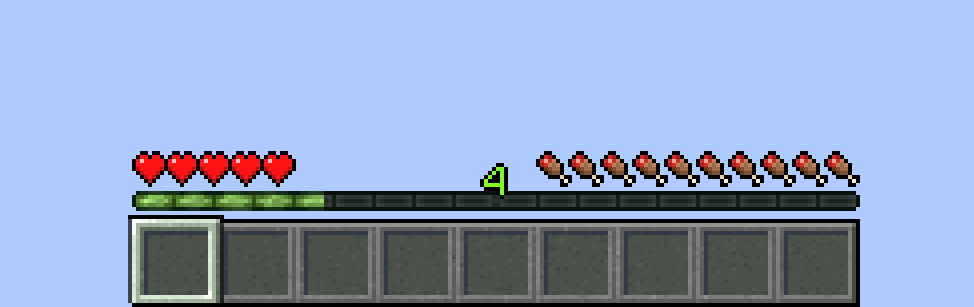
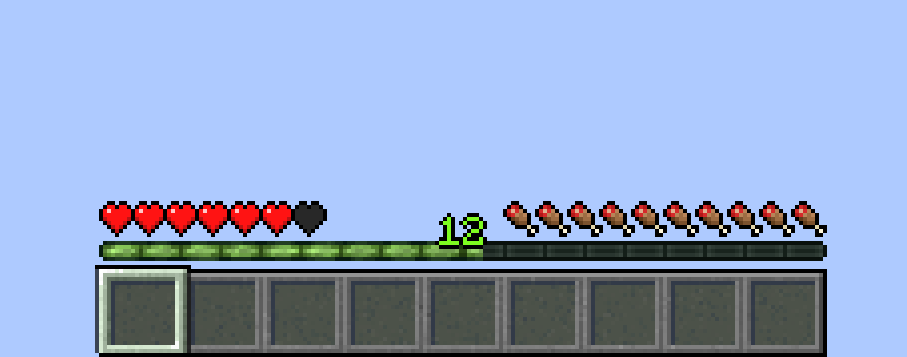
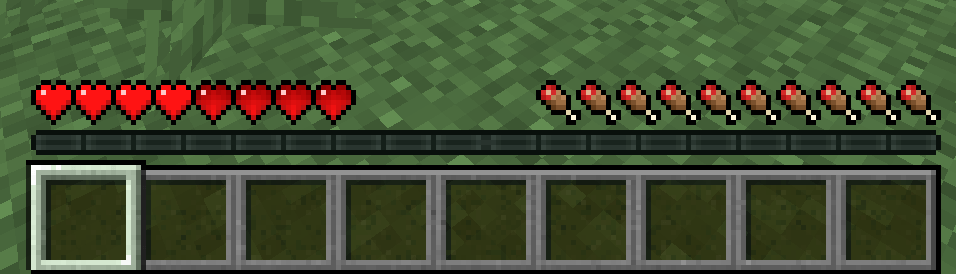
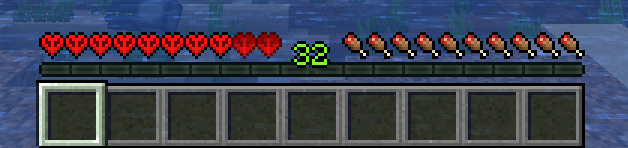

Vital XP adds a progression system to Minecraft by linking a player’s maximum health to their experience level.
Instead of having a fixed amount of hearts, players gain health as they level up, making XP a core survival mechanic rather than a simple enchanting resource.
How does it work?
- Players start with a minimum, configurable, amount of health.
- Health is capped at a configurable maximum.
- Every few XP levels, the player gains additional hearts.
- Losing XP reduces maximum health.
Once the maximum health cap is reached, any extra health gained is not wasted:
- Extra health becomes permanently locked hearts.
- Locked hearts are never lost, even if XP decreases.
- If the player dies, they lose their locked hearts if they have any.
Configuration:
All values can be adjusted in-game using commands or the configuration.
For versions below 1.21.1: type “/vitalxp help” to display the commands.
For versions 1.21.1 and above: the “/vitalxp” commands are no longer available. To configure the mod, go to the mods menu, select the mod, and press the “Config” button.
- Edition: Minecraft Java
- File type: .jar
- Minecraft versions listed: 1.20.1, 1.16.5, 1.19.2
- How to install: Install the matching mod loader (Forge, Fabric or NeoForge) for your Minecraft version. → Download the .jar. → Put it in the .minecraft/mods folder and launch that loader profile.
- Where to get it: Opens on CurseForge — not every file is mirrored on our own servers.
Install steps are the general flow for this file type — How to install Minecraft Java mods & modpacks walks through it step by step.
- Ships as vitalxp-0.1-1.20.1.jar — drop this file into the mods folder
- Download size: 13 KB
- Download link checked 23 Oct 2026 — working
These come from our own check of the pack file, not from the source page.