
Just Enough Filters (JEF)
Java mod listed for Minecraft 1.20–1.21. Downloads from the MC Java Mods app on Android.
I don't know my version or loader
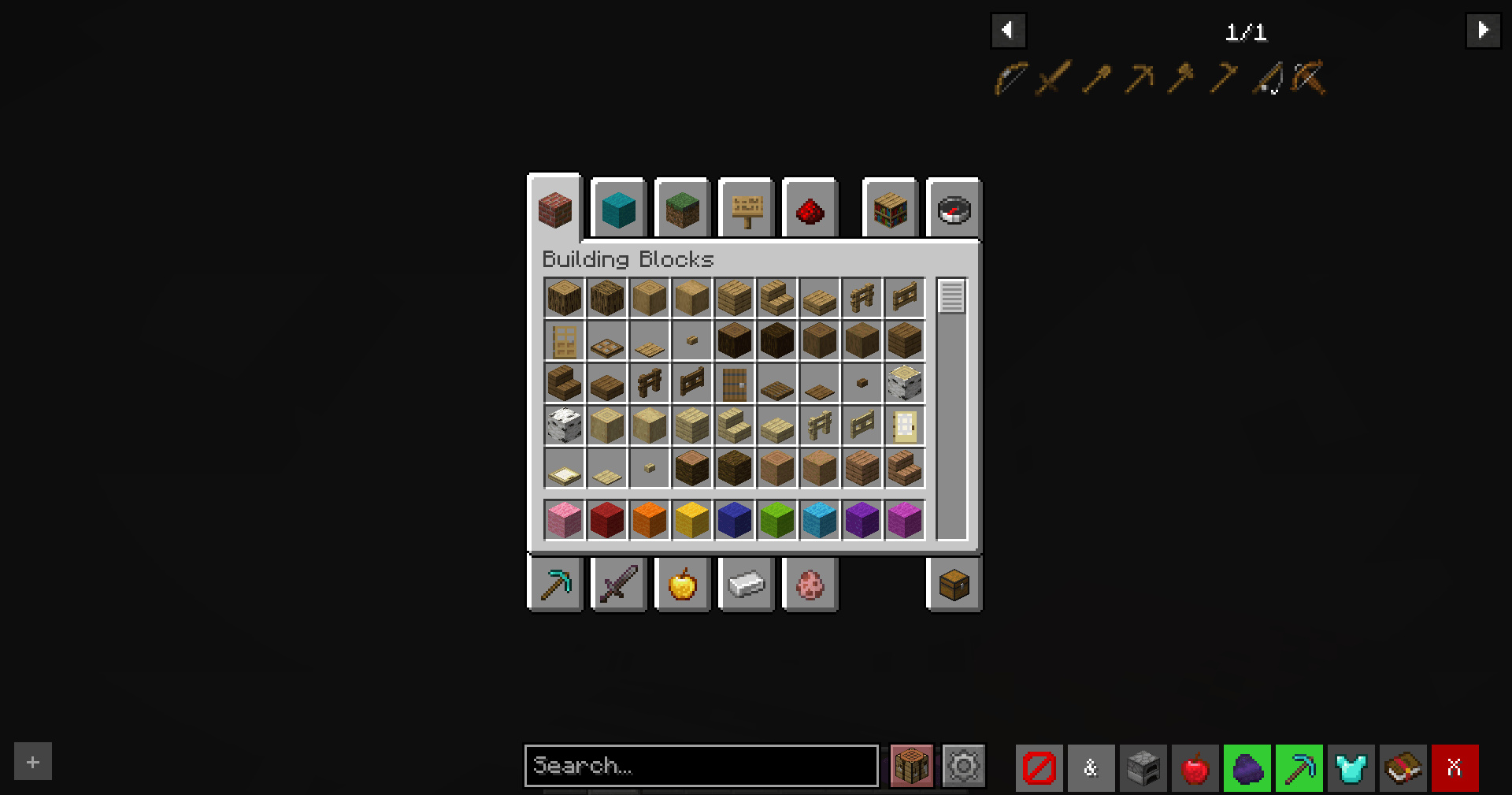
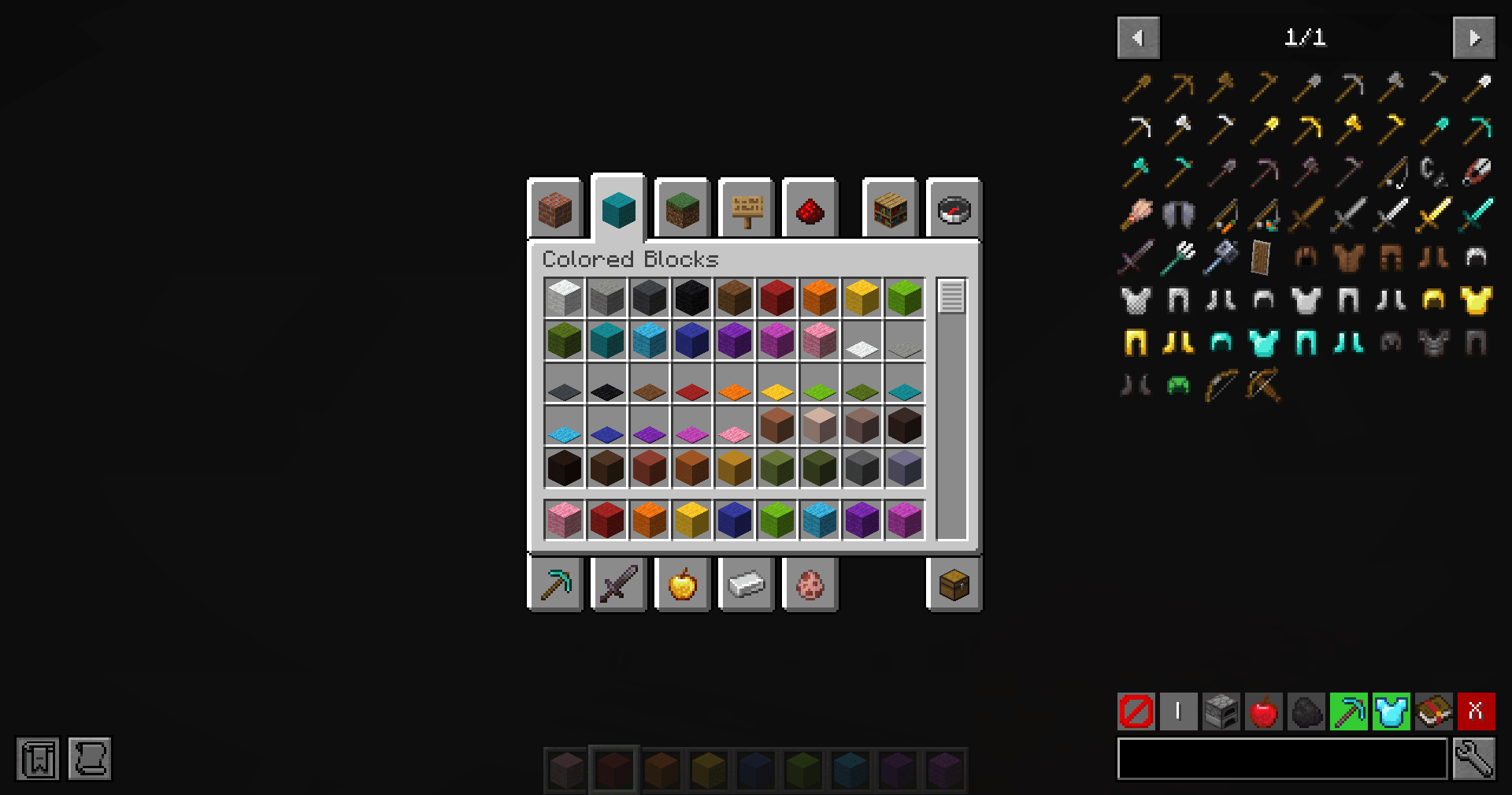
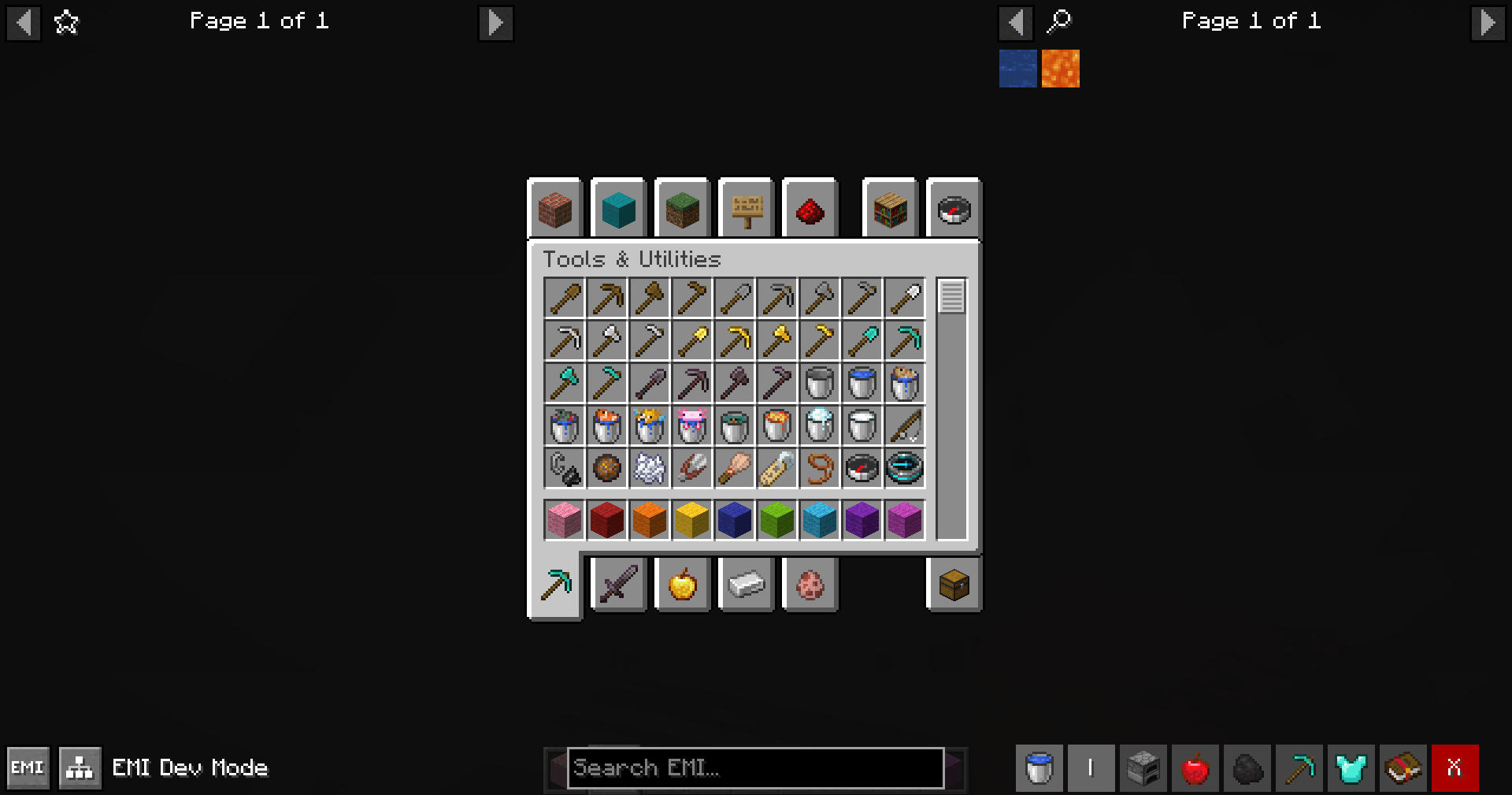
Just Enough Filters (JEF)
A lightweight add-on for JEI, REI, and EMI. It adds a dedicated filter bar to your item list, allowing you to quickly find exactly what you need without typing complex search queries.

Important Notes
- This mod is client-sided only!
Dependencies
- Mod Menu if using Fabric
- Any of Kotlin Adapter mods:
- For (Neo)Forge: Kotlin for Forge
- For Fabric: Fabric Language Kotlin
- Any of the following item listing mods:
Features
Adds a filter bar below the item list overlay with the following features(left to right):
Type Filters: Instantly filter items by their main categories:
- Item
- Block
- Non-Item
Logic Modes:
- OR Mode: Show items that match any of the active filters.
- AND Mode: Show items that match all of the active filters.
Various Filters: Let filtering items be much simpler with just a single click.
- Built-in filters for common item types (e.g., tools, armor, food).
- Support for customizable filters based on user preferences.
Clear Filters: A one-click button to deactivate all active filters instantly.
How to Use
- Open your inventory or any container.
- Look for the filter bar at the bottom of the item list (right side of the screen).
- Enjoy filtering your items with just a click!
Configuration
Through the mod list screen,
you can access the configuration options for Just Enough Filters to customize your filtering experience.
Following are the customizable options available:
- Active Filters: define which filters are active in inventory bar.
- Custom Filters: create your own filters based on various criteria.
For Developers
- Including this mod in every mod pack is welcome!
- To depend on our mod and use API, please check out code repo.
- Edition: Minecraft Java
- File type: .jar
- Minecraft versions listed: 1.20.1, 1.20, 1.21
- How to install: Install the matching mod loader (Forge, Fabric or NeoForge) for your Minecraft version. → Download the .jar. → Put it in the .minecraft/mods folder and launch that loader profile.
- Where to get it: Opens on CurseForge — not every file is mirrored on our own servers.
Install steps are the general flow for this file type — How to install Minecraft Java mods & modpacks walks through it step by step.
- Ships as justenoughfilters-3.0.1-beta+neoforge-1.21.1.jar — drop this file into the mods folder
- Download size: 1.3 MB
- Download link checked 2 Oct 2026 — working
These come from our own check of the pack file, not from the source page.