
LTB Ultimine
Java mod listed for Minecraft 1.21. Downloads from the MC Java Mods app on Android.
LTB Ultimine is a mining utility mod that allows players to break multiple blocks at once using vein mining and 3x3 modes. It features a toggleable system…
⬇ Download on CurseForgeThe author built this one for Minecraft 1.21.1 on NeoForge. On other versions it may install and then do nothing.
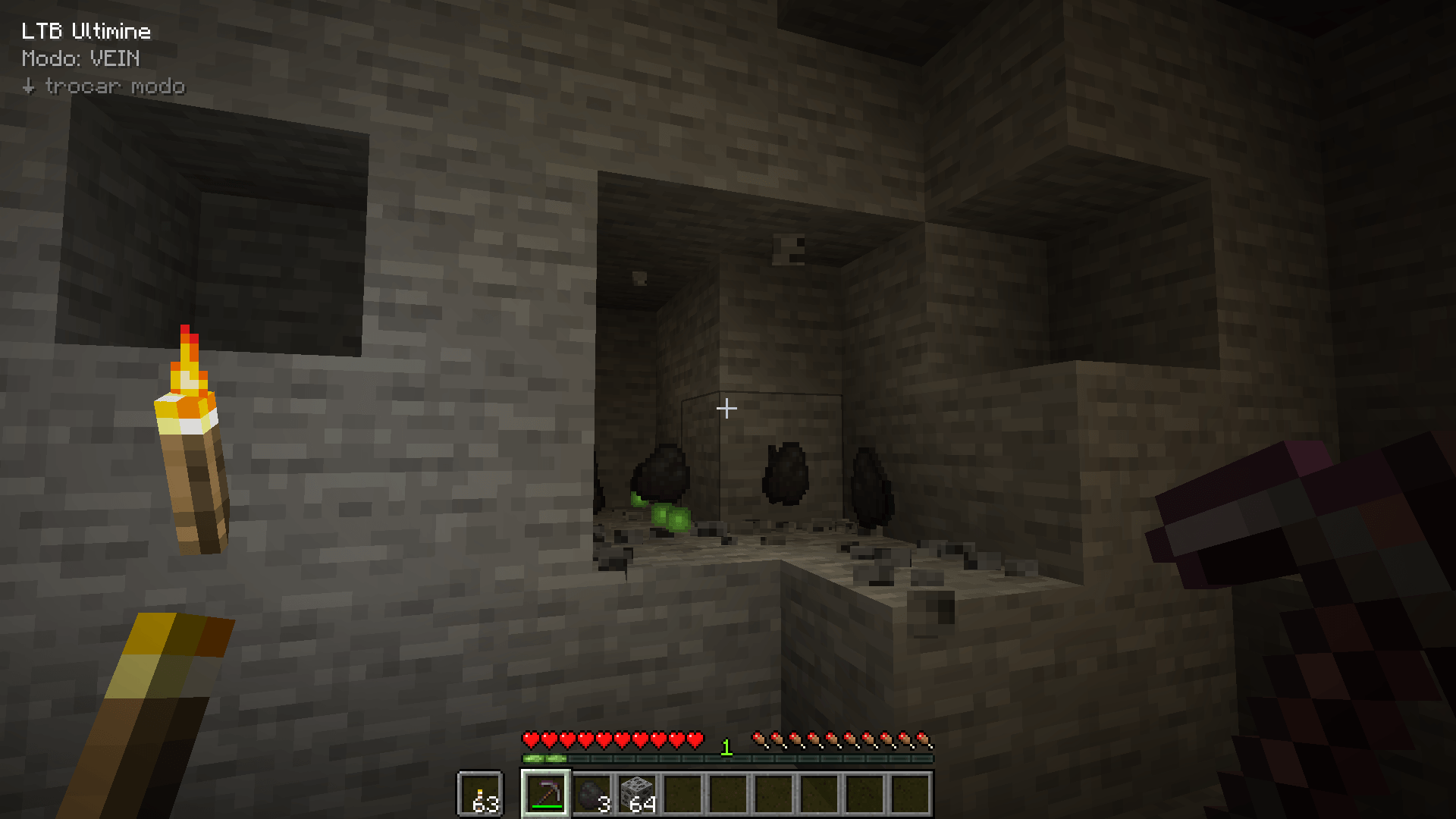
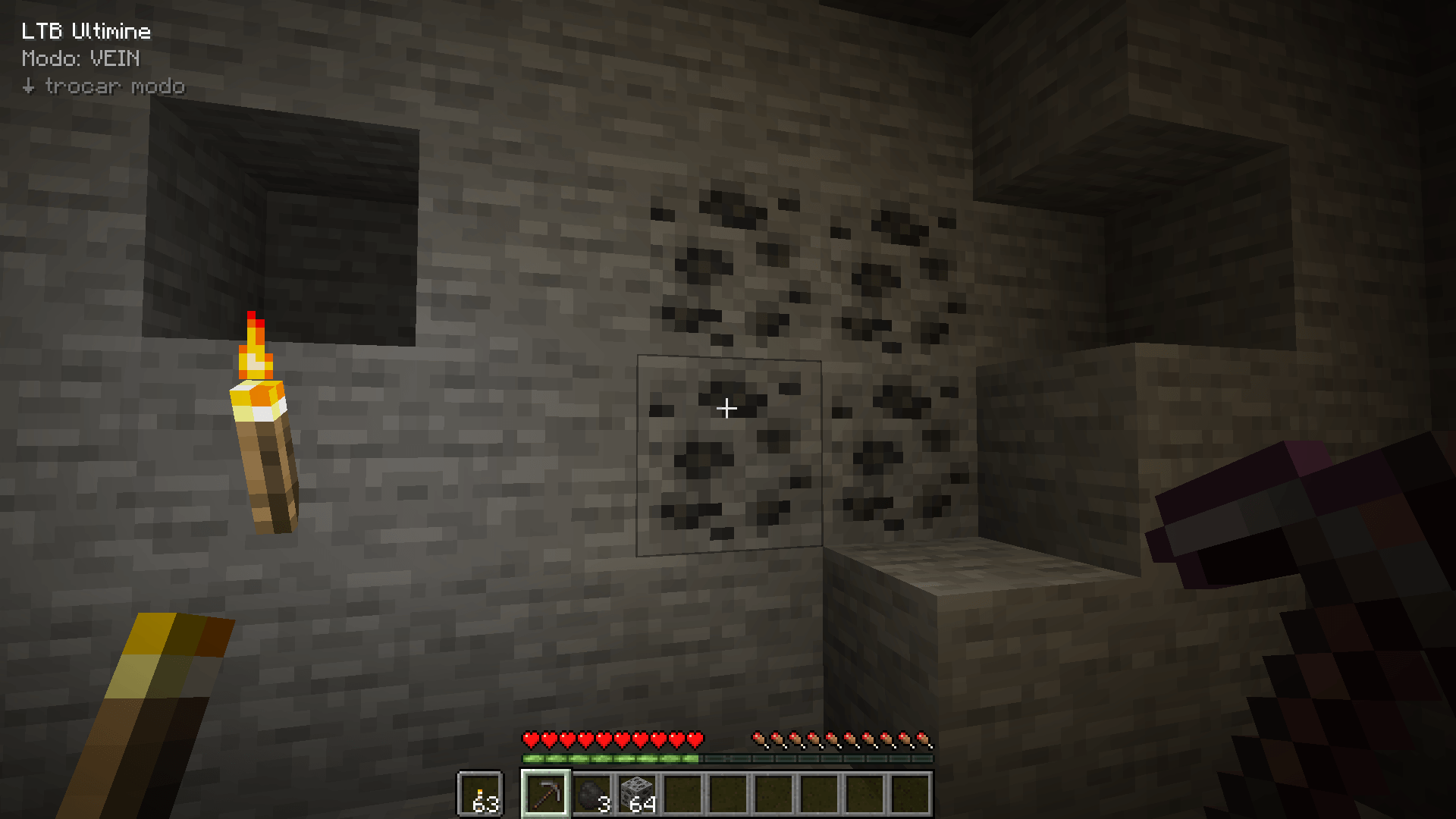
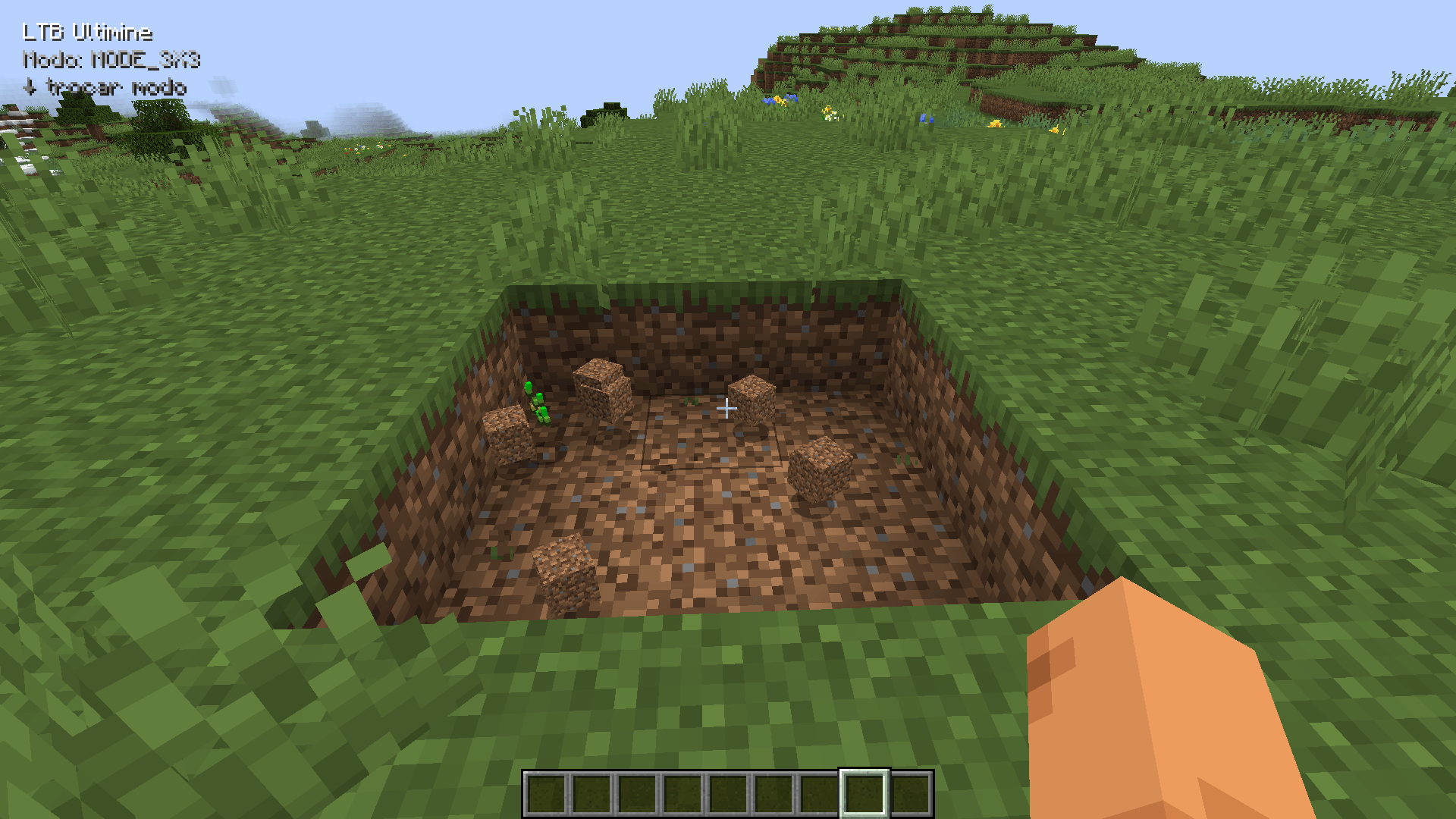
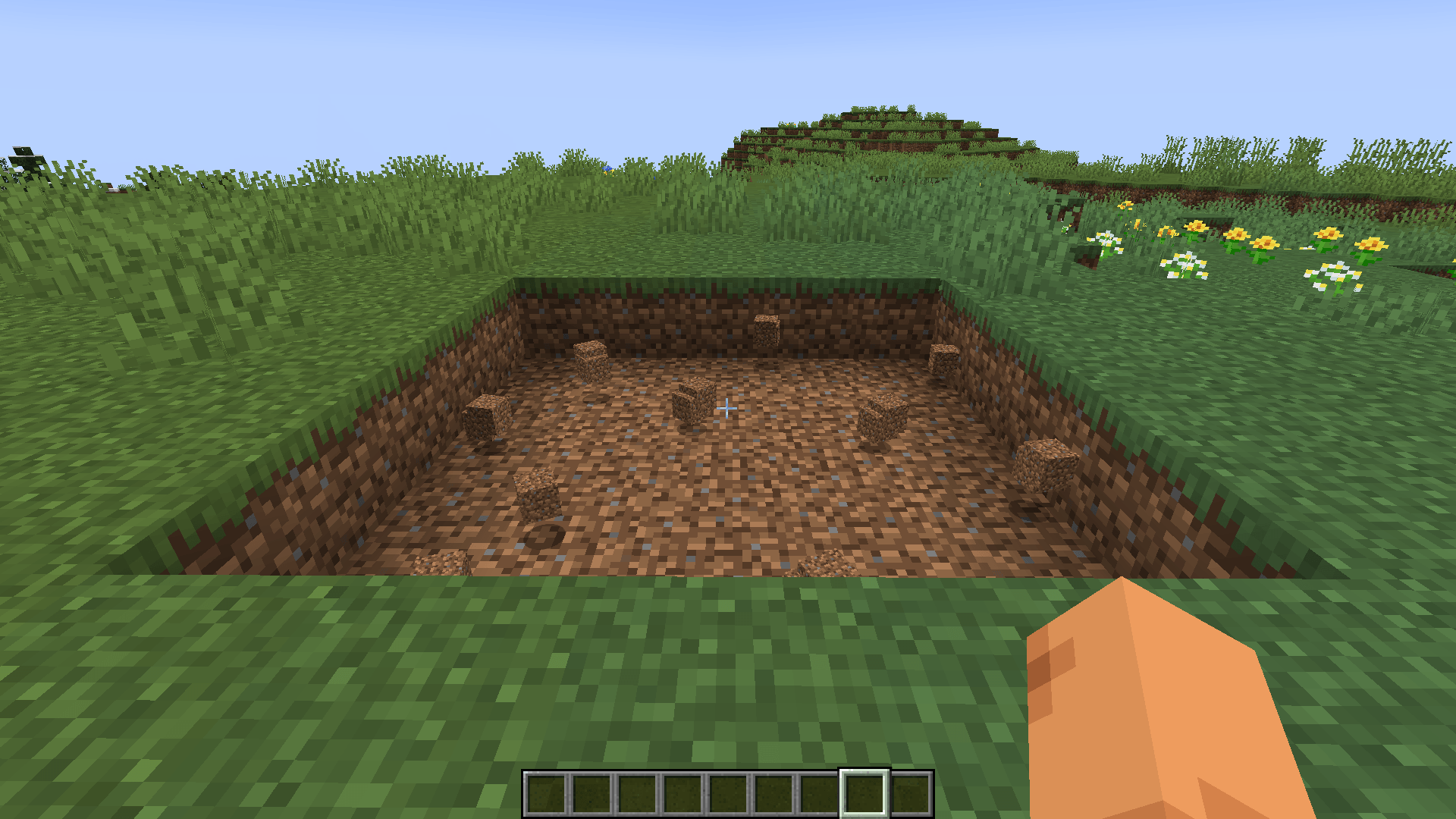
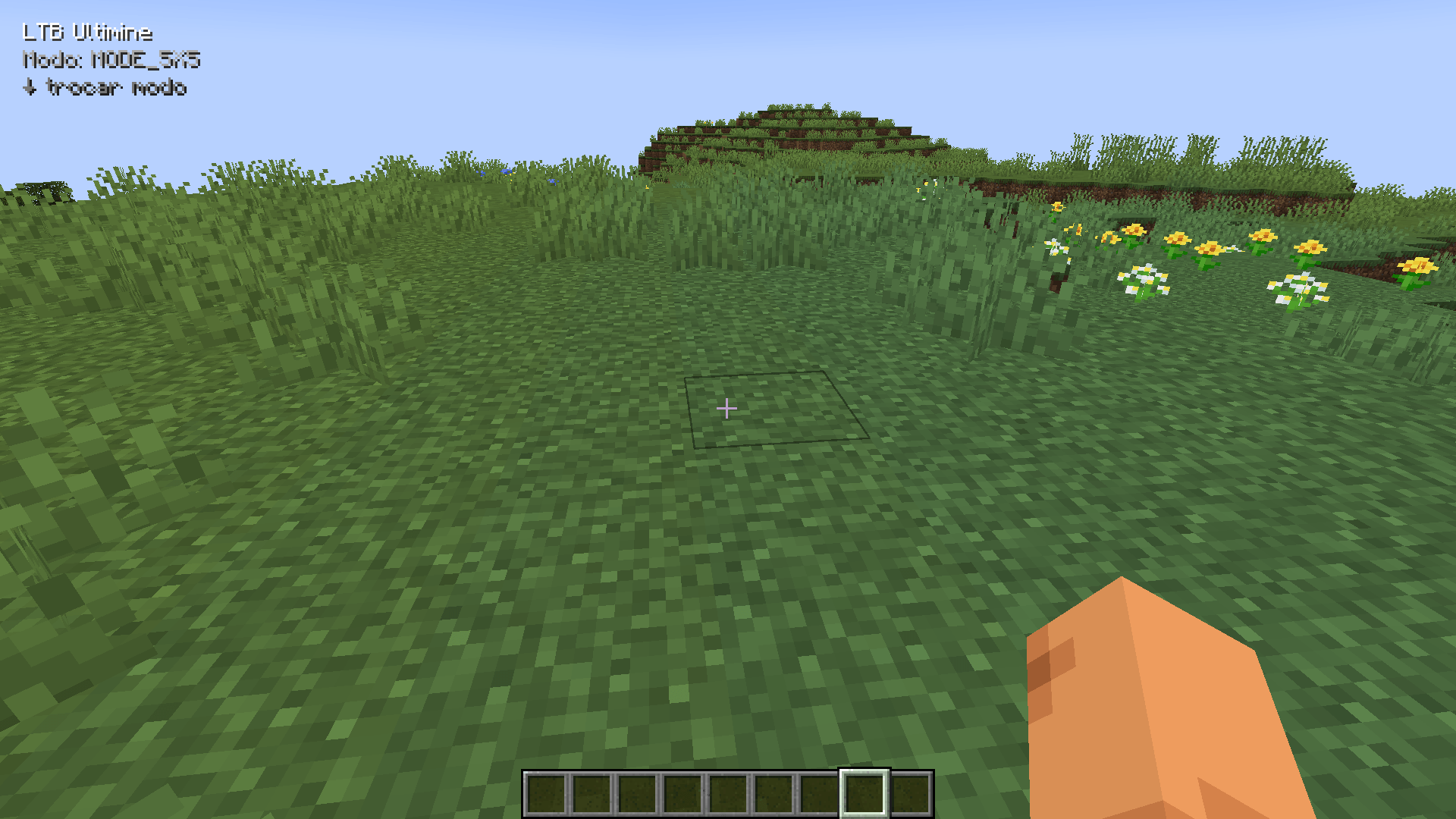
LTB Ultimine
LTB Ultimine is a mining-focused mod designed to make resource gathering faster and more efficient in Minecraft, offering multiple mining modes for different situations.
🔹 Features
⛏️ Mining Modes
-
3x3 Mining – Breaks blocks in a 3x3 area around the targeted block.
-
5x5 Mining – Breaks blocks in a 5x5 area around the targeted block.
-
10x10 Mining – Breaks blocks in a 10x10 area around the targeted block.
-
Tunnel Mining – Mines blocks in a straight line into the wall from the selected face.
-
Stairs Mining – Mines blocks diagonally to create a staircase while following the player's direction.
-
Adaptive Mining – Automatically searches for connected blocks of the same type using an adaptive vein-mining system.
🔗 Adaptive Mining
The Adaptive mode uses a connected-block search system to find blocks of the same type as the targeted block.
-
Supports mining connected ores, logs and other identical blocks.
-
Maximum limit of 128 blocks.
-
Press C to switch between:
-
64 blocks
-
128 blocks
-
This allows you to quickly choose between a smaller or larger mining limit depending on the situation.
🎮 Controls
-
Keybind to activate/deactivate LTB Ultimine.
-
Keybind to switch between mining modes.
-
C – Switch the Adaptive mining limit between 64 and 128 blocks.
-
Mining state, selected mode and other information are displayed through the HUD.
🛡️ Tool Durability & Safety
LTB Ultimine includes server-side durability protection to prevent the tool from being completely consumed during an Ultimine operation.
-
Tool durability is checked for every block mined.
-
Mining stops when the tool reaches the safety limit.
-
Client-side durability monitoring warns the player when the tool has 10 durability or less.
-
Normal Minecraft drops are preserved.
-
Supports normal tool behavior, including Fortune and Silk Touch.
🖥️ HUD & Block Highlight
The mod provides a client-side HUD showing:
-
Current LTB Ultimine status.
-
Selected mining mode.
-
Low tool durability warning.
Before mining, affected blocks can also be highlighted with a white outline, allowing the player to see which blocks will be mined.
🌐 Server & Network
LTB Ultimine uses client-server synchronization to keep the player's mining state synchronized.
The server tracks:
-
Whether LTB Ultimine is enabled.
-
The selected mining mode.
-
The current maximum block limit.
Mining operations are validated and executed on the server to provide consistent behavior in multiplayer.
⚙️ Compatibility
-
Minecraft 1.21.1
-
NeoForge
📋 Version 1.2.0
✨ Added
-
3x3 mining mode.
-
5x5 mining mode.
-
10x10 mining mode.
-
Tunnel mining mode.
-
Stairs mining mode.
-
Adaptive vein-mining mode.
-
Adaptive limit of 64 / 128 blocks.
-
C key to switch between Adaptive limits.
-
Tool durability protection.
-
Low durability HUD warning.
-
Mining target block highlighting.
-
Server-side mining validation.
-
Client-server state synchronization.
-
HUD displaying the active mining mode.
🔧 Improvements
-
Improved mining algorithms for different modes.
-
Improved server-side safety.
-
Improved handling of tool durability.
-
Normal Minecraft drops are preserved, including Fortune and Silk Touch behavior.
⚠️ Disclaimer
LTB Ultimine is an independent project and is not affiliated with, sponsored by, or endorsed by FTB Ultimine.
- Edition: Minecraft Java
- File type: .jar
- Minecraft version listed: 1.21.1
- How to install: Install the matching mod loader (Forge, Fabric or NeoForge) for your Minecraft version. → Download the .jar. → Put it in the .minecraft/mods folder and launch that loader profile.
- Where to get it: Opens on CurseForge — not every file is mirrored on our own servers.
Install steps are the general flow for this file type — How to install Minecraft Java mods & modpacks walks through it step by step.
- Ships as ltbultimine-1.1.0.jar — drop this file into the mods folder
- Download size: 16 KB
- Download link checked 2 Oct 2026 — working
These come from our own check of the pack file, not from the source page.