Create: Item Drawers
Java mod listed for Minecraft 1.21. Downloads from the MC Java Mods app on Android.
⬇ Download on CurseForgeThe author built this one for Minecraft 1.21.1 on NeoForge. On other versions it may install and then do nothing.
Create: Item Drawers


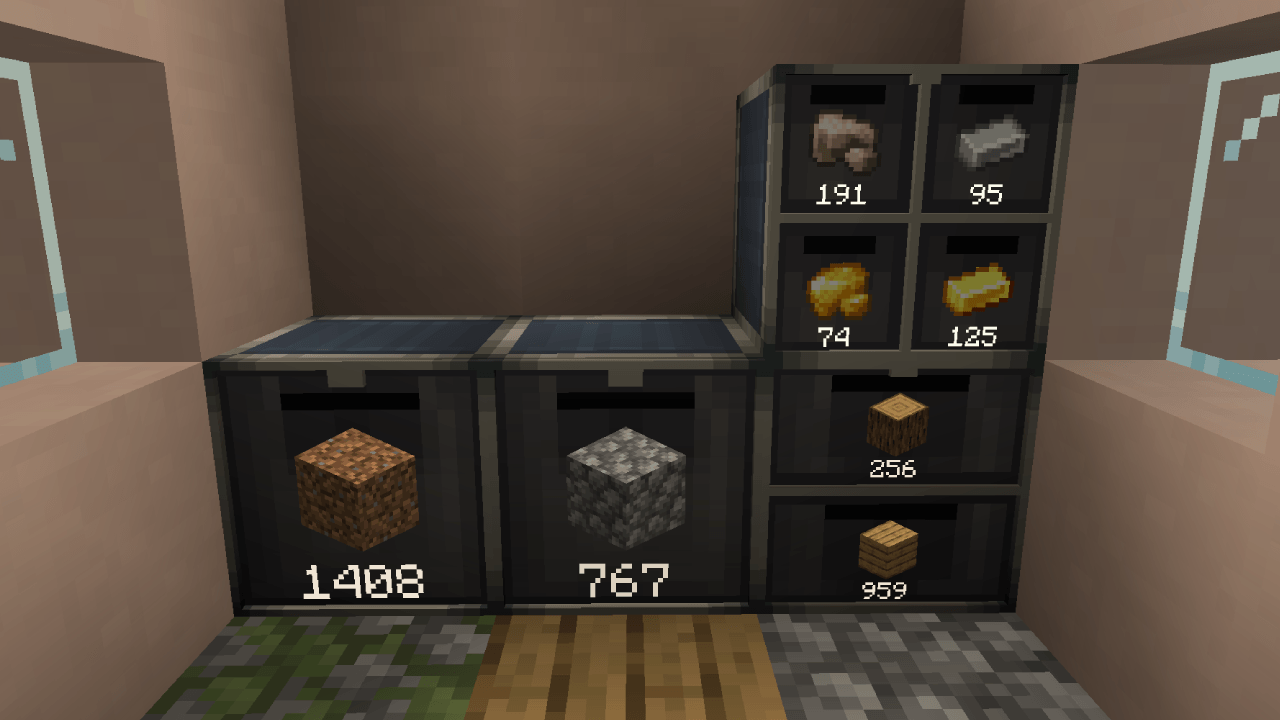
Create: Item Drawers is a Create addon which adds the usual drawers for storage, but with a Create flair.
Features
Usage
Right-Click on a slot while holding an item to insert it.
Sneak + Right-Click to insert all matching items from your inventory into the slot.
Left-Click a slot to take out a single item stored.
Sneak + Left-Click to take our a stack at a time.
Settings
Right-Click the front of a drawer with a Wrench to open the settings for said drawer.
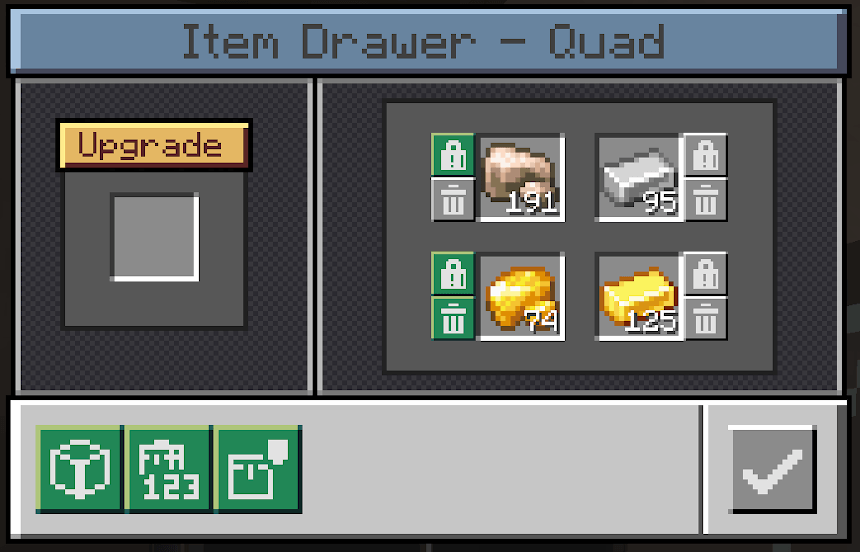
Here you can insert upgrades to increase the capacity, as well as toggle lock and void modes for each individual slot. You can also hide items, the amount, or upgrade icons etc., if you wish.
No need for an additional item to lock/void your drawers!
Lock mode:
When enabled, keeps the stored item as a template even when the slot is emptied out. Prevents other items from being inserted into the slot.
Void mode:
When enabled, deletes excess items inserted into the drawer. Helpful to prevent overflow.
Upgrades
Upgrades allow you to increase the total capacity of a drawer. The upgrade affects all slots in the drawer.
If you remove an upgrade and max capacity ends up being less than what is currently stored in a slot, then said slot is "frozen" until an upgrade of high enough tier is inserted again.
Comes with 5 tiers of upgrades.
Networks
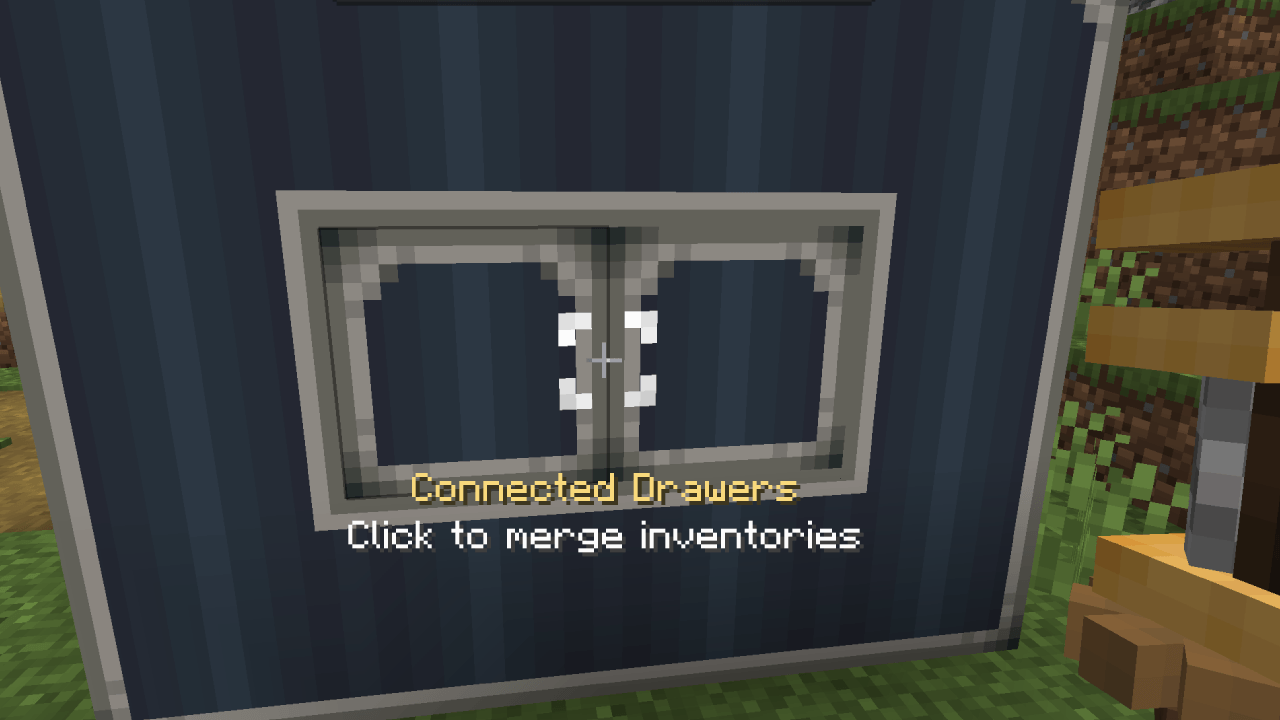
By using a wrench on two drawers next to each other, you can connect them (similar to Mechanical Crafters from base Create). This lets you create Drawer networks where components that can insert/extract items can do so from a single point.
Configuration
Client Side:
- Settings to configure the distance at which items, counts, and icons (lock/void/upgrade) are shown.
Also able to disable the rendering of these globally if you wish to for some reason. - Setting to enable Engineer's Goggles overlay to see details such as stored items, lock/void modes etc. while wearing the goggles. Can additionally set it to require holding a Wrench as well if you wish. Both are disabled by default to not clutter the HUD too much.
Server Side:
- Settings to adjust the base capacity of each of the three drawer types. The capacity is measured in stacks - eg. a base capacity of 32 means it can store 32 stacks (A stack of Cobblestone is 64, so 32*64=2048, while a stack of Ender Pearls is 16, so 32*16=512)
- Settings to adjust the upgrade multipliers. Pretty straightforward, they multiply the base capacity.
- Settings to adjust slowness debuff when having Drawers with items stored in the player inventory.
Other Info
Modpack permission
You're more than welcome to include it in your modpack.
Porting and Forking
This was mainly made for myself and some friends, and as such I have no plans to port to other modloaders, or port to previous versions.
You're more than welcome to fork and port yourself.
New features / Suggestions
You're welcome to suggest things, but as mentioned above this was mainly made for myself and some friends, so I can't promise I'll dedicate a lot of effort to add suggested features.
Credits
A general huge thanks to the modding community for all the open source tools to use and projects to learn from!
- Create
For the main mod of course. - Storage Drawers, Functional Storage, Create: Storage [Neo/Forge]
Some of the relevant mods I learned from and was inspired by.
- Edition: Minecraft Java
- File type: .jar
- Minecraft version listed: 1.21.1
- How to install: Install the matching mod loader (Forge, Fabric or NeoForge) for your Minecraft version. → Download the .jar. → Put it in the .minecraft/mods folder and launch that loader profile.
- Where to get it: Opens on CurseForge — not every file is mirrored on our own servers.
Install steps are the general flow for this file type — How to install Minecraft Java mods & modpacks walks through it step by step.
- Ships as create_item_drawers-mc1.21.1+1.0.0-beta.jar — drop this file into the mods folder
- Download size: 263 KB
- Download link checked 2 Oct 2026 — working
These come from our own check of the pack file, not from the source page.