Exposure + Immersive Paintings
Java mod listed for Minecraft 1.20–1.21. Downloads from the MC Java Mods app on Android.
⬇ Download on CurseForgeThe author built this one for Minecraft 1.20.1–1.21 on Forge. On other versions it may install and then do nothing.
Immersive Paintings × Exposure
📖 Description
Immersive Paintings × Exposure is an addon mod that bridges the gap between Immersive Paintings and Exposure, allowing you to use your Exposure photographs as custom paintings in Immersive Paintings frames.
✨ Features
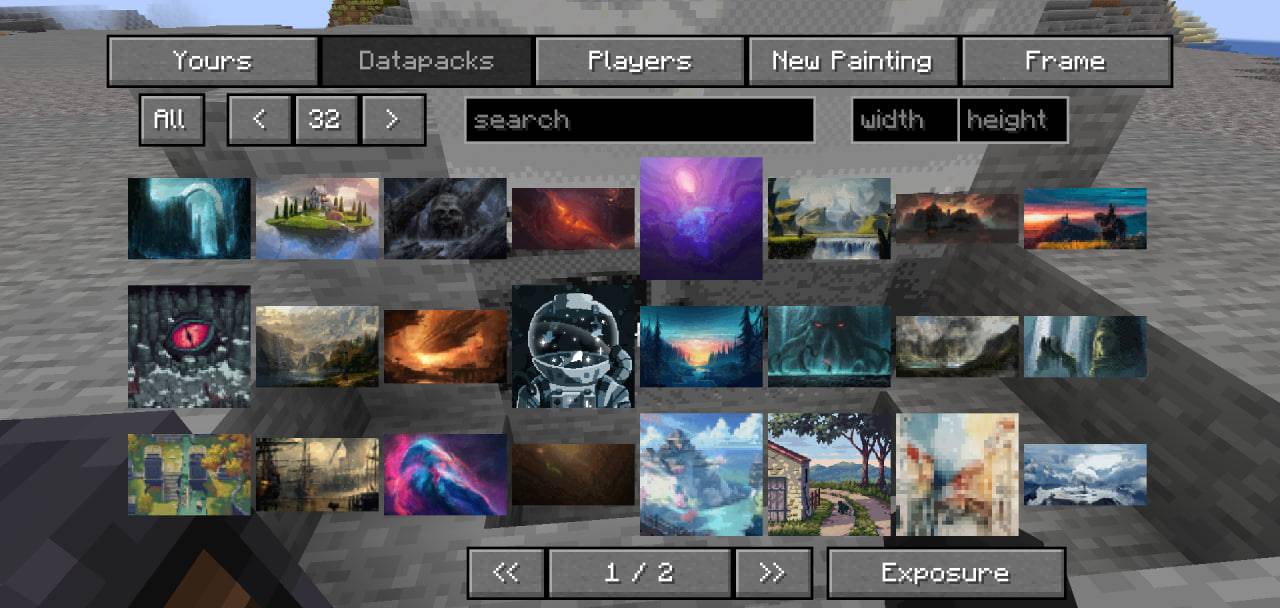
- Seamless Integration: Adds a new "Exposure" tab to the Immersive Paintings GUI
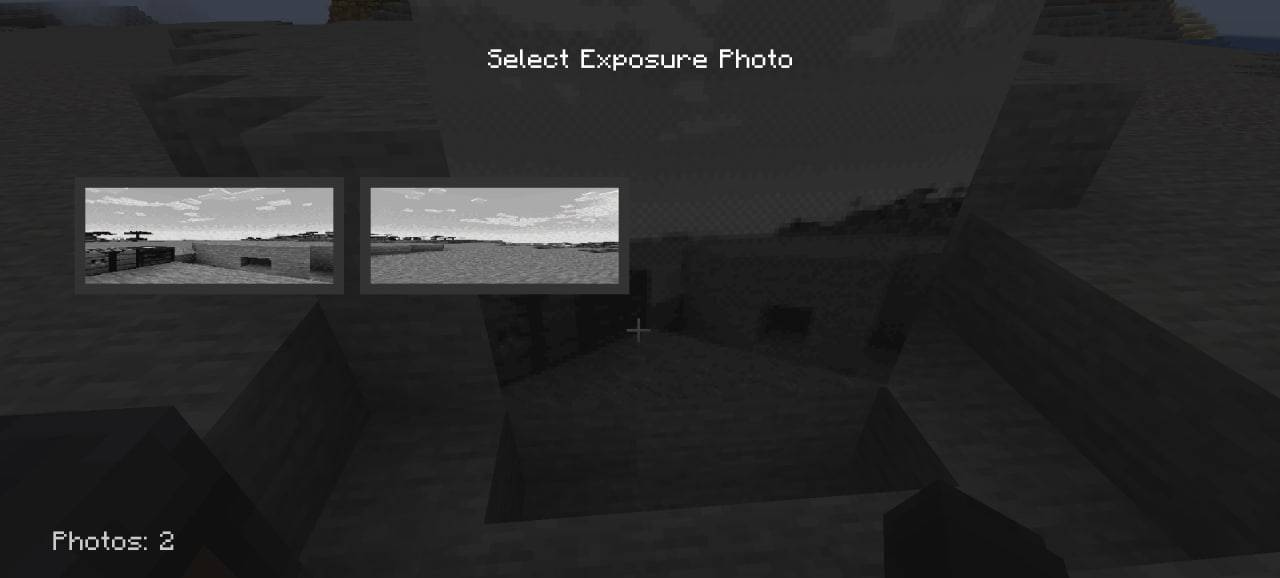
- Photo Preview: View thumbnail previews of your Exposure photographs directly in the selection menu
- Easy Selection: Browse and select photos from your Exposure collection with an intuitive interface
- World-Specific: Automatically detects and displays photos from the current world
- Smart Positioning: Button placement adapts to your GUI layout
🎮 How It Works
- Take photos using the Exposure mod
- Open any painting frame editing interface from Immersive Paintings
- Click on the new "Exposure" tab (located at the bottom next to pagination controls)
- Browse your photos with thumbnail previews
- Select a photo to apply it to your painting frame
- Enjoy your custom artwork!
📸 Photo Location
Your Exposure photos should be located at:
[game_directory]/exposures/[world_name]/[player_name]_[id].png
The mod automatically detects photos from the current world and displays them in the selection menu.
📝 Credits
- Author: MyAngel
- Immersive Paintings: Luke100000
- Exposure: mortuusars
Enjoy creating custom paintings with your Exposure photographs! 🎨📸
- Edition: Minecraft Java
- File type: .jar
- Minecraft versions listed: 1.21, 1.20.2, 1.20.5
- How to install: Install the matching mod loader (Forge, Fabric or NeoForge) for your Minecraft version. → Download the .jar. → Put it in the .minecraft/mods folder and launch that loader profile.
- Where to get it: Opens on CurseForge — not every file is mirrored on our own servers.
Install steps are the general flow for this file type — How to install Minecraft Java mods & modpacks walks through it step by step.
- Ships as immersivepaintings-exposure-1.0.0.jar — drop this file into the mods folder
- Download size: 36 KB
- Download link checked 2 Oct 2026 — working
These come from our own check of the pack file, not from the source page.