ModsJava
Shel's MineChat
Java mod listed for Minecraft 1.20–1.21. Downloads from the MC Java Mods app on Android.
I don't know my version or loader
Open the Minecraft launcher and look at the profile you play on — it names both, like fabric-loader-1.21.4. The version also shows in the bottom-right corner of the game's main menu.
No loader in the profile name? Then it's plain Minecraft, and these mods won't run — you need Fabric or NeoForge installed first.
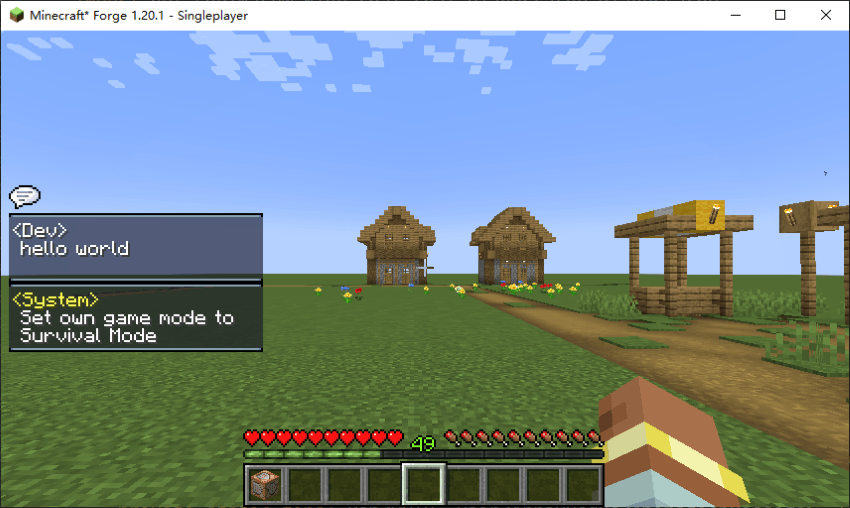
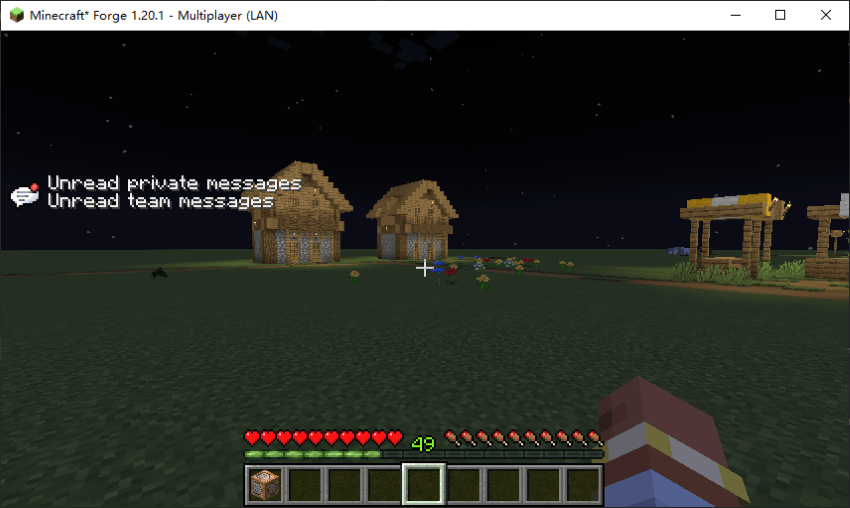
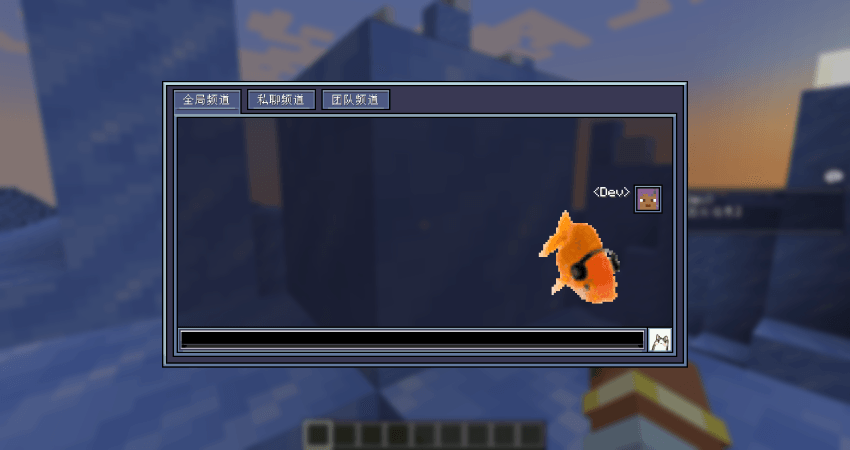
This mod is designed with a more immersive chat interface system and can working without requiring server installation.
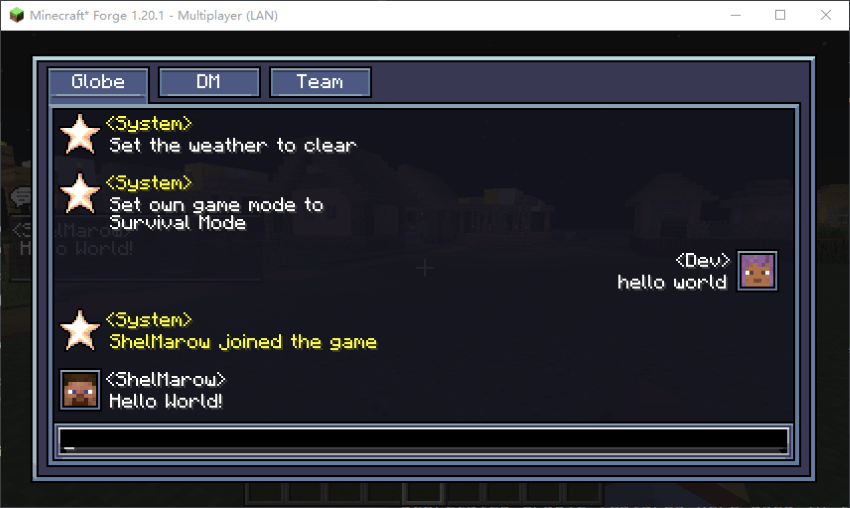
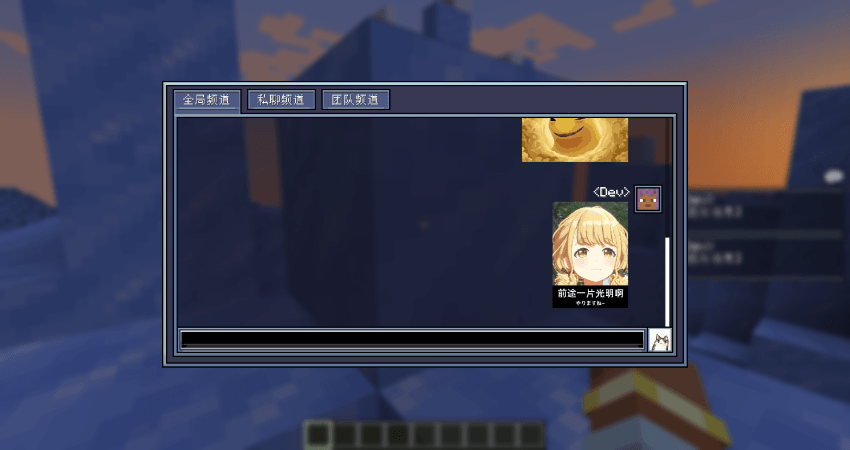
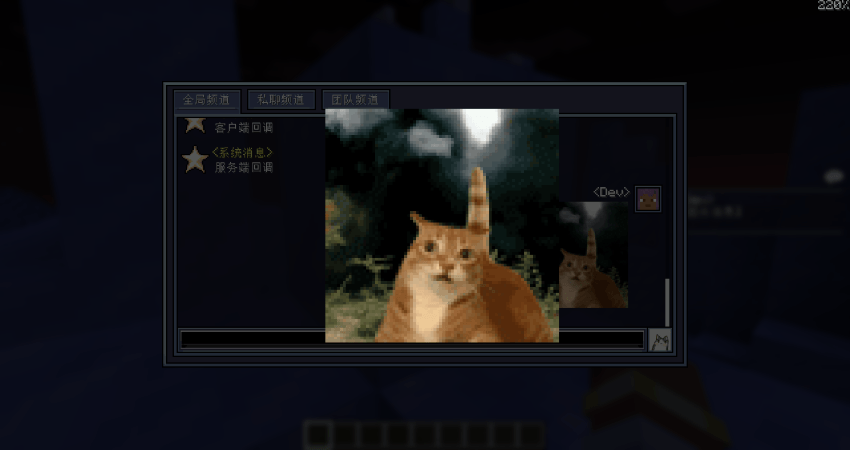
- Redesigned chat GUI and HUD
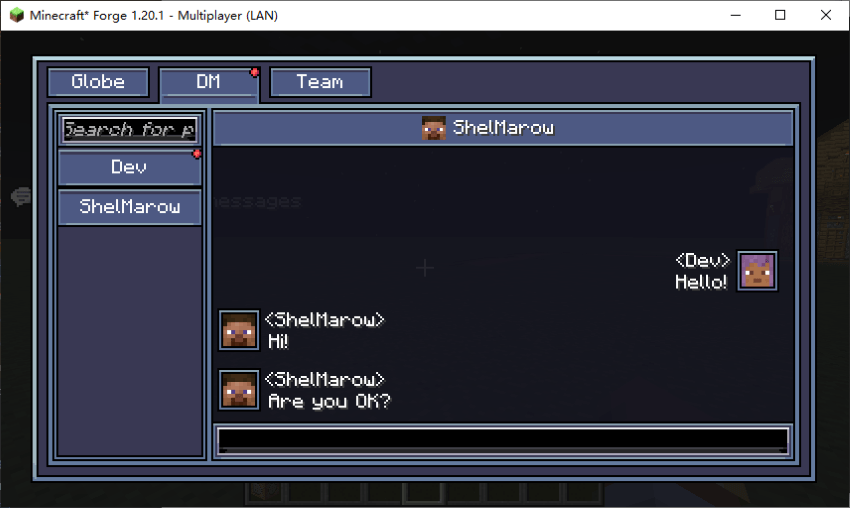
- Categorize global messages, private chats, and team messages
- Better message animations as well as more reasonable private chat features
本模组设计了一套更有沉浸感的聊天界面系统,并能够在不要求服务端安装的情况下也能正常运行。
-重新设计了聊天GUI和HUD
-将全局消息,私聊,队伍消息分类处理
-更好的消息动画以及更合理的私聊功能
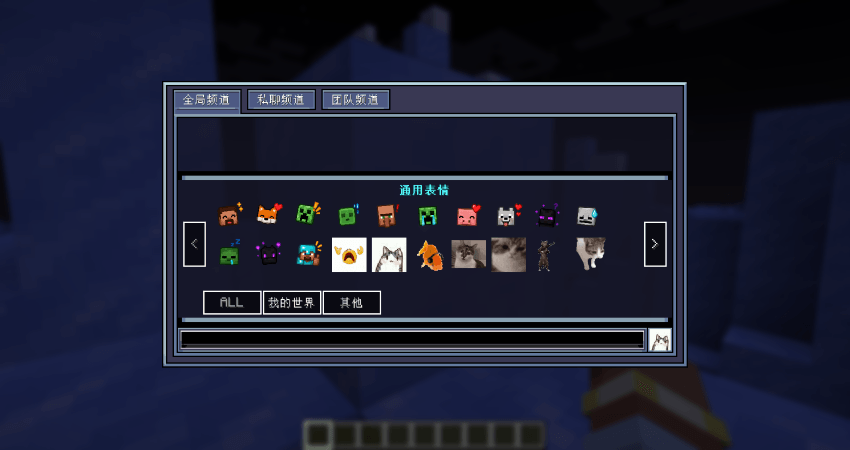
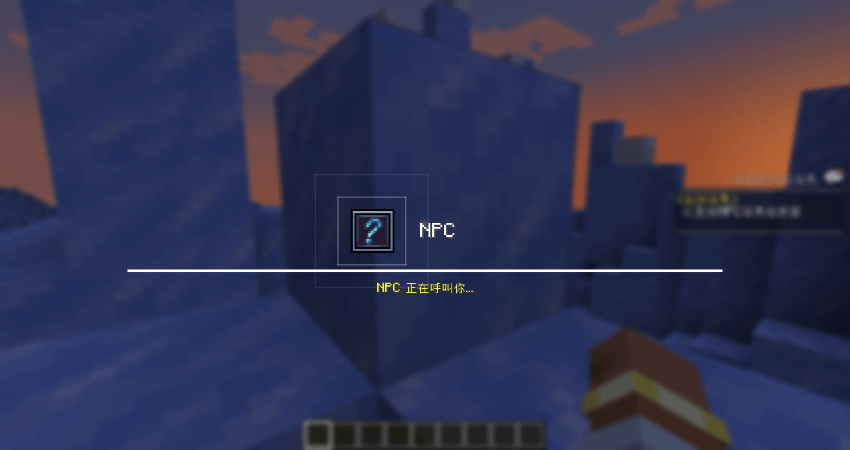
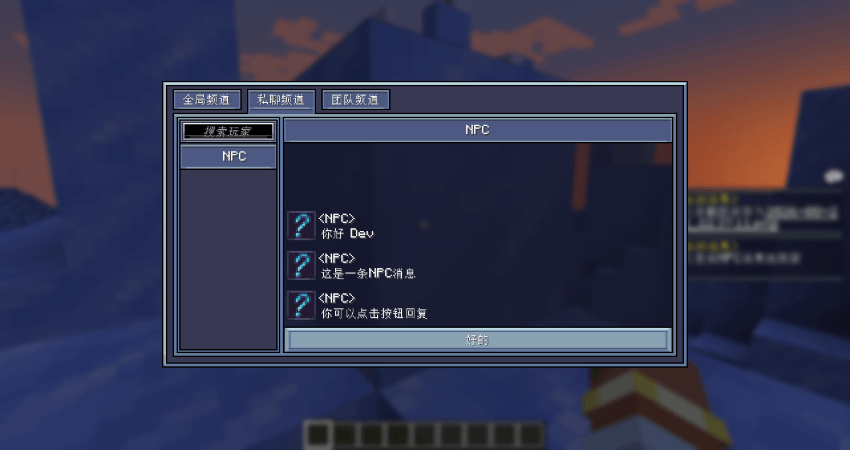
如何通过数据包添加自己的NPC对话:
首先在数据包文件夹下创建json文件
分别为消息发送者和对话内容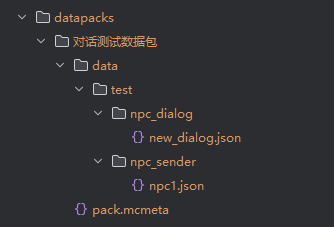
NPC的json内容如下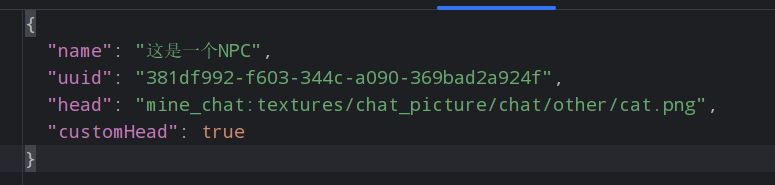
其中head和customHead为可选项
不填写head会使用默认问号头像
customHead表示使用玩家皮肤还是自定义图片
false时为自定义图片,true时为玩家皮肤
区别在于是否会自动裁剪头像
NPC对话的内容如下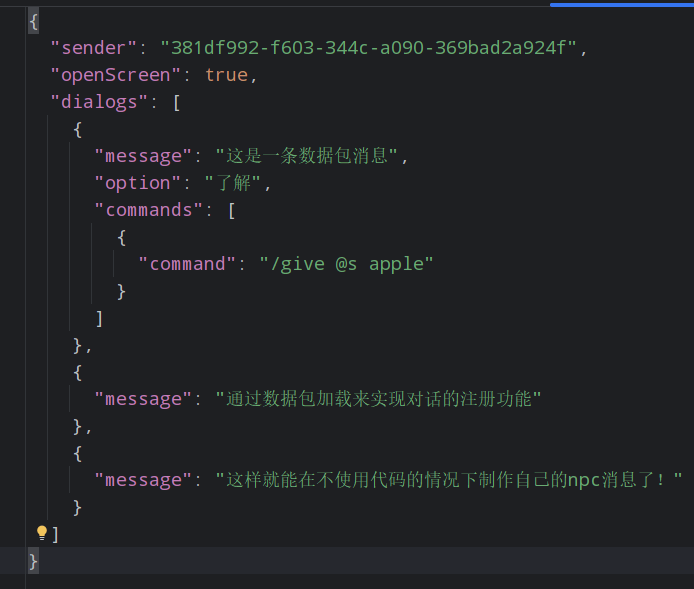
其中sender为发送的NPC
openScreen表示是否弹窗显示
option为玩家点击的回复消息按钮的内容,可选项
commands为执行完这条消息后一同执行的指令集,可选项
全部注册完毕后使用指令/mine_chat dialog send <id>即可向自己发生NPC消息
Quick facts
- Edition: Minecraft Java
- File type: .jar
- Minecraft versions listed: 1.20.1, 1.21.1
- How to install: Install the matching mod loader (Forge, Fabric or NeoForge) for your Minecraft version. → Download the .jar. → Put it in the .minecraft/mods folder and launch that loader profile.
- Where to get it: Opens on CurseForge — not every file is mirrored on our own servers.
Install steps are the general flow for this file type — How to install Minecraft Java mods & modpacks walks through it step by step.
File checked by MCModsHub
- Ships as mine_chat-1.0.6.1-NeoForge-1.21.1.jar — drop this file into the mods folder
- Download size: 203 KB
- Download link checked 2 Oct 2026 — working
These come from our own check of the pack file, not from the source page.