ModsJava
TFC Sophisticated Backpacks Upgrade
Java mod listed for Minecraft 1.20–1.21. Downloads from the MC Java Mods app on Android.
I don't know my version or loader
Open the Minecraft launcher and look at the profile you play on — it names both, like fabric-loader-1.21.4. The version also shows in the bottom-right corner of the game's main menu.
No loader in the profile name? Then it's plain Minecraft, and these mods won't run — you need Fabric or NeoForge installed first.
TFC Sophisticated Backpacks Upgrade
Added backpacks and upgrades for TFC
Mod Content
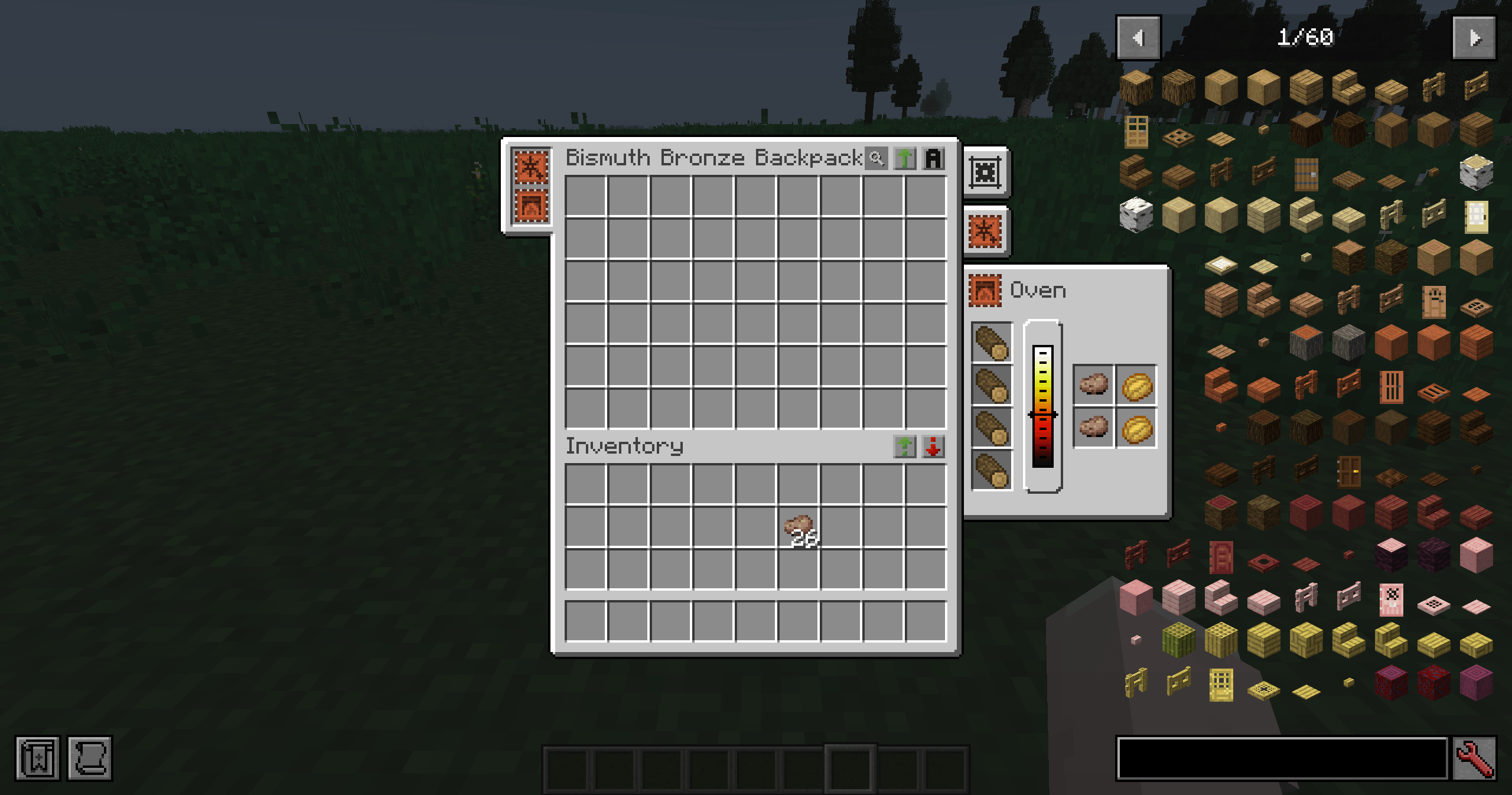
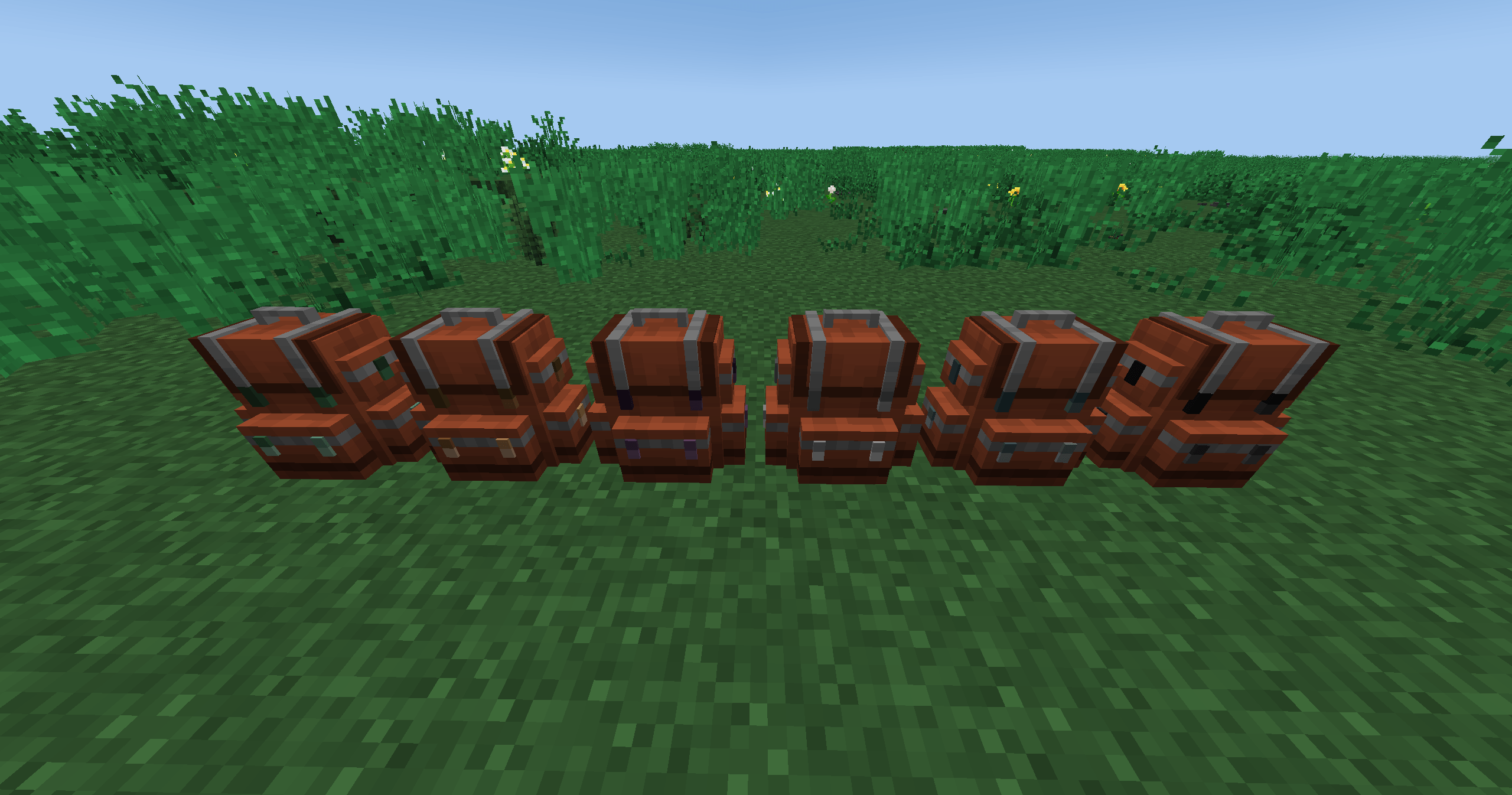
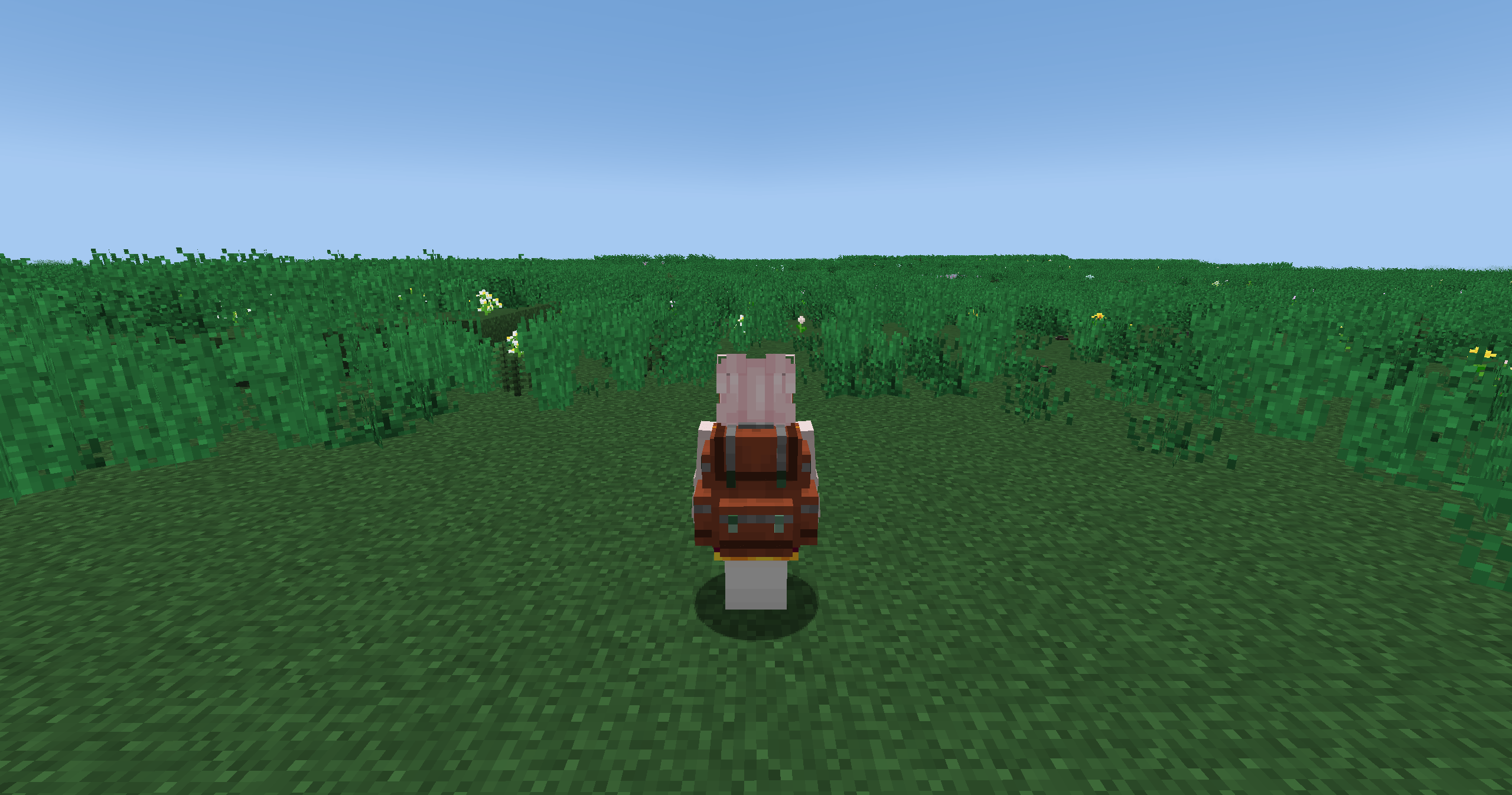
- Six types of backpacks have been added: Bismuth Bronze Backpack, Bronze Backpack, and Black Bronze Backpack correspond to the Iron Backpack; Wrought Iron Backpack corresponds to the Gold Backpack; Steel Backpack corresponds to the Diamond Backpack; Black Steel corresponds to the Netherite Backpack.
- Added various metal tiers of Stack upgrades.
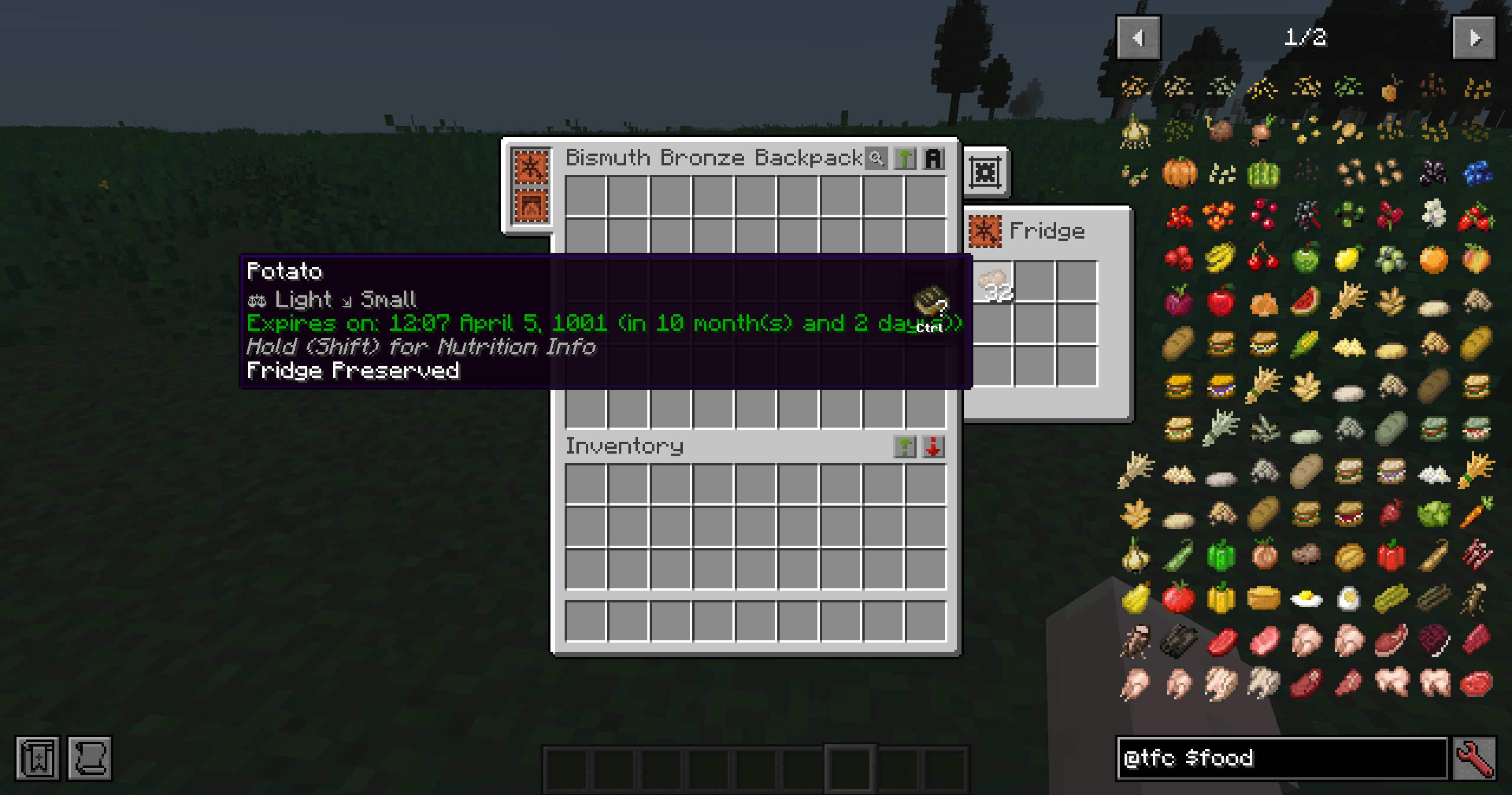
- Added fridge upgrade to preserve food in the backpack and extend its shelf life. It comes with an internal power switch. When there are batteries in the player's backpack, it will consume the battery power to better extend the shelf life of food.
- Added oven upgrade to cook food inside the backpack, compatible with the TFC heating recipes and FirmaLife oven recipes.
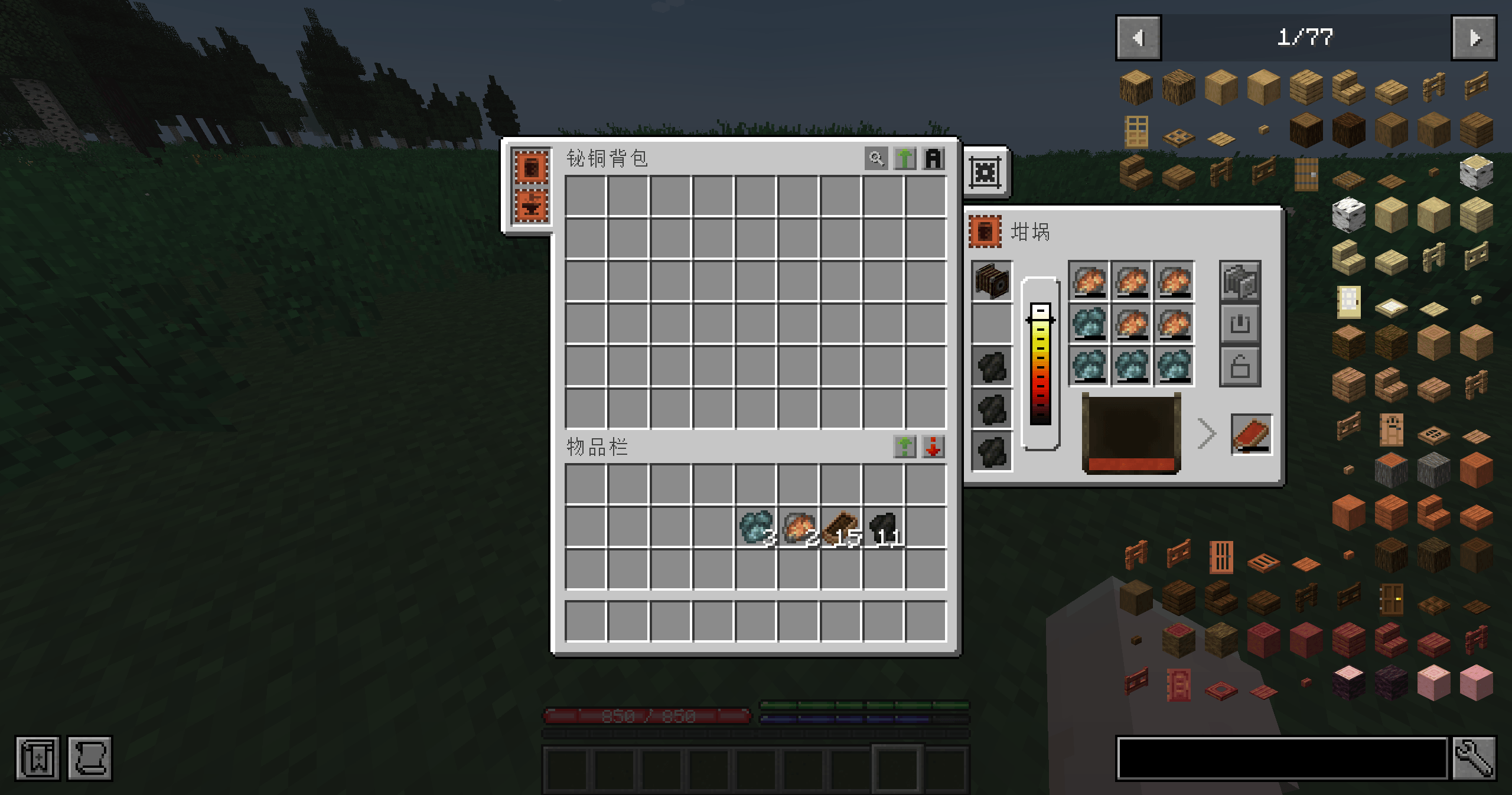
- Added crucible upgrade, used for heating or smelting metals in the backpack. The upgrade plugin includes a slot for a bellows. By clicking the button to activate the bellows, the fuel temperature can be further increased. It comes with a power switch. When there are batteries in the player's backpack, it will consume battery power to increase temperature and can be locked at a certain temperature value.
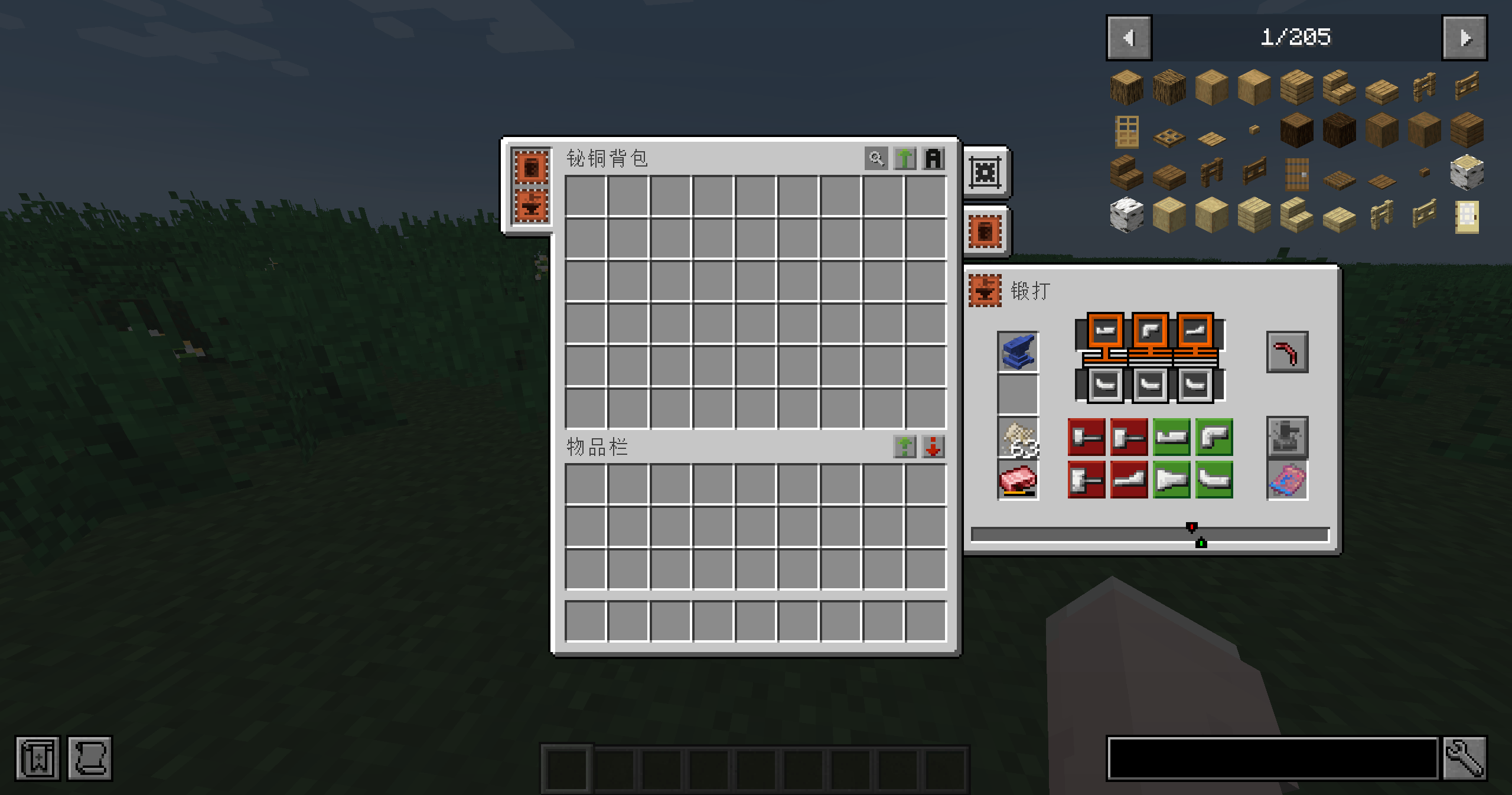
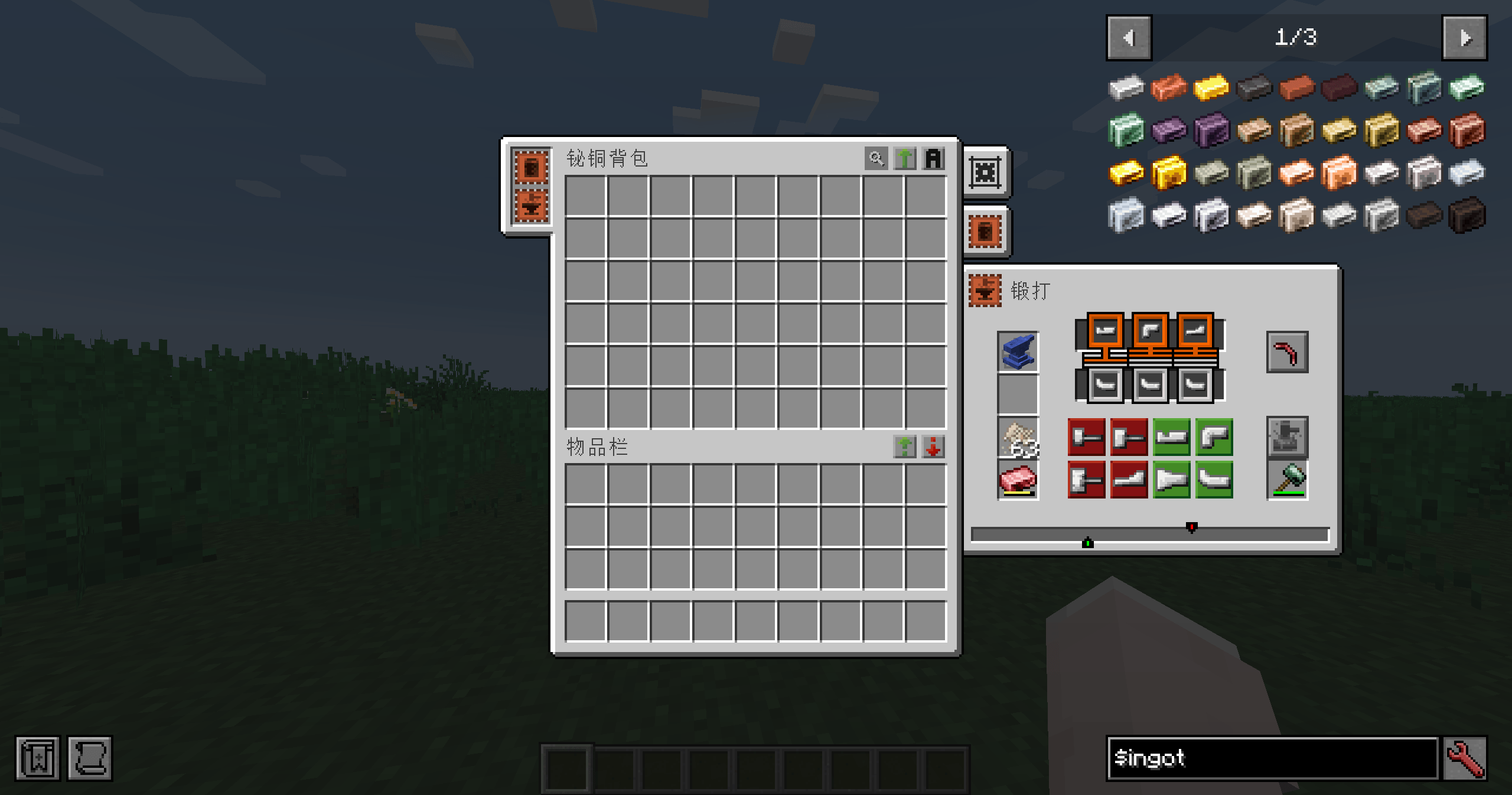
- Added forging upgrade, used for forging items in the backpack. The default is a copper anvil, but you can place a higher-level metal anvil within the plugin and set its level.
Suggest adding a mod, Curios API, and you will have a good game.
Quick facts
- Edition: Minecraft Java
- File type: .jar
- Minecraft versions listed: 1.20.1, 1.21.1
- How to install: Install the matching mod loader (Forge, Fabric or NeoForge) for your Minecraft version. → Download the .jar. → Put it in the .minecraft/mods folder and launch that loader profile.
- Where to get it: Opens on CurseForge — not every file is mirrored on our own servers.
Install steps are the general flow for this file type — How to install Minecraft Java mods & modpacks walks through it step by step.
File checked by MCModsHub
- Ships as tfcsbu-0.3.1-1.21.1.jar — drop this file into the mods folder
- Download size: 401 KB
- Download link checked 2 Oct 2026 — working
These come from our own check of the pack file, not from the source page.