ModsJava
Economy Craft Mod (26.2, 1.21.1) – Trade Resources and Run Custom Player Shops
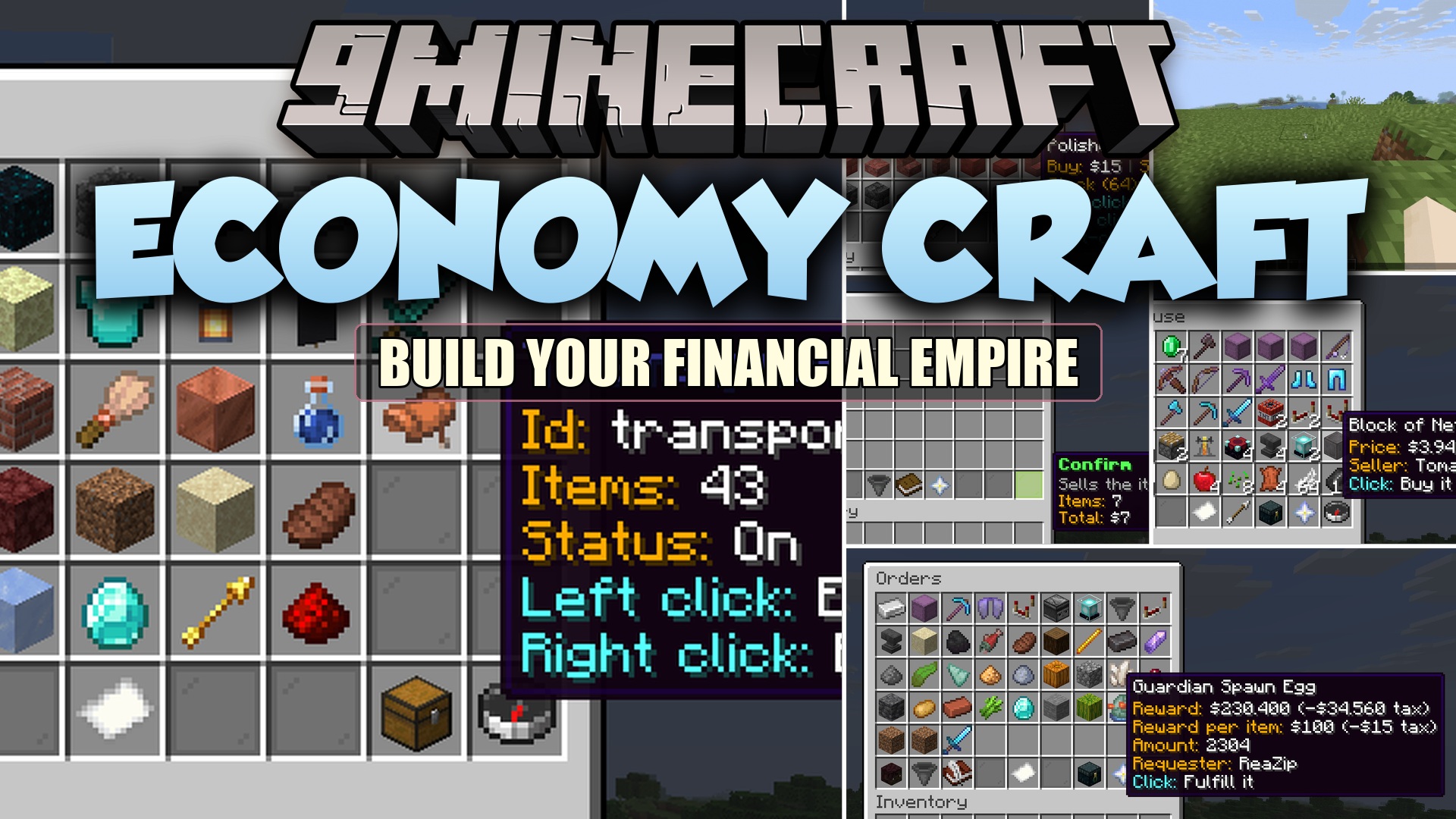
Economy Craft Mod brings a full server-side money and trading system to multiplayer worlds. Players can trade items, set up personal shops, fulfill custom…
⬇ Download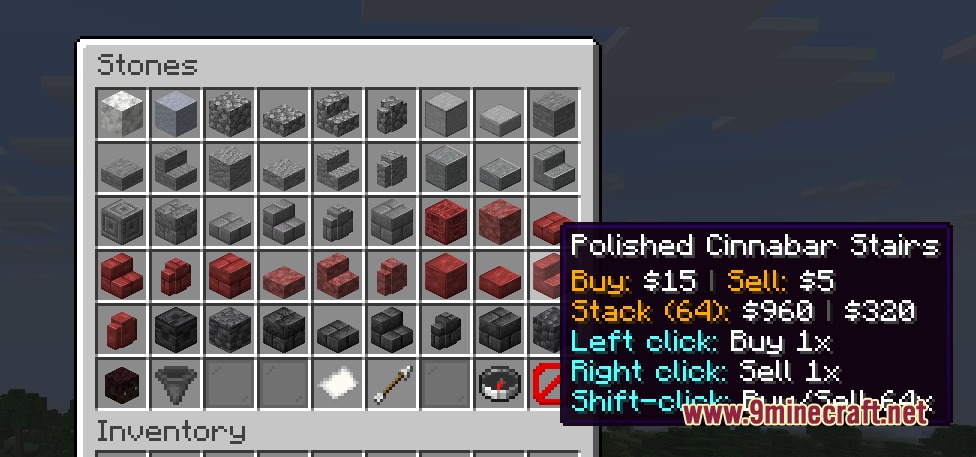
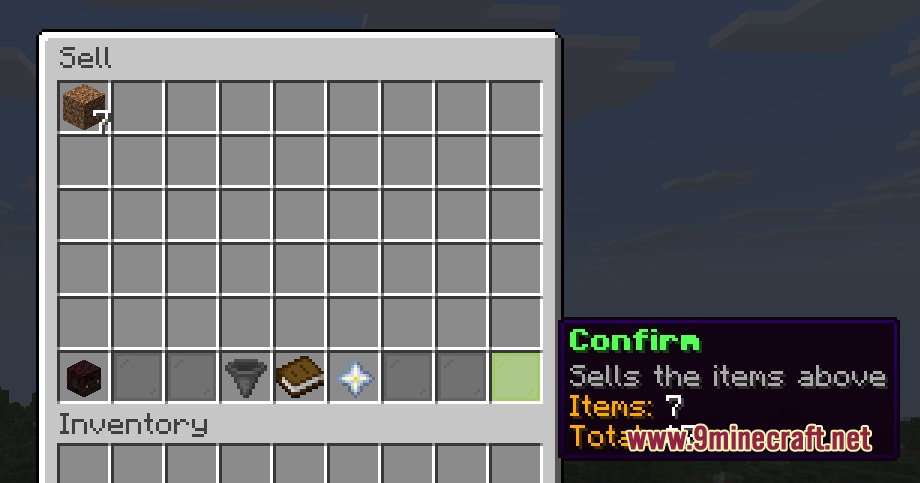
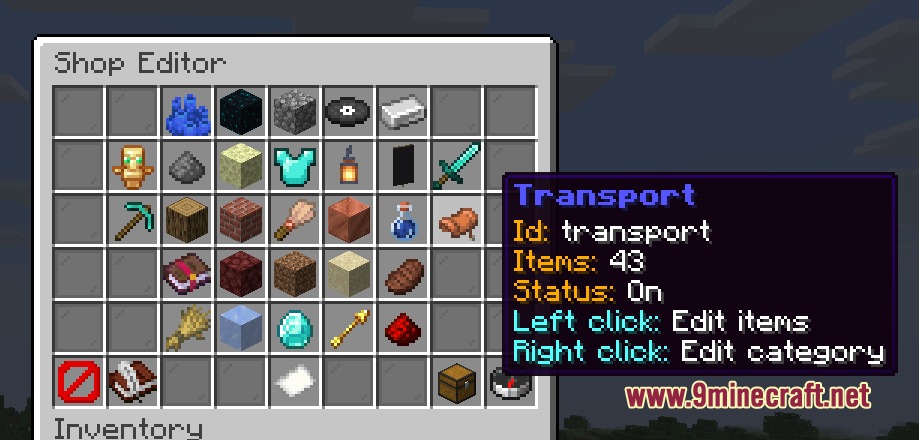
Economy Craft Mod brings a full server-side money and trading system to multiplayer worlds. Players can trade items, set up personal shops, fulfill custom orders, and claim daily money rewards. Server operators get built-in editor menus to adjust item prices, change starting funds, and manage player balances without restarting the game.
Features:
- Server shop allows players to buy and sell items at fixed rates with unlimited stock.
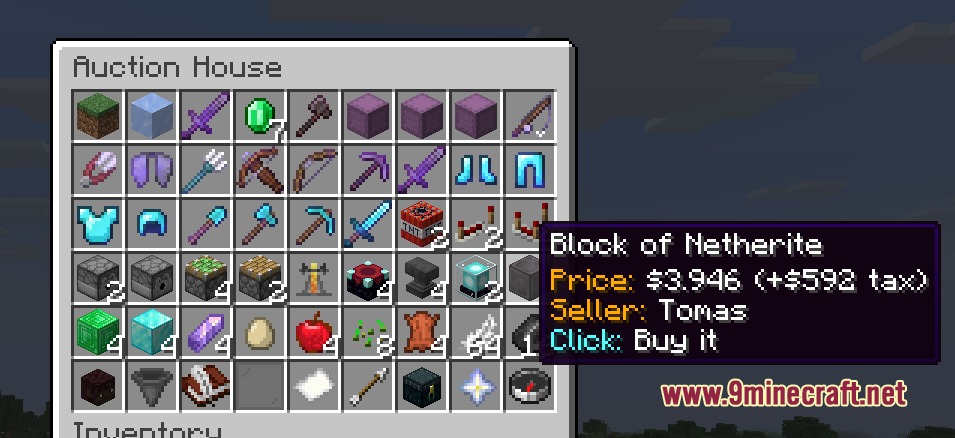
- Player shop lets players list items from their inventory for custom prices.
- Quick sell window calculates payouts automatically before confirming sales.
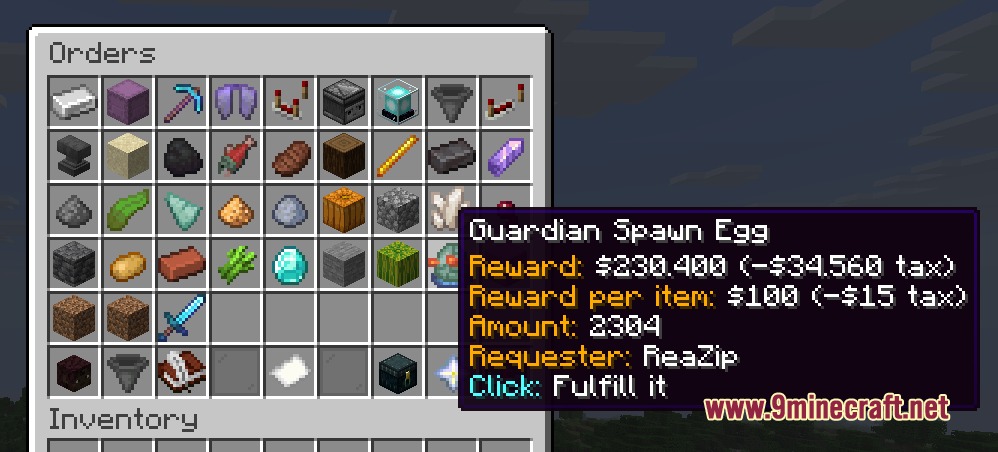
- Item order board allows players to request specific items and pay fulfillers automatically.
- Daily rewards grant currency to active players once every day.
- Delivery box stores items purchased during full inventory or offline order completions.
- Direct player payments allow fast currency transfers between players.
- Balance leaderboard tracks the richest players on the server.
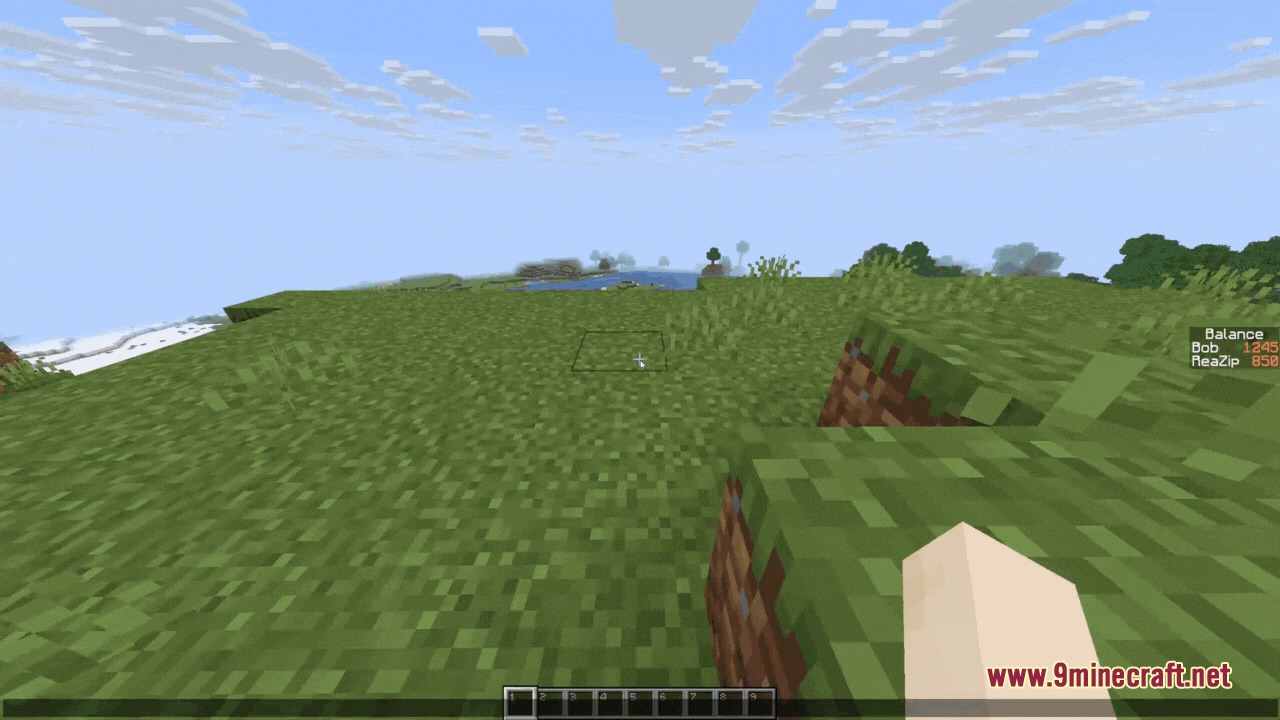
- On-screen scoreboard displays player funds directly in the sidebar.
- Admin menu provides visual tools to edit categories, set buy and sell prices, and adjust player balances.
Commands:
/eco: Opens the main economy menu./eco admin: Opens the administrator settings and shop editor menu./bal: Checks your current money balance./bal top: Displays the richest players on the server./pay <player> <amount>: Sends money directly to another player./daily: Claims your daily currency reward./shop: Opens the player shop menu./servershop: Opens the server shop./sell: Opens the item selling interface./worth: Displays the buy and sell prices of an item./orders: Opens the custom player order board./orders claim: Collects delivered items and rewards from completed orders./eco addmoney <player> <amount>: Adds funds to a player balance./eco setmoney <player> <amount>: Sets a player balance to an exact value./eco removemoney <player> <amount>: Deducts funds from a player balance./eco removeplayer <player>: Removes a player profile from the economy database./eco toggleScoreboard: Toggles the on-screen balance scoreboard.
Configuration:
startingBalance: Sets the starting money for new players.dailyAmount: Sets the reward amount given by the daily reward system.dailySellLimit: Limits maximum daily earnings from selling items to the server.taxRate: Applies a percentage tax on trades and marketplace orders.pvp_balance_loss_percentage: Determines the balance percentage transferred to a killer during PvP combat.scoreboard_enabled: Toggles the display of the balance sidebar.balance_separator: Configures the thousands separator symbol used in balance text.
How to Use:
- Type
/ecoin chat to open the main navigation menu. - Click on Server Shop to purchase basic building supplies or sell extra resources.
- Open Player Shop or Orders to trade directly with other players on the server.
- Claim free funds every day through the Daily Reward button or by typing
/daily. - Check missing items or offline sales by opening the Deliveries window.
Screenshots:
Economy Craft Mod Download Links
Economy Craft Mod (26.2, 1.21.1) – Trade Resources and Run Custom Player Shops is a free Minecraft Java mod. Compatible with Minecraft 1.21.1. Download it and open it directly in the game.