
Titan Performance
Java mod listed for Minecraft 1.21. Downloads from the MC Java Mods app on Android.
All-in-one Minecraft performance mod. Boost FPS with entity culling, memory optimization, dynamic FPS control, and 5 more modules.
I don't know my version or loader
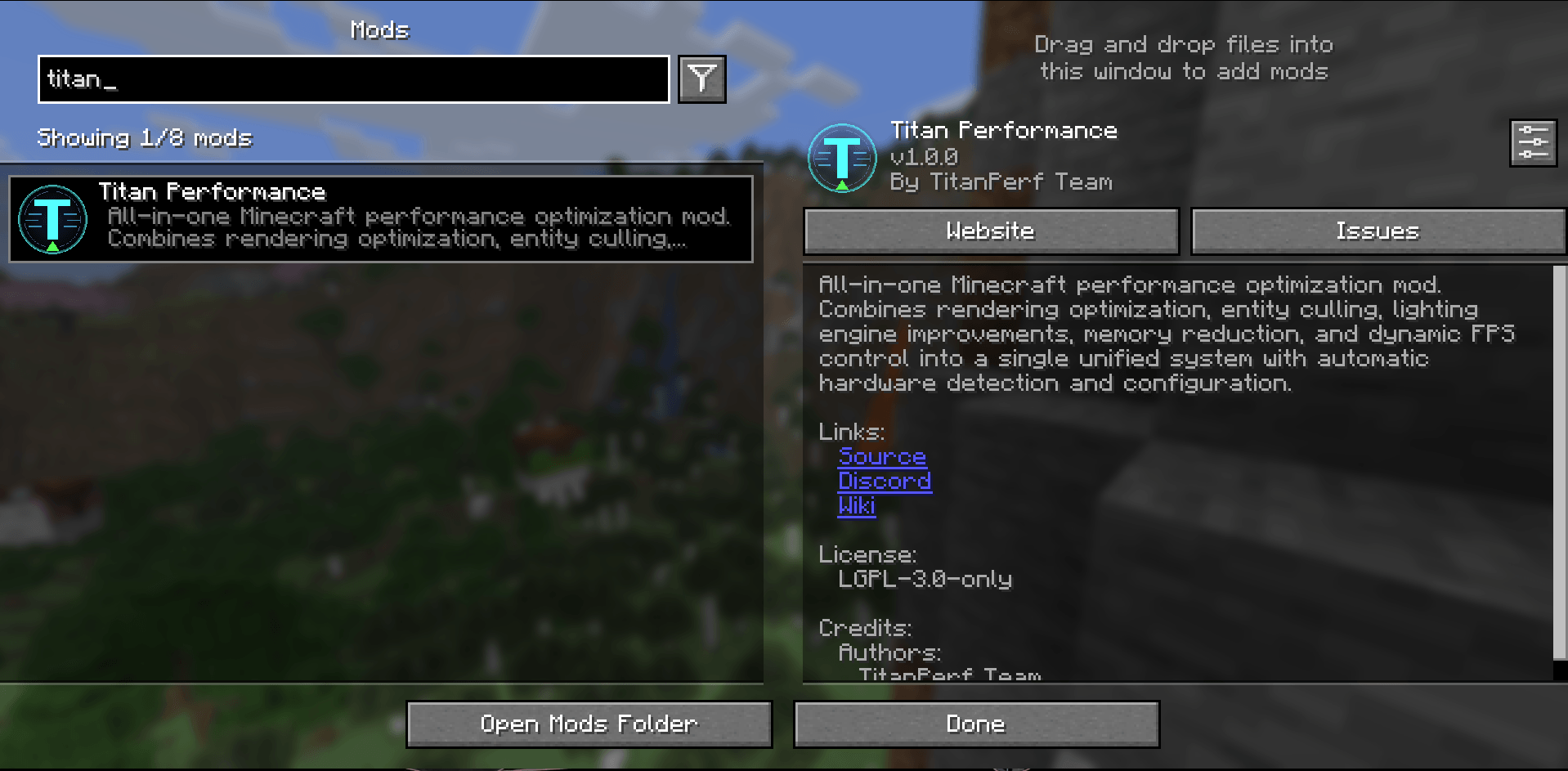
Titan Performance The Ultimate All-in-One Minecraft Performance Mod
Titan Performance is a comprehensive Fabric optimization mod that dramatically boosts your FPS by combining 8 powerful optimization modules into one seamless package. Stop installing dozens of separate mods and get everything you need in one click.
Developed by LeoneDev at LeonesModFactory
Why Choose Titan Performance? One mod to install instead of 6 to 8 separate mods Auto-configures for your hardware One settings screen instead of multiple config files Zero conflicts between modules Iris shader compatible Performance Boost Low-End PC: 50 to 100 percent FPS boost Mid-Range PC: 30 to 60 percent FPS boost High-End PC: 15 to 40 percent FPS boost 8 Optimization Modules Rendering Optimizer Intelligent chunk rendering with frustum culling and update scheduling. Prevents frame drops during chunk loading.
Entity Culler Skip rendering entities outside your view. Uses distance and visibility checks to save GPU power.
Entity Throttler Reduce tick frequency for distant and idle entities. Mobs far away do not need full processing.
Lighting Optimizer Batch and defer light calculations to prevent stuttering when many lights change.
Memory Optimizer Object pooling and allocation reduction. Minimizes garbage collection pauses.
Particle Optimizer Cull distant particles and reduce particle count when FPS is low.
Smooth FPS Detects and reduces frame time spikes. Proactive garbage collection during safe moments.
Dynamic FPS Automatically limits FPS when the window is unfocused or in menus to save power.
Iris Shader Compatibility Yes, Titan Performance works with Iris Shaders. When Iris and Sodium are detected, rendering modules auto-disable since Sodium handles those. All other optimizations stay active.
Easy Configuration Access settings via the Options menu (Titan Perf button), Video Settings, or press P anytime.
Keybinds: P opens Titan Settings F8 toggles Dynamic FPS
Requirements Minecraft 1.21 to 1.21.11 Fabric Loader 0.16.0+ Fabric API Compatibility Works With: Iris Shaders, Sodium, Most content mods, Resource packs
Do NOT use with: Lithium, Starlight, Entity Culling, FerriteCore, Dynamic FPS
Links GitHub Source Code Discord Open Source under LGPL-3.0
- Edition: Minecraft Java
- File type: .jar
- Minecraft versions listed: 1.21.11, 1.21.8
- How to install: Install the matching mod loader (Forge, Fabric or NeoForge) for your Minecraft version. → Download the .jar. → Put it in the .minecraft/mods folder and launch that loader profile.
- Where to get it: Opens on CurseForge — not every file is mirrored on our own servers.
Install steps are the general flow for this file type — How to install Minecraft Java mods & modpacks walks through it step by step.
- Ships as titan-performance-1.21.11-1.2.0.jar — drop this file into the mods folder
- Download size: 117 KB
- Download link checked 3 Oct 2026 — working
These come from our own check of the pack file, not from the source page.