Simple FPS Display
The author built this one for Minecraft 1.21.11 on Fabric. On other versions it may install and then do nothing.
Information 📖
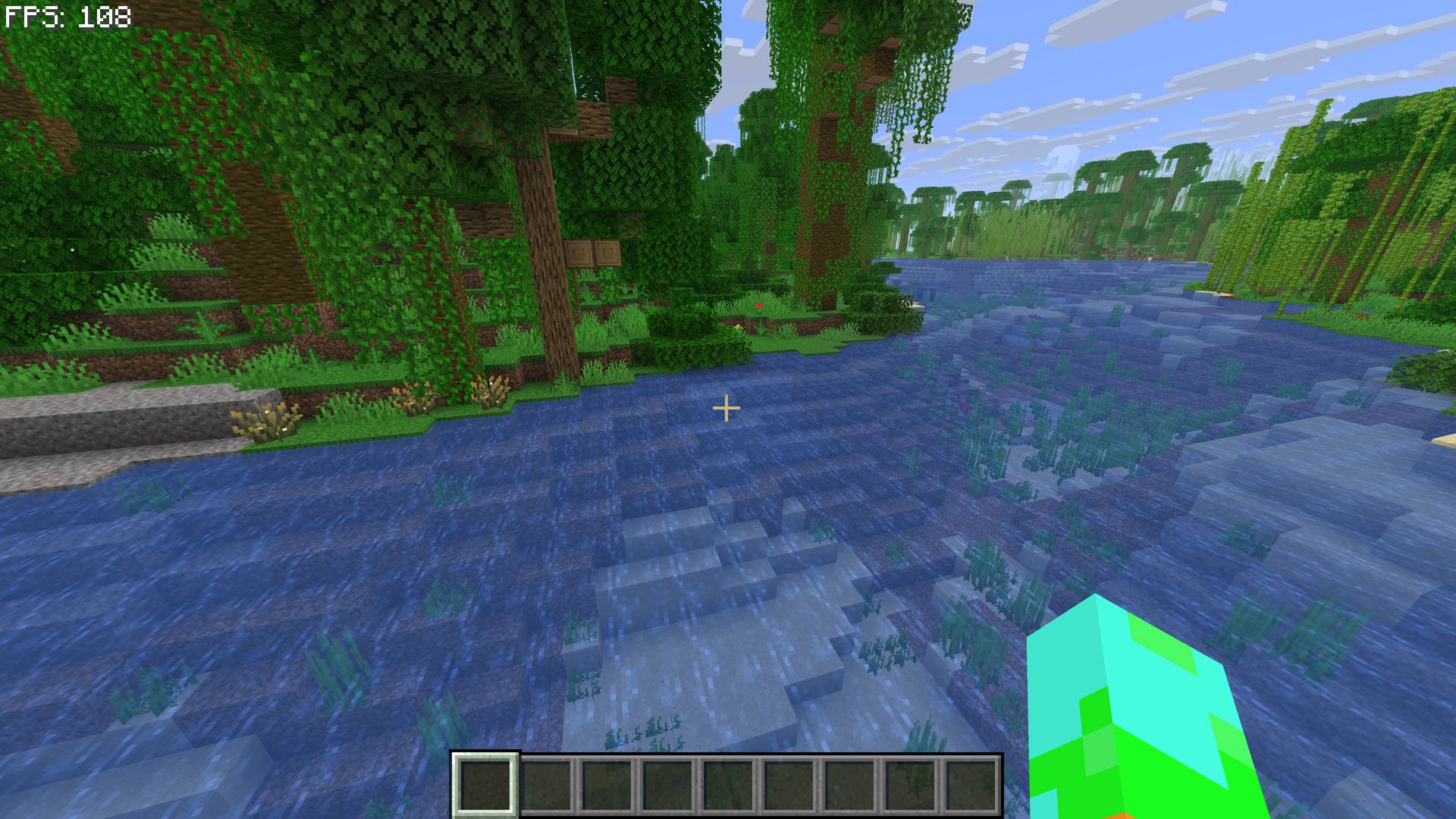
FPS Display+ is an easy-to-use mod that will display your current FPS on your screen. It is designed to be lightweight and unobtrusive, ensuring that displaying your FPS won't interfere with gameplay.
Configurations ⚙️
The mod has many settings such as:
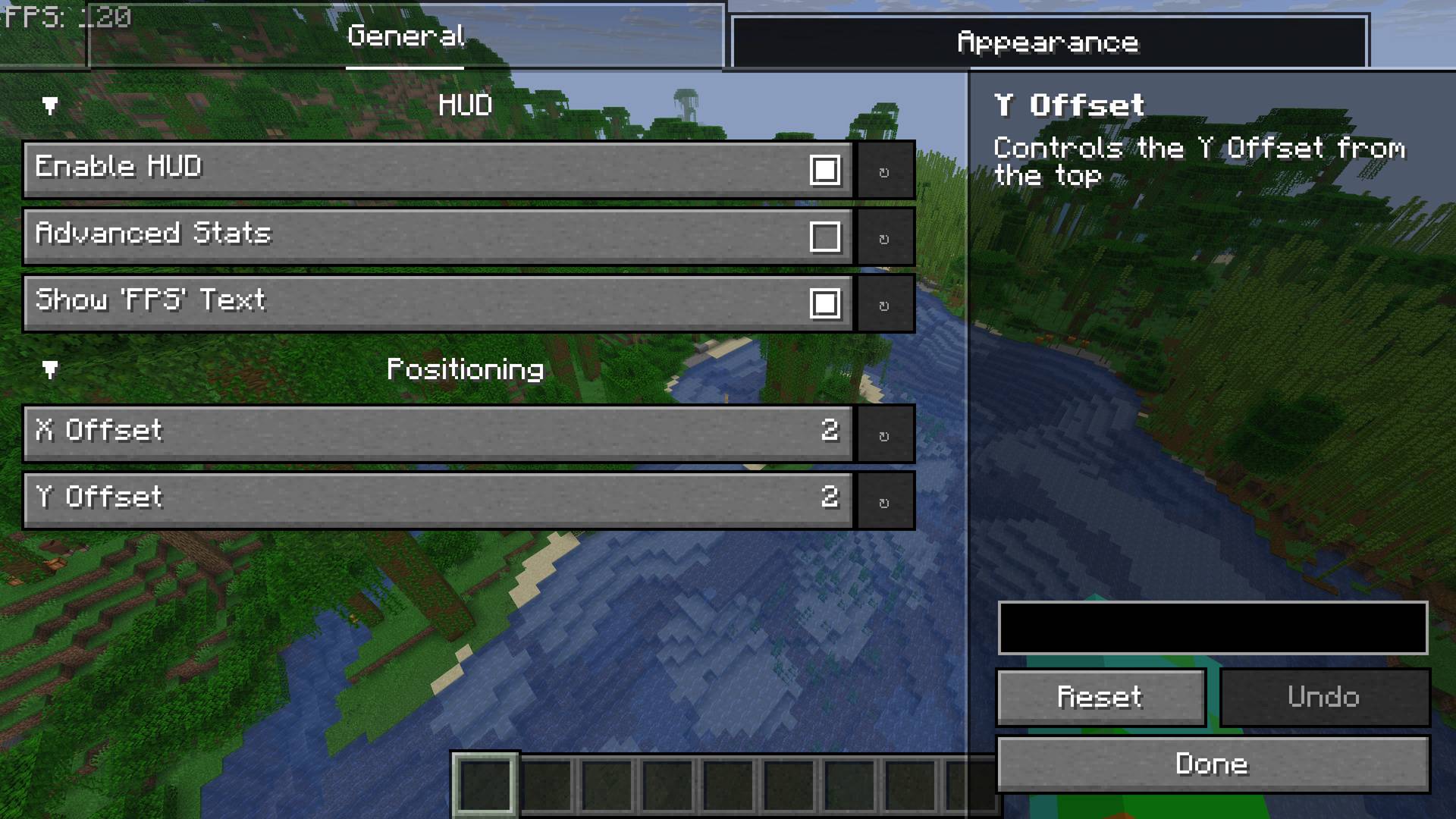
- Position: Move the display to any corner or custom coordinate on your screen.
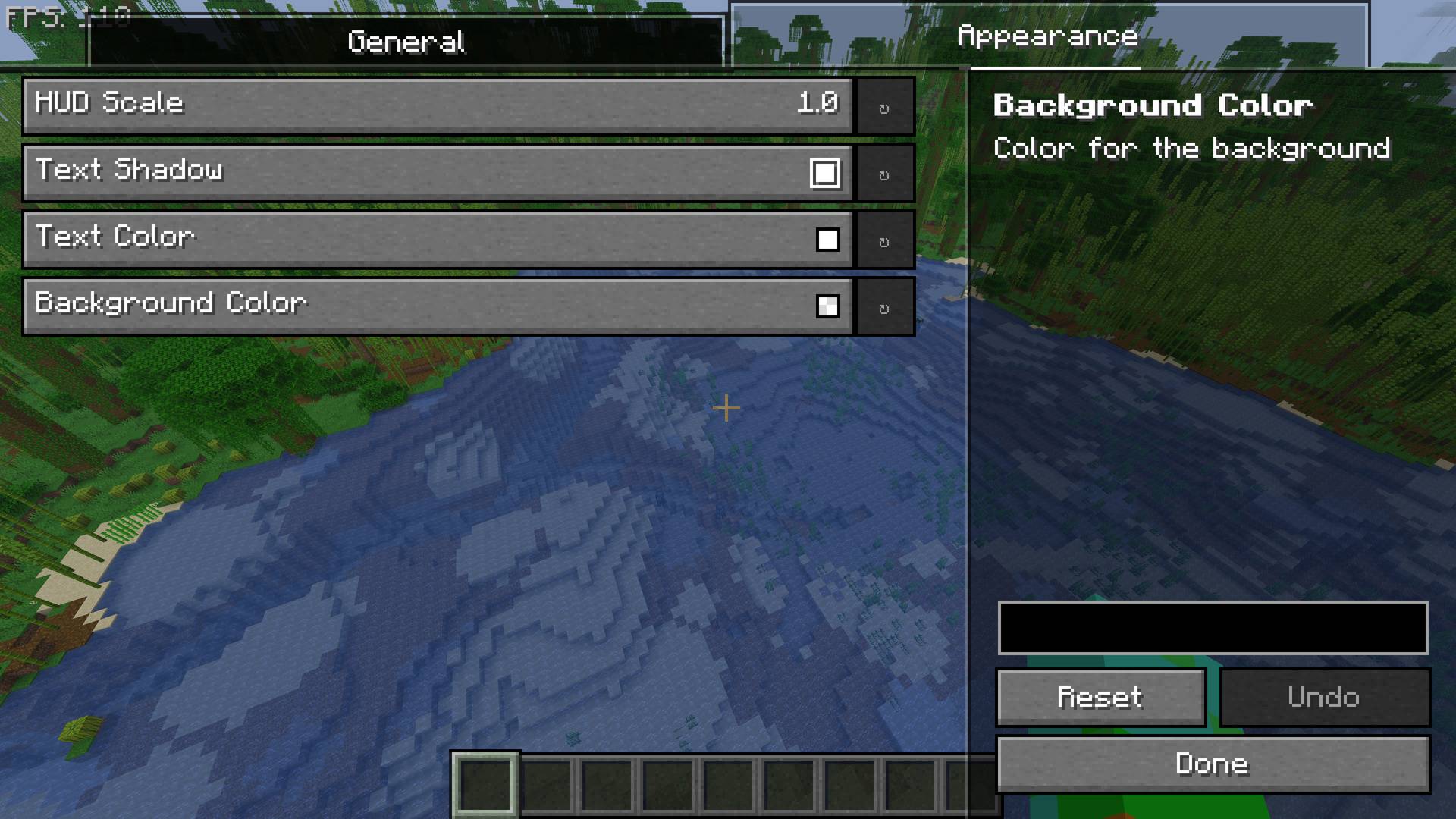
- Size & Scale: Adjust the text scaling to maintain visibility on any monitor resolution.
- Color & Style: Fully customize the text color and background to match your personal aesthetic.
- Advanced Statistics: Beyond just FPS, toggle deeper metrics to monitor your game's stability, not just the standard max and min FPS which are often misleading.
Versions and Compatibility 😃
This mod is supported for Fabric with Minecraft versions 1.21.11 and above.
Dependencies
This mod requires Mod Menu and YACL (Yet Another Config Lib)
Community and Support 💬
If you have any questions or would like to chat with fellow coders, then you can join our Discord. Our community is a great place to report bugs, suggest new features, or share your custom configurations.
We really hope that you enjoy the mod. Thank you for downloading and supporting our work!
- Edition: Minecraft Java
- File type: .jar
- Minecraft version listed: 1.21.11
- How to install: Install the matching mod loader (Forge, Fabric or NeoForge) for your Minecraft version. → Download the .jar. → Put it in the .minecraft/mods folder and launch that loader profile.
- Where to get it: Opens on CurseForge — not every file is mirrored on our own servers.
Install steps are the general flow for this file type — How to install Minecraft Java mods & modpacks walks through it step by step.
- Ships as fpsdisplay-1.0.0.jar — drop this file into the mods folder
- Download size: 33 KB
- Download link checked 23 Aug 2026 — working
These come from our own check of the pack file, not from the source page.