Auto Graves Lite
Java mod listed for Minecraft 1.18–1.21. Downloads from the MC Java Mods app on Android.
A minimalist, lag-free death protection system. Get private coordinates, a visible particle beacon, and "frozen" item despawn timers without bulky grave…
I don't know my version or loader
🪦 Graves Lite: The Vanilla+ Death Solution
Graves Lite is a high-performance, minimalist datapack designed to protect your loot while keeping the "hardcore" spirit of Minecraft alive.
✨ Key Features
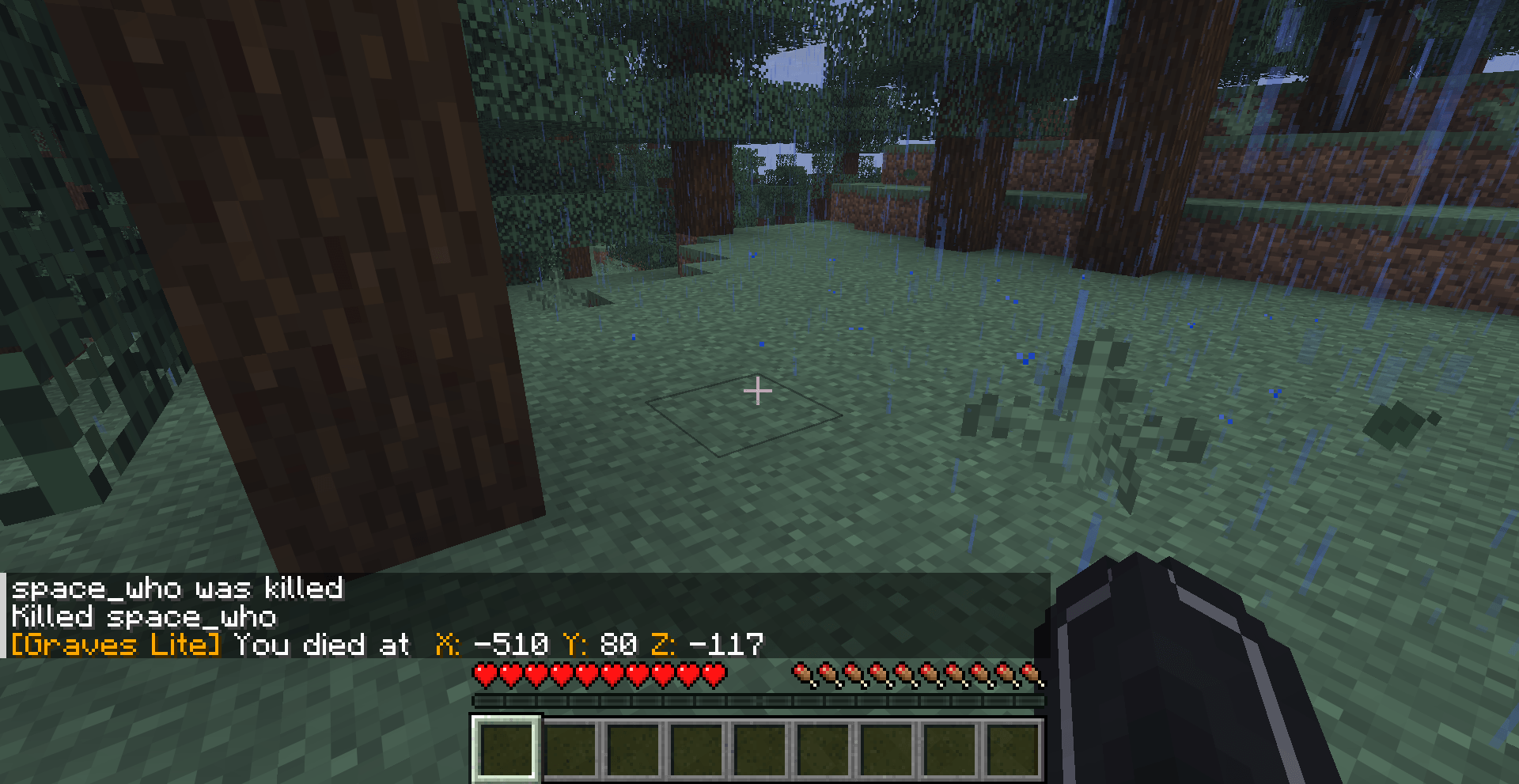
- 📍 Private Death Waypoints: The moment you perish, your exact coordinates are sent directly to your chat. No more guessing where that mountain was.
- ⏳ Despawn Protection: Your items won't vanish. The pack "freezes" the despawn timer for any items within a 4-block radius of your death. Take your time to gear up—your loot will be waiting.
- ✨ Soul Beacon: A subtle particle beam marks your remains. It’s visible through walls and terrain, guiding you back to the exact spot without being an eyesore.
- ⚡ Zero-Lag Architecture: Designed for servers. It uses optimized Interaction Markers rather than heavy armor stands or entities, ensuring your TPS stays at a perfect 20.
- 🧼 Self-Cleaning: Once you get within 1.5 blocks of your death site, the marker and particles vanish instantly. No "leftover" graves cluttering your world.
🚀 Installation & Compatibility
- Multiplayer Ready: Works perfectly on dedicated servers and LAN.
To Install Datapack:
- Download the
.zipfile. - Drop it into your world’s
datapacksfolder. - Type
/reloadin-game.
To Install Mod:
- Download the '.jar' file
- Move it to mods folder in minecraft
- Restart Your game
Note: Because this pack uses marker logic, it is incredibly lightweight and won't conflict with other world-gen or utility datapacks.
- Edition: Minecraft Java
- File type: .jar
- Minecraft versions listed: 1.18.1, 1.19.3, 1.20.2
- How to install: Install the matching mod loader (Forge, Fabric or NeoForge) for your Minecraft version. → Download the .jar. → Put it in the .minecraft/mods folder and launch that loader profile.
- Where to get it: Opens on CurseForge — not every file is mirrored on our own servers.
Install steps are the general flow for this file type — How to install Minecraft Java mods & modpacks walks through it step by step.
- Ships as auto-graves-lite-1.20.jar — drop this file into the mods folder
- Download size: 7 KB
- Download link checked 3 Oct 2026 — working
These come from our own check of the pack file, not from the source page.