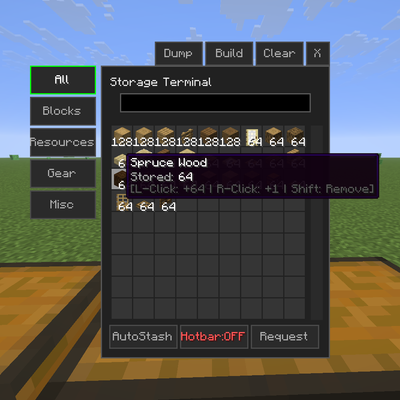
Storage Terminal
Java mod listed for Minecraft 1.21. Downloads from the MC Java Mods app on Android.
I don't know my version or loader
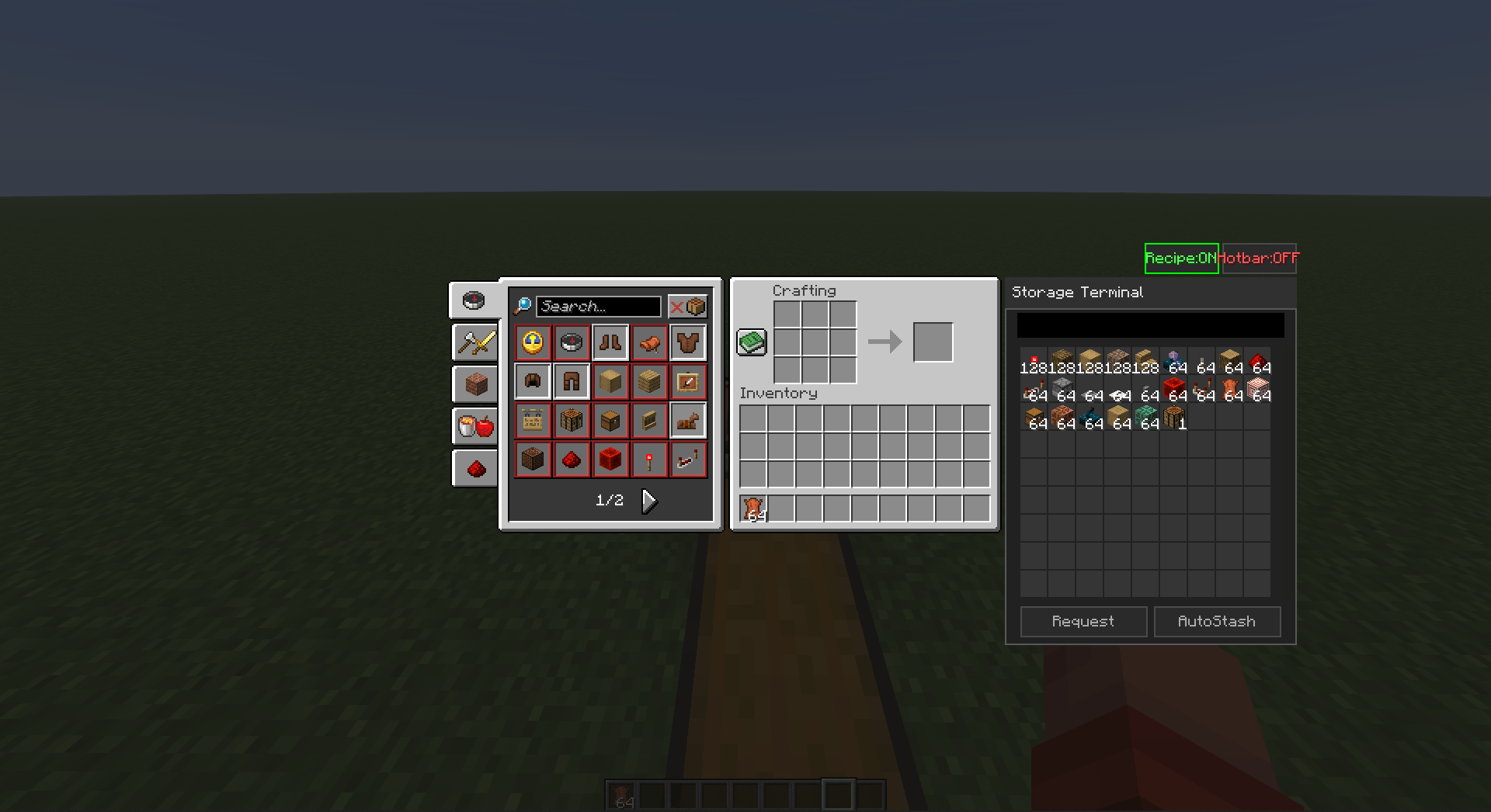
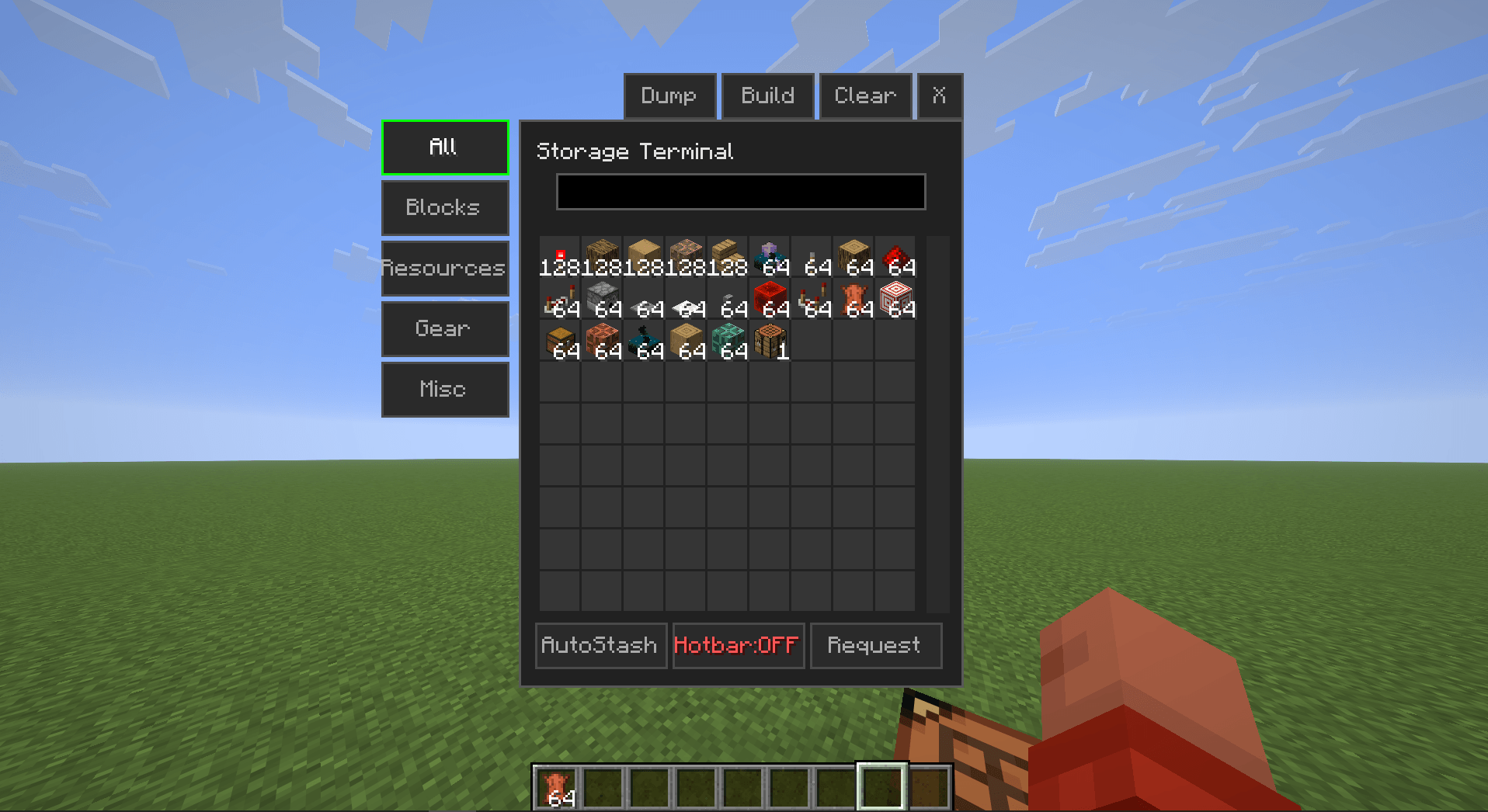
Storage Terminal – Client-Side Storage Management Mod
Have you ever seen Applied Energistics or Refined Storage?
Those storage systems are highly functional. This mod provides a comparable lightweight alternative.
Overview
Storage Terminal adds a client-side storage interface that enables store/request operations for all nearby chests from a single GUI.
Key feature: In the vanilla crafting table, clicking any recipe automatically requests the required ingredients from connected chests.
The mod operates entirely client-side and is compatible with any vanilla or modded server without server-side installation.
Setup
- Press Right Shift to open the Keybind Configuration menu.
- Assign keys for:
- AutoStash
- Storage Manager
Alternatively, configure keys via Options → Controls.
Default keybinds
- AutoStash: B
- Storage Manager: V
Usage
Scanning Chests
- Press the Storage Manager key (V by default).
- Click BUILD.
- The mod will automatically scan and register all nearby chests.
- A chat notification confirms when the scan is complete.
Item Controls
| Action | Result |
|---|---|
| Right click | Request +1 item |
| Left click | Request +64 items (full stack) |
| Shift + Click | Subtract equivalent quantity |
While holding an item, clicking an empty slot in the terminal GUI stores it in the nearest registered chest.
Crafting Integration
| Action | Result |
|---|---|
| Click recipe | Request ingredients for 1 craft |
| Shift + Click recipe | Request ingredients for 1 full stack |
The mod automatically pulls exact quantities from connected chests and performs the craft.
Technical Specifications
- Side: Client-side only (no server installation required)
- Compatibility: Fabric and NeoForge
- Minecraft versions: 1.20+ / 1.21.1 / 1.21+ / 26.1+
- Performance: Lightweight, minimal impact on FPS or TPS
Download: CurseForge – Storage Terminal
Support: Discord
If you encounter any issues, please leave a comment or join the Discord server for assistance.
- Edition: Minecraft Java
- File type: .jar
- Minecraft versions listed: 1.21.1, 1.21.11
- How to install: Install the matching mod loader (Forge, Fabric or NeoForge) for your Minecraft version. → Download the .jar. → Put it in the .minecraft/mods folder and launch that loader profile.
- Where to get it: Opens on CurseForge — not every file is mirrored on our own servers.
Install steps are the general flow for this file type — How to install Minecraft Java mods & modpacks walks through it step by step.
- Ships as storagemanager-1.0.3-fabric-26.1.jar — drop this file into the mods folder
- Download size: 13.0 MB
- Download link checked 3 Oct 2026 — working
These come from our own check of the pack file, not from the source page.