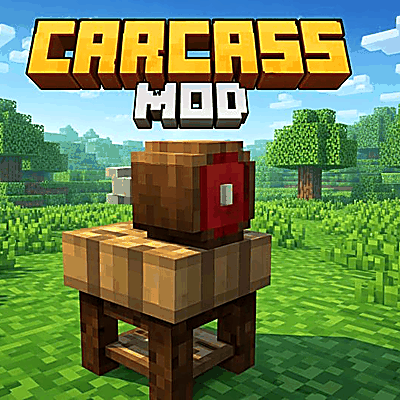
Carcass — Immersive Hunting & Butchering (Forge)
Java mod listed for Minecraft 1.20. Downloads from the MC Java Mods app on Android.
Carcass turns hunting into a real process. Instead of mobs instantly dropping meat and leather, they leave a carcass that you must butcher with…
⬇ Download on CurseForgeThe author built this one for Minecraft 1.20.1 on Forge. On other versions it may install and then do nothing.
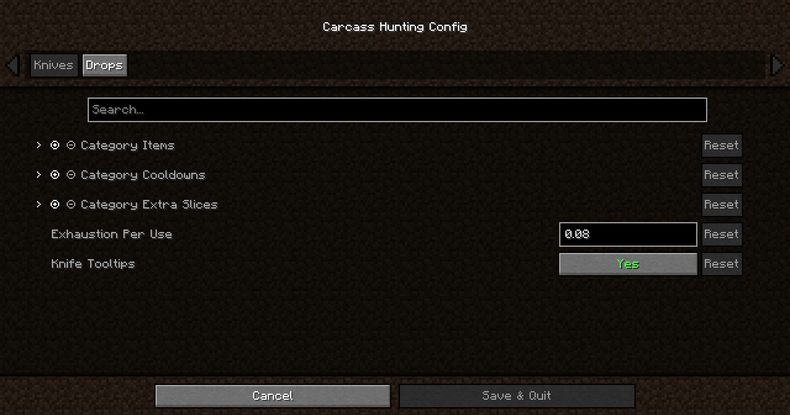
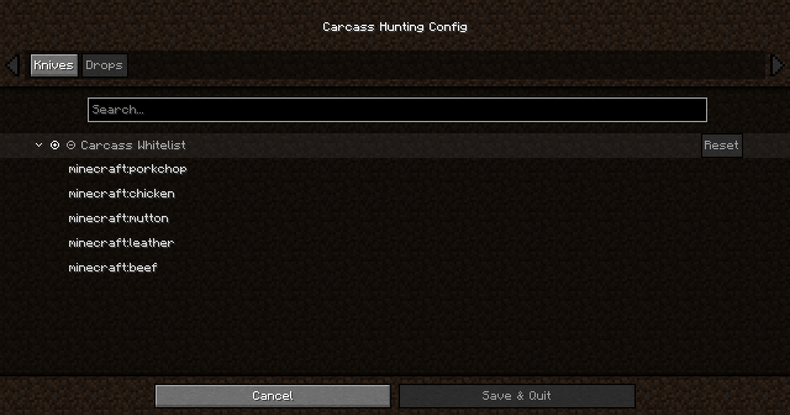
Carcass turns hunting into a real butchering loop.
No more boring instant drops—mobs leave a carcass that you must process with tiered hunting knives or the Butcher’s Block.
Quick Features
- Carcasses replace instant meat/leather drops
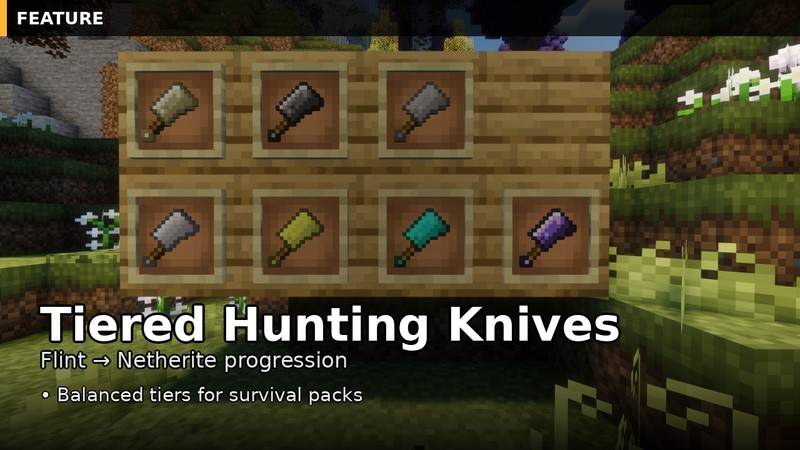
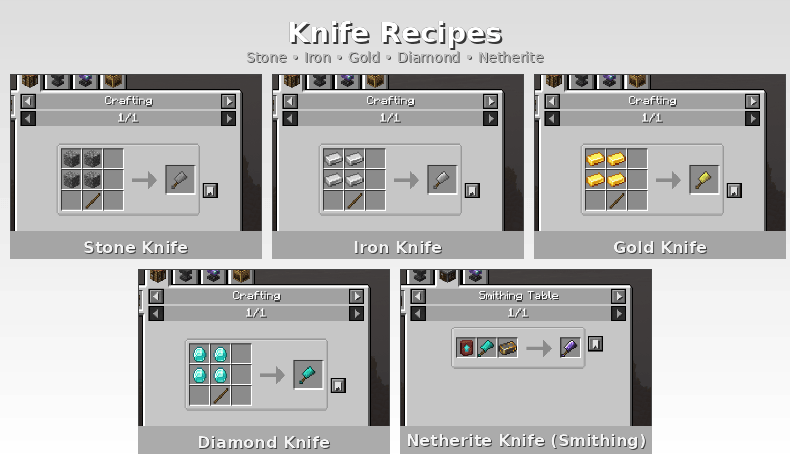
- Tiered hunting knives (Flint → Netherite)
- Butcher’s Block for faster, cleaner processing
- Fully configurable (cooldowns, slices, rules, FX)
- Integrations: Jade / The One Probe, Farmer’s Delight, KubeJS hooks
Tiered Hunting Knives
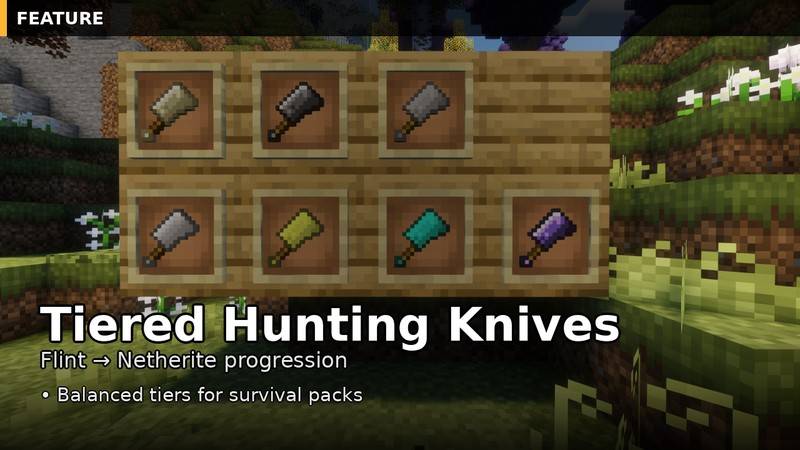
Progress through multiple tiers of hunting knives designed for survival and modpacks:
- Flint, Bone, Stone, Iron, Gold, Diamond, Netherite
No More Instant Drops
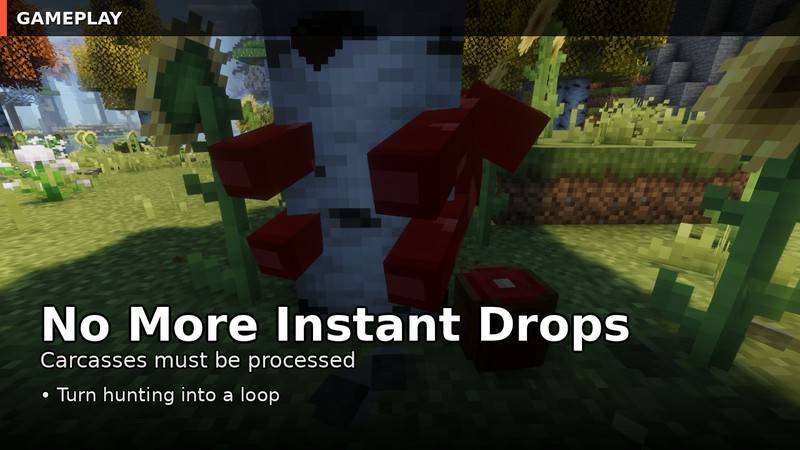
Instead of instantly receiving meat/leather, mobs drop a carcass.
Processing becomes part of the gameplay: hunt → butcher → collect.
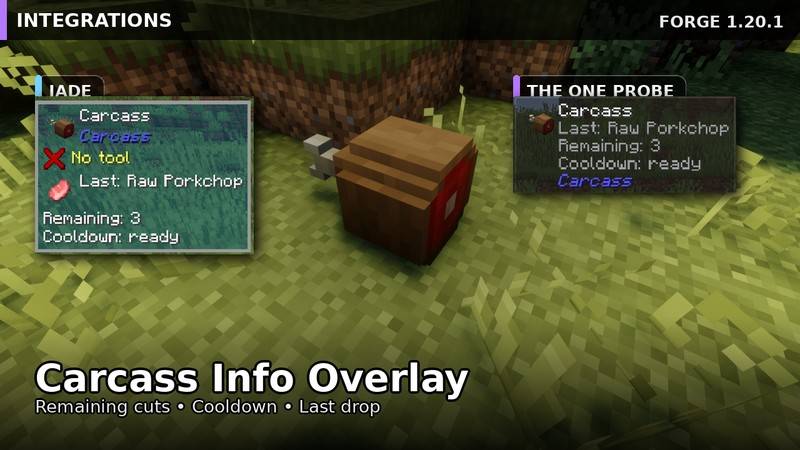
HUD Integrations (Jade / The One Probe)
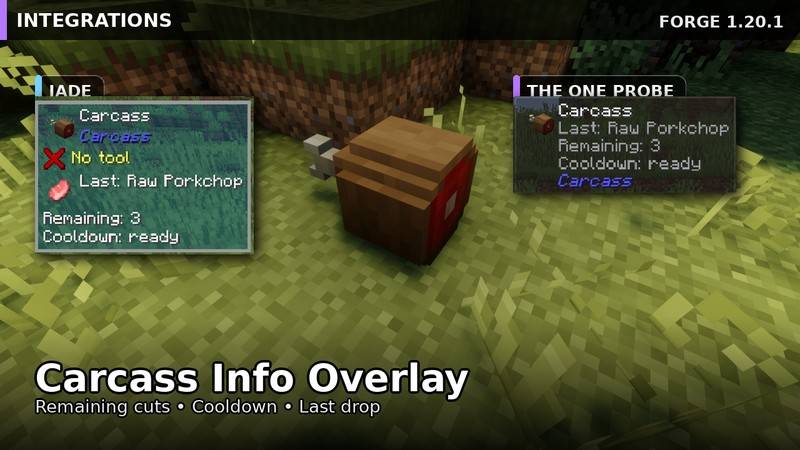
Get carcass info at a glance:
- Remaining cuts
- Cooldown status
- Last drop type
Mod Showcase
Compatibility
- ✅ Jade
- ✅ The One Probe
- ⚠️ Farmer’s Delight (Cutting Board support) — Experimental / WIP
- ✅ KubeJS hooks (for pack makers / live tweaking)
Configuration
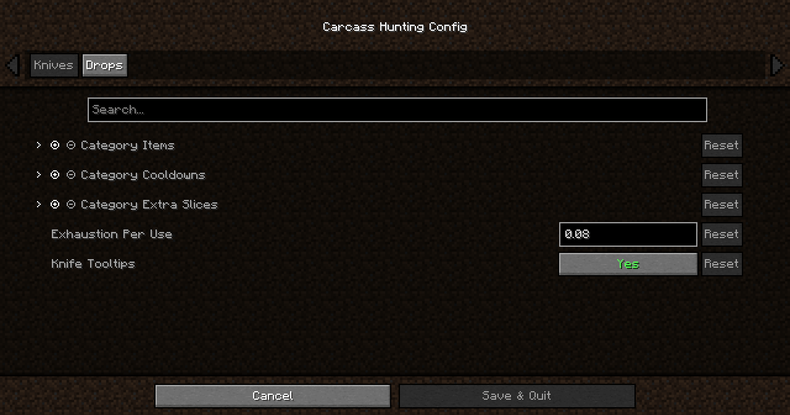
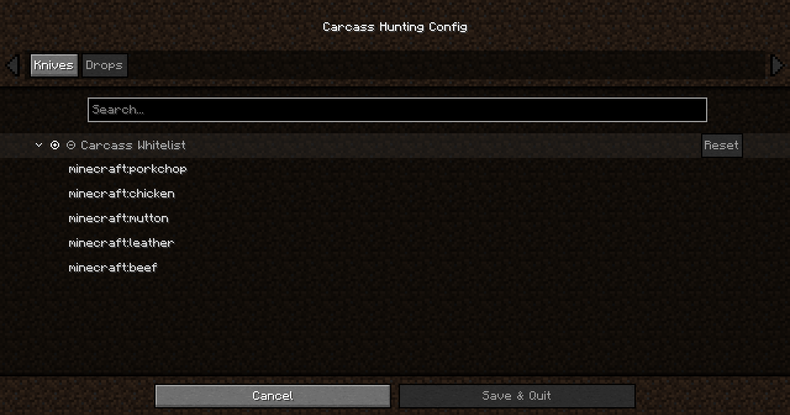
Carcass is built to be 100% configurable:
- cooldowns
- extra slices
- drop rules / whitelists
- category-based tuning + per-player attributes (where supported)
Version
- Minecraft: 1.20.1
- Loader: Forge
Credits
Inspired by Pyrotech (MC 1.12.2) and its carcass butchering loop.
Some visuals are temporary placeholders and will be replaced with original textures/models in upcoming updates.
- Edition: Minecraft Java
- File type: .jar
- Minecraft version listed: 1.20.1
- How to install: Install the matching mod loader (Forge, Fabric or NeoForge) for your Minecraft version. → Download the .jar. → Put it in the .minecraft/mods folder and launch that loader profile.
- Where to get it: Opens on CurseForge — not every file is mirrored on our own servers.
Install steps are the general flow for this file type — How to install Minecraft Java mods & modpacks walks through it step by step.
- Ships as carcass-1.0.5.jar — drop this file into the mods folder
- Download size: 175 KB
- Download link checked 3 Oct 2026 — working
These come from our own check of the pack file, not from the source page.