Home›Java›Datapacks›Blooming Biosphere Data Pack (1.21.11, 1.20.1) – Flourish In A World Of Natural Wonders
DatapacksJava
Blooming Biosphere Data Pack (1.21.11, 1.20.1) – Flourish In A World Of Natural Wonders
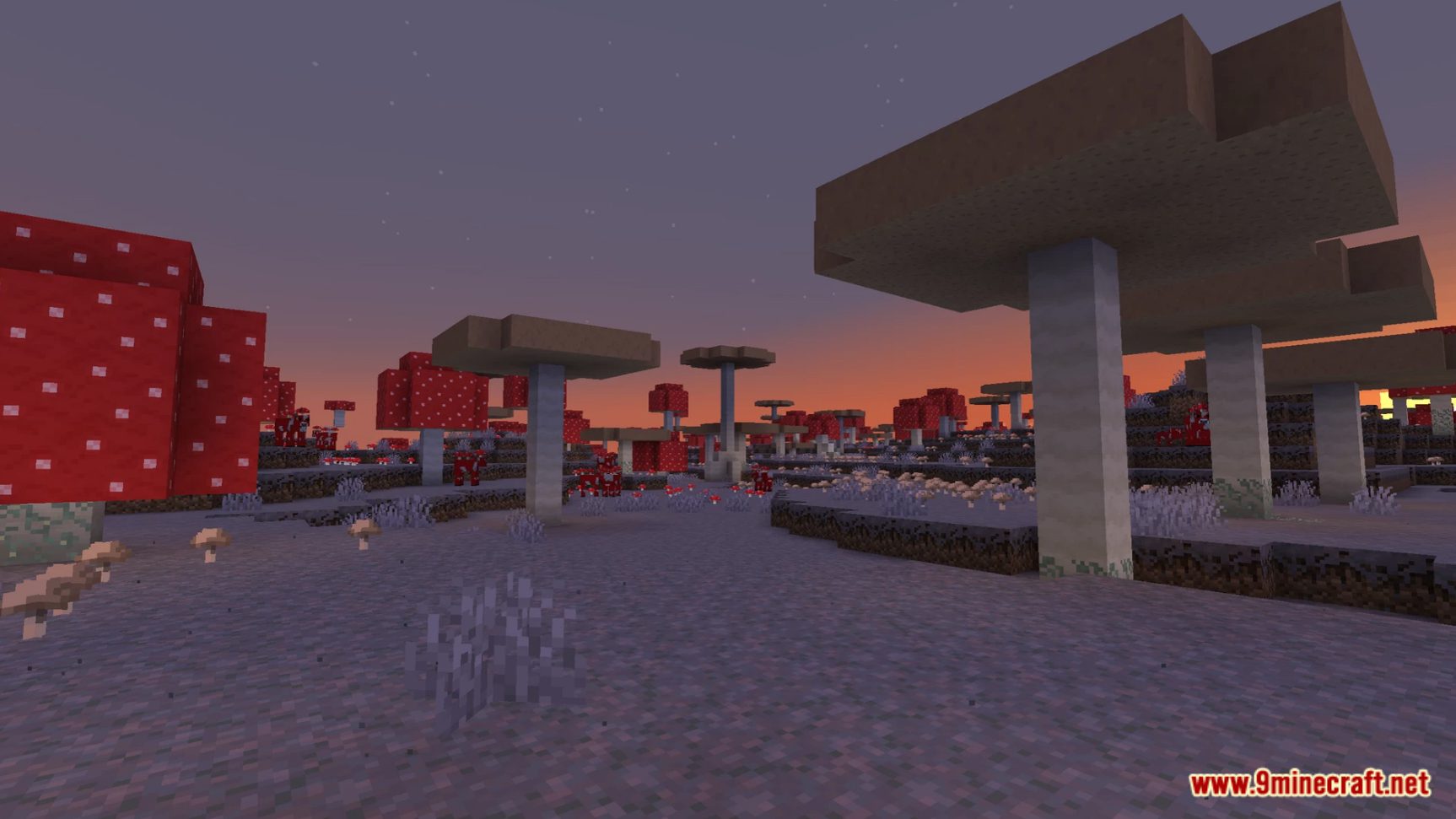
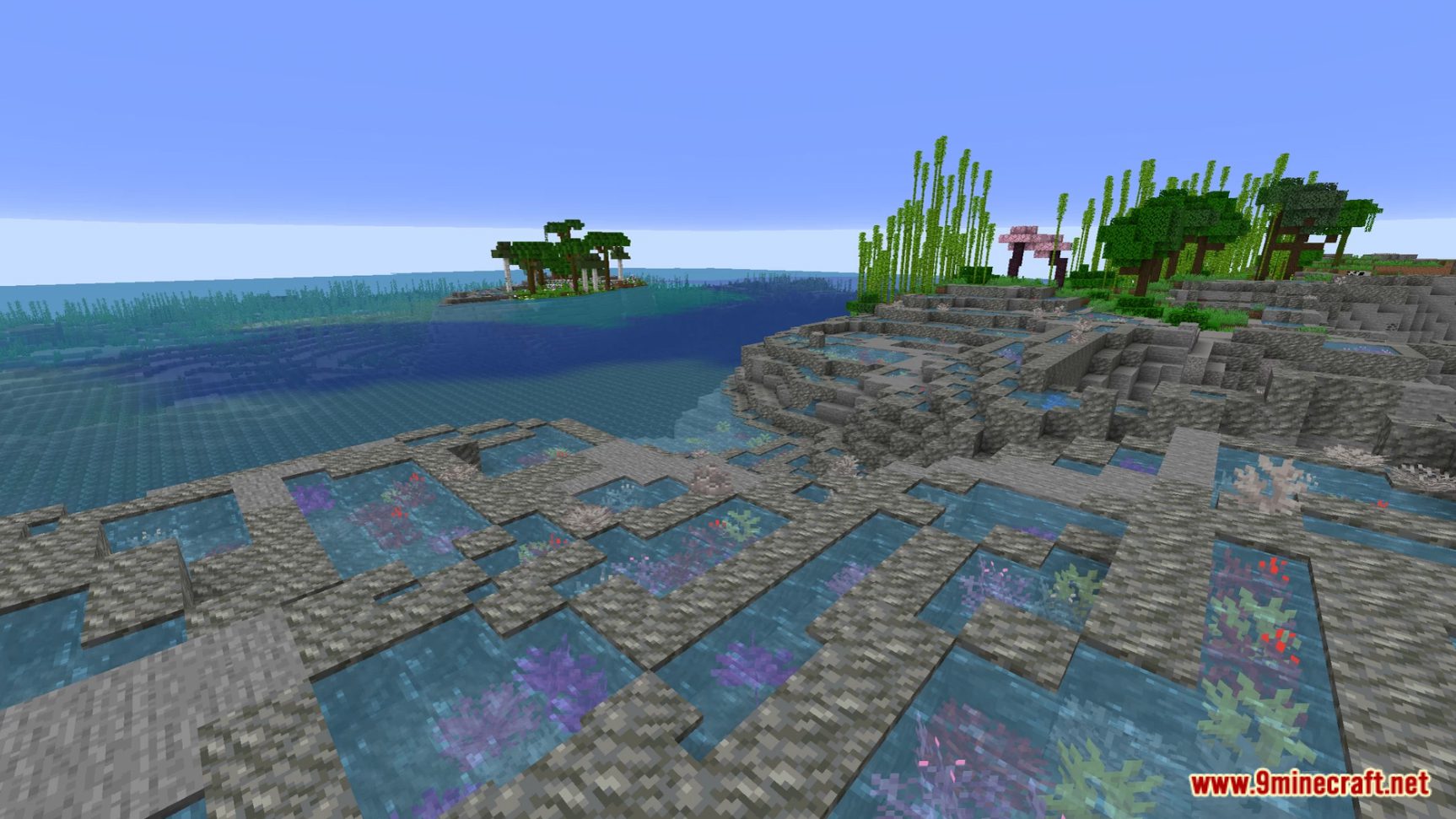
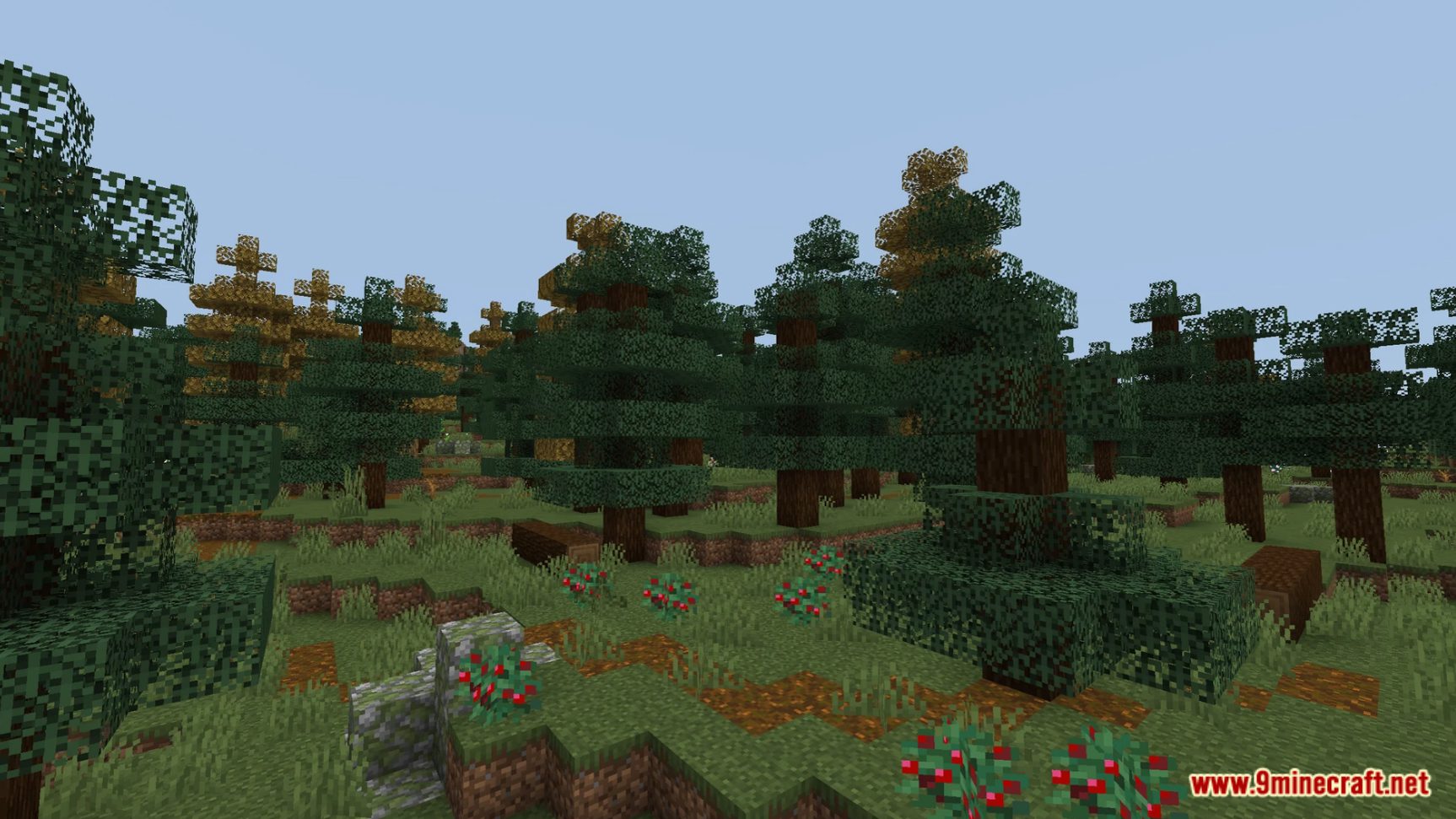
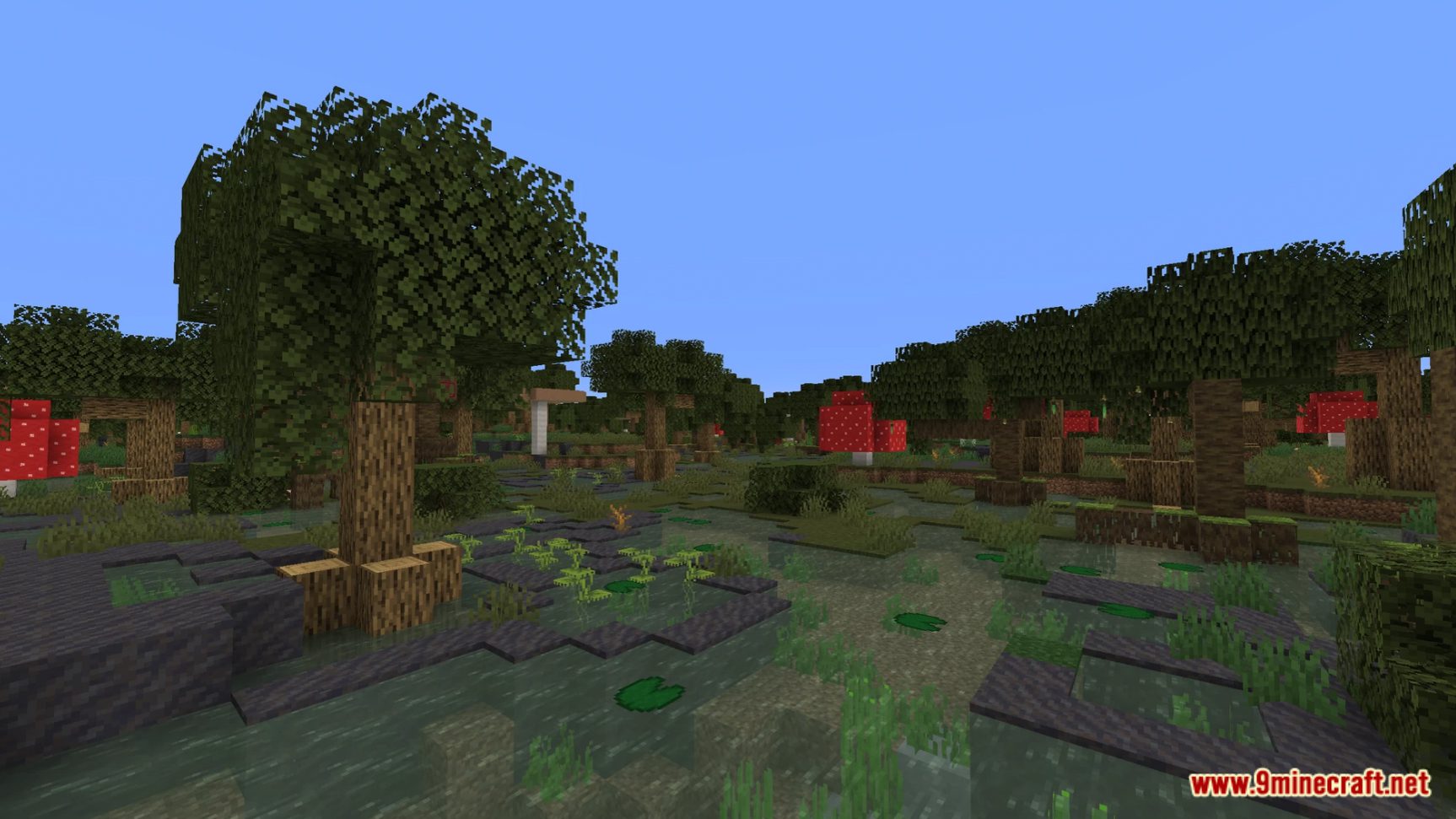
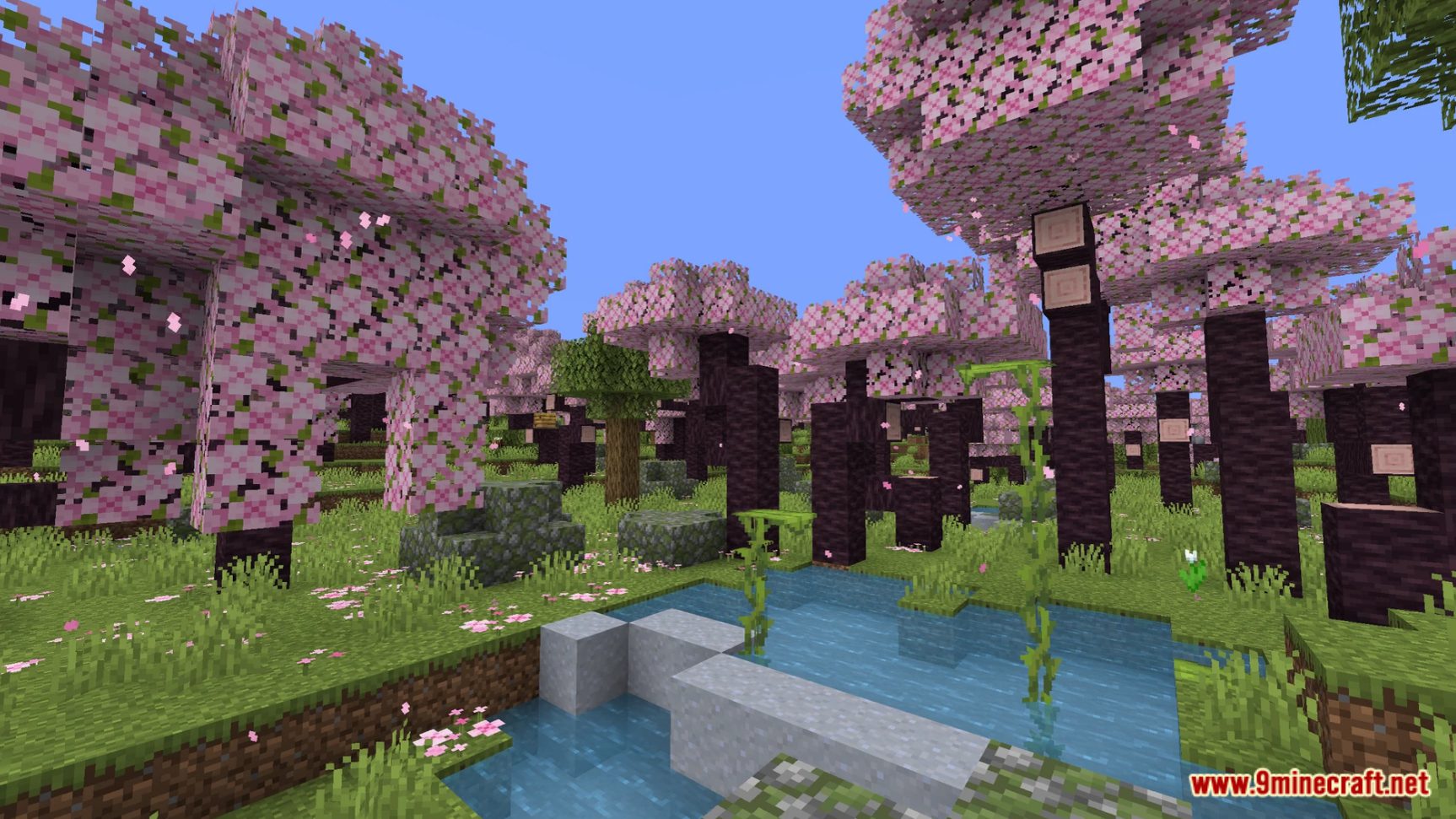
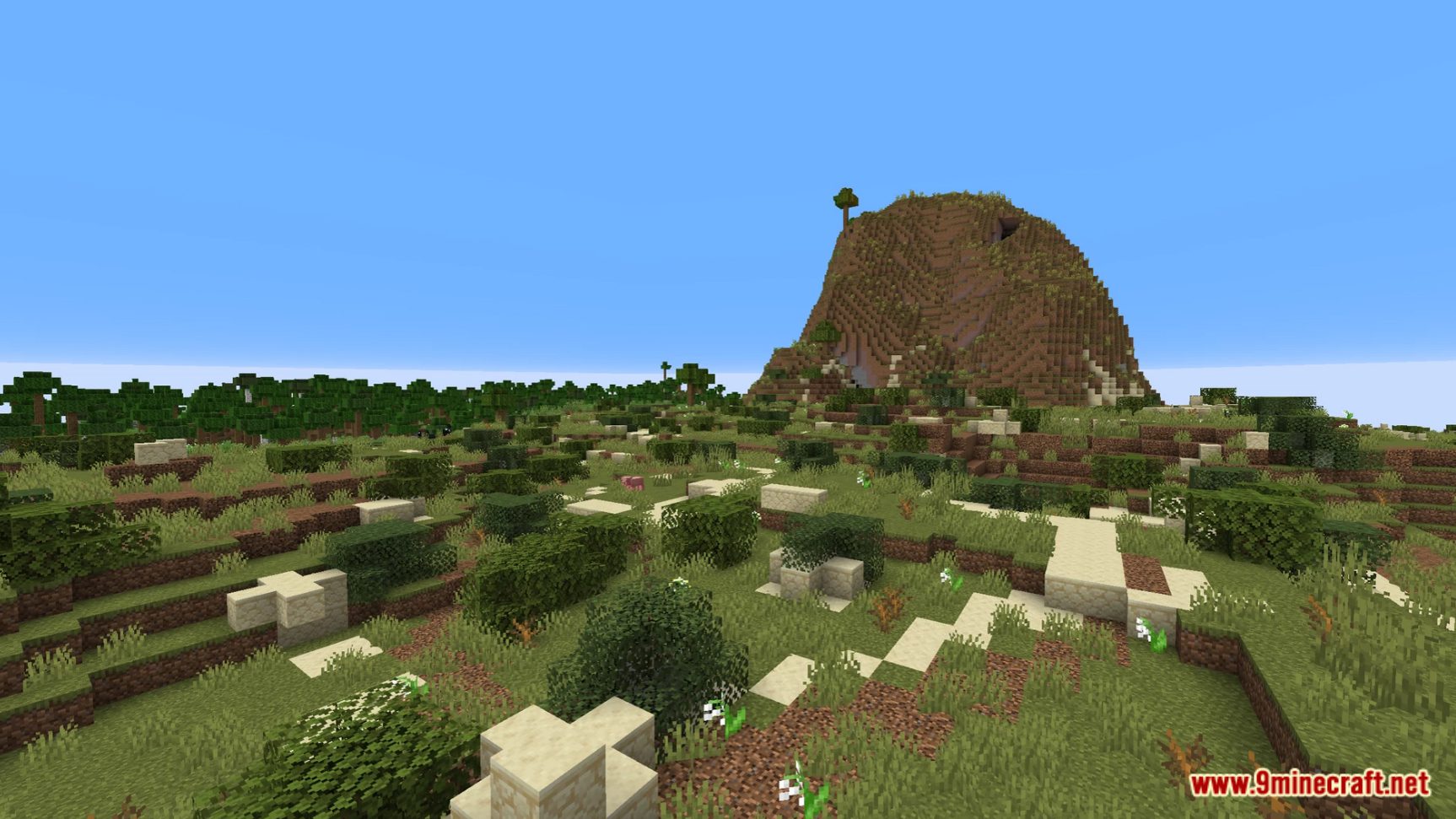
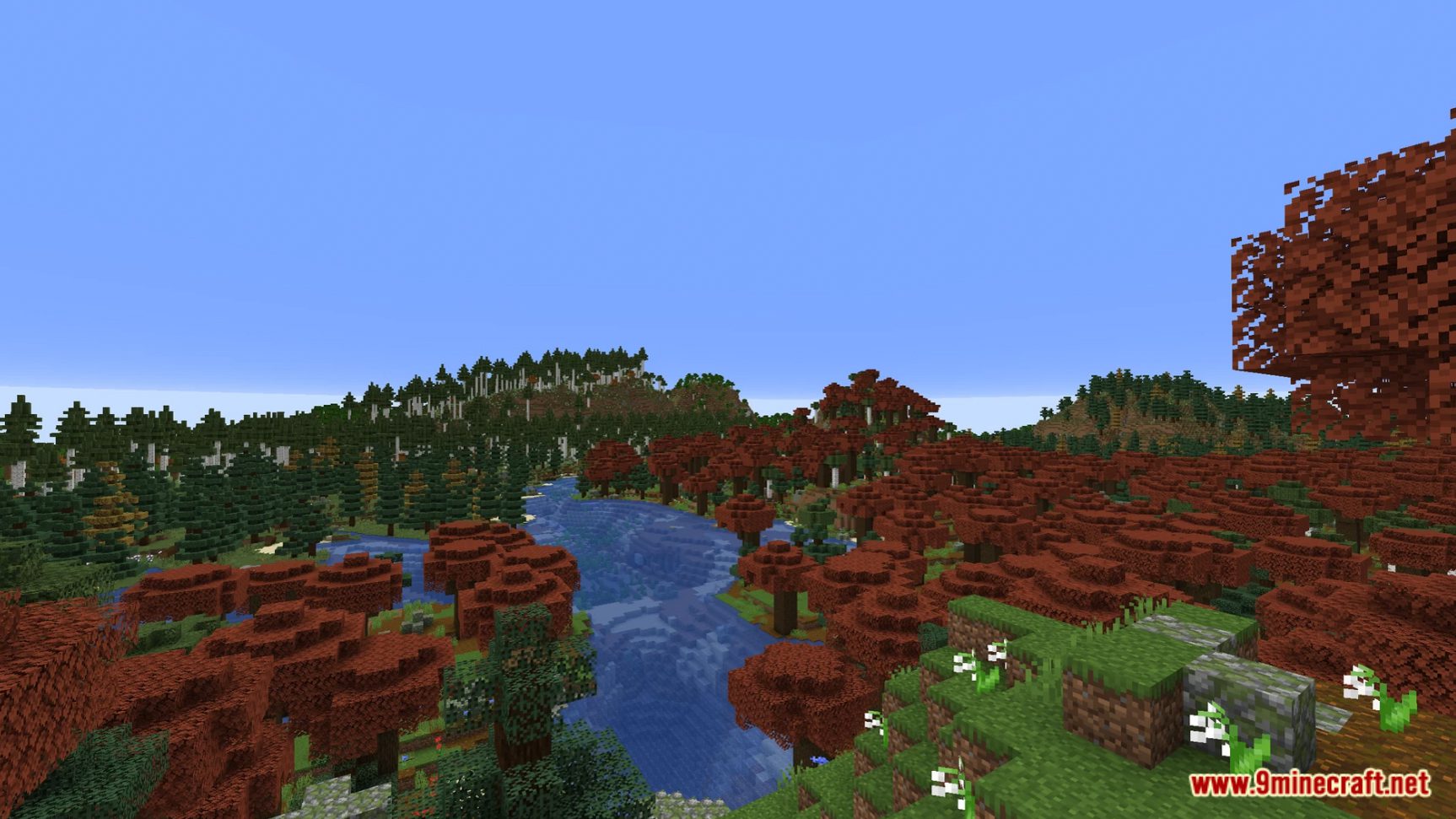
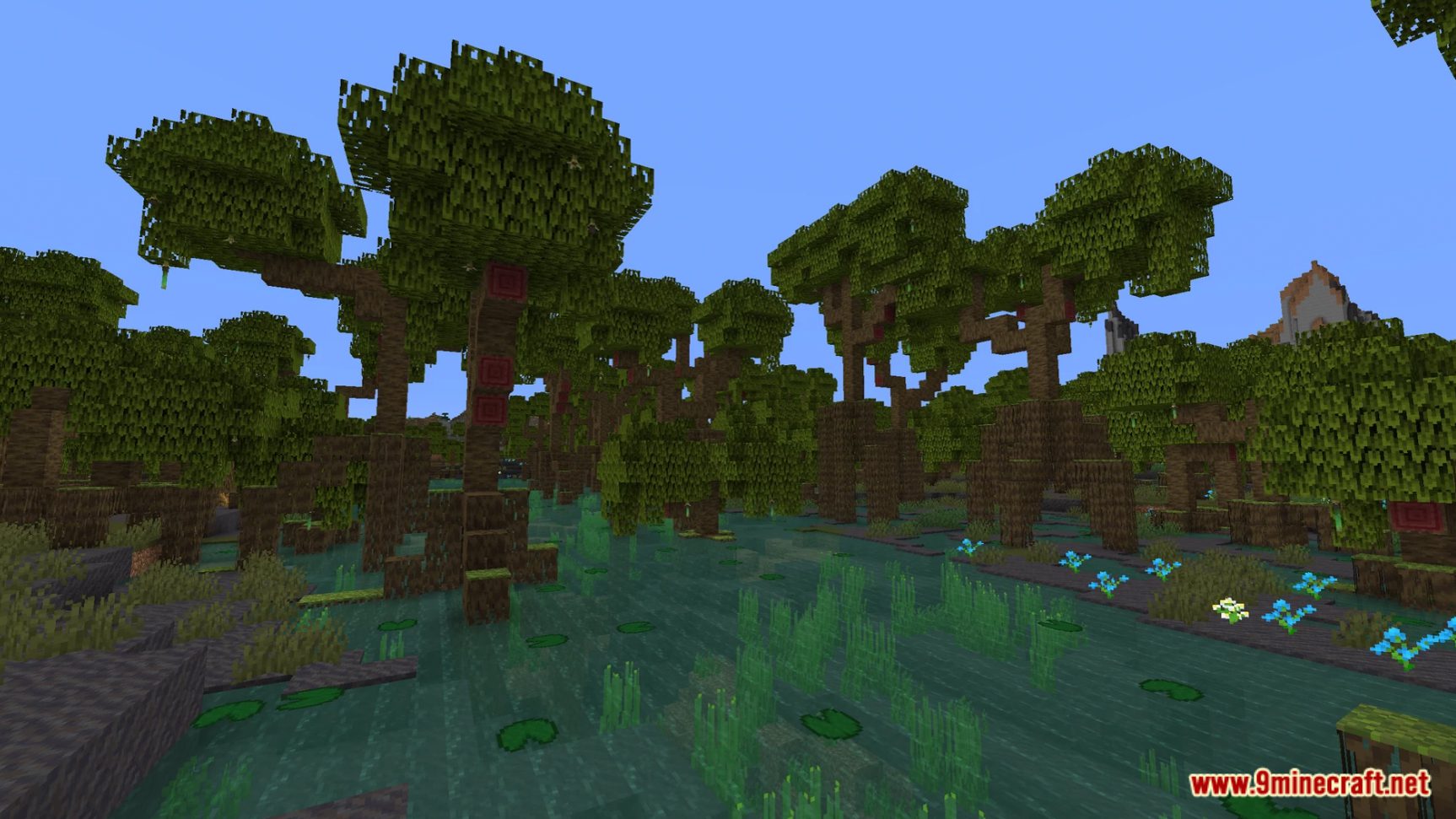
Blooming Biosphere Data Pack transforms your world into a vibrant and dynamic ecosystem. Witness the beauty of nature as it unfolds in spectacular ways, introducing new life and color to your Minecraft experience. Enjoy playing this data pack!
Features:
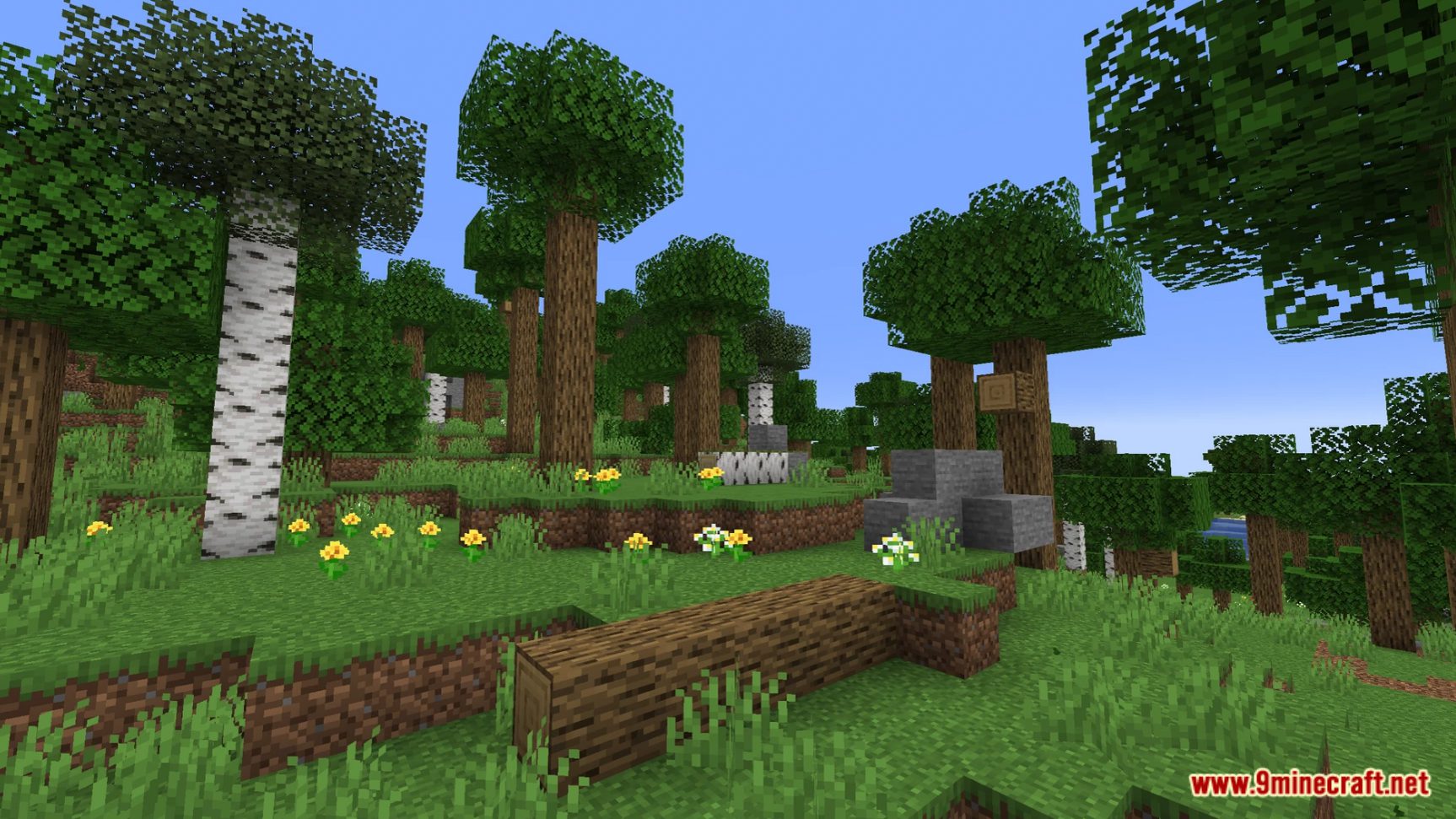
- Diverse biome generation with details like fallen logs, boulders, coarse dirt, stone formations, and unique flowers for every biome.
- Vastly improved trees, with each type of tree for every biome being unique and coming in various shapes and sizes.
- Brand new biomes added that are meant to complement existing overworld biomes and add to the overworld as a whole.
- Improved grass, vegetation, and sky colors for many biomes.
- Improved biome placement for biomes such as swamps and mangrove swamps, which now spawn more reliably closer to the ocean.
- Attention to detail, with every corner of the overworld being given more polish and each biome standing out from each other.
Screenshots:
Blooming Biosphere Data Pack Download Links
For Minecraft 1.21.11
For Minecraft 1.21.10, 1.21.9
For Minecraft 1.21.8, 1.21.7, 1.21.6
For Minecraft 1.21.5
For Minecraft 1.21.4
For Minecraft 1.21.1, 1.21, 1.20.1
For Minecraft 1.20.2, 1.20.1, 1.20
Quick facts
- Edition: Minecraft Java
- File type: .jar
- Minecraft versions listed: 1.21.11, 1.20.1
- How to install: Install the matching mod loader (Forge, Fabric or NeoForge) for your Minecraft version. → Download the .jar. → Put it in the .minecraft/mods folder and launch that loader profile.
- Where to get it: In MC Java Mods, or directly above on this page.
Install steps are the general flow for this file type — see the MC Java Mods guides for the full walkthrough.
Verified by MCModsHub
- Download size: 547 KB
- Download link checked 17 Jun 2026 — working
- Mirrored on our own servers — the download does not depend on the original host
These come from our own check of the pack file, not from the source page.