smartbuildLib
Java mod listed for Minecraft 1.20–1.21. Downloads from the MC Java Mods app on Android.
I don't know my version or loader
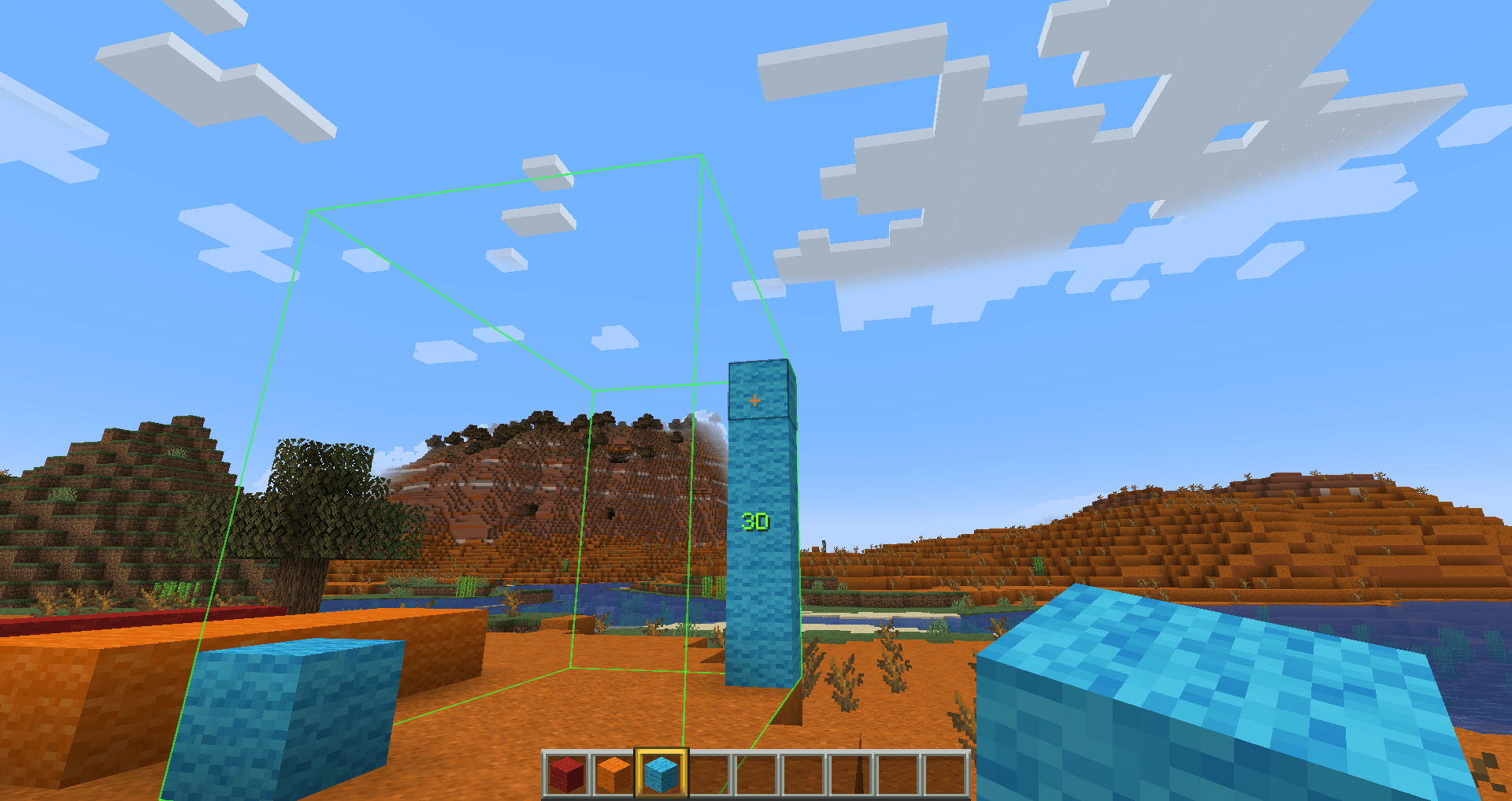
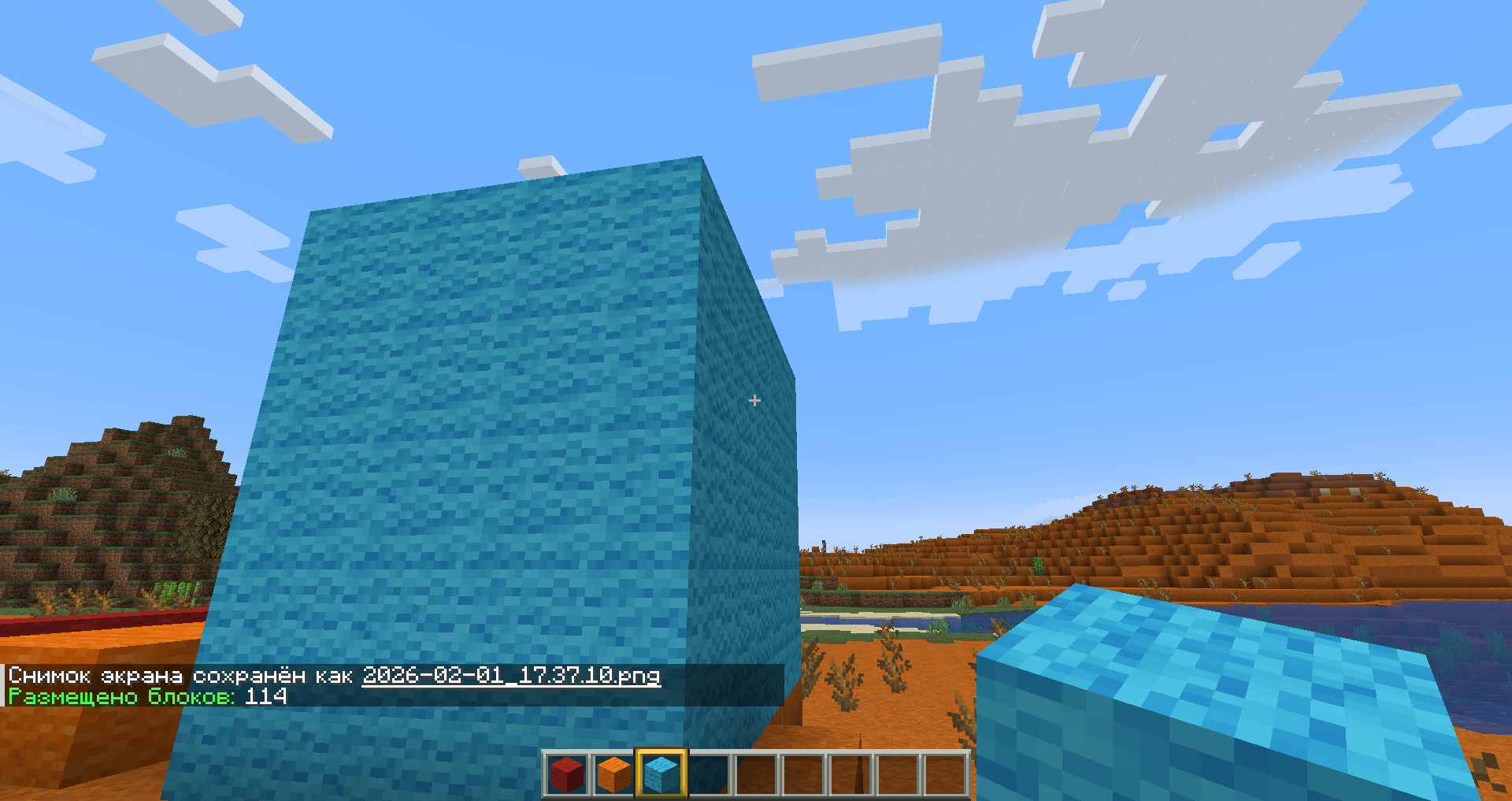
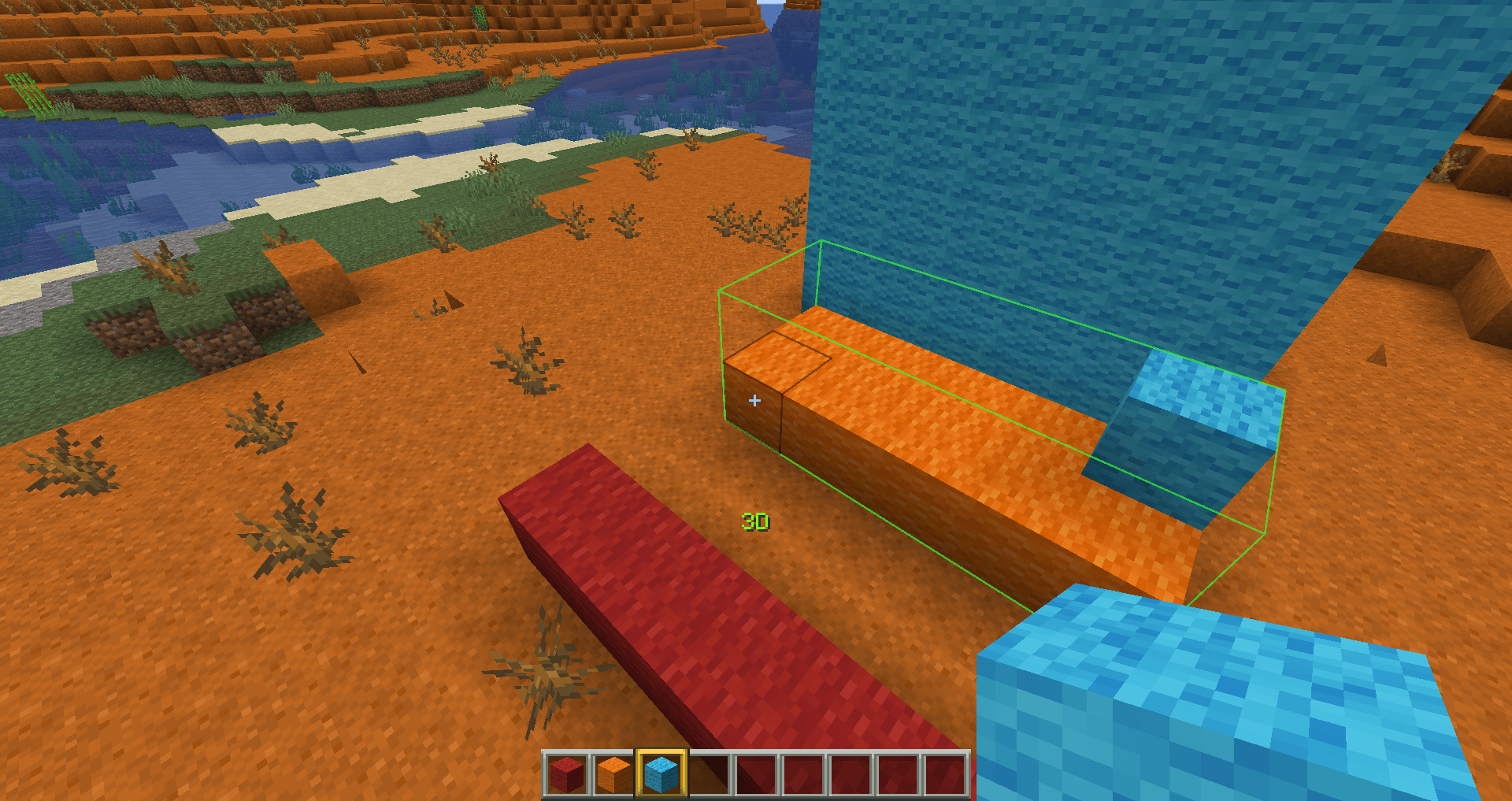
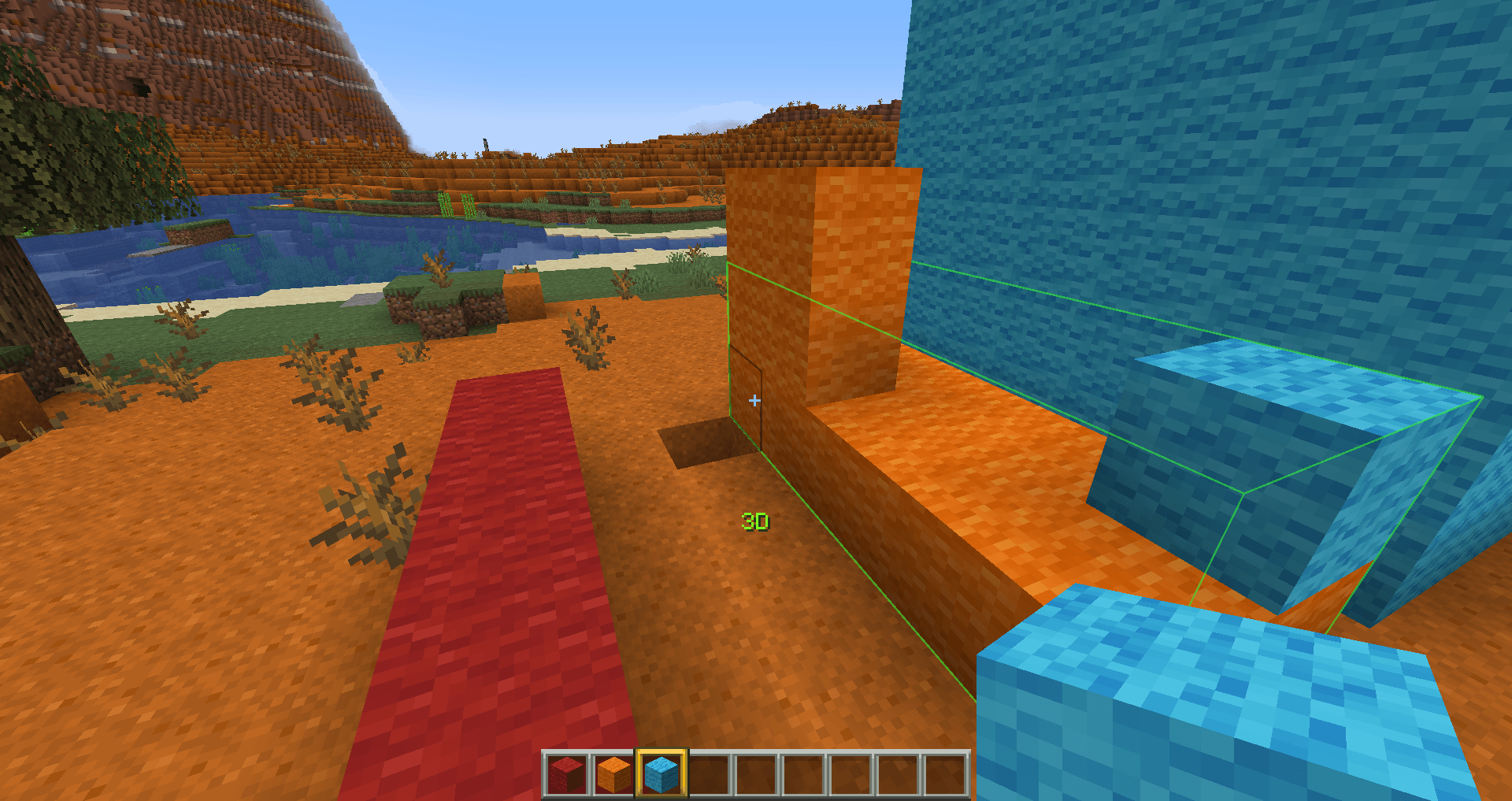
Hello, everyone. First of all, I strongly recommend that you download projects through the official curseforge and modrinth launchers—this will increase the reward for the creators. Thank you all very much for your support!!!


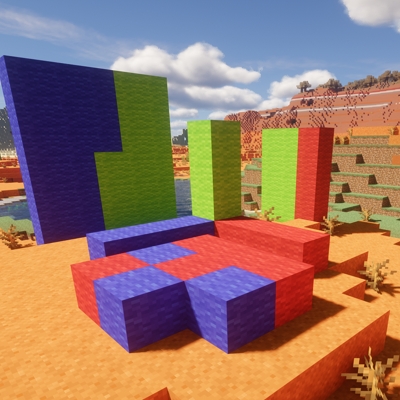
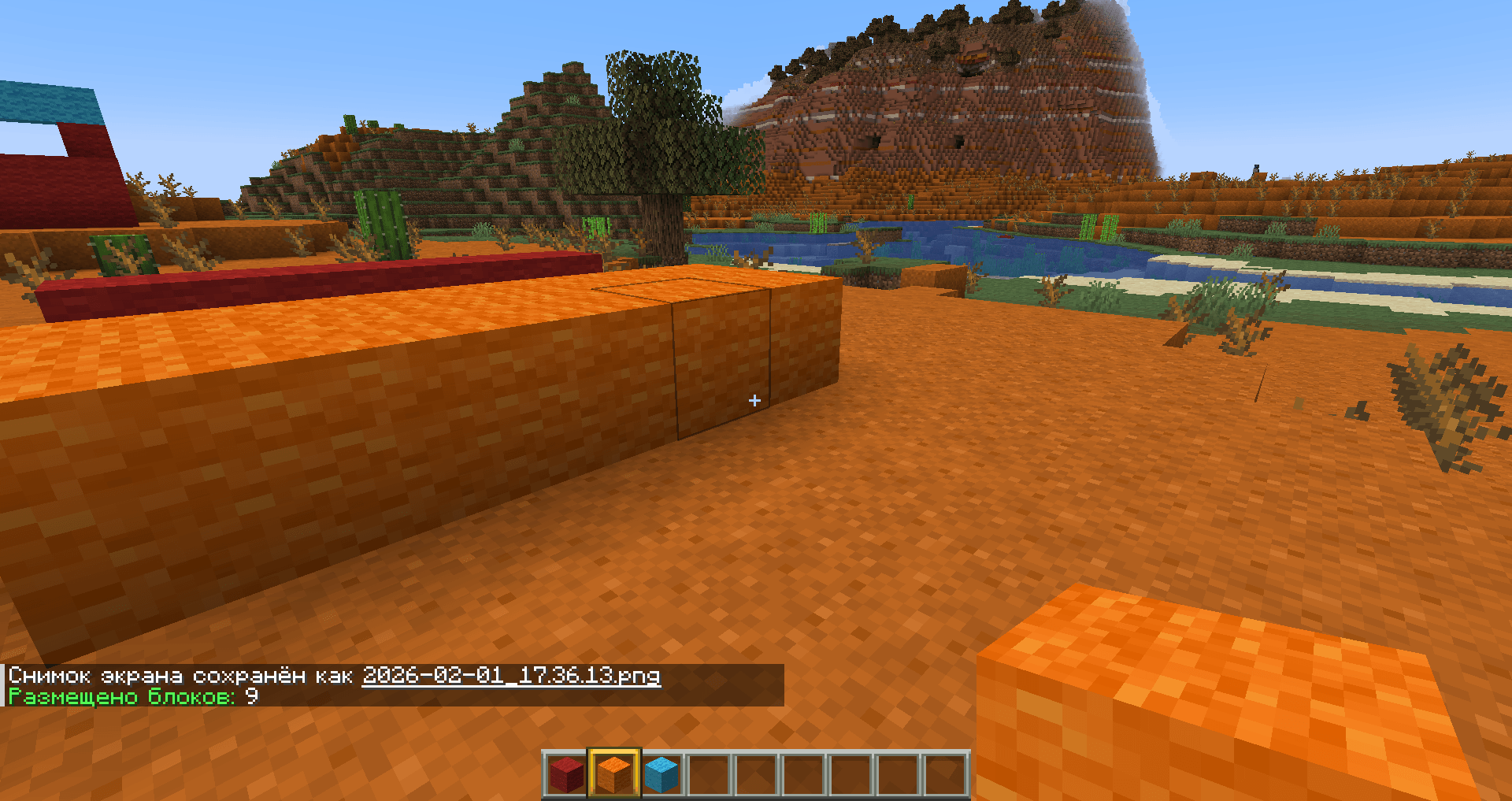
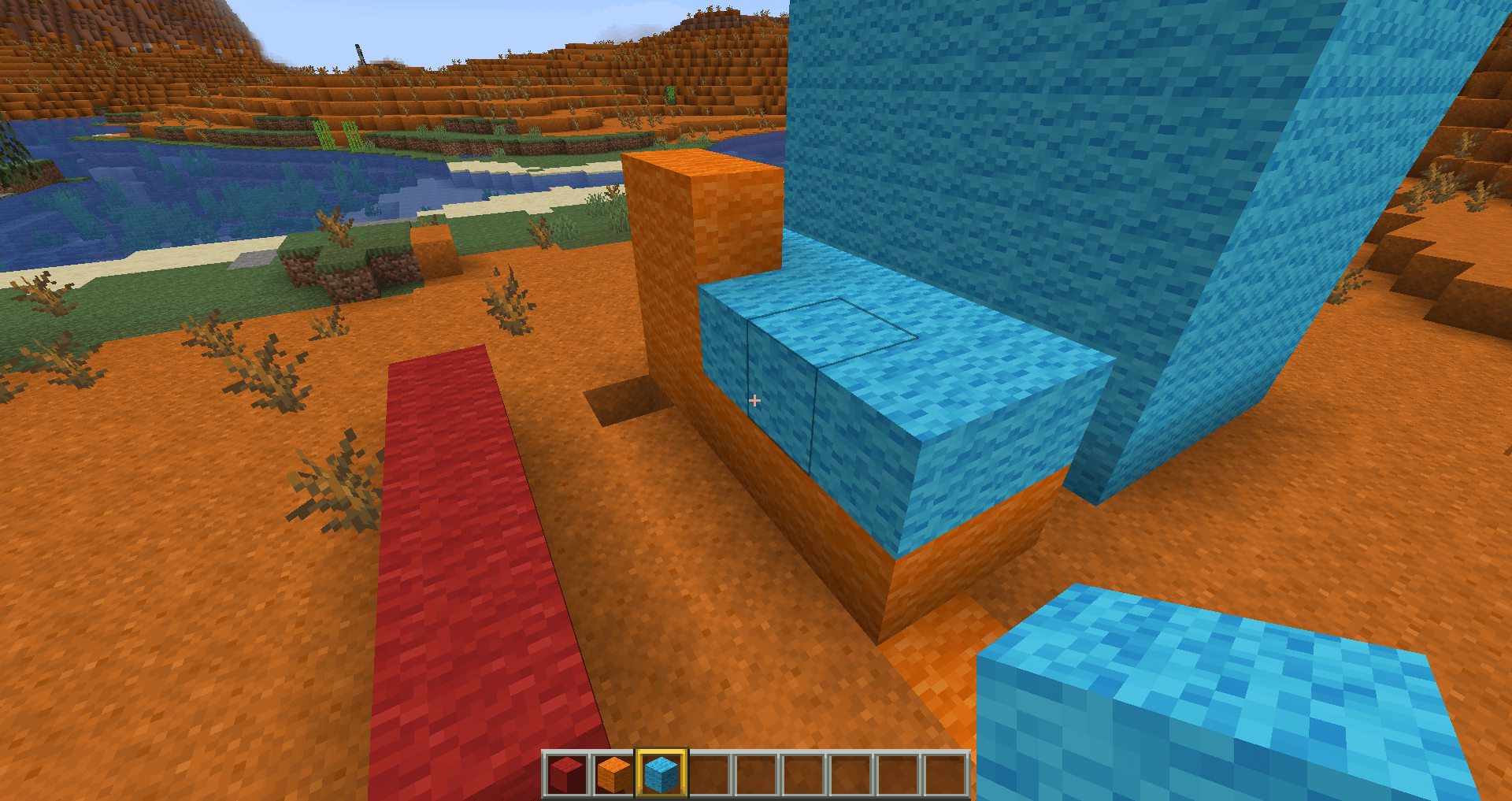
This is a library mod whose task is to select a specific area with a mouse click and save it for further manipulation.The mod is intended to be used only as an API for other modifications, it no longer performs any other functions.
This mod is required for the Smartbuild mod to function.
Most functions have been significantly redesigned:
-There is no default button; to activate selection mode, you must first go to the menu, control settings, and assign a key.
-Selection modes have been added:
First mode - "1D"
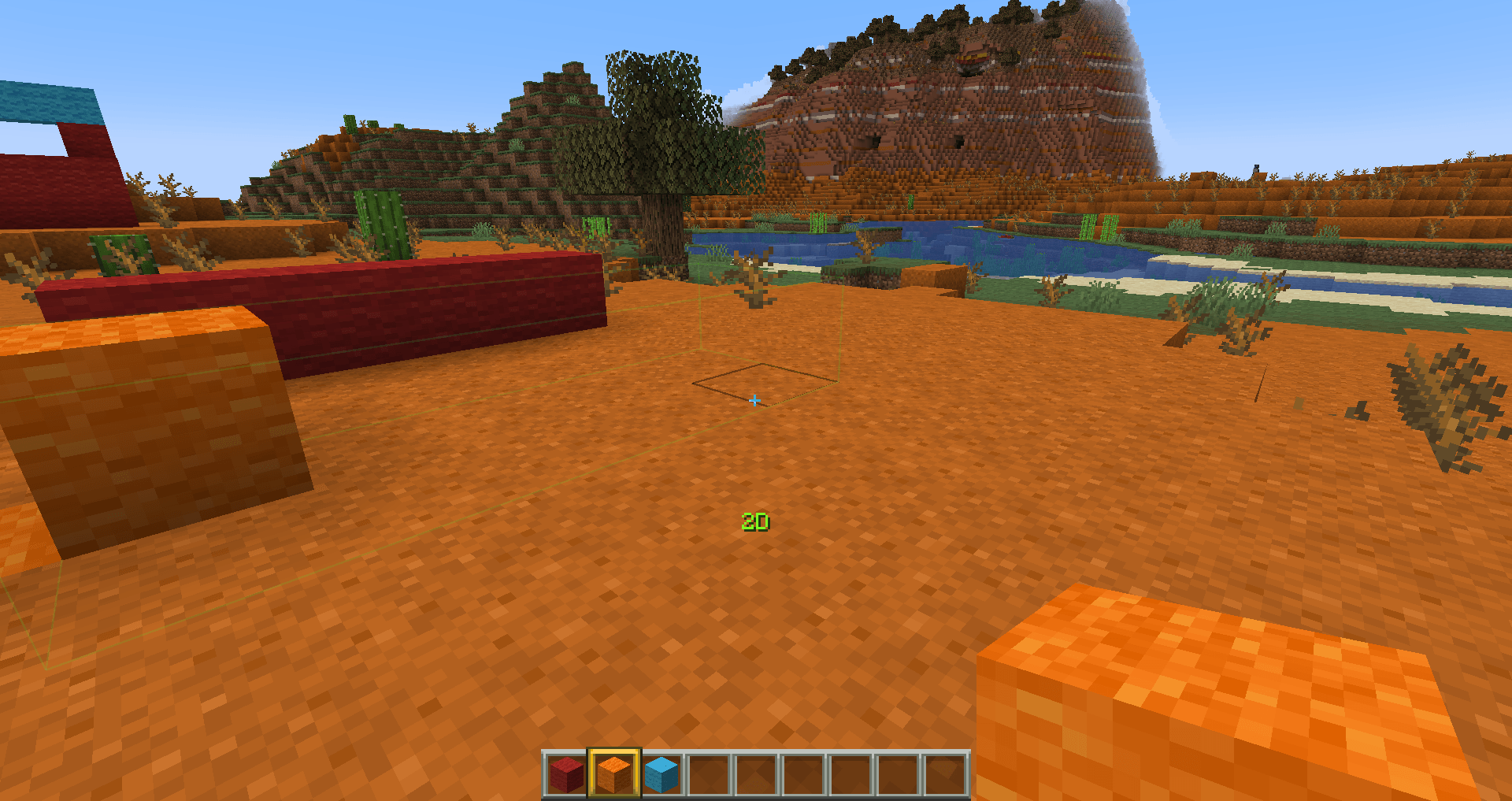
Second mode - 2D
Third mode - 3D
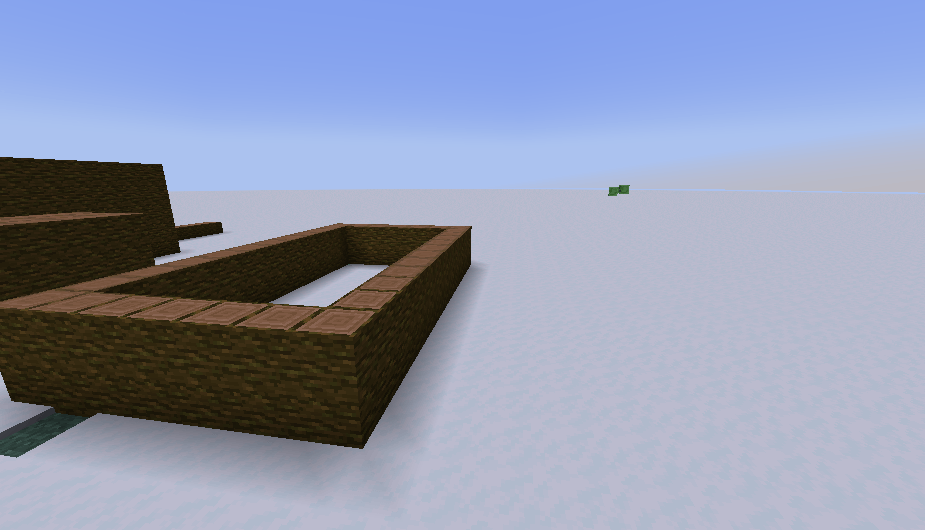
Fourth mode - 3D Openbox (available only starting with version Smart Build Lib 2.2.0)



In version 2.3, to select a mode, click the special button, then move the mouse toward the mode you want, click the special button again, and then you can start building
- Edition: Minecraft Java
- File type: .jar
- Minecraft versions listed: 1.21.1, 1.20.1, 1.21.5
- How to install: Install the matching mod loader (Forge, Fabric or NeoForge) for your Minecraft version. → Download the .jar. → Put it in the .minecraft/mods folder and launch that loader profile.
- Where to get it: Opens on CurseForge — not every file is mirrored on our own servers.
Install steps are the general flow for this file type — How to install Minecraft Java mods & modpacks walks through it step by step.
- Ships as smartbuildlib-2.2.0.jar — drop this file into the mods folder
- Download size: 35 KB
- Download link checked 3 Oct 2026 — working
These come from our own check of the pack file, not from the source page.